In Folio

In Folio

Download on App Store
Logo of In Folio

In Folio: Professional Booklet Printing Made Easy

Transform any PDF into perfectly arranged booklets, zines, or manuals. Automate the complex page layout math and print high-quality publications from your home or office printer.

Download on App Store

Publisher

ALPHANUMS

Category

Utilities

Downloads

700

User Rating

1.0/5

Total Ratings

0

Locales

6

Professionalism Visualized

Discover the interface used by 700 users.
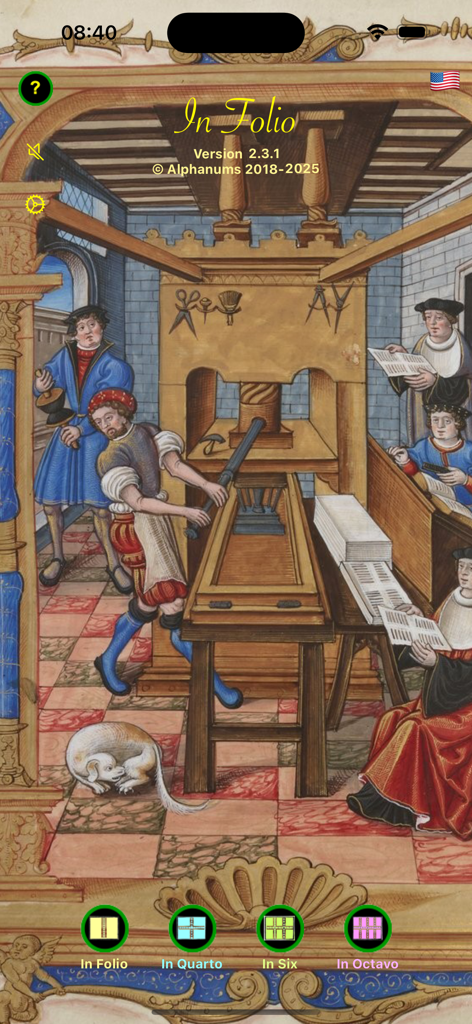
Home screen of the In Folio app featuring a medieval printing press illustration and buttons for different booklet layout options.

Home screen of the In Folio app featuring a medieval printing press illustration and buttons for different booklet layout options.

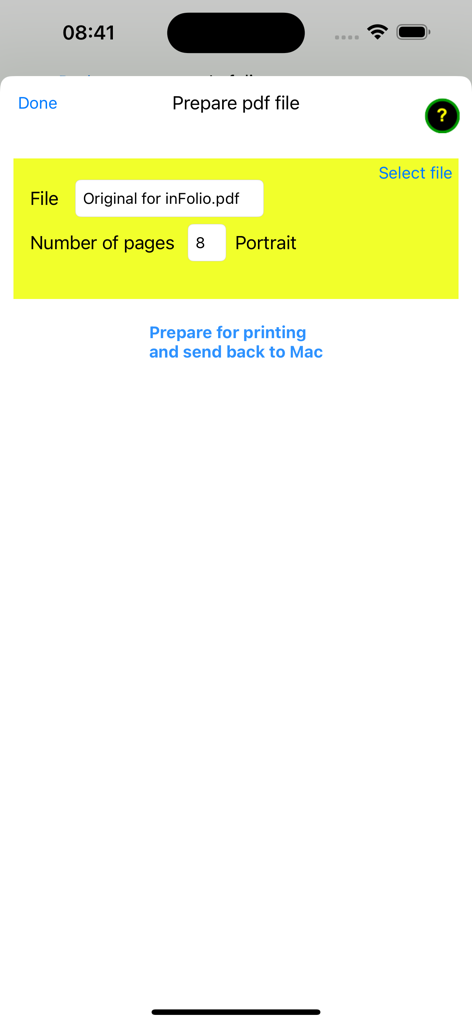
In Folio app screen for preparing a PDF file for booklet printing showing file selection and page count options.

In Folio app screen for preparing a PDF file for booklet printing showing file selection and page count options.

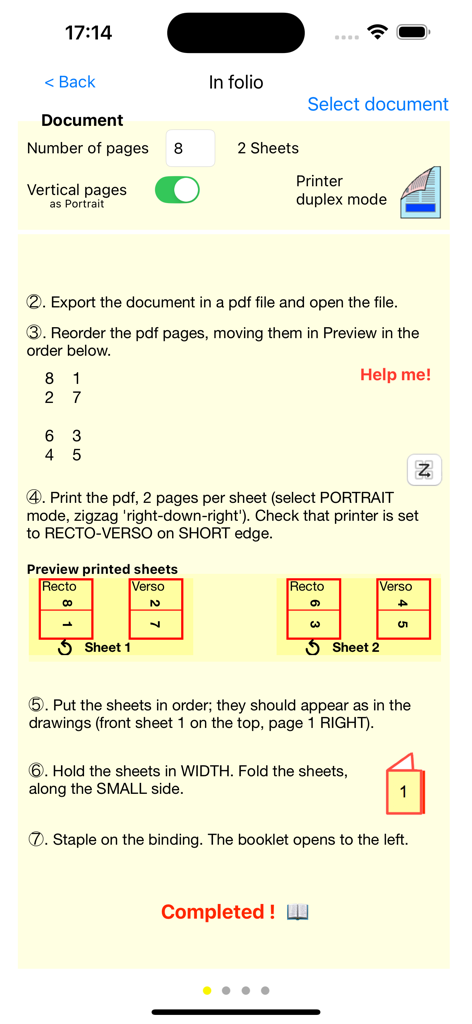
The In Folio app interface showing a detailed guide for preparing and printing an eight page booklet.

The In Folio app interface showing a detailed guide for preparing and printing an eight page booklet.

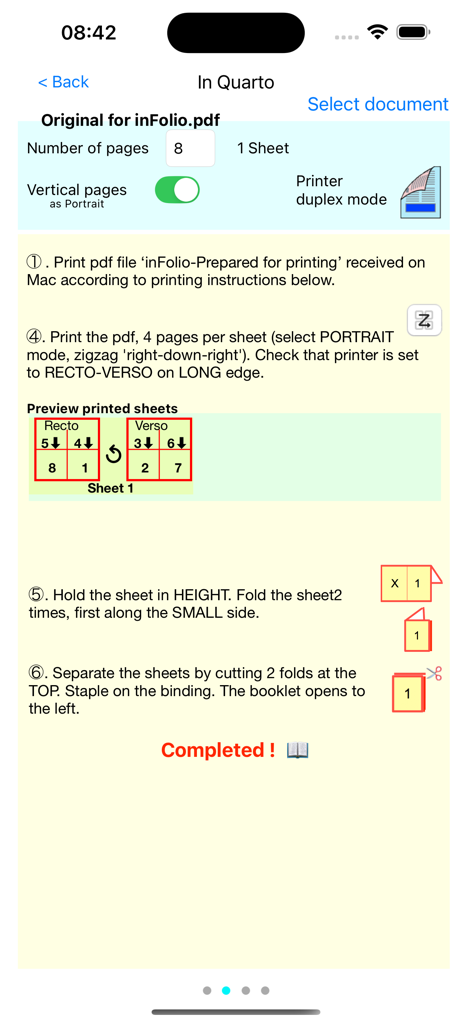
Step by step instructions for printing and folding a booklet with page layout diagrams in the In Folio app

Step by step instructions for printing and folding a booklet with page layout diagrams in the In Folio app

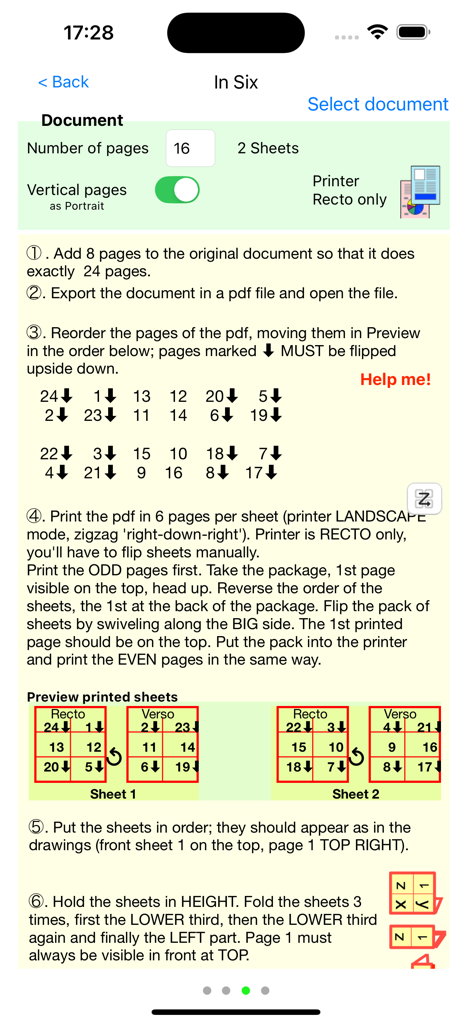
Step by step instructions for printing and folding an In Six booklet using the In Folio app

Step by step instructions for printing and folding an In Six booklet using the In Folio app

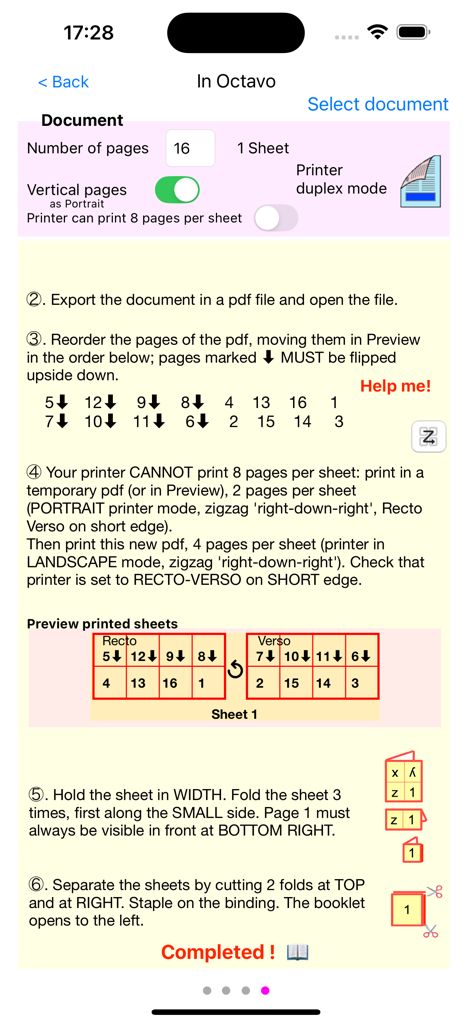
In Folio app interface showing step-by-step instructions for printing and folding an octavo booklet

In Folio app interface showing step-by-step instructions for printing and folding an octavo booklet

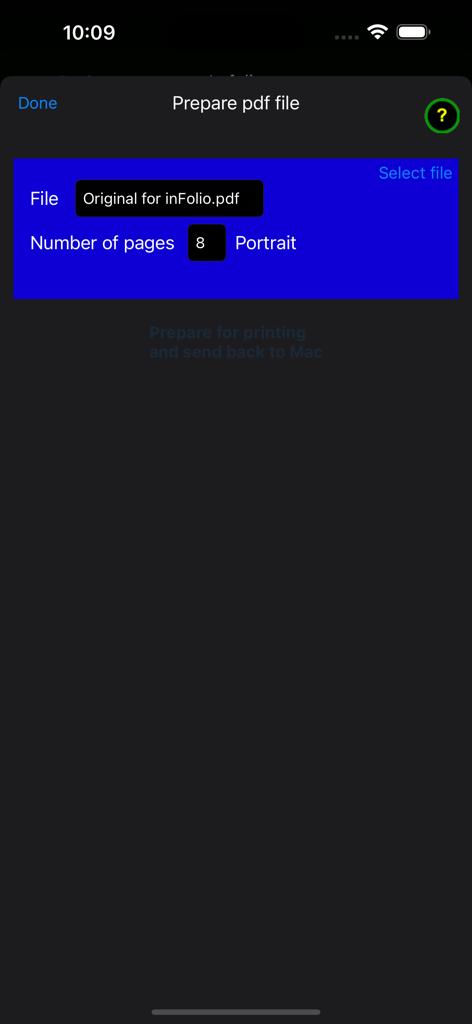
Interface of In Folio app for preparing a PDF file for booklet printing showing file name and page count

Interface of In Folio app for preparing a PDF file for booklet printing showing file name and page count

Professional Booklets, No Designer Needed

The tools that make this app stand out, trusted by 700 users.

📑

Automated Page Mapping

Eliminate the headache of manual imposition. Our app automatically calculates the exact page order for perfect folding and stapling every time.

📖

Multiple Folding Styles

Whether it's a simple 2-fold folio or a detailed 8-page octavo, choose the layout that perfectly fits your project's specific needs.

🖨️

Pro Results, Home Costs

Achieve the look of a professional print shop using your existing equipment, saving you time and expensive outsourcing fees for small batches.

About the app

Everything you need to know about In Folio.

Description

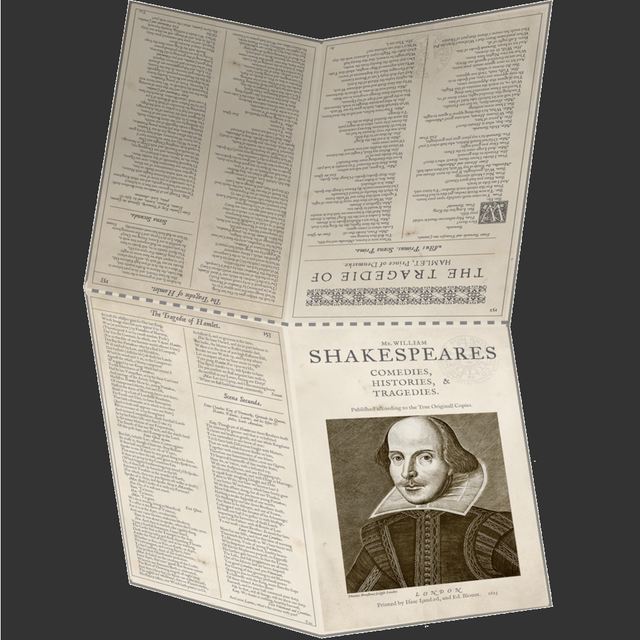
Have you ever struggled at home or at the office to print a user manual such as a booklet, folded in 2 or 4 or more, and give your publication a professional look? In Folio assists you in the preparation and execution of your impressions, to create booklets assembled, folded, stapled like a real book. You will be able to make booklets: - folio, pages folded in 2 - in quarto, pages folded in 4 - in six, pages folded in 6 - in octavo, pages folded in 8. Whole pdf file preparation can be automated. A complete user manual is available on our website:https://alphanumsapps.com In Folio is available in 6 languages: English, French, German, Spanish, Italian, Greek. In Folio works on IOS 13 and higher on iPhone or iPad. Note: If your high-end printer automatically makes layouts in Quarto, in Six ..., double-sided, you do not need the 'in Folio' app, except to understand the details of these operations.

Latest Version

2.3.2

Size

14.9 MB

First Released

Oct 19, 2019

Elevate Your Prints to Professional Standards

Stop struggling with page orders and start creating beautiful booklets, programs, and manuals. Download In Folio and master the art of the perfect print today.

Download on App Store

App information, icons, screenshots, and descriptions displayed on this page are sourced from the Apple App Store and are the property of their respective developers. Download estimates and rankings are based on MWM's proprietary models and may not reflect actual figures. This page is provided for informational and analytical purposes only.

Believe this page infringes your intellectual property? File a dispute