Incognito — Private Browser

Incognito — Private Browser


Download on App Store
Logo of Incognito — Private Browser

Incognito — Private Browser: The Power User’s Tool for Instant, Secure Browsing

Bypass paywalls, strip trackers, and browse privately from any app via the iOS Share Sheet. No history, no ads, and no subscriptions—just a cleaner web with a single tap.

Download on App Store

Publisher

Overdesigned, LLC

Category

Utilities

Downloads

1K+

User Rating

4.5/5

Total Ratings

100

Locales

1

Privacy in Action

Discover the interface used by 1K+ users.
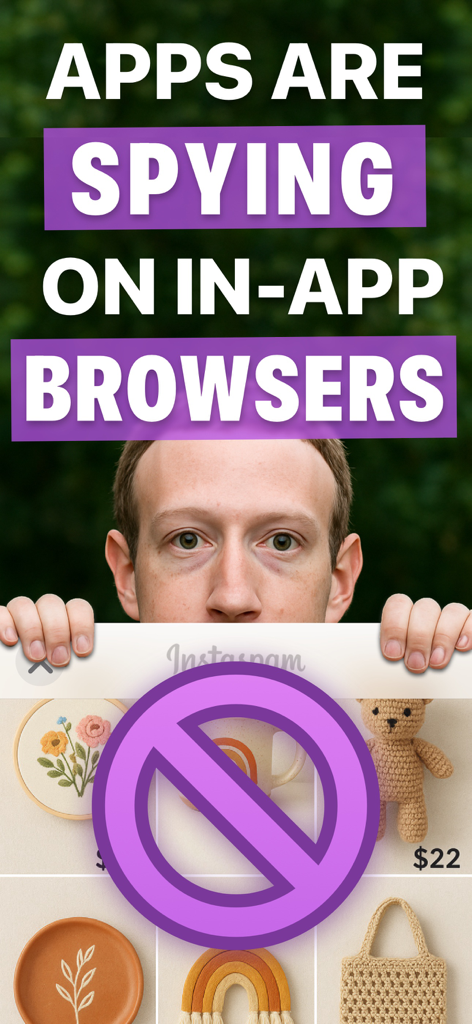
A warning screen stating that apps are spying on in-app browsers featuring a prohibited symbol over a social media interface

A warning screen stating that apps are spying on in-app browsers featuring a prohibited symbol over a social media interface

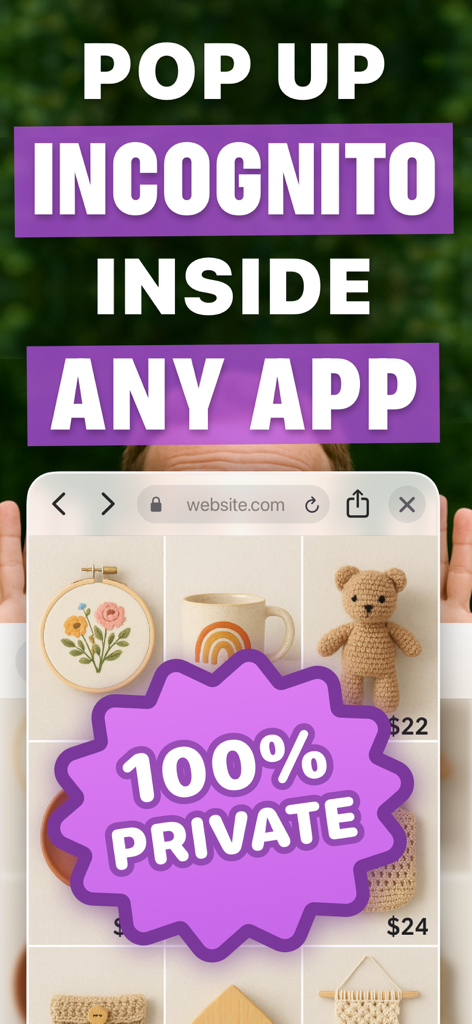
Pop up private browser interface with 100 percent private badge overlaying an app.

Pop up private browser interface with 100 percent private badge overlaying an app.

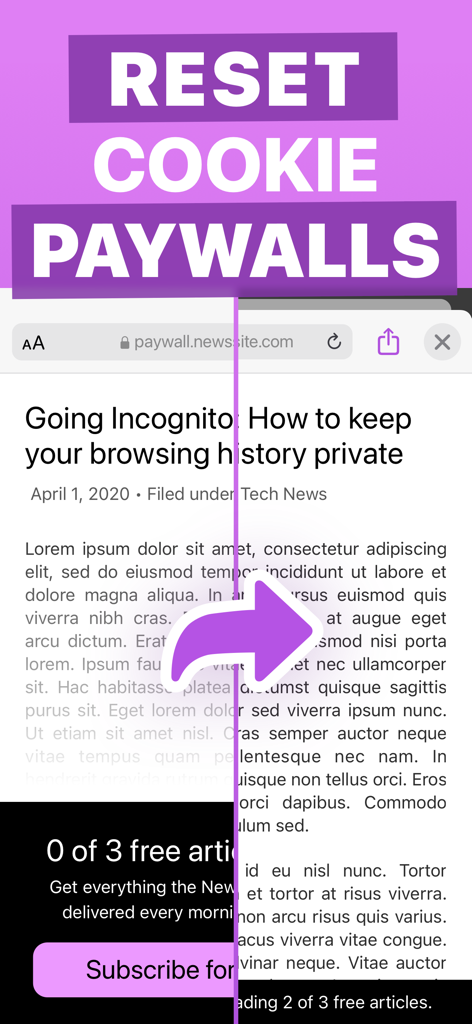
Demonstration of Incognito Private Browser resetting cookie paywalls to unlock news articles.

Demonstration of Incognito Private Browser resetting cookie paywalls to unlock news articles.

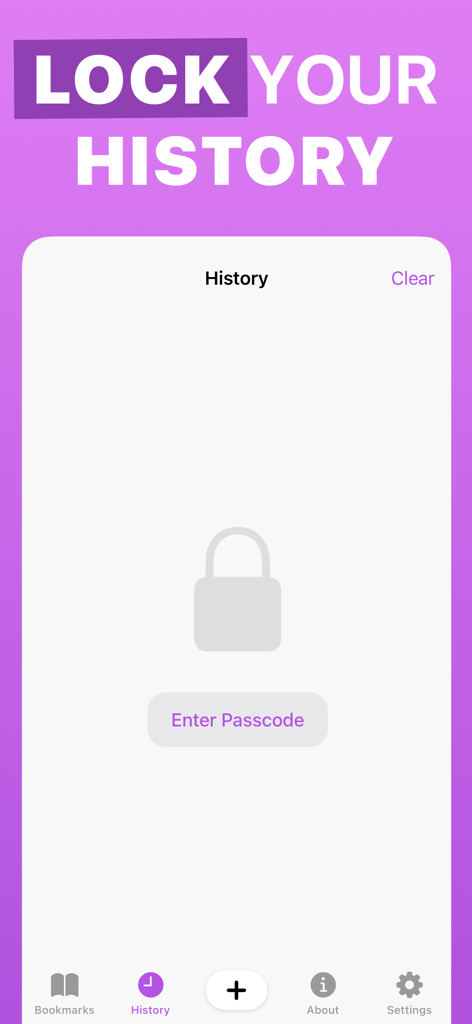
Incognito Private Browser history lock screen with passcode protection

Incognito Private Browser history lock screen with passcode protection

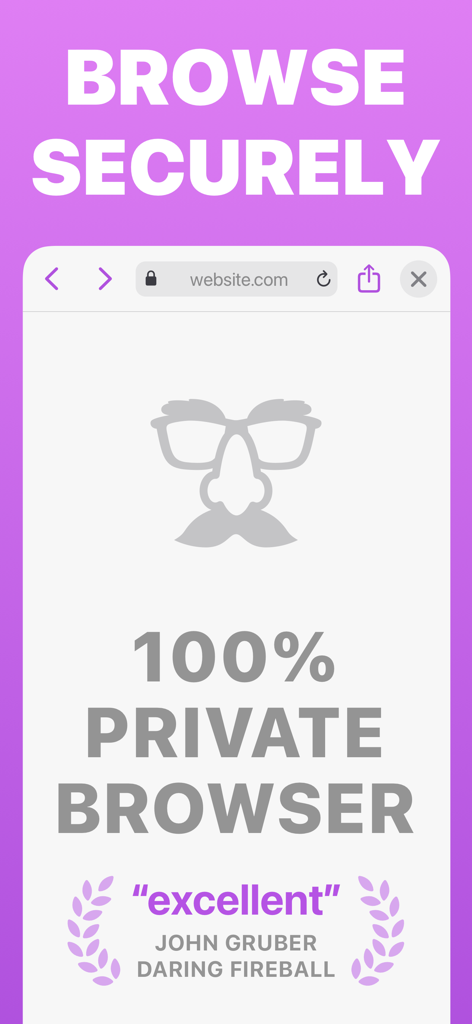
Incognito Private Browser screenshot showing secure browsing text and a review quote from John Gruber of Daring Fireball

Incognito Private Browser screenshot showing secure browsing text and a review quote from John Gruber of Daring Fireball

Full screen private browsing mode in the Incognito app featuring a disguise icon on a purple background.

Full screen private browsing mode in the Incognito app featuring a disguise icon on a purple background.

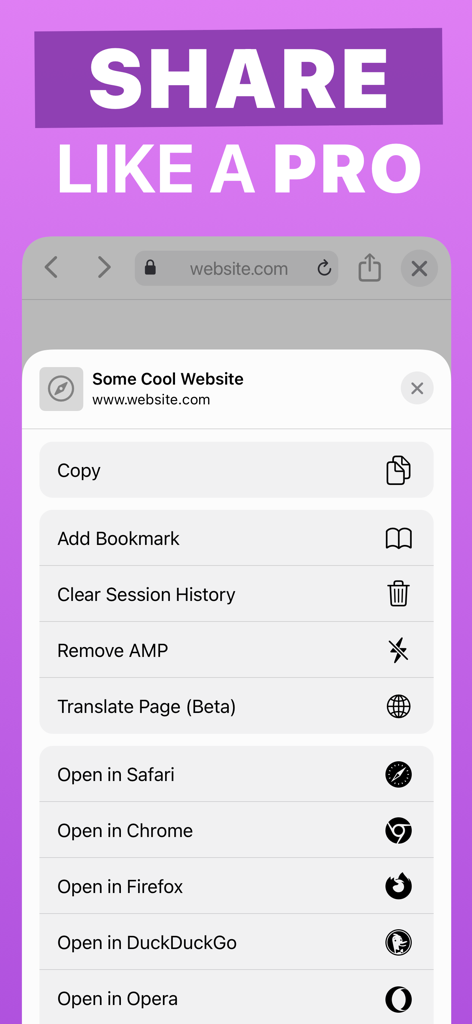
iOS share sheet menu showing Incognito Private Browser utility tools like Remove AMP and Clear Session History

iOS share sheet menu showing Incognito Private Browser utility tools like Remove AMP and Clear Session History

Your Private Web Swiss Army Knife

The tools that make this app stand out, trusted by 1K+ users.

🚀

Instant Action Extension

Open links or search text privately from any app using the Share Sheet. No more jumping back and forth to Safari just to stay anonymous.

🔓

Bypass Web Barriers

Automatically remove AMP tracking, disable cookies to dodge paywalls, and use archive services to access restricted content with one tap.

🛡️

Secure Privacy Vault

Keep your history and bookmarks protected behind a passcode lock. Zero trackers, zero ads, and zero trace left on your device after every session.

About the app

Everything you need to know about Incognito — Private Browser.

Description

Incognito is a private web browser you can pull up anywhere. From any app: long-press a link or select text, tap Share, and then choose the Incognito action extension. Boom: instant web browser! Need to lock people out of your web history or bookmarks? Incognito can do that too! Incognito is great for: • Viewing a web page inside the current app without jumping to Safari. • Opening sketchy links without risking your privacy. • Reopening a web page with cookies disabled — and yes, that means Incognito lets you dodge most paywalls. • Searching Google from anywhere — just select the text you want to search, choose “Share” from the popup menu, and then choose the “Search in Incognito” action! • Keeping your web history and bookmarks private and passcode-locked. Or you can disable browsing history and leave no trace! Incognito is also a Swiss Army Knife of web tools: • Open a page in another browser such as Safari, Chrome, Firefox, Opera, Brave, or DuckDuckGo. • Remove AMP so you can browse or share the original URL. • Translate the page using Google Translate (beta). • Open the current URL with the archive.is service. • Save a PDF of an entire web page. • Set Incognito as your default browser. • Reopen a web page with the archive.today service (Incognito is not affiliated with archive.today or archive.is). • Clear your session history. Incognito is all about privacy: • All web browsing is in “private mode” by default, so all cookies and web data are discarded after each session. • Incognito has no ads, no third-party trackers, and does not send or re-route your web searches anywhere. • If you require extra privacy, Incognito has options to disable browsing history and/or exclude it from your iCloud Backups. Incognito is free to download and try for 10 sessions. Once the trial trial ends, unlock the app forever for a small, one-time fee. Incognito was created by Adam, an independent developer living in California.

Latest Version

1.2

Size

9.7 MB

First Released

Apr 23, 2020

Browse Smarter, Stay Private.

Join thousands of power users who have ditched trackers and paywalls. Start your free trial today and unlock the ultimate mobile web toolkit with a single, one-time purchase.

Download on App Store

App information, icons, screenshots, and descriptions displayed on this page are sourced from the Apple App Store and are the property of their respective developers. Download estimates and rankings are based on MWM's proprietary models and may not reflect actual figures. This page is provided for informational and analytical purposes only.

Believe this page infringes your intellectual property? File a dispute