Inkflow Plus Visual Notebook
Download on App Store

This page is not an official page of the app or its developer, but an independent editorial publication created for informational and commentary purposes. Unless expressly stated otherwise, neither the app nor its developer is affiliated with, endorsed by, sponsored by, authorized by, or otherwise officially connected with MWM, Apple, Google Play, the app publisher, or the app's developer, and nothing on this page implies that the app was developed using MWM's services. Any trademarks, logos, screenshots, and other content remain the property of their respective owners.


Logo of Inkflow Plus Visual Notebook
Download on App Store

Inkflow Plus Visual Notebook

Capture your ideas as easily as pen and paper, then effortlessly rearrange and scale your thoughts to master the big picture.

Key Figures

Downloads

352K+

User Rating

4.7/5

Total Ratings

2K+

Publisher

Qrayon, LLC

Category

Business

Locales

1

Latest Version

7.2

Size

35.4 MB

First Released

Aug 13, 2012
Features

Master Your Creative Workflow

Inkflow Plus combines the freedom of a physical notebook with the power of digital manipulation, allowing you to move, scale, and reorganize your ideas as fast as you think them.

Think Beyond the Page

Select, move, and scale your sketches just like a word processor. Rearrange concepts with your fingers to build the big picture without ever needing an eraser.

Revolutionary Inkport Tool

Instantly convert physical sketches into digital vector ink. Snap a photo of your paper notes and seamlessly integrate them into your digital workspace.

The following screenshots and description are sourced directly from the app's official store listing and are the property of the app developer.

App Store

Screenshots
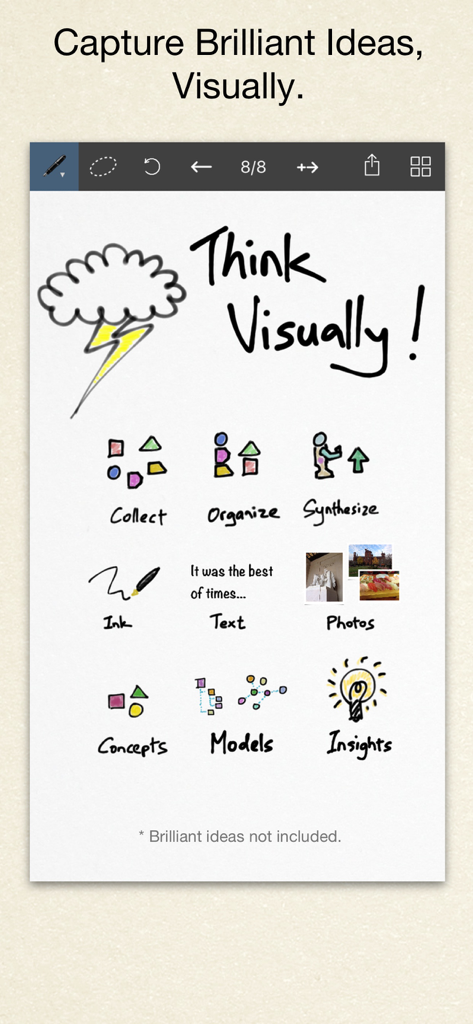
Inkflow Plus Visual Notebook - A digital canvas in the Inkflow Plus app showcasing visual thinking tools like sketches text and photos for organizing ideas
A digital canvas in the Inkflow Plus app showcasing visual thinking tools like sketches text and photos for organizing ideas

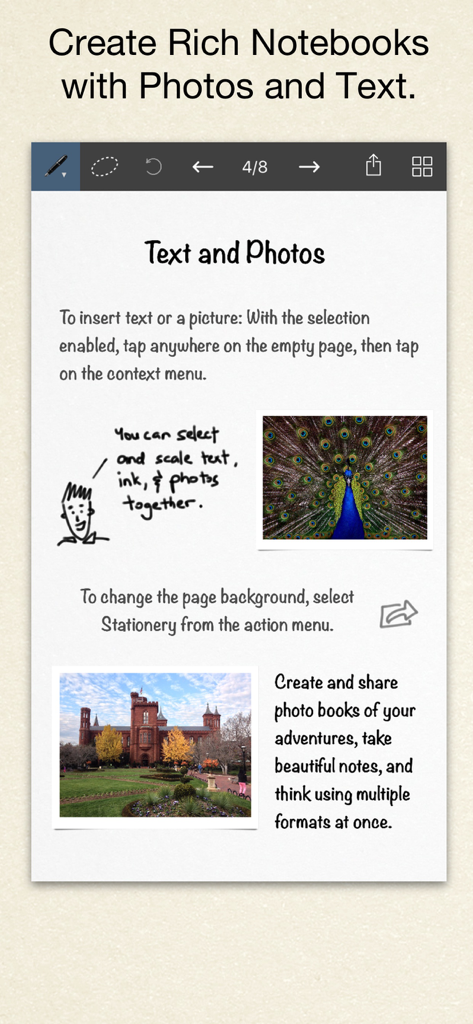
Inkflow Plus Visual Notebook - A digital notebook page in Inkflow Plus featuring a mix of text, handwritten sketches, and photos.

A digital notebook page in Inkflow Plus featuring a mix of text, handwritten sketches, and photos.
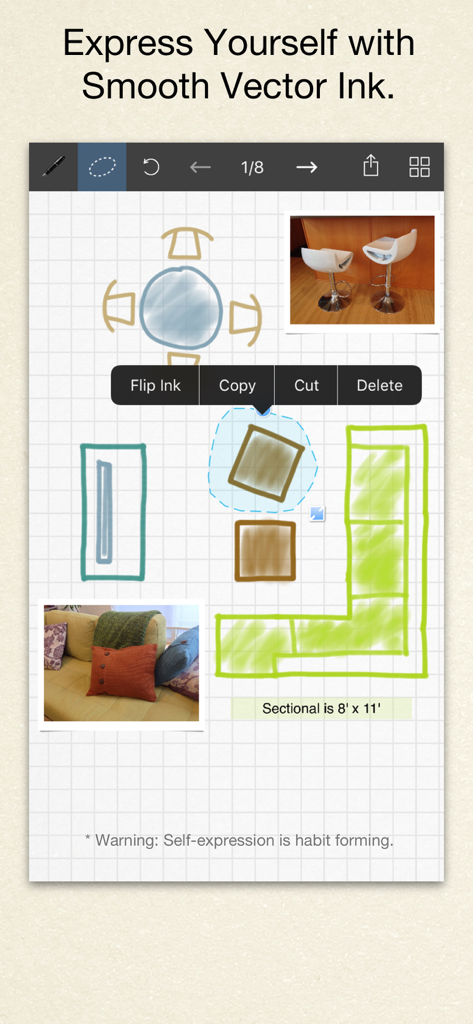
Inkflow Plus Visual Notebook - Hand drawn room layout design in Inkflow Plus showing vector ink and photo integration
Hand drawn room layout design in Inkflow Plus showing vector ink and photo integration

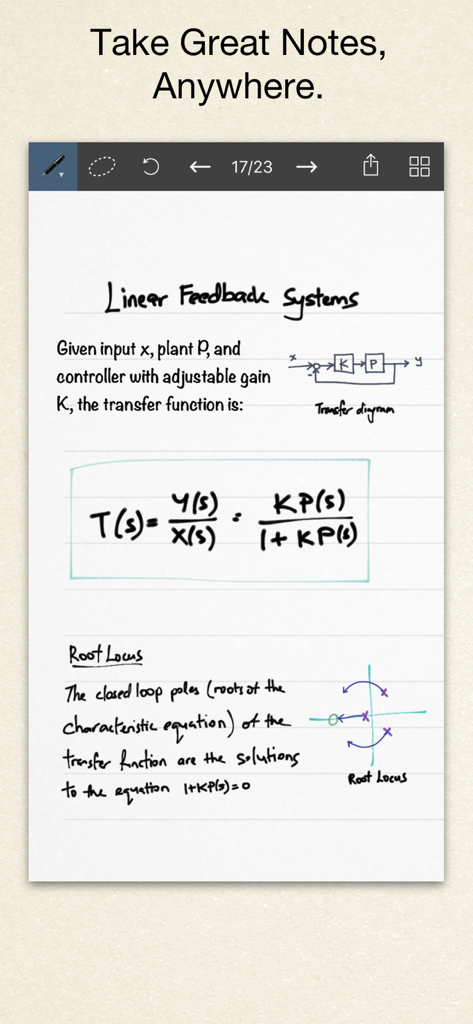
Inkflow Plus Visual Notebook - Handwritten engineering notes with diagrams and mathematical formulas in Inkflow Plus Visual Notebook.
Handwritten engineering notes with diagrams and mathematical formulas in Inkflow Plus Visual Notebook.

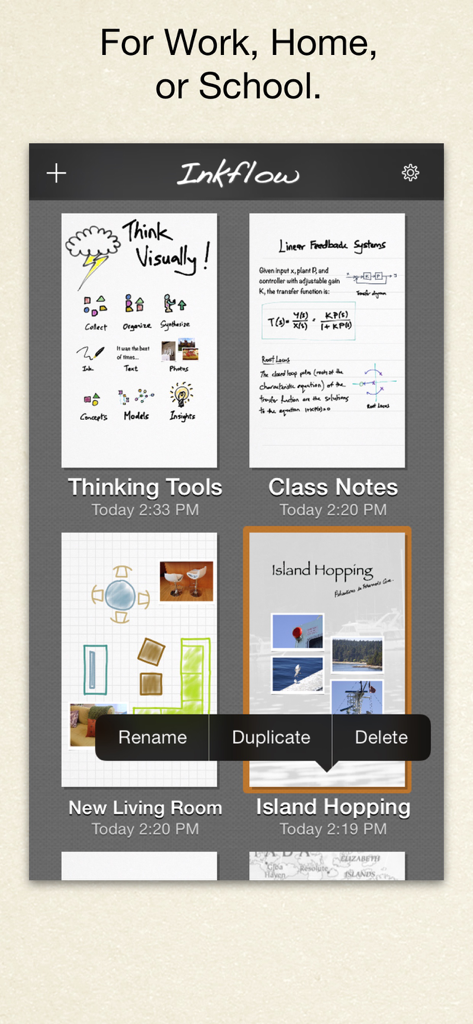
Inkflow Plus Visual Notebook - Inkflow Plus app interface displaying a gallery of visual notebooks for work home and school

Inkflow Plus app interface displaying a gallery of visual notebooks for work home and school

Description

Visual Thinkers Rejoice! Inkflow works like a word-processor for visual thinking. Capture your ideas as easily as with pen and paper, then arrange and reorganize them with your fingers! INKFLOW PLUS This is the full featured Plus Edition of Inkflow. It is the same as the in-app purchase from the basic edition Inkflow. Please download this only if you haven't already upgraded in-App. DIGITAL WRITING DONE RIGHT Inkflow's ink feels like a really smooth fountain pen. Great for expressive writing or sketching. Effortlessly scale or move anything you select. This will change the way you think about ink: Jot down a list of concepts then rearrange them to fit into the bigger picture. literally move your thoughts around the page, and assemble big ideas with your fingers. This works great for brainstorming and planning. It's also perfect for prototyping layouts, sketching, and drawing. FULL RESOLUTION ZOOM Zoom and pan with two fingers. Inkflow's ink stays sharp no matter how much you zoom in, so you can add fine details at full quality. It's also lightning fast and lag free. This allows writing and drawing with incredible precision, with or without a stylus. INKPORT: COPY AND PASTE FROM THE REAL WORLD Only Inkflow Plus includes the revolutionary Inkport tool. Inkport uses your iPad's camera to instantly convert your written notes and sketches into Inkflow's native vector ink. Easily pull in materials from multiple sources and go from paper to iPad without missing a beat. Inkport is going to change the way you use paper in your workflow. TEXT, PHOTOS, and PAPER BACKGROUNDS TOO Insert text boxes and photos anywhere on the page and resize them seamlessly with the ink. You can also choose from a selection of different paper backgrounds. EASILY CREATE and SHARE Inkflow let's you export your books to PDF, high-resolution JPEG, and share them via Twitter, Email, or with other Apps. PLUS FEATURES This edition includes the full set of expanded features, including: - Inkport - A customizable, full color palette, - Pencil, Eraser, and Paint Brush tools, - Rotate, Cut, Copy, Paste Ink, - Page Management, - Notebooks with unlimited pages, - An additional 50+ fonts on the iPad, - Custom paper backgrounds, - And more! Universal App for iPad, iPhone and iPod Touch: Upgrade once and get Inkflow Plus on all your compatible devices connected to your iTunes account! GREAT FOR CLASS We built a standalone Plus Edition mainly so that Educational institutions can take advantage of the volume purchase program (check with your school's Apple rep for details). A PLATFORM FOR CREATIVITY We strongly believe that the iPad is not just a consumption device. It's a creativity device. Thanks for supporting us in our journey of building Creative Apps like Inkflow. We hope you enjoy it!

Download

Download on App Store

This page is not an official page of the app or its developer, but an independent editorial publication created for informational and commentary purposes. Unless expressly stated otherwise, neither the app nor its developer is affiliated with, endorsed by, sponsored by, authorized by, or otherwise officially connected with MWM, Apple, Google Play, the app publisher, or the app's developer, and nothing on this page implies that the app was developed using MWM's services. Any trademarks, logos, screenshots, and other content remain the property of their respective owners.







