
This page is not an official page of the app or its developer, but an independent editorial publication created for informational and commentary purposes. Unless expressly stated otherwise, neither the app nor its developer is affiliated with, endorsed by, sponsored by, authorized by, or otherwise officially connected with MWM, Apple, Google Play, the app publisher, or the app's developer, and nothing on this page implies that the app was developed using MWM's services. Any trademarks, logos, screenshots, and other content remain the property of their respective owners.


InstSave: Reels Story Repost
Seamlessly share viral Reels and Stories while standing out with unique fonts, stylish profile frames, and creative text tools designed for modern creators.
Downloads
575K+User Rating
Total Ratings
10K+Publisher
Category
Social NetworkingLocales
1Latest Version
5.1Size
30.8 MBFirst Released
May 27, 2023Everything You Need to Trend on Instagram
InstSave gives you the power to curate viral content and personalize your social identity with professional-grade creative tools.
One-Tap Reposting
Instantly share viral Reels and Stories to your own feed while maintaining high-quality resolution without the friction.
Aesthetic Creative Suite
Transform your captions and bio with stylish fonts and text-to-emoji tools designed to make your profile stop the scroll.
Frequently Asked Questions
Everything you need to know about InstSave: Reels Story Repost
What is InstSave: Reels Story Repost?
InstSave: Reels Story Repost is an app that allows users to save and repost Instagram stories, reels, posts, and videos directly to their Instagram feed or stories.
How can I repost content using InstSave: Reels Story Repost?
To repost content with InstSave: Reels Story Repost, users paste the Instagram story, reel, or post URL into the app, find the content, and then select the repost option.
Does InstSave: Reels Story Repost offer text customization features?
Yes, InstSave: Reels Story Repost provides several text customization features, including stylish text, font styles, text to emoji conversion, and a text repeater.
Can I add a profile picture frame with InstSave: Reels Story Repost?
Yes, InstSave: Reels Story Repost includes a feature to add a profile picture frame, allowing users to customize their profile aesthetics.
Where can I find the privacy policy for InstSave: Reels Story Repost?
The privacy policy for InstSave: Reels Story Repost is available at https://repostinstagram.blogspot.com/2023/04/repost-privacy-policy.html.
Where are the terms of use for InstSave: Reels Story Repost located?
The terms of use for InstSave: Reels Story Repost are accessible at https://repostinstagram.blogspot.com/2023/05/terms-of-use.html.
What types of content can InstSave: Reels Story Repost save?
InstSave: Reels Story Repost can save Instagram stories, posts, reels, and videos, allowing users to repost them as stories or feed posts.
The following screenshots and description are sourced directly from the app's official store listing and are the property of the app developer.
App Store
Screenshots
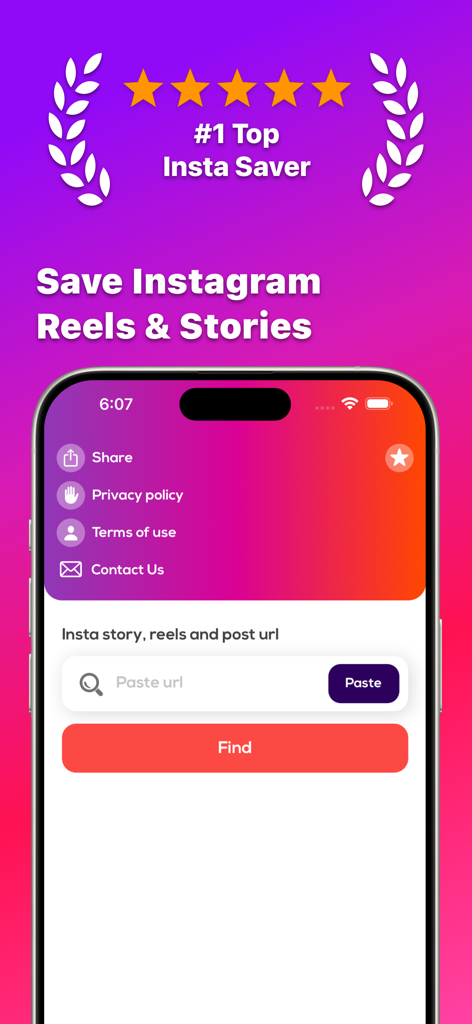
InstSave app screen for saving Instagram Reels and Stories with a URL input field.
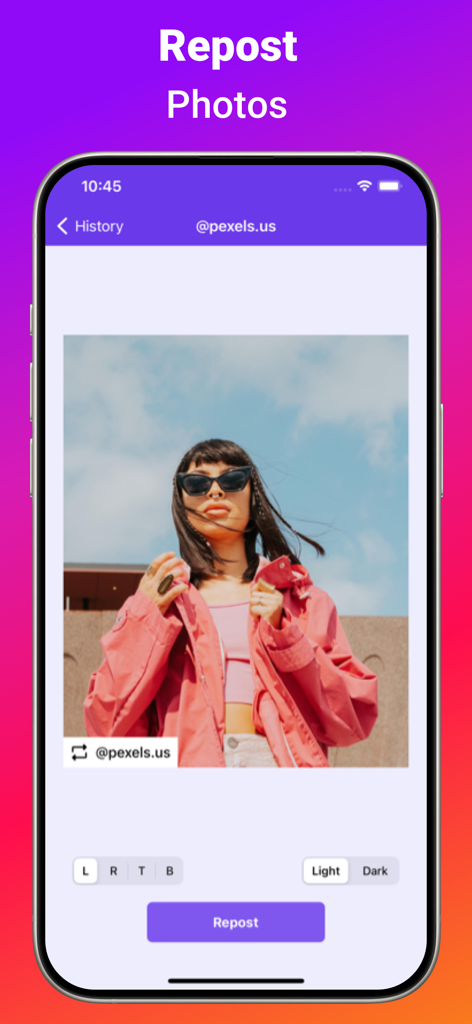
A mobile screen showing the InstSave app interface for reposting Instagram photos with custom attribution tags
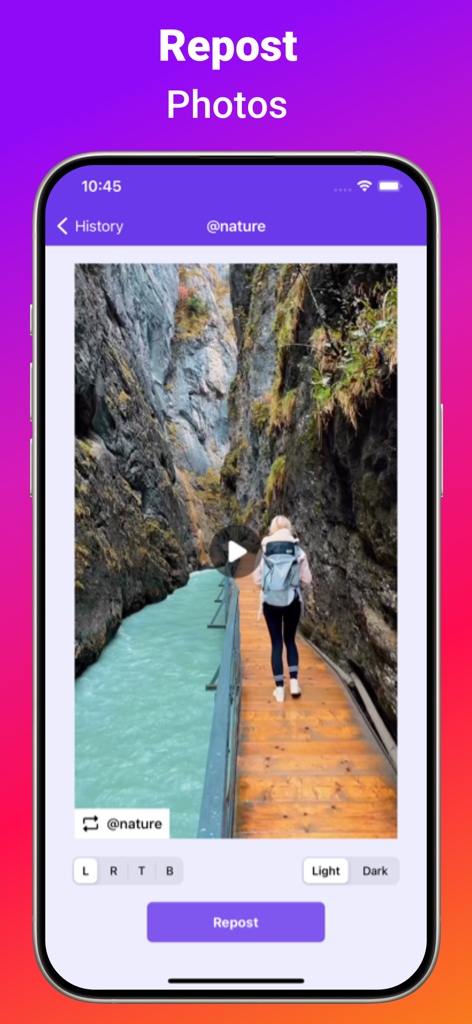
Interface of InstSave app displaying a photo repost preview with attribution settings
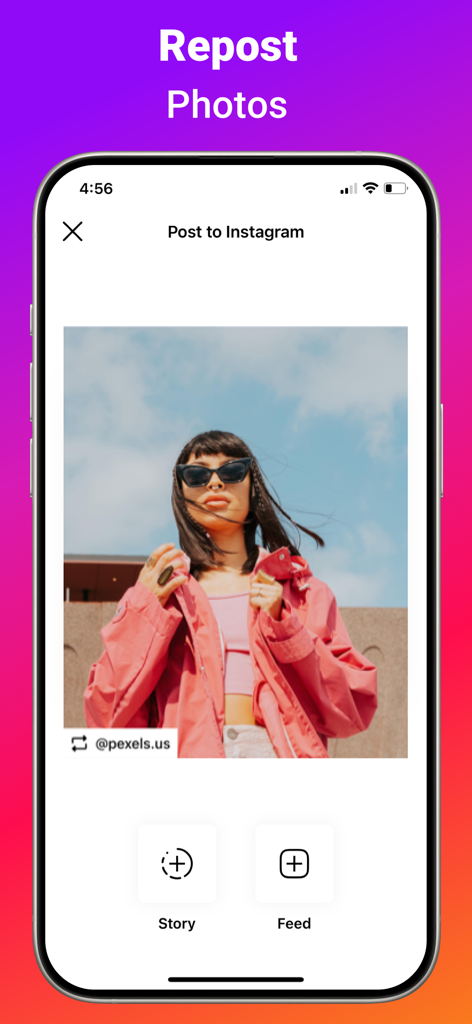
Interface of InstSave app showing a photo being prepared for reposting to an Instagram story or feed
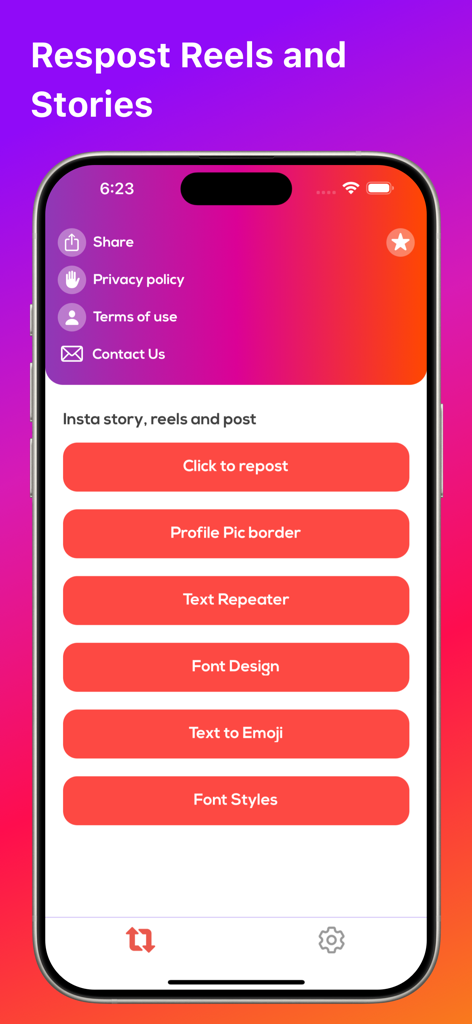
InstSave app interface with reposting options and creative text tools.
Description
Download
More Like This
Apps with similar features and user experience

SSSTik Lite: Trend Video Saver
Alina Pustovit

Instant Save
sagar vaddoriya

InSaver : Video Downloader
Thembi Mothalo

Instant Saver : Story, Reels
Yousef Atieh

Tik Saver: Save Tok Video Pro
SPEKTRUM EPPS, TOV

InDown・Reels Video Story Saver
FATMA MELIS CAN

SaveTik : TikTok Videos Saver
TOYIN- ISRAEL IBIYEMI

TikPro : Save Tik Videos
Md Amdadul Hoque

InSaver: Videos, Story & Reels
Sarah Rotherforth
This page is not an official page of the app or its developer, but an independent editorial publication created for informational and commentary purposes. Unless expressly stated otherwise, neither the app nor its developer is affiliated with, endorsed by, sponsored by, authorized by, or otherwise officially connected with MWM, Apple, Google Play, the app publisher, or the app's developer, and nothing on this page implies that the app was developed using MWM's services. Any trademarks, logos, screenshots, and other content remain the property of their respective owners.