
This page is not an official page of the app or its developer, but an independent editorial publication created for informational and commentary purposes. Unless expressly stated otherwise, neither the app nor its developer is affiliated with, endorsed by, sponsored by, authorized by, or otherwise officially connected with MWM, Apple, Google Play, the app publisher, or the app's developer, and nothing on this page implies that the app was developed using MWM's services. Any trademarks, logos, screenshots, and other content remain the property of their respective owners.


iPocket Draw Lite
Bring architectural precision to your pocket. Design scaled blueprints, manage complex layers, and export DXF files with the ultimate mobile tool for contractors, engineers, and makers.
Downloads
0User Rating
Total Ratings
0Publisher
Category
ProductivityLocales
3Latest Version
4.21Size
9.0 MBFirst Released
May 24, 2009Professional 2D CAD at Your Fingertips
Transform your iPad or iPhone into a high-precision drafting table. Whether you are on a construction site or in a home workshop, iPocket Draw Lite delivers desktop-class vector tools for accurate technical design.
Precision Technical Drawing
Work with professional dimensioning tools and custom scales. Use smart-snapping to intersections and centers for engineering-grade accuracy.
Pro-Level Vector Control
Manage complex projects with layers, object grouping, and a comprehensive library. Perfect for floor plans, woodworking, and technical sketches.
The following screenshots and description are sourced directly from the app's official store listing and are the property of the app developer.
App Store
Screenshots
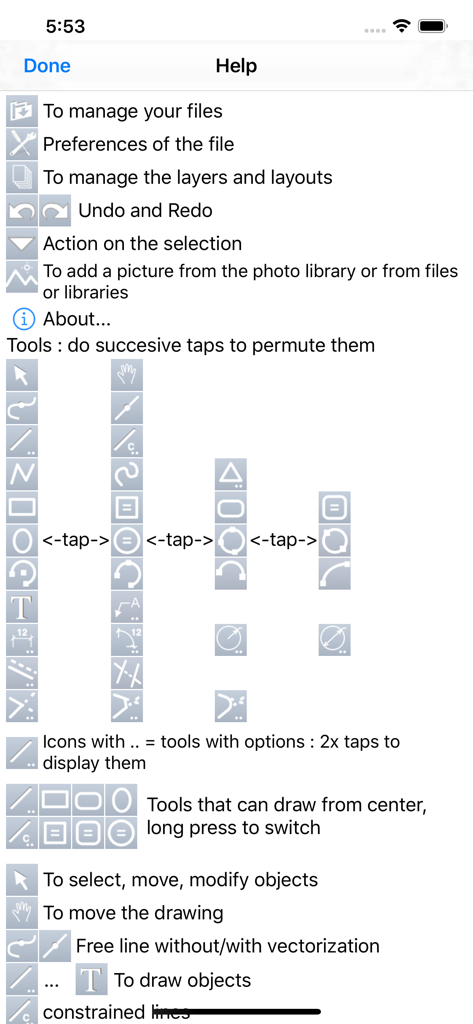
Help screen for iPocket Draw Lite showing a legend of CAD drawing and editing tool icons
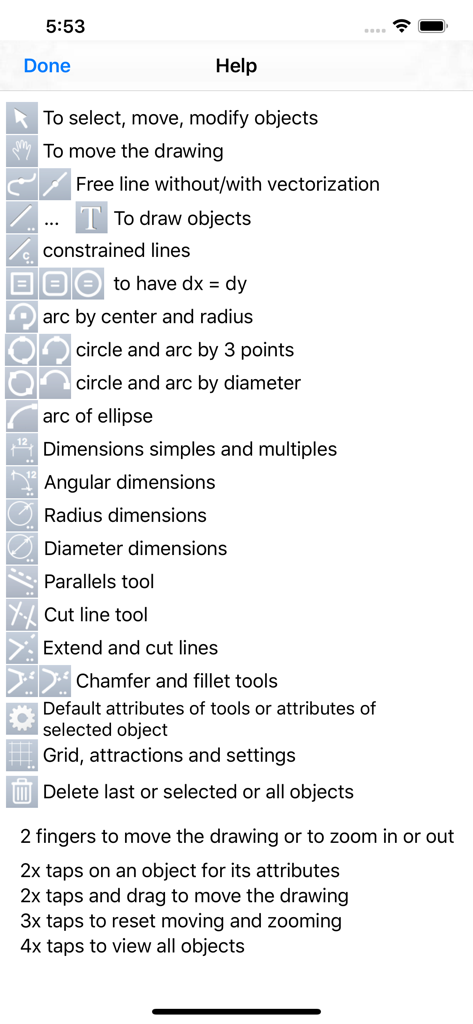
Help interface displaying technical drawing icons and touch gesture controls for iPocket Draw Lite
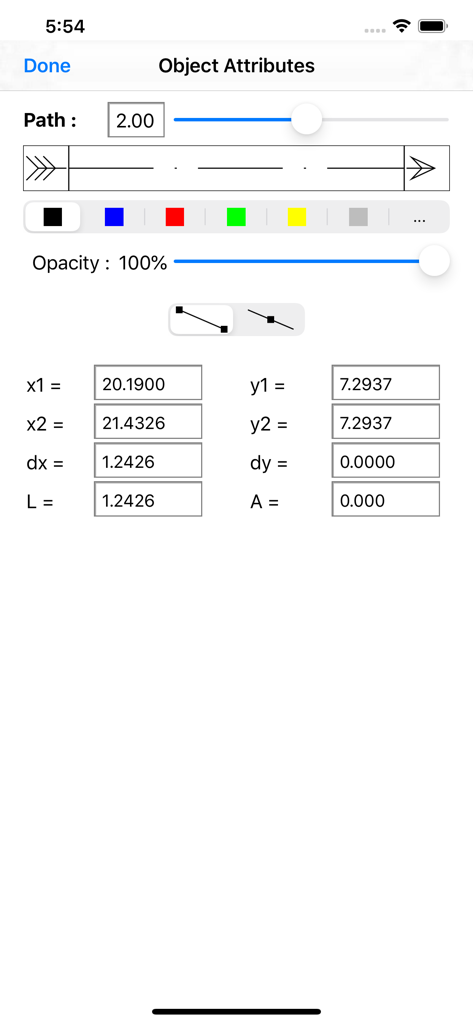
Object attributes screen in iPocket Draw Lite showing line settings and precise coordinate inputs
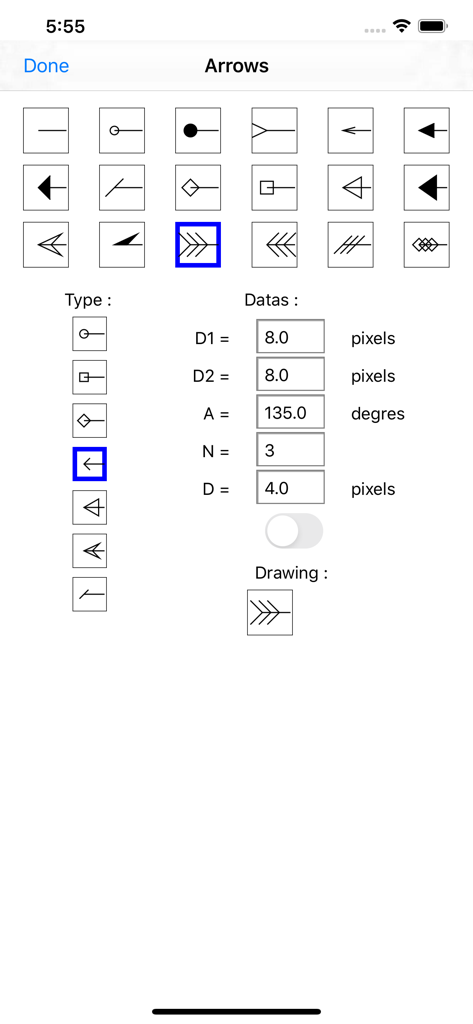
A technical menu for customizing arrow types and dimensions in the iPocket Draw Lite CAD app
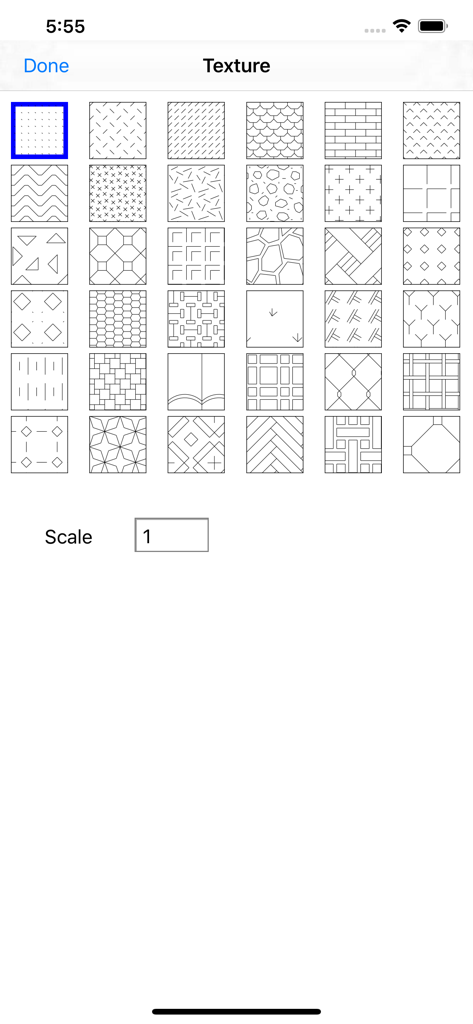
A library of hatch patterns and texture styles for technical drawings in the iPocket Draw Lite CAD app.
Description
Download
More Like This
Top-ranked apps in the same category

ChatGPT
OpenAI OpCo, LLC

Google Gemini
Google LLC

Grok
X.AI Corporation

Gmail - Email by Google
Google LLC

千问 - 阿里最强大模型官方AI助手
Shanghai Zhixin Puhui Technology Co., Ltd.

Google Drive
Google LLC

Claude by Anthropic
Anthropic PBC

Microsoft Authenticator
Microsoft Corporation

Google Sheets
Google LLC
This page is not an official page of the app or its developer, but an independent editorial publication created for informational and commentary purposes. Unless expressly stated otherwise, neither the app nor its developer is affiliated with, endorsed by, sponsored by, authorized by, or otherwise officially connected with MWM, Apple, Google Play, the app publisher, or the app's developer, and nothing on this page implies that the app was developed using MWM's services. Any trademarks, logos, screenshots, and other content remain the property of their respective owners.