
This page is not an official page of the app or its developer, but an independent editorial publication created for informational and commentary purposes. Unless expressly stated otherwise, neither the app nor its developer is affiliated with, endorsed by, sponsored by, authorized by, or otherwise officially connected with MWM, Apple, Google Play, the app publisher, or the app's developer, and nothing on this page implies that the app was developed using MWM's services. Any trademarks, logos, screenshots, and other content remain the property of their respective owners.

IPTV One Player
The ultimate solution for cord-cutters. Experience seamless cross-device sync, high-performance 4K HDR playback, and an advanced EPG across your iPhone, iPad, and Mac—all in one elegant interface.
Downloads
1000User Rating
Total Ratings
0Publisher
Category
Photo & VideoLocales
1Latest Version
1.5.0Size
103.9 MBFirst Released
Nov 22, 2025Stream Smarter, Not Harder
The ultimate player for cord-cutters who refuse to compromise on quality. Turn your IPTV provider into a premium streaming service with 4K support and effortless cross-device syncing.
Total Ecosystem Harmony
One account for your iPhone, iPad, and Mac. Sync your favorites, custom groups, and watch history so you can resume exactly where you left off on any screen.
The Premium Interface
Transform raw playlists into a stunning library with 4K HDR support and TMDb metadata. Experience a clean, Netflix-style layout with posters, ratings, and trailers.
Frequently Asked Questions
Everything you need to know about IPTV One Player
Does IPTV One Player sync settings and content across multiple devices?
Yes, IPTV One Player uses one account to sync favorites, recently watched items, custom channel groups, hidden videos, and resume playback positions across all your devices.
How do users add their content to IPTV One Player?
Users import content into IPTV One Player via M3U/M3U8 URL, Xtream Codes API, or Stalker Portal. The app also plays local video files directly from the device.
Can I watch movies and TV shows offline using IPTV One Player?
Yes, IPTV One Player supports offline viewing. Users can download content to watch without an internet connection.
Does IPTV One Player support high-definition video quality like 4K and HDR?
Yes, IPTV One Player supports 4K, HDR, and Dolby Vision playback when these formats are provided by the user's content source.
Can I cast content from IPTV One Player to my television?
Yes, IPTV One Player includes casting support. It is compatible with Chromecast devices for streaming content to a TV.
Does IPTV One Player provide its own movies or TV channels?
No, IPTV One Player does not provide any content or playlists. It functions solely as a media player for sources that the user supplies.
Is IPTV One Player a free application to use?
Yes, the core playback features of IPTV One Player are available for free when using your own IPTV playlist. Some advanced features require an optional in-app purchase or subscription.
Does IPTV One Player offer an Electronic Program Guide (EPG)?
Yes, IPTV One Player features an advanced EPG with a grid view. It also supports Catch-up and Replay functionalities if provided by the user's source.
The following screenshots and description are sourced directly from the app's official store listing and are the property of the app developer.
App Store
Screenshots
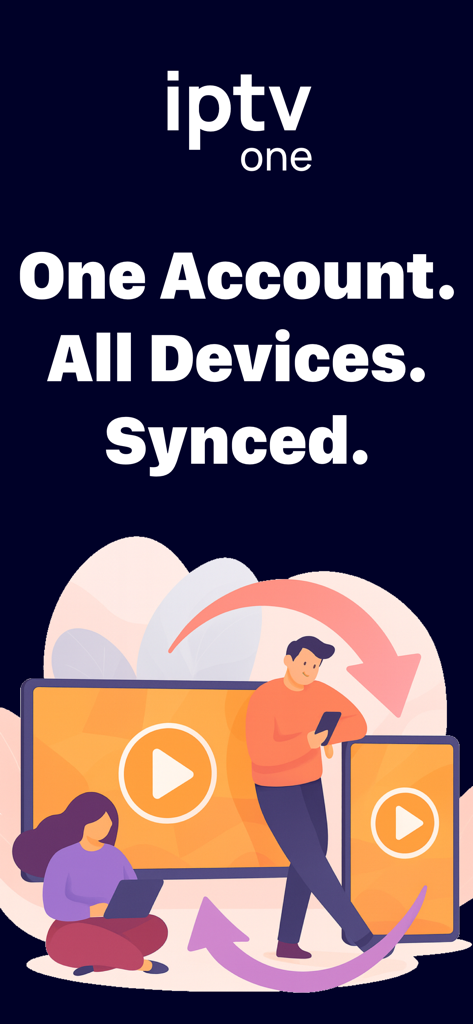
An illustration showing IPTV One Player syncing content across a laptop, smartphone, and television with the text One Account All Devices Synced
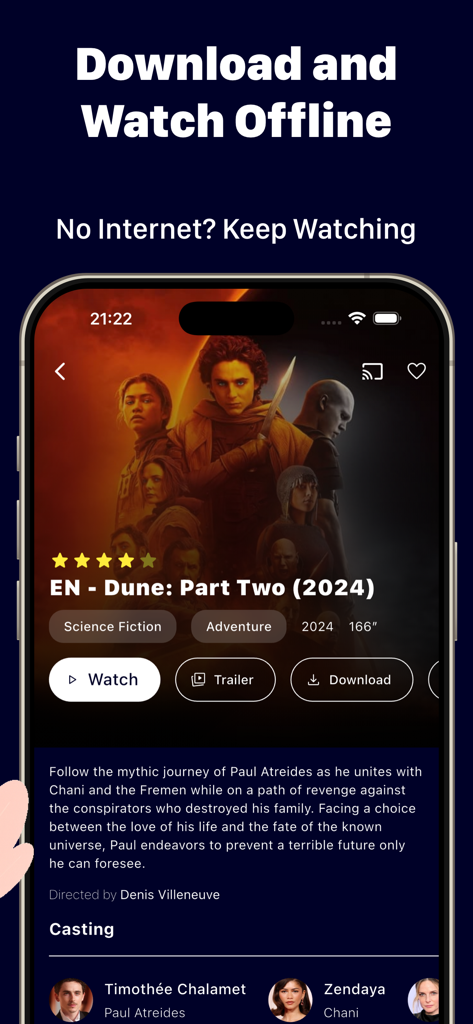
IPTV One Player app interface showing the movie Dune Part Two with options to watch trailer or download for offline viewing.
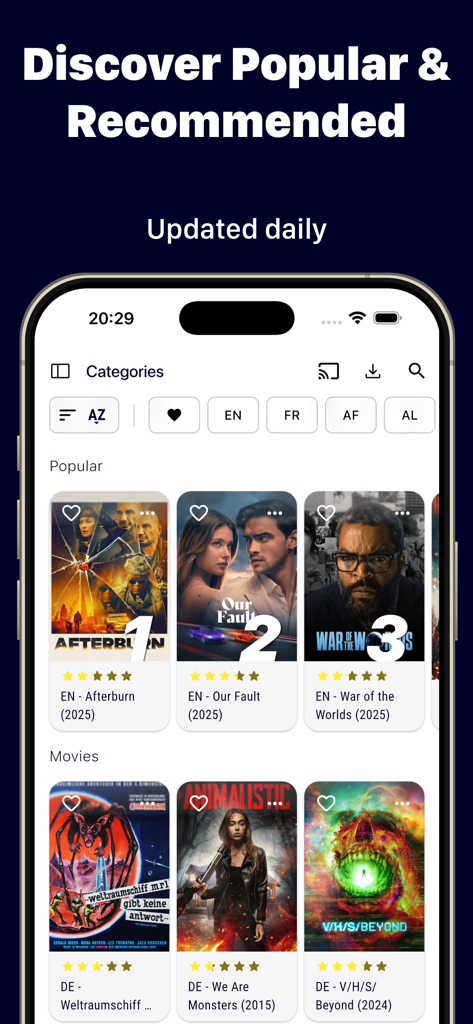
Discovery screen of IPTV One Player showing popular movies with ratings and posters.
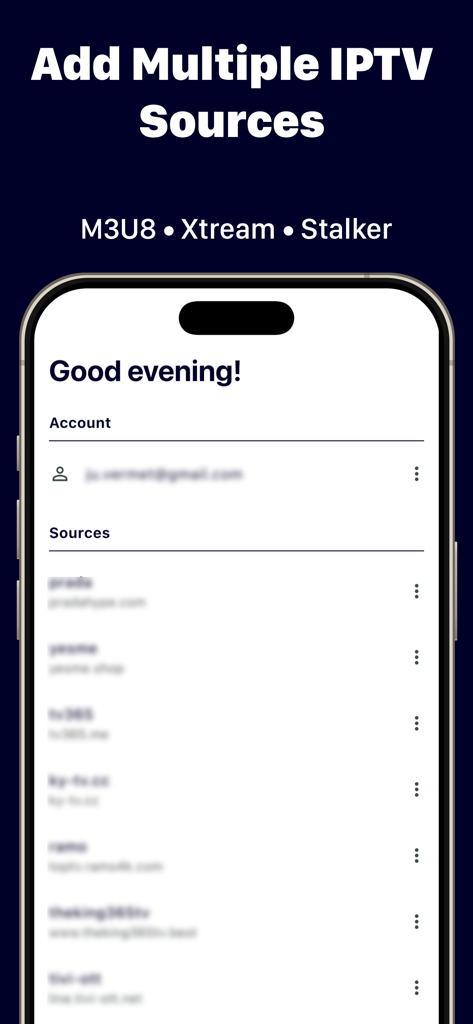
Interface of IPTV One Player showing a list of multiple IPTV sources and account management.
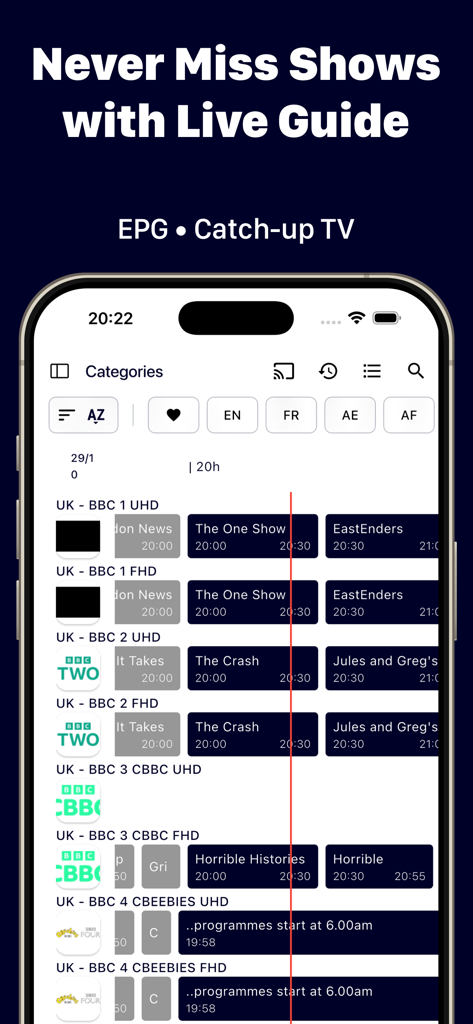
Live TV guide and EPG grid view in IPTV One Player app
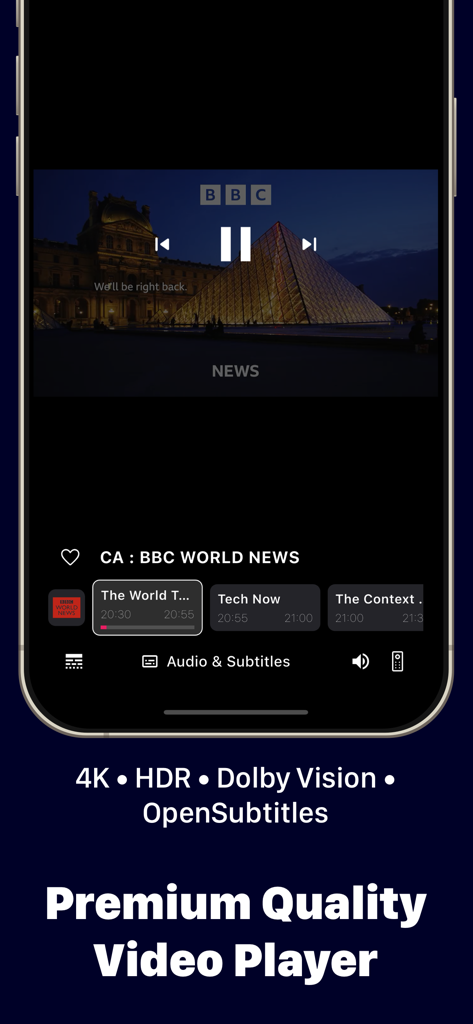
IPTV One Player mobile app interface showing live news streaming with 4K and HDR playback controls
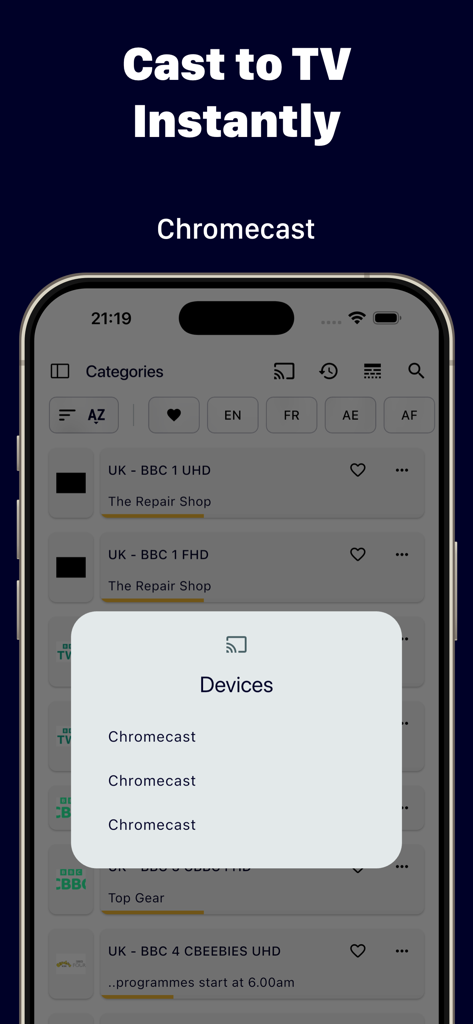
IPTV One Player app showing the cast to TV feature with a list of available Chromecast devices on an iPhone screen
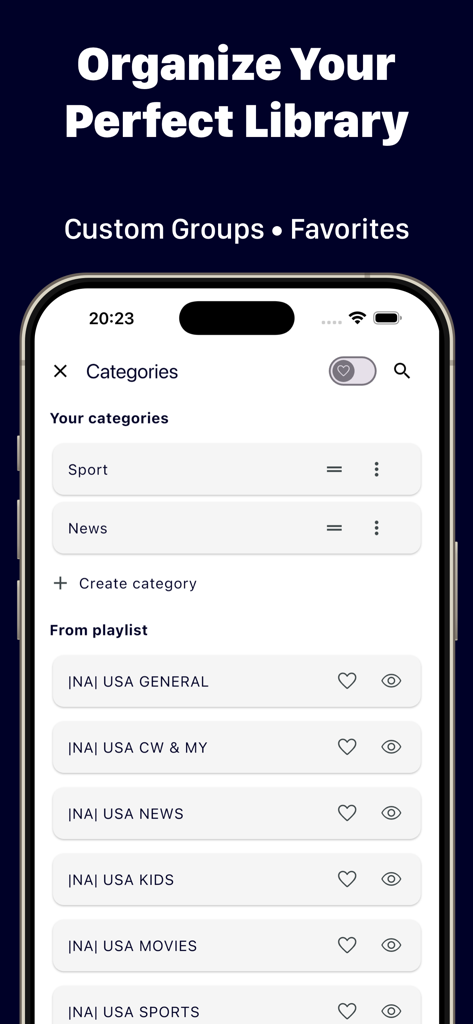
Interface of IPTV One Player showing options to organize custom categories and favorite TV channels.
Description
Download
More Like This
Top-ranked apps in the same category

CapCut: Photo & Video Editor
BYTEDANCE PTE. LTD.

Instagram, Inc.

YouTube
Google LLC

Canva: AI Photo & Video Editor
Canva Pty Ltd

Snapchat
Snap, Inc.

快手
Beijing Kwai Technology Co., Ltd.

Edits: Video Editor
Instagram, Inc.

Meitu- AI Photo & Video Editor
Xiamen Meitu Technology Co., Ltd.

Google Photos: Backup & Edit
Google LLC
This page is not an official page of the app or its developer, but an independent editorial publication created for informational and commentary purposes. Unless expressly stated otherwise, neither the app nor its developer is affiliated with, endorsed by, sponsored by, authorized by, or otherwise officially connected with MWM, Apple, Google Play, the app publisher, or the app's developer, and nothing on this page implies that the app was developed using MWM's services. Any trademarks, logos, screenshots, and other content remain the property of their respective owners.