iTerminal Pro – SSH Telnet

iTerminal Pro – SSH Telnet

Download on App Store
Logo of iTerminal Pro – SSH Telnet

iTerminal Pro: Professional SSH and Telnet Client for Power Users

Master your infrastructure from anywhere with an ad-free, secure terminal. Featuring 4096-bit encryption, seamless iCloud sync, and Bluetooth keyboard support for the ultimate mobile DevOps experience.

Publisher

ComcSoft Corporation

Category

Utilities

Downloads

261K+

User Rating

4.1/5

Total Ratings

400

Locales

3

Your Mobile Command Center

Discover the interface used by 261K+ users.
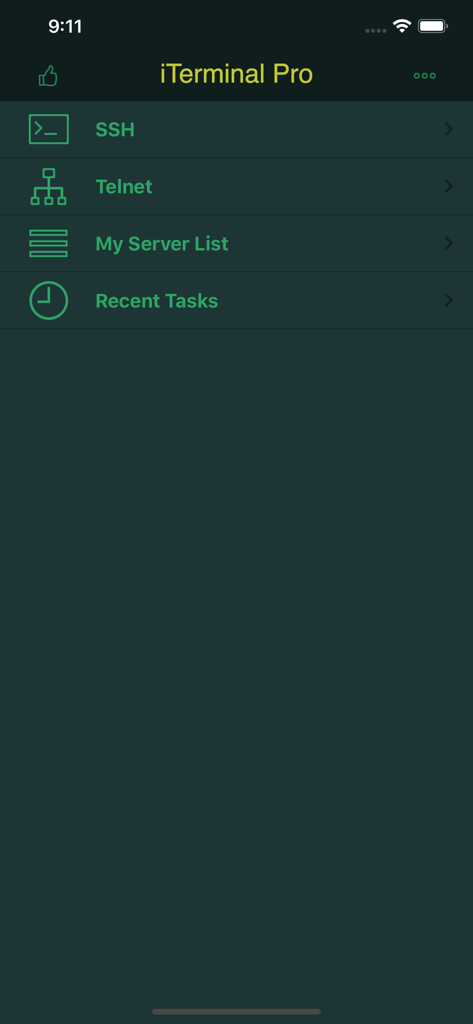
Main menu of iTerminal Pro app showing options for SSH, Telnet, Server List, and Recent Tasks.

Main menu of iTerminal Pro app showing options for SSH, Telnet, Server List, and Recent Tasks.

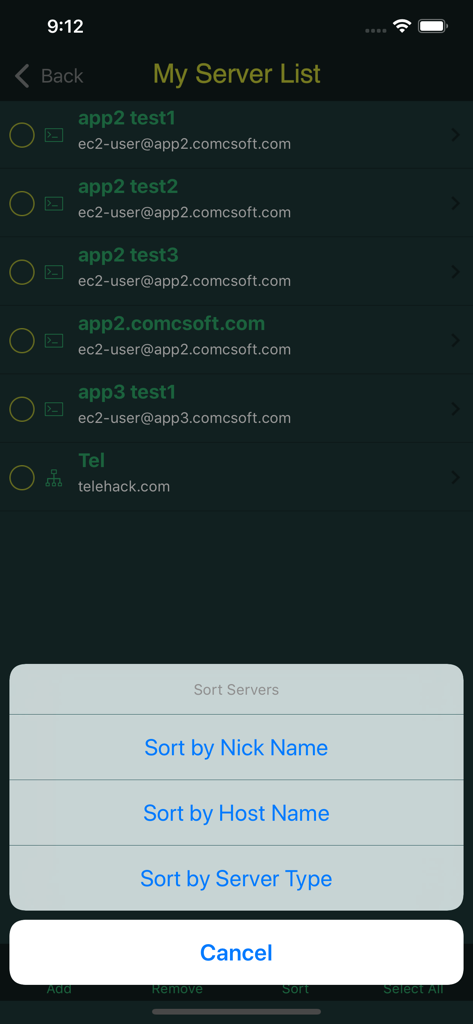
iTerminal Pro My Server List screen showing various server connections and a popup menu with options to sort by nick name host name or server type

iTerminal Pro My Server List screen showing various server connections and a popup menu with options to sort by nick name host name or server type

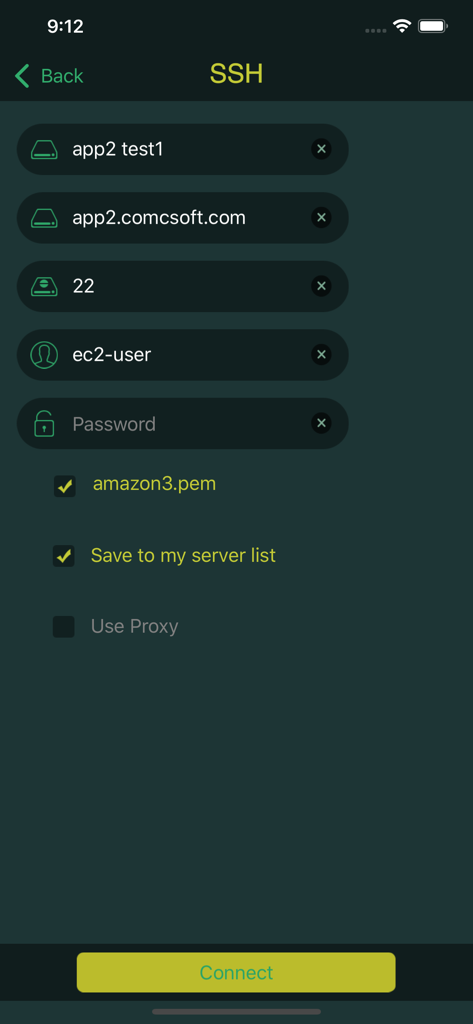
iTerminal Pro SSH connection configuration screen with server details and private key selection

iTerminal Pro SSH connection configuration screen with server details and private key selection

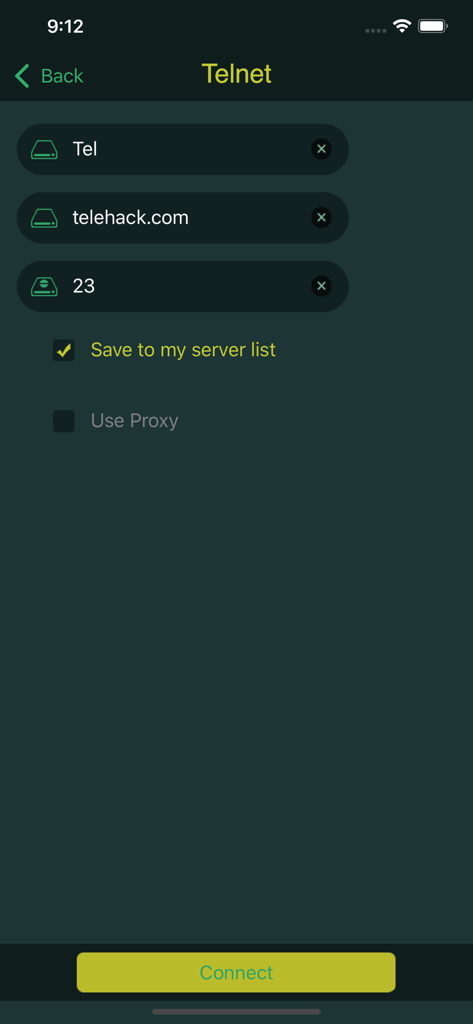
Telnet connection setup screen in iTerminal Pro app showing server details and a connect button

Telnet connection setup screen in iTerminal Pro app showing server details and a connect button

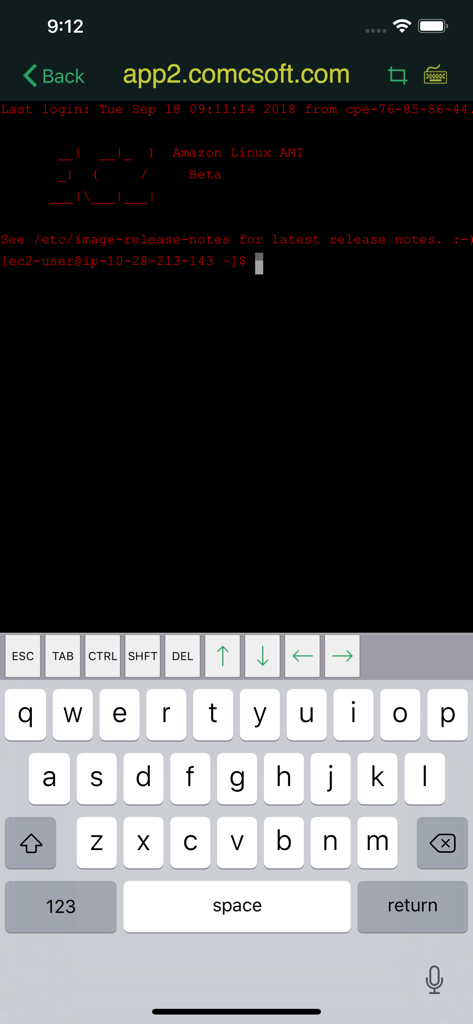
iTerminal Pro SSH terminal interface on iPhone showing Amazon Linux command line prompt

iTerminal Pro SSH terminal interface on iPhone showing Amazon Linux command line prompt

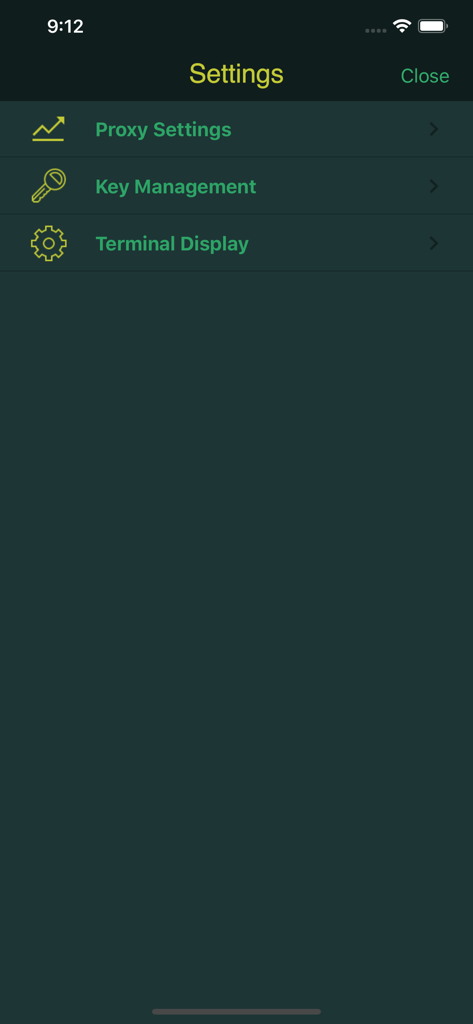
The settings menu of iTerminal Pro showing options for Proxy Settings, Key Management, and Terminal Display.

The settings menu of iTerminal Pro showing options for Proxy Settings, Key Management, and Terminal Display.

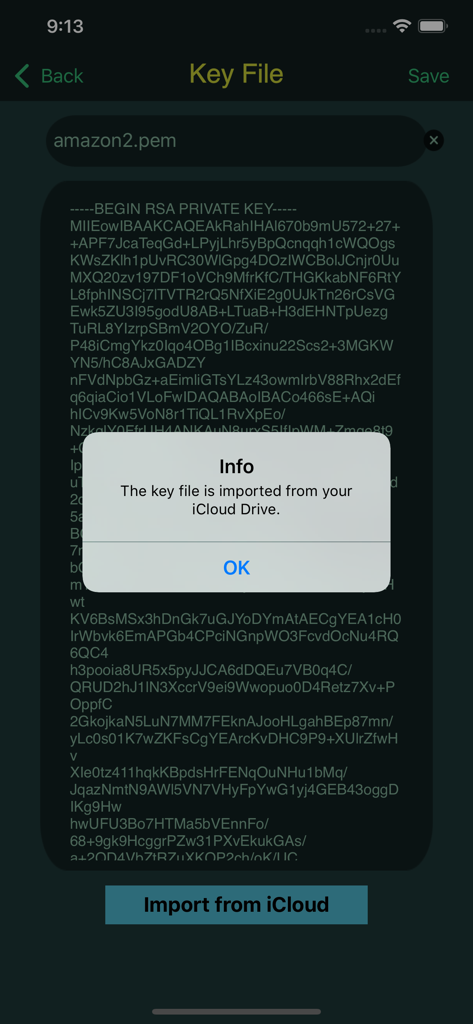
Interface of iTerminal Pro showing a successful SSH private key import from iCloud Drive.

Interface of iTerminal Pro showing a successful SSH private key import from iCloud Drive.

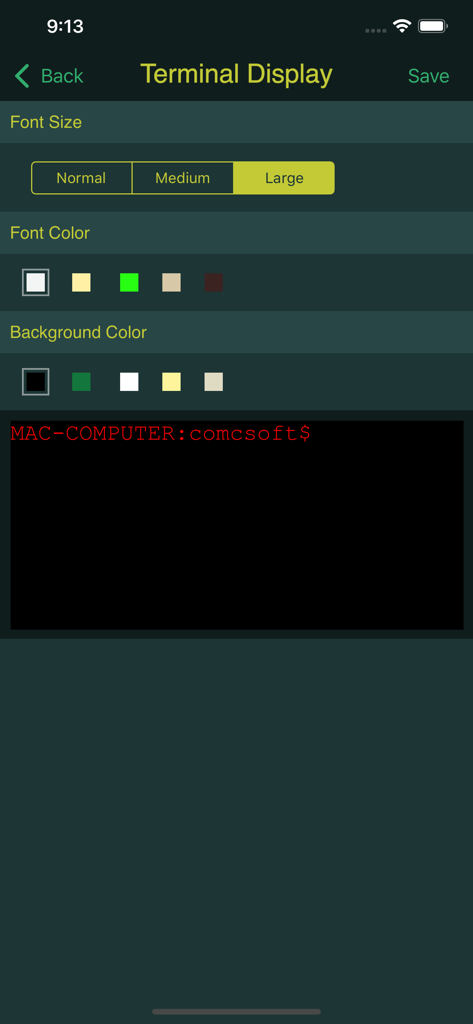
iTerminal Pro terminal display customization screen for font size and colors

iTerminal Pro terminal display customization screen for font size and colors

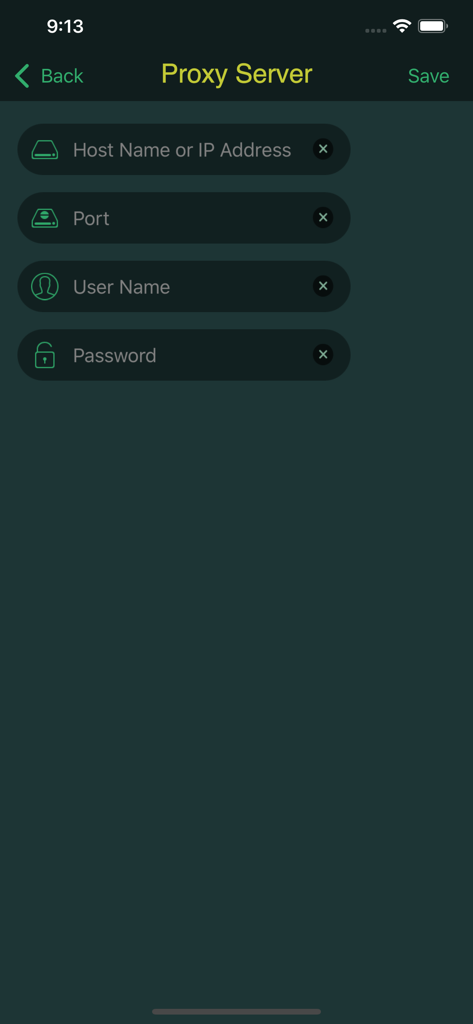
Proxy server configuration interface in iTerminal Pro.

Proxy server configuration interface in iTerminal Pro.

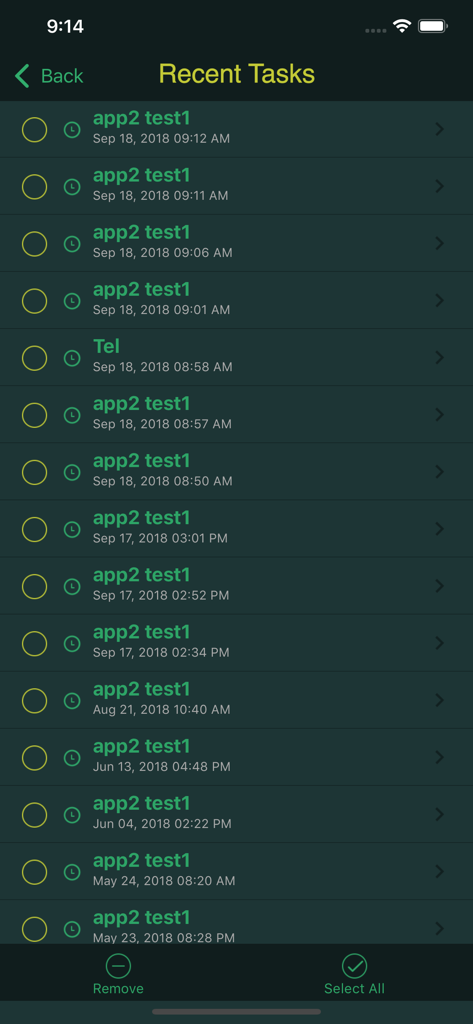
A screen from the iTerminal Pro app showing a history of recent SSH and Telnet tasks.

A screen from the iTerminal Pro app showing a history of recent SSH and Telnet tasks.

Command from Anywhere

The tools that make this app stand out, trusted by 261K+ users.

🛡️

Enterprise-Grade Security

Protect your infrastructure with 4096-bit private key authentication and support for encrypted PEM and PPK keys.

🔄

Seamless iCloud Sync

Effortlessly transfer server configurations and keys between your iPhone and iPad via secure iCloud integration.

⌨️

Desktop-Class Terminal

Maximize productivity with full Bluetooth keyboard support and secure tunneling via Socks 5 Proxy servers.

About the app

Everything you need to know about iTerminal Pro – SSH Telnet.

Description

iTerminal Pro is the Pro Version of iTerminal on iPhone and iPad. iTerminal is a simple yet very powerful SSH and Telnet client on your iPhone and iPad. You can connect to remote servers through SSH or Telnet with iTerminal. Besides all the features available on iTerminal, the Pro Version removes all advertisement and includes professional Tech Support. Supported features include: - Connect to your servers using user name/password or private key authentication through SSH. - Connect to your servers using Telnet. - Support Server List. - Support exporting Server info to and importing Server info from iCloud. Now Server info can be easily transferred among different versions and devices. - Support to connect through Socks 5 Proxy Server. - Support history of Recent Tasks. - Support Private Key Management and encrypted PEM and PPK keys up to 4096 bit long. -- Support importing key files from and exporting key files to your iCloud Drive. You now can easily import a key file from your iCloud Drive by copying your key file to your iCloud Drive under /iterminal/key folder. It's more secure and convenient to import a key now. - Support Bluetooth Keyboard. With its simple interfaces, iTerminal provides the easiest way to securely connect to your remote servers on iPhone and iPad. If you have any questions, please visit: http://www.comcsoft.com/Portfolio/our_apps/iTerminal/iTerminal_overview.php.

Latest Version

10.0

Size

26.7 MB

First Released

Jan 25, 2013

Take Command of Your Infrastructure Anywhere

Join over 261,000 professionals using iTerminal Pro for secure, ad-free SSH and Telnet access. Sync your keys via iCloud and manage your servers with enterprise-grade reliability on iPhone and iPad.

Download on App Store

App information, icons, screenshots, and descriptions displayed on this page are sourced from the Apple App Store and are the property of their respective developers. Download estimates and rankings are based on MWM's proprietary models and may not reflect actual figures. This page is provided for informational and analytical purposes only.

Believe this page infringes your intellectual property? File a dispute