
This page is not an official page of the app or its developer, but an independent editorial publication created for informational and commentary purposes. Unless expressly stated otherwise, neither the app nor its developer is affiliated with, endorsed by, sponsored by, authorized by, or otherwise officially connected with MWM, Apple, Google Play, the app publisher, or the app's developer, and nothing on this page implies that the app was developed using MWM's services. Any trademarks, logos, screenshots, and other content remain the property of their respective owners.

iZip Pro -Zip Unzip Unrar Tool
The most secure way to zip, unzip, and encrypt documents on iPhone and iPad. Manage RAR, 7Z, and ZIP files with AES encryption and seamless multi-cloud integration.
Downloads
530K+User Rating
Total Ratings
2K+Publisher
Category
UtilitiesLocales
10Latest Version
26.01Size
57.6 MBFirst Released
Nov 16, 2011The Ultimate Pro File Utility
Bridge the gap between mobile and desktop with enterprise-grade compression, multi-format extraction, and seamless cloud integration tailored for professionals.
Master Every Format
Open and extract everything from ZIP and RAR to 7Z and ISO. Stop worrying about 'unsupported' files and keep your mobile workflow moving.
Business-Class Security
Protect sensitive documents with powerful AES encryption and secure your archives using Face ID or Touch ID for maximum privacy.
The following screenshots and description are sourced directly from the app's official store listing and are the property of the app developer.
App Store
Screenshots
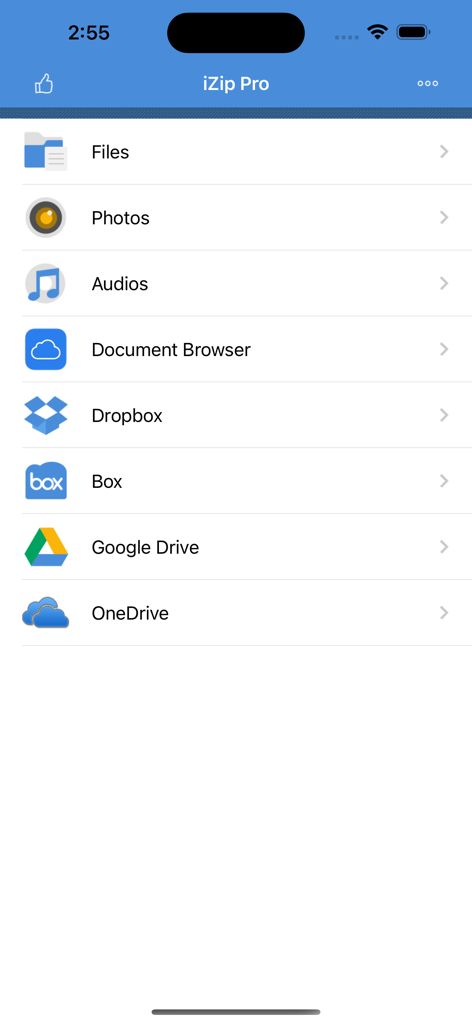
iZip Pro app home screen showing file management and cloud storage integration options
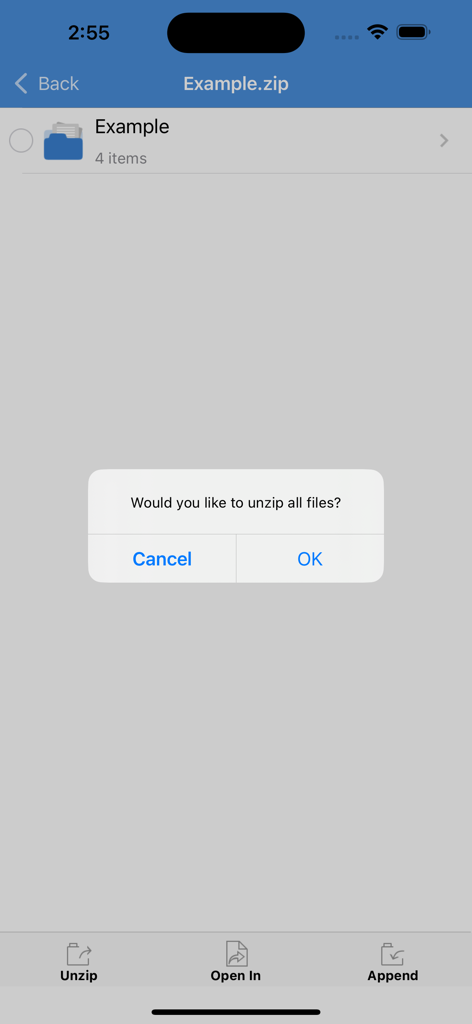
A confirmation dialog in the iZip Pro app asking the user if they would like to unzip all files from a zip folder
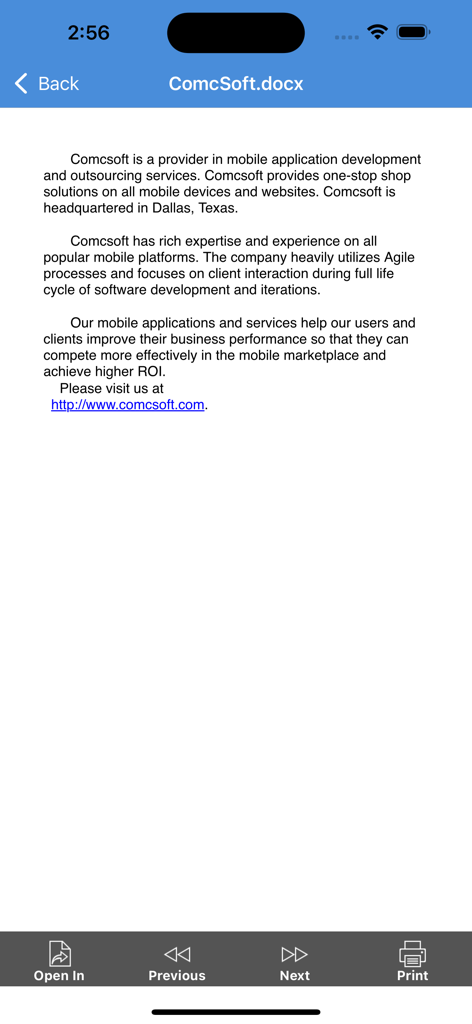
A document preview in iZip Pro showing a DOCX file with options to open in another app or print.
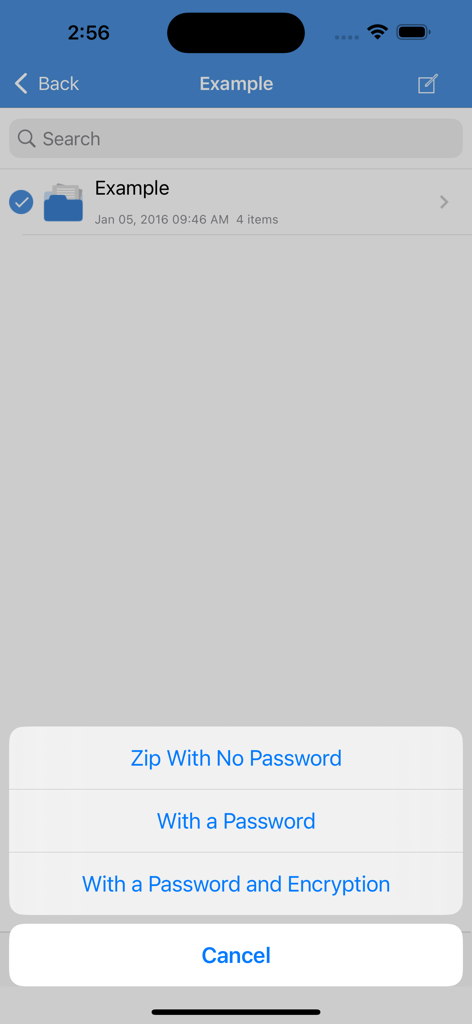
iZip Pro interface showing options to zip files with password protection and encryption
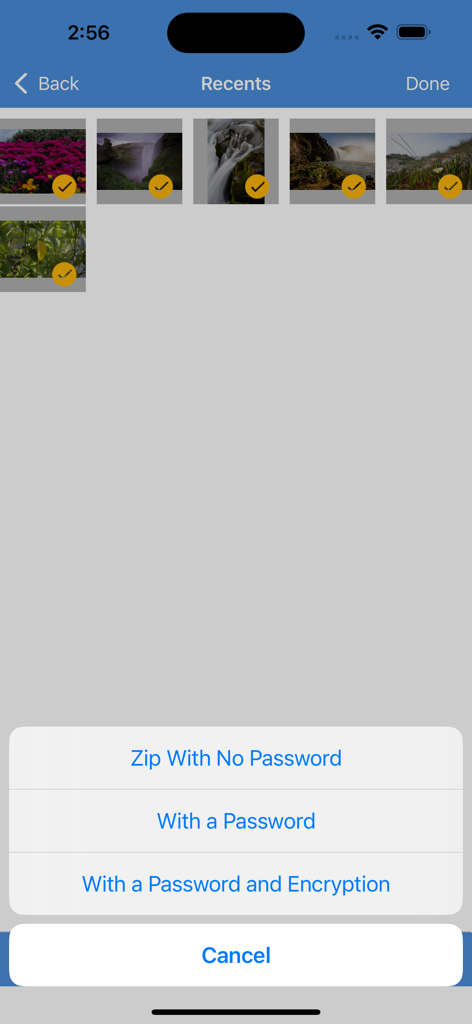
iZip Pro app interface showing selected photos and a menu with options to zip with no password, with a password, or with password and encryption
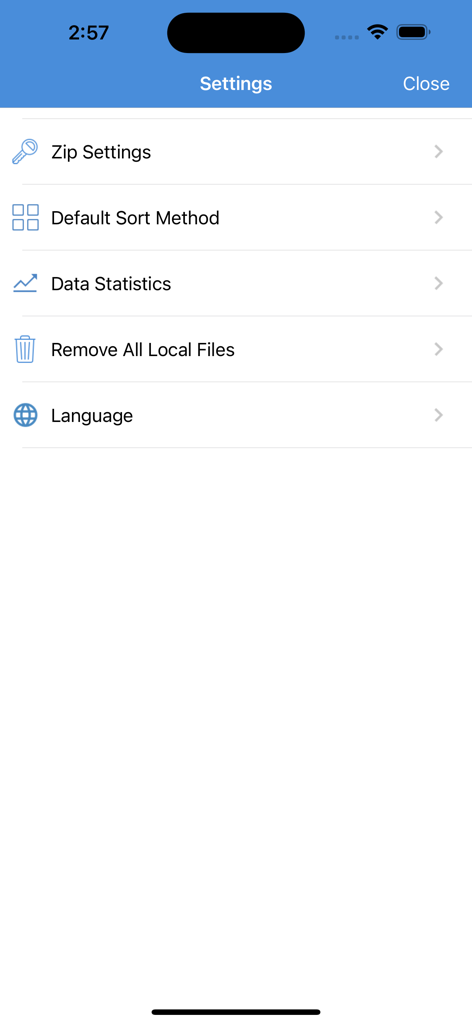
The settings menu of the iZip Pro app showing file compression and management options
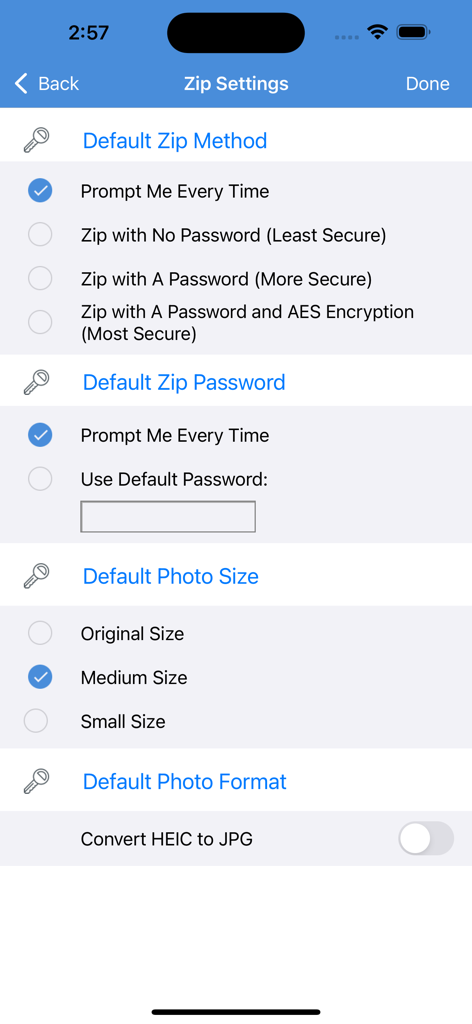
iZip Pro app settings screen showing zip method options including password protection and AES encryption
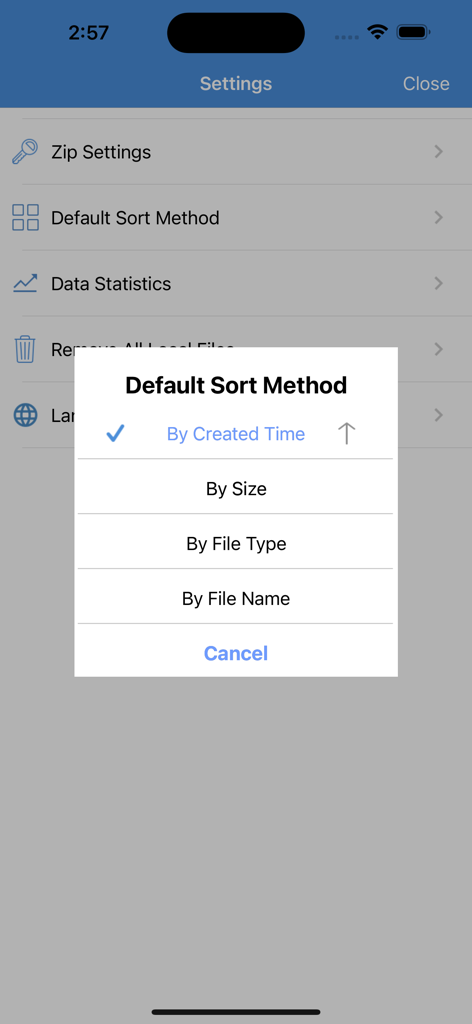
iZip Pro settings screen displaying a pop up menu for selecting the default sort method by time size file type or name
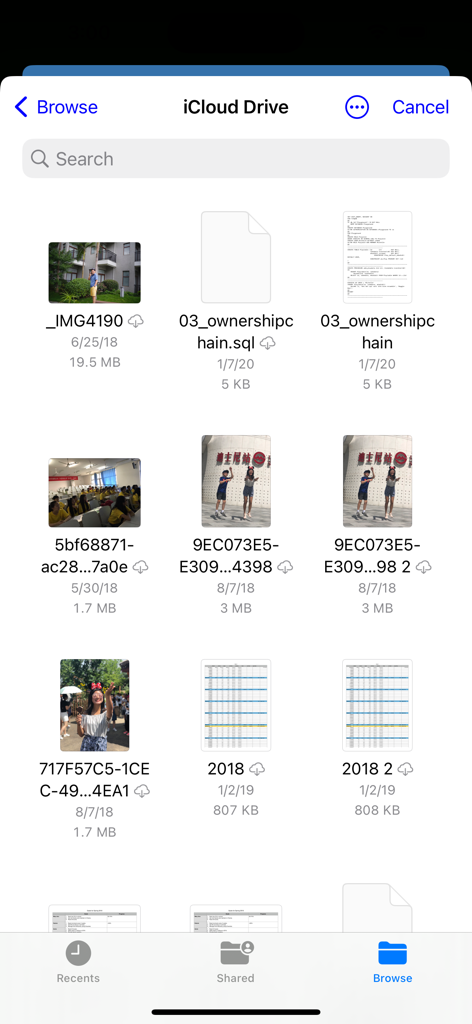
iZip Pro mobile interface browsing files and photos stored on iCloud Drive
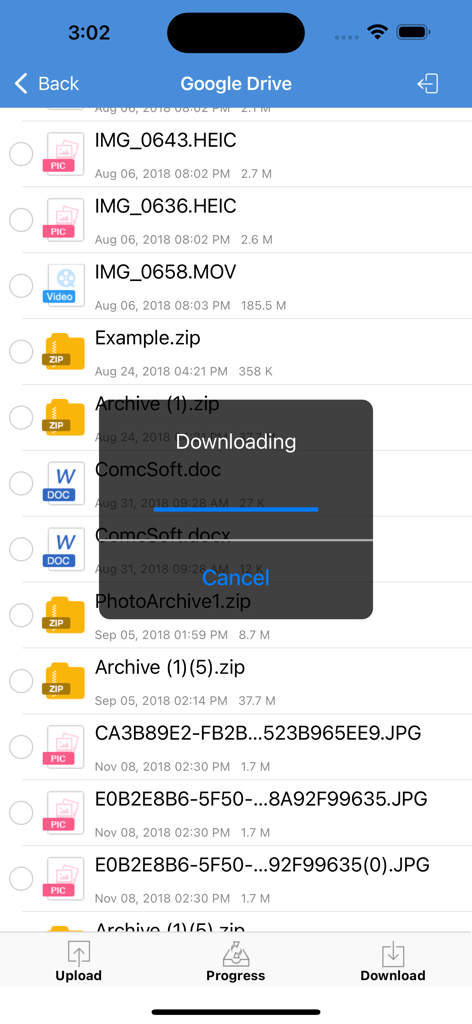
iZip Pro app interface showing a file download progress bar from Google Drive
Description
Download
More Like This
Apps with similar features and user experience

Unzip – ZIP RAR 7Z Extractor
Little Sweet Technology Co., Ltd.

Unzip - zip,rar,7z file opener
书勇 贾

Zip & RAR File Extractor
PENGHUI ZHAO

iZip – Zip Unzip Unrar
ComcSoft Corporation

Zip, RAR, 7z File Extractor
FANGZHOU INTERACTIVE TECHNOLOGY CO., LIMITED

ZArchiver: UnZip, UnRar, 7Z
TIMON SOFTWARE SOLUTIONS COMPANY LIMITED

iRAR - zip,rar,7z file opener
书敏 贾

Zip & RAR & 7z File Extractor
琳 胡

MT管理器
瑞 胡
This page is not an official page of the app or its developer, but an independent editorial publication created for informational and commentary purposes. Unless expressly stated otherwise, neither the app nor its developer is affiliated with, endorsed by, sponsored by, authorized by, or otherwise officially connected with MWM, Apple, Google Play, the app publisher, or the app's developer, and nothing on this page implies that the app was developed using MWM's services. Any trademarks, logos, screenshots, and other content remain the property of their respective owners.