Jellycuts
Jellycuts
Download on App Store

This page is not an official page of the app or its developer, but an independent editorial publication created for informational and commentary purposes. Unless expressly stated otherwise, neither the app nor its developer is affiliated with, endorsed by, sponsored by, authorized by, or otherwise officially connected with MWM, Apple, Google Play, the app publisher, or the app's developer, and nothing on this page implies that the app was developed using MWM's services. Any trademarks, logos, screenshots, and other content remain the property of their respective owners.


Logo of Jellycuts
Download on App Store

Jellycuts

Stop dragging blocks and start writing code. Unlock the full power of iOS with Jelly Language, functions, and macros designed for the ultimate power user workflow.

Key Figures

Downloads

69K+

User Rating

3.8/5

Total Ratings

100

Publisher

Skyground Media Inc.

Category

Developer Tools

Locales

1

Latest Version

2.4.4

Size

46.7 MB

First Released

May 16, 2021
Features

Supercharge Your iOS Automation

Escape the limitations of drag-and-drop. Write lean, powerful scripts with the Jelly Language and unlock the full potential of your Apple devices.

Code at the Speed of Thought

Say goodbye to Canvas Fatigue. Use our intuitive Jelly Language with auto-complete and syntax highlighting to build complex workflows in seconds rather than minutes.

Unlock Hidden Capabilities

Access powerful iOS actions and system features that the standard Shortcuts app hides. Build advanced API requests and integrate with pro-level tools like Data Jar and Scriptable.

The following screenshots and description are sourced directly from the app's official store listing and are the property of the app developer.

App Store

Screenshots
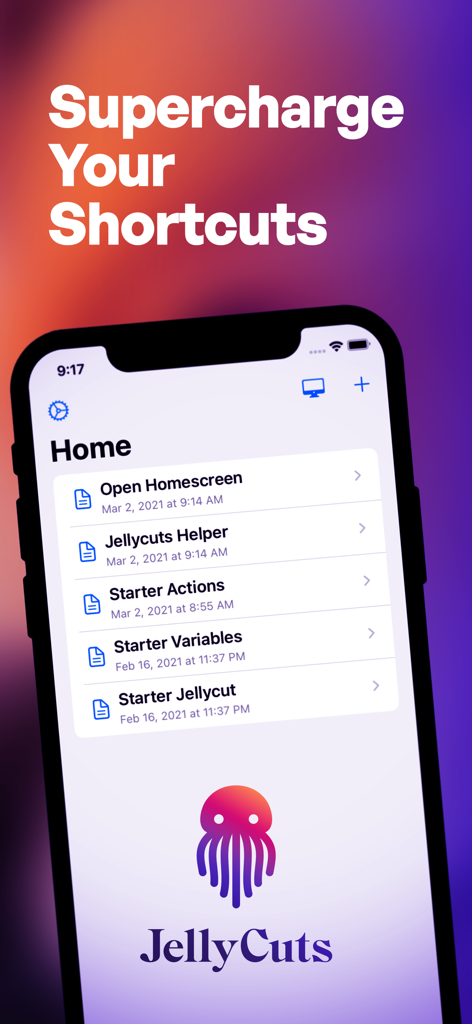
Jellycuts - Jellycuts mobile app home screen showing starter shortcut actions and the Supercharge Your Shortcuts headline on an iPhone.
Jellycuts mobile app home screen showing starter shortcut actions and the Supercharge Your Shortcuts headline on an iPhone.

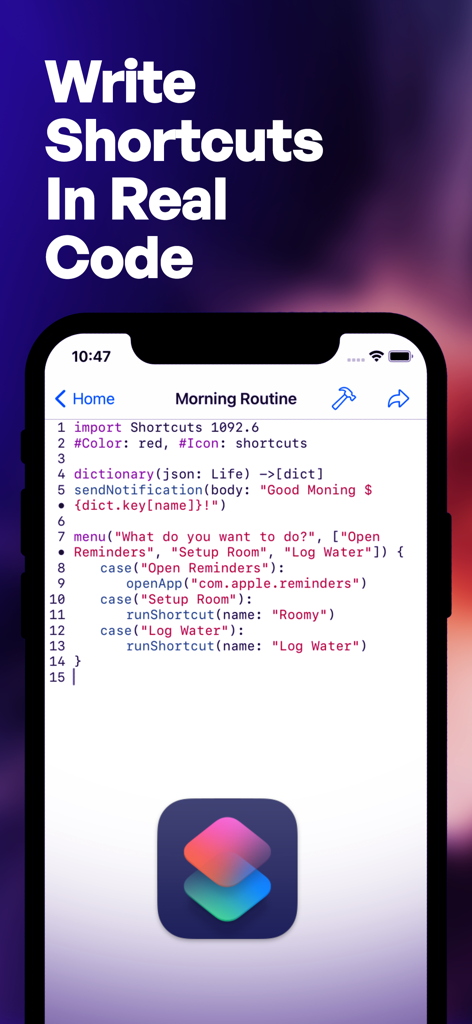
Jellycuts - Smartphone screen displaying the Jellycuts app code editor with a script for a morning routine shortcut
Smartphone screen displaying the Jellycuts app code editor with a script for a morning routine shortcut

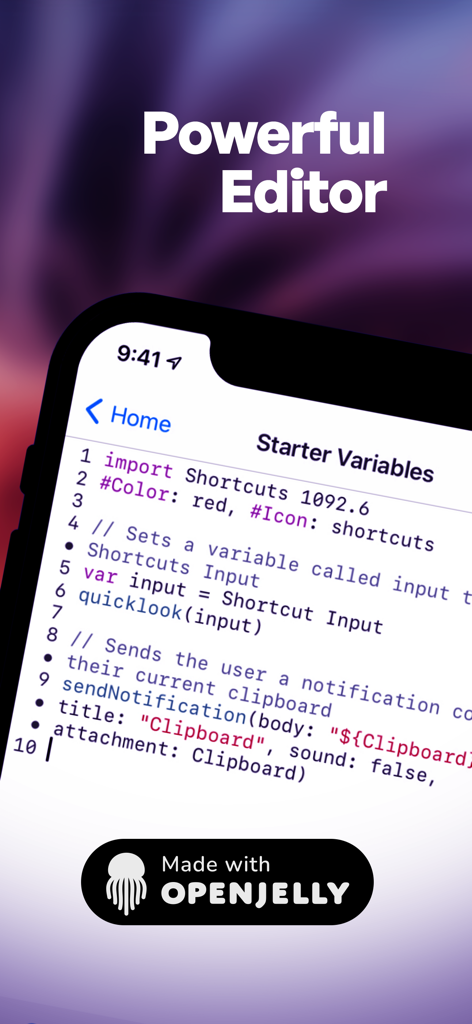
Jellycuts - Mobile interface of Jellycuts showing the script editor with syntax highlighting for iOS shortcuts

Mobile interface of Jellycuts showing the script editor with syntax highlighting for iOS shortcuts
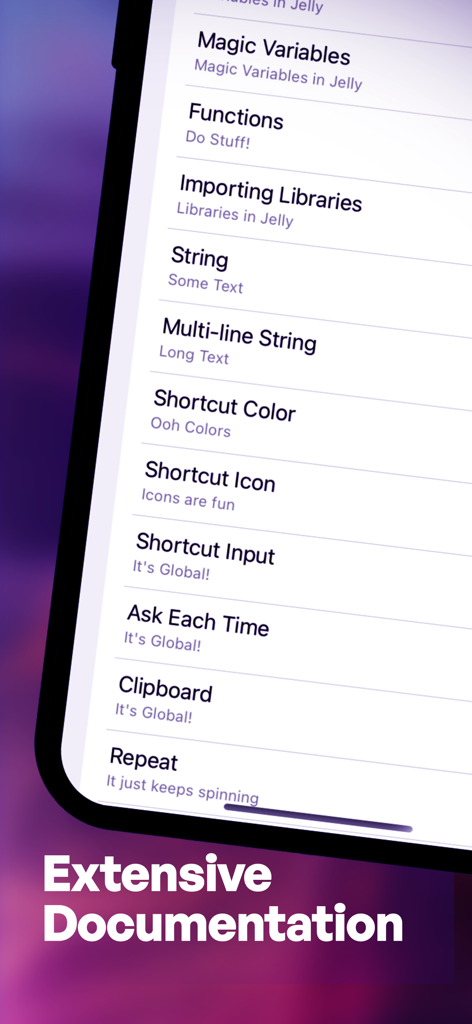
Jellycuts - A list of documentation topics in the Jellycuts app including variables, functions, and string operations.
A list of documentation topics in the Jellycuts app including variables, functions, and string operations.

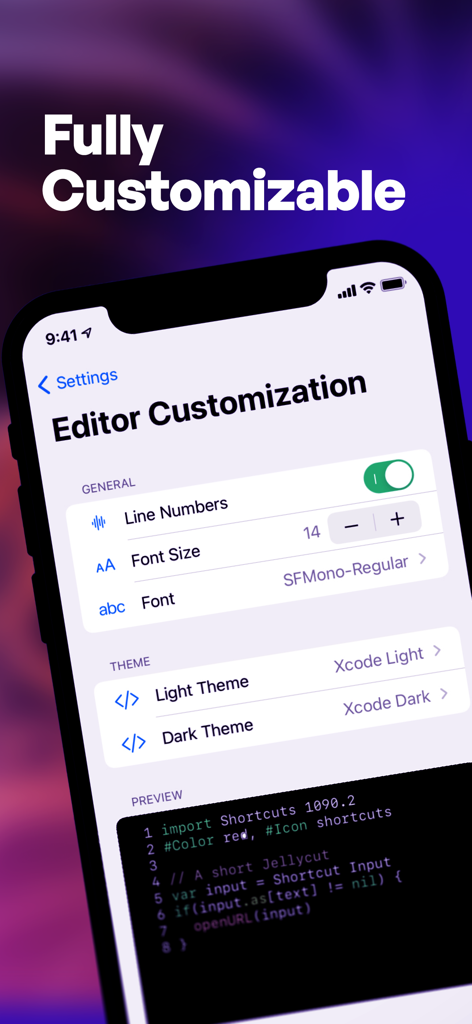
Jellycuts - Jellycuts editor customization screen showing settings for line numbers font size and themes
Jellycuts editor customization screen showing settings for line numbers font size and themes

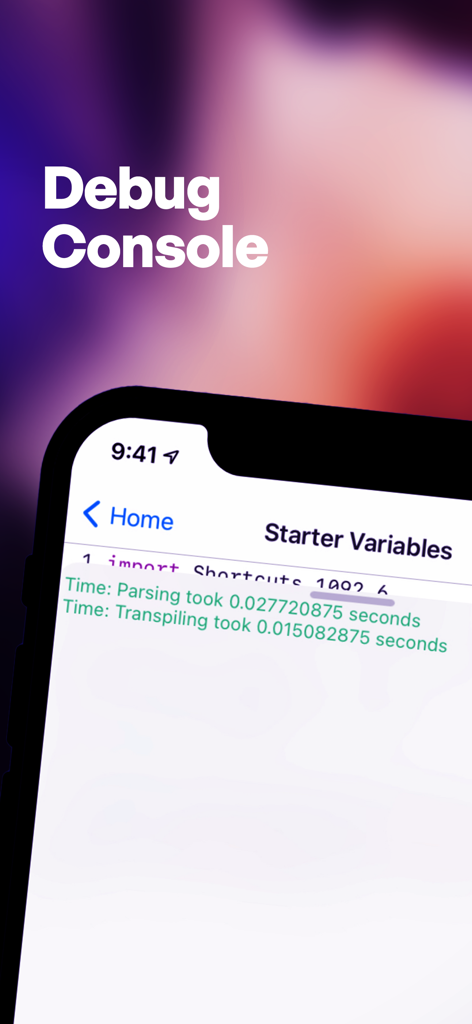
Jellycuts - Jellycuts debug console interface showing code execution times on an iPhone
Jellycuts debug console interface showing code execution times on an iPhone

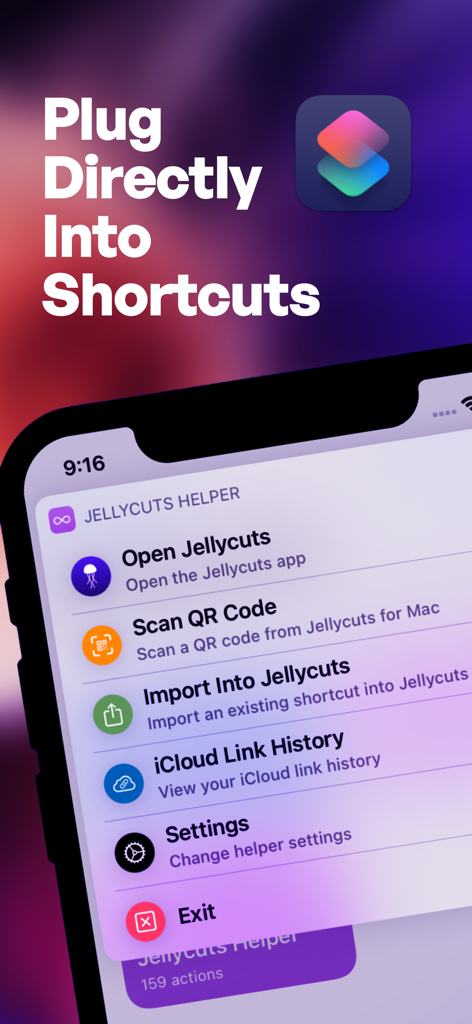
Jellycuts - iPhone displaying the Jellycuts Helper menu with integration options for Apple Shortcuts.

iPhone displaying the Jellycuts Helper menu with integration options for Apple Shortcuts.

Description

Ever wish your iPhone or iPad could do more with shortcuts? Meet Jellycuts: your pocket-sized script wizard, making automation magical and fun. It's concise and intuitive—think of it as coding without the headaches. Switching from Shortcuts to Jellycuts is like upgrading from a tricycle to a Tesla. With functions, macros, and magic actions, Jellycuts leaves the standard Shortcuts app in the dust. Access iOS features like files, calendars, reminders, contacts, photos, and location without the hassle of app store reviews or arbitrary gatekeepers. Auto-complete as you type with Jelly Language, which is lean, mean, and free from JavaScript’s quirks. It’s like giving your phone a PhD in awesome. Seamlessly integrate actions from a variety of apps including Toolbox Pro, Actions, Scriptable, Data Jar, a-shell, a-shell mini, Apollo, Carrot Weather, Drafts, Focused Work, GizmoPack, LinkBin, Budget, An Otter RSS, Progress, Recurrence, Rubyist, The Wallpaper App, and WidgetPack. Need inspiration? Dive into our growing script gallery on our website. Here are a few tricks you can teach Jellycuts: - Wind Down: Dim your screen, turn off notifications, and prepare for bedtime serenity. - Live Photos to GIFs: Transform your live photos into fun, eye-popping GIFs. - Date and Time Formatting: Master date and time in your shortcuts. - Photo Management: Automate the chaos of managing photos and screenshots. - Extract EXIF Data: Pull detailed data from your photos. - QR Code Generator: Create a simple QR code in just 3 lines of code. - RoutineHub & UpdateKit: Keep your shortcuts updated seamlessly. - GET Requests: Retrieve user lists in JSON format with a GET request. - POST Requests: Easily create and send POST requests. Why Jellycuts is Your New Best Friend: - Work Anywhere: Sync scripts across devices with iCloud Drive. Your scripts, everywhere you go. - Unleash Limitless Possibilities: Access hidden actions not available in the Shortcuts app. - Supercharge Your Workflow: Enhance shortcuts with functions and macros for efficiency. - Effortless Transitions: Export Jellycuts into Shortcuts and import existing ones back. - Powerful Tools: Use the JSON Dictionary Builder and Icon Creator for easy shortcut creation. - Quick Learning Curve: Comprehensive documentation. - Work Anytime: Dark mode for comfortable coding in any lighting. Editor Features That Make Coding Fun: - Clarity: Syntax highlighting. - Customization: Over 60 editor themes, including dark mode. Because coding in the dark is cool. - Speed: Auto-completion for fast coding. - Troubleshooting: Built-in debug console. Terms of use: https://www.apple.com/legal/internet-services/itunes/dev/stdeula/

Download

Download on App Store

This page is not an official page of the app or its developer, but an independent editorial publication created for informational and commentary purposes. Unless expressly stated otherwise, neither the app nor its developer is affiliated with, endorsed by, sponsored by, authorized by, or otherwise officially connected with MWM, Apple, Google Play, the app publisher, or the app's developer, and nothing on this page implies that the app was developed using MWM's services. Any trademarks, logos, screenshots, and other content remain the property of their respective owners.








