
This page is not an official page of the app or its developer, but an independent editorial publication created for informational and commentary purposes. Unless expressly stated otherwise, neither the app nor its developer is affiliated with, endorsed by, sponsored by, authorized by, or otherwise officially connected with MWM, Apple, Google Play, the app publisher, or the app's developer, and nothing on this page implies that the app was developed using MWM's services. Any trademarks, logos, screenshots, and other content remain the property of their respective owners.


Jira Cloud by Atlassian
Stay in sync with your team and keep projects on track. Plan, track, and approve work items in real-time with the power of the #1 agile project management software in your pocket.
Downloads
3M+User Rating
Total Ratings
74K+Publisher
Category
ProductivityLocales
27Latest Version
246.2.0Size
397.4 MBFirst Released
Mar 8, 2016Stay Agile, Stay Productive Anywhere
Manage projects, unblock your team, and track progress on the go with the mobile companion to the world's #1 software development tool.
Unblock Your Team Instantly
Review, comment, and approve work items in seconds. Keep the momentum going and ship faster without needing to open your laptop.
Visualize Progress at a Glance
Track sprints, monitor roadmaps, and identify bottlenecks in real-time. Get full transparency on your project health, wherever you are.
Frequently Asked Questions
Everything you need to know about Jira Cloud by Atlassian
What is Jira Mobile?
Jira Mobile is the #1 agile project management software designed for on-the-go access to work items, team projects, and updates. It serves every team, from engineering to marketing, allowing users to stay productive anywhere.
Is Jira Mobile free to use?
Yes, you can download the Jira Mobile app and create an account for free. Existing Jira users log in with their current Jira details, providing immediate access to their projects.
How does Jira Mobile assist with managing work tasks?
Jira Mobile helps manage work tasks by allowing users to create, update, and edit items like bugs and campaigns. It facilitates attaching files, leaving comments, and provides tools to plan, track, and analyze tasks with roadmaps and reports.
Does Jira Mobile offer real-time notifications for updates?
Yes, Jira Mobile provides real-time push notifications. Users can customize what they are notified about, snooze notifications, or set specific working hours to maintain focus without missing critical updates.
Can I track my project's progress using Jira Mobile?
Yes, Jira Mobile allows users to track project progress by providing project summaries with key metrics at a glance. It helps monitor project priorities and quickly identify issues, enabling fast decision-making for ongoing projects.
Can I create custom forms for team requests in Jira Mobile?
Yes, Jira Mobile supports creating and customizing forms to manage team requests. This feature streamlines reporting issues and submitting requests for various needs such as creative assets, content, or inventory.
Can I approve work items remotely using Jira Mobile?
Yes, Jira Mobile enables users to review and approve work items while on the go. The app supports assigning reviews to specific users, ensuring a consistent and efficient process for unblocking work.
Does Jira Mobile have a dark mode option?
Yes, Jira Mobile offers a dark mode feature. This visual setting provides an alternative interface theme, which can enhance user comfort and reduce eye strain in varying lighting environments.
Is it possible to generate reports within Jira Mobile?
Yes, Jira Mobile can generate and share various reports. The app includes reporting capabilities like burndown charts and cumulative flow diagrams, assisting users in analyzing project performance effectively.
The following screenshots and description are sourced directly from the app's official store listing and are the property of the app developer.
App Store
Screenshots
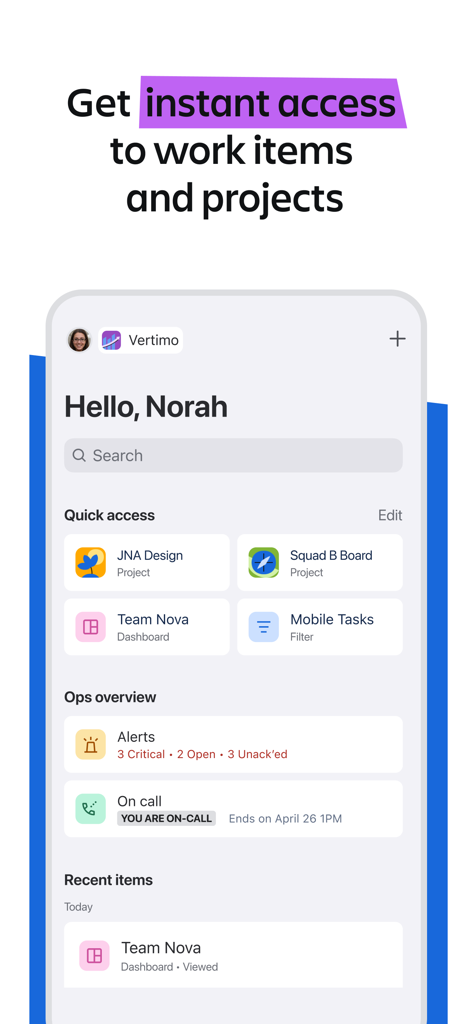
Jira Cloud mobile app dashboard showing quick access to projects and task overview
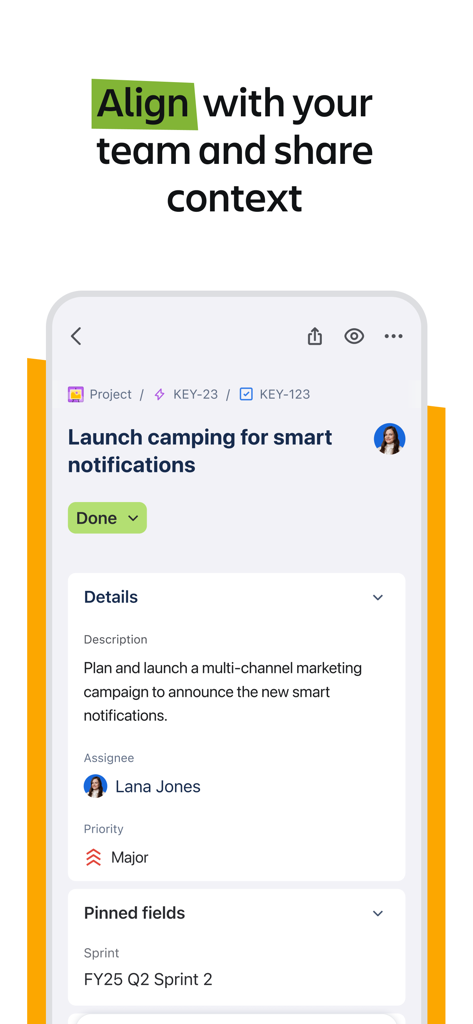
Jira Cloud app interface showing task details for a marketing campaign with assignee and sprint information
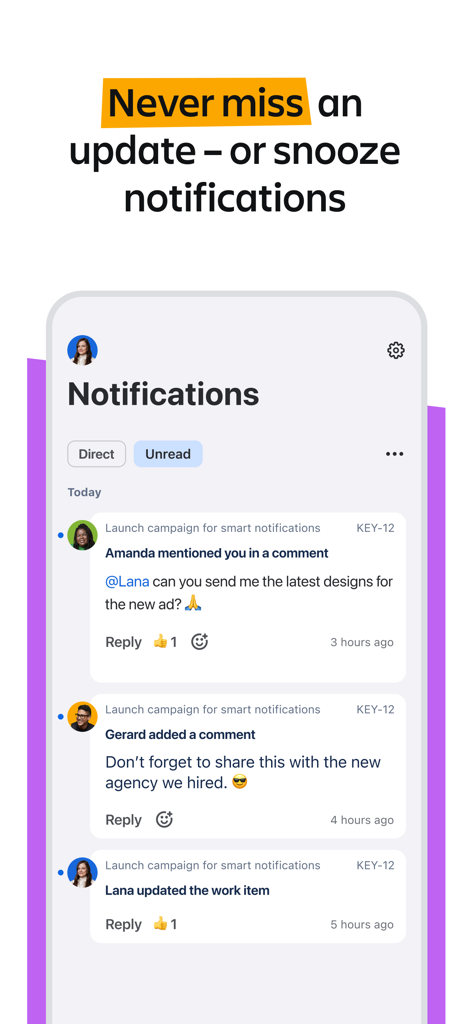
Jira Cloud mobile app showing a feed of project notifications and comments
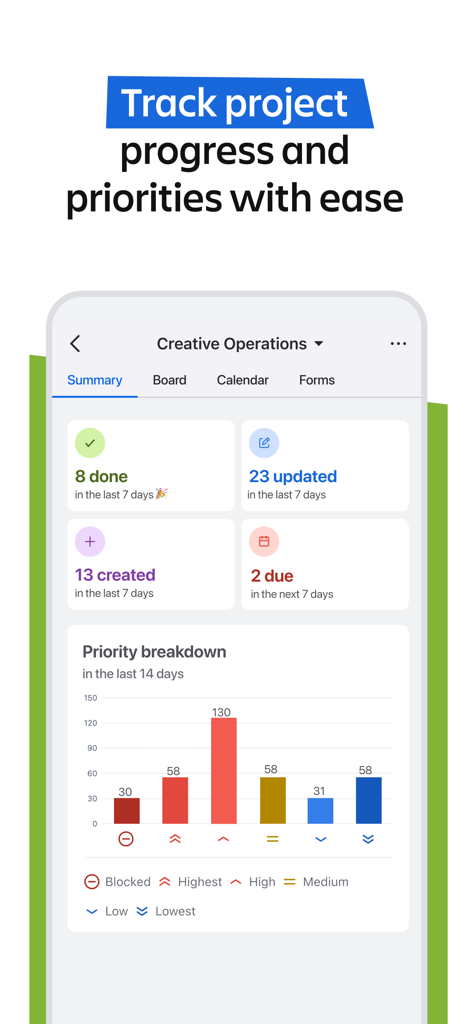
Jira Cloud app project summary screen with task status and priority breakdown chart
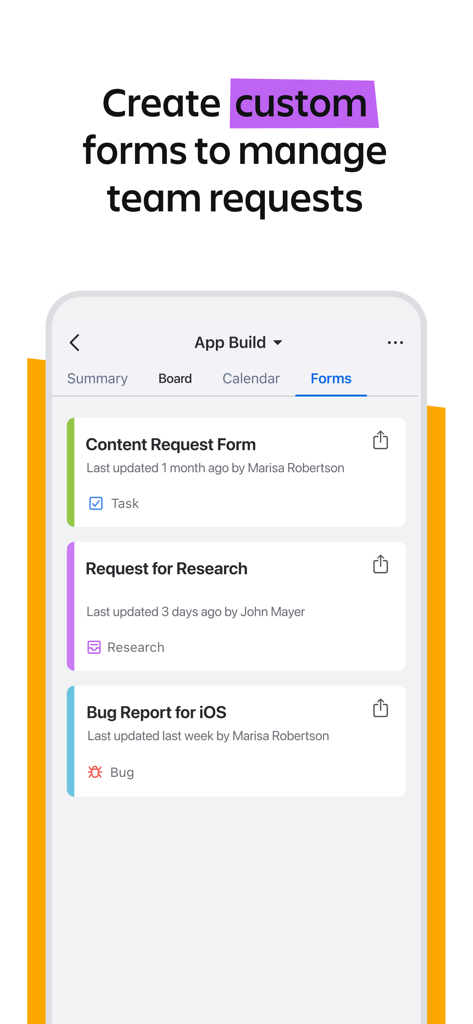
A mobile screen from Jira Cloud showing custom forms to manage team requests like bug reports and research.
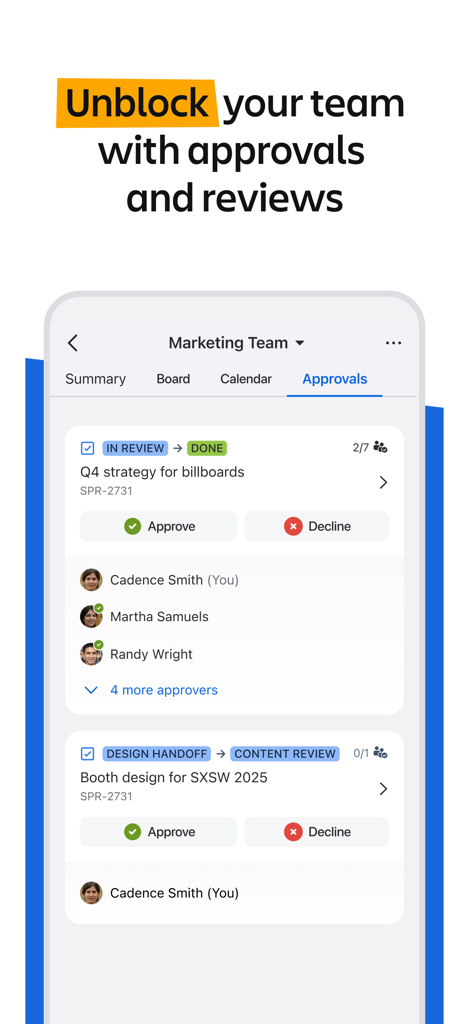
Jira Cloud mobile app showing the team approvals and reviews screen for marketing tasks
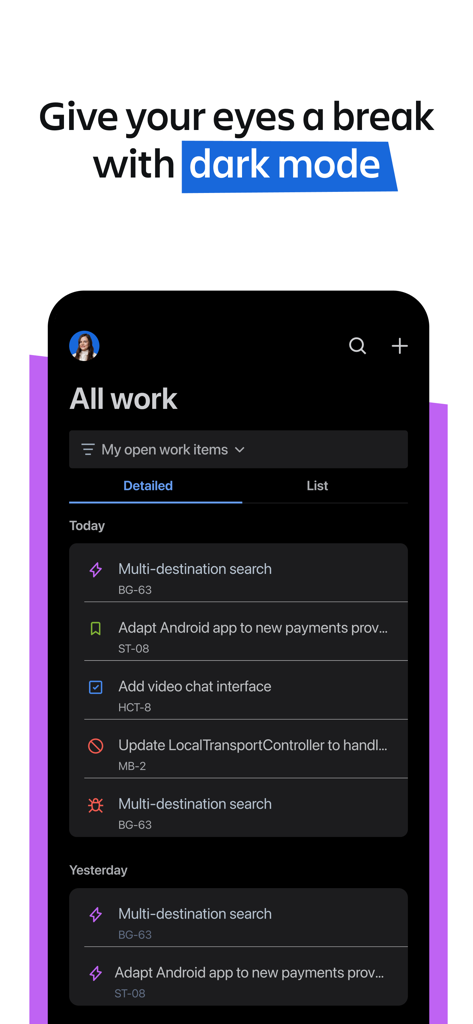
Jira Cloud mobile app showing the dark mode interface with a list of tasks
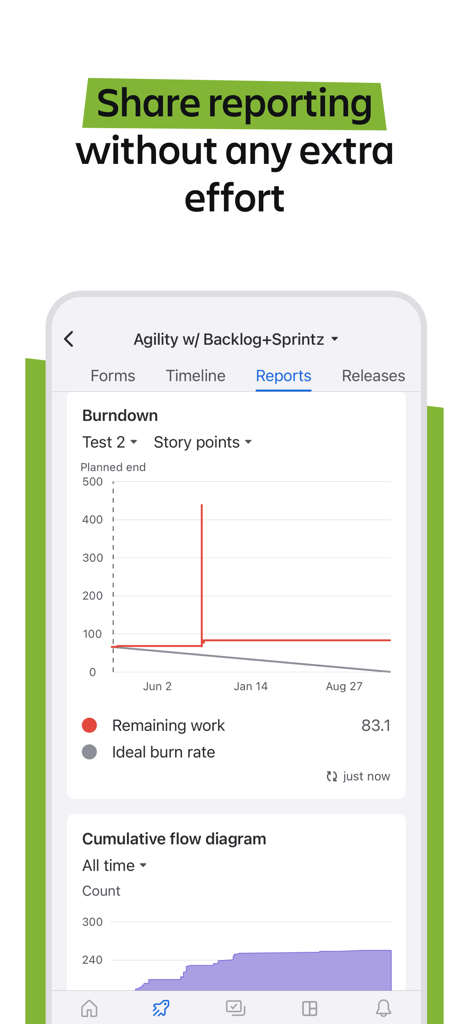
Agile project reports and burndown chart in Jira Cloud mobile app
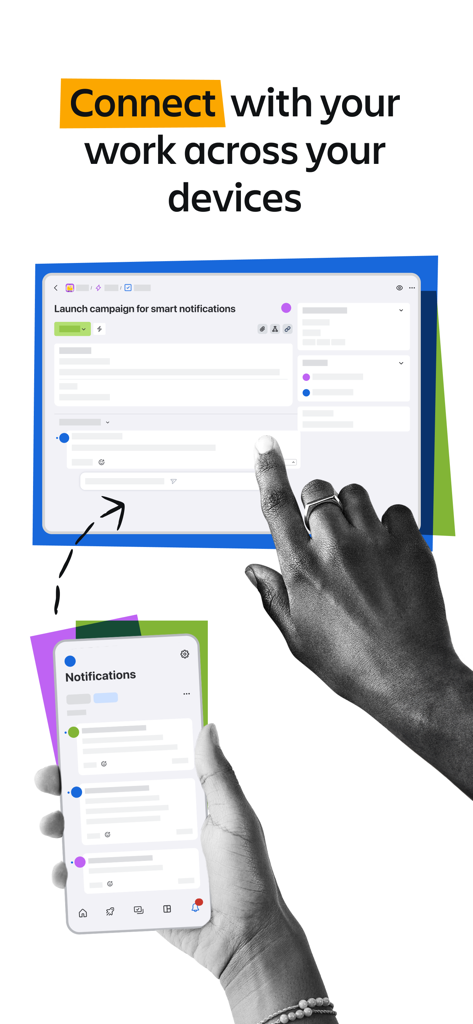
Jira Cloud app syncing work tasks across a tablet and a mobile phone

Promotional banner for Jira Cloud mobile app with the slogan From on the go to in the know starts with Jira
Description
Download
More Like This
Apps with similar features and user experience





This page is not an official page of the app or its developer, but an independent editorial publication created for informational and commentary purposes. Unless expressly stated otherwise, neither the app nor its developer is affiliated with, endorsed by, sponsored by, authorized by, or otherwise officially connected with MWM, Apple, Google Play, the app publisher, or the app's developer, and nothing on this page implies that the app was developed using MWM's services. Any trademarks, logos, screenshots, and other content remain the property of their respective owners.