
This page is not an official page of the app or its developer, but an independent editorial publication created for informational and commentary purposes. Unless expressly stated otherwise, neither the app nor its developer is affiliated with, endorsed by, sponsored by, authorized by, or otherwise officially connected with MWM, Apple, Google Play, the app publisher, or the app's developer, and nothing on this page implies that the app was developed using MWM's services. Any trademarks, logos, screenshots, and other content remain the property of their respective owners.


Linear Mobile
The essential companion to your Linear workspace. Triage issues, stay in sync with your team’s velocity, and capture bugs the moment they happen—designed for when you are away from your keyboard.
Downloads
77K+User Rating
Total Ratings
1K+Publisher
Category
BusinessLocales
1Latest Version
1.57.1Size
127.5 MBFirst Released
Sep 18, 2024Maintain Momentum, Anywhere
The power of Linear’s high-performance workflow, optimized for the moments you're away from your keyboard.
Instant Issue Filing
Capture bugs and product ideas the second they strike. Eliminate mental overhead by filing issues with zero friction directly from your phone.
Targeted Inbox Triaging
Cut through the noise. Stay updated on high-priority work streams and respond to urgent comments with a mobile-first notification experience.
Frequently Asked Questions
Everything you need to know about Linear Mobile
What is Linear Mobile used for?
Linear Mobile is a companion app designed for on-demand product planning and building workflows. It streamlines issues, projects, and roadmaps, allowing users to manage tasks away from their desktop.
How does Linear Mobile help users stay updated?
Linear Mobile helps users stay up-to-date on their important work streams. It provides instant notifications about critical updates, ensuring users are always informed about project progress and changes.
Can users create new issues directly from Linear Mobile?
Yes, users can file issues on-the-go directly from the Linear Mobile app. This feature enables quick documentation of problems or tasks as they arise, even when away from a keyboard.
Does Linear Mobile integrate with project roadmaps?
Yes, Linear Mobile is a tool for streamlining product roadmaps. It allows users to manage and view project progress and planning, consistent with its function as a product-building tool.
What is the requirement for using the Linear Mobile app?
An existing Linear account is a requirement for using the Linear Mobile app. It functions as a mobile companion, extending the capabilities of the primary Linear desktop application.
The following screenshots and description are sourced directly from the app's official store listing and are the property of the app developer.
App Store
Screenshots
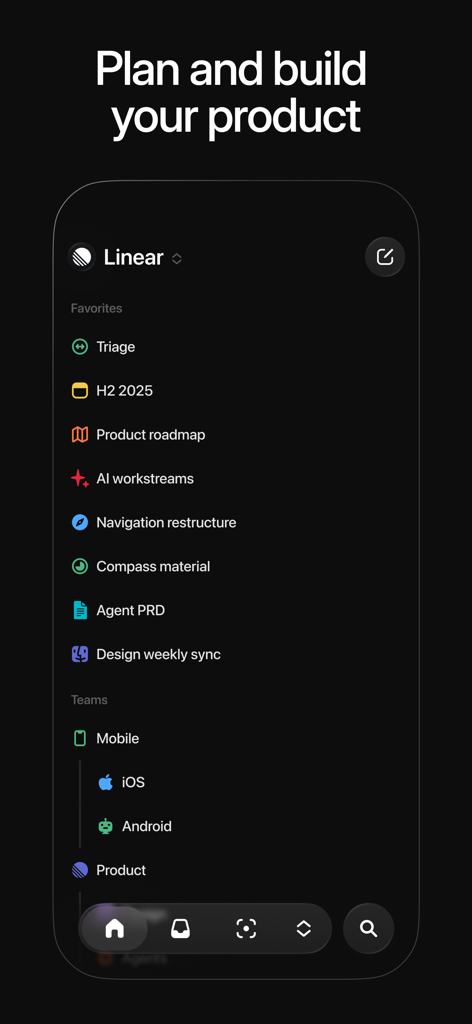
Linear Mobile app interface showing the sidebar with project roadmaps and team workstreams in dark mode
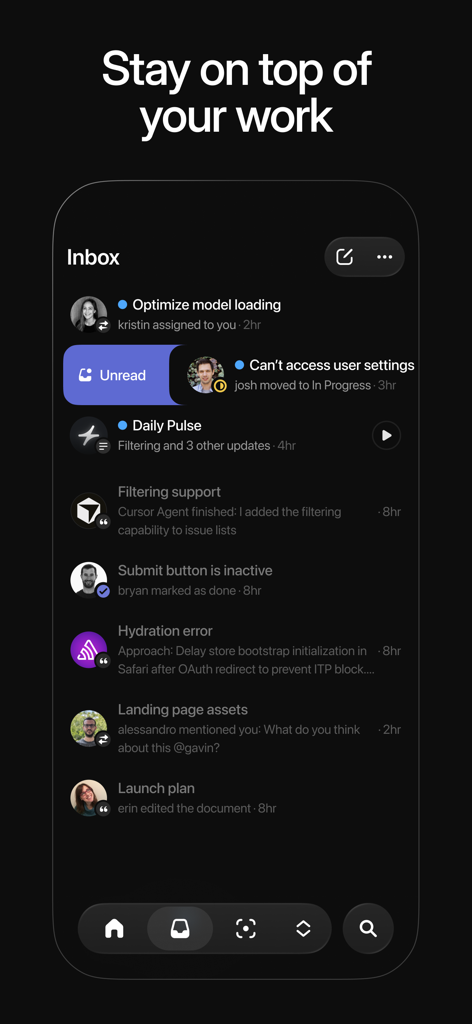
The Linear Mobile app inbox screen showing a list of project updates and notifications in dark mode.
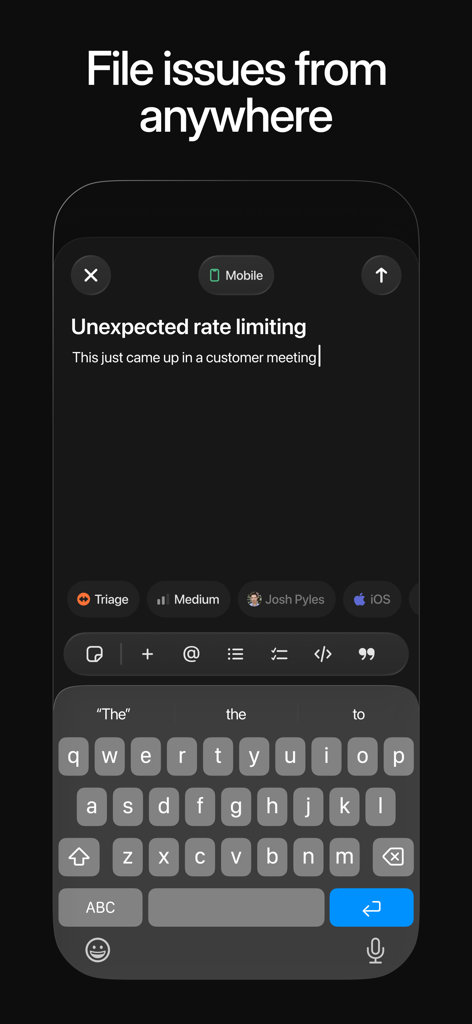
Mobile interface for filing a new issue in Linear Mobile app.
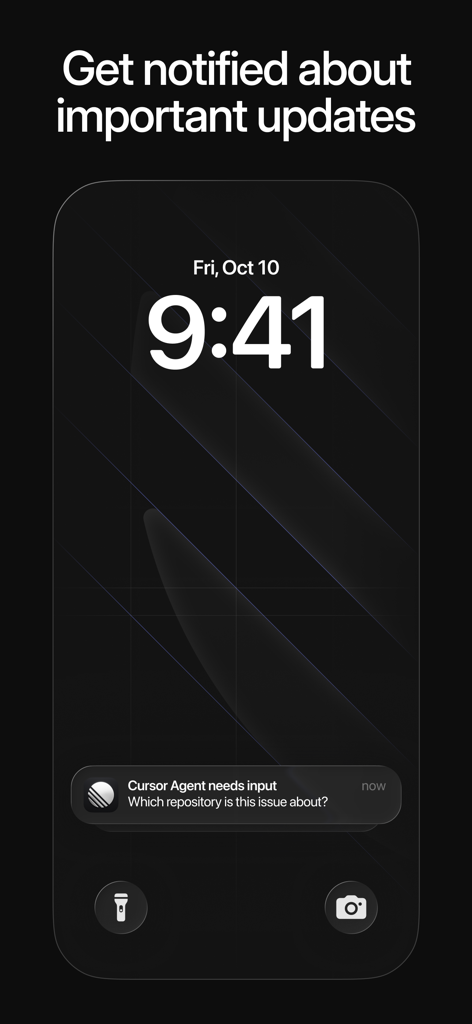
Smartphone lock screen showing a Linear Mobile update notification.
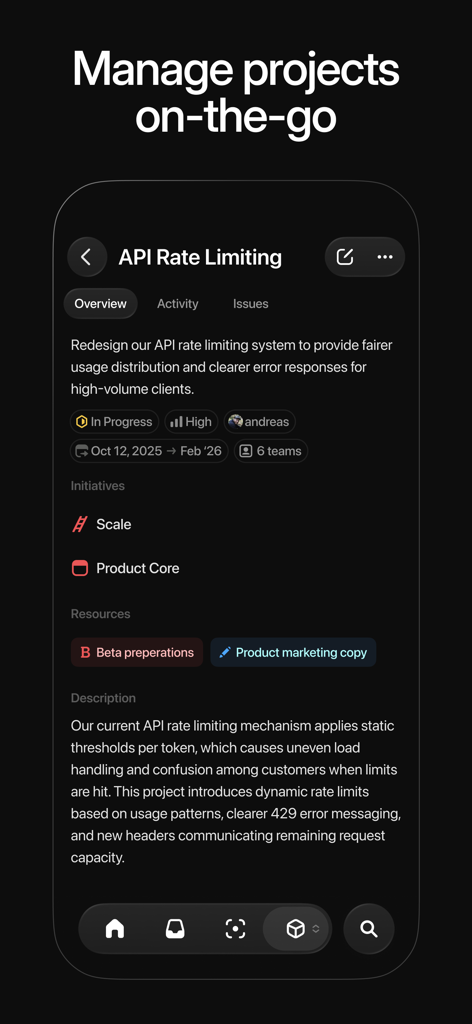
Linear Mobile project management interface showing API Rate Limiting details
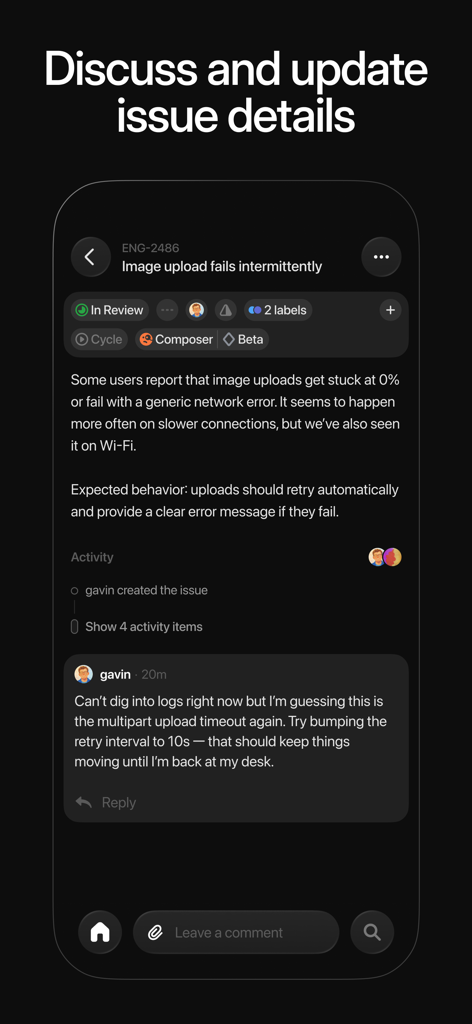
A mobile screen showing software issue details and team discussion in the Linear app
Description
Download
More Like This
Apps with similar features and user experience





This page is not an official page of the app or its developer, but an independent editorial publication created for informational and commentary purposes. Unless expressly stated otherwise, neither the app nor its developer is affiliated with, endorsed by, sponsored by, authorized by, or otherwise officially connected with MWM, Apple, Google Play, the app publisher, or the app's developer, and nothing on this page implies that the app was developed using MWM's services. Any trademarks, logos, screenshots, and other content remain the property of their respective owners.