
This page is not an official page of the app or its developer, but an independent editorial publication created for informational and commentary purposes. Unless expressly stated otherwise, neither the app nor its developer is affiliated with, endorsed by, sponsored by, authorized by, or otherwise officially connected with MWM, Apple, Google Play, the app publisher, or the app's developer, and nothing on this page implies that the app was developed using MWM's services. Any trademarks, logos, screenshots, and other content remain the property of their respective owners.

JotterPad - Novel, Screenplay
Focus on your craft with a distraction-free Markdown and Fountain editor. Whether you're drafting an industry-standard script or your next best-selling novel, JotterPad handles the formatting so you can stay in the flow.
Downloads
33K+User Rating
Total Ratings
200Publisher
Category
ProductivityLocales
15Latest Version
14.3.0Size
63.9 MBFirst Released
Jul 17, 2020Everything You Need to Create
Craft your next masterpiece with tools designed for the modern storyteller—offering distraction-free writing, professional formatting, and absolute data security.
Pro Formatting, Zero Effort
Produce professional-grade scripts and novels without touching a margin setting. Use Markdown and Fountain to meet industry standards automatically.
Seamless Cloud Ecosystem
Keep your momentum going. Transition between iPhone, iPad, and Mac seamlessly with native support for iCloud, Google Drive, and Dropbox.
Frequently Asked Questions
Everything you need to know about JotterPad - Novel, Screenplay
What is JotterPad?
JotterPad is a writing tool and WYSIWYG Markdown and Fountain editor for writers, screenwriters, authors, and bloggers. It aids in planning, writing, formatting, and publishing written work.
Does JotterPad support Markdown and Fountain?
Yes, JotterPad supports both Markdown and Fountain syntax. Users write content, and the app automatically handles the formatting, creating structured documents.
Can I export my work from JotterPad?
Yes, JotterPad allows users to export written work into multiple formats. These include Word, PDF, HTML, Final Draft (.fdx), Fountain, and Markdown.
What cloud services does JotterPad sync with?
JotterPad offers automatic sync with iCloud, Google Drive, OneDrive, and Dropbox. It functions offline and syncs work automatically once back online.
What are the subscription costs for JotterPad Pro Cloud?
JotterPad Pro Cloud costs US$6.99 per month or US$29.99 per year. This is an auto-renewing subscription, with prices potentially varying by location.
Does JotterPad offer templates for writing?
Yes, JotterPad provides over 50 templates to guide users with formatting their work. These templates assist in creating novels, books, articles, reports, and presentation slides.
Can JotterPad handle industry-standard screenwriting formats?
Yes, JotterPad supports industry-standard screenwriting formats using Fountain templates. Options include Broadway Musical, BBC Stage Play, Radio Sitcom, and Dramatists Guild Musical.
Does JotterPad include version control for documents?
Yes, JotterPad features in-built Version Control. This automatically backs up work as the user writes, allowing for review and editing of previous draft versions.
What platforms does JotterPad support?
JotterPad is available on iOS, iPad OS, and Mac platforms, allowing users to write across multiple devices and operating systems.
Can I publish content directly from JotterPad to blogs?
Yes, JotterPad allows users to publish their written work directly to blog platforms such as Tumblr, Ghost, and WordPress.
The following screenshots and description are sourced directly from the app's official store listing and are the property of the app developer.
App Store
Screenshots
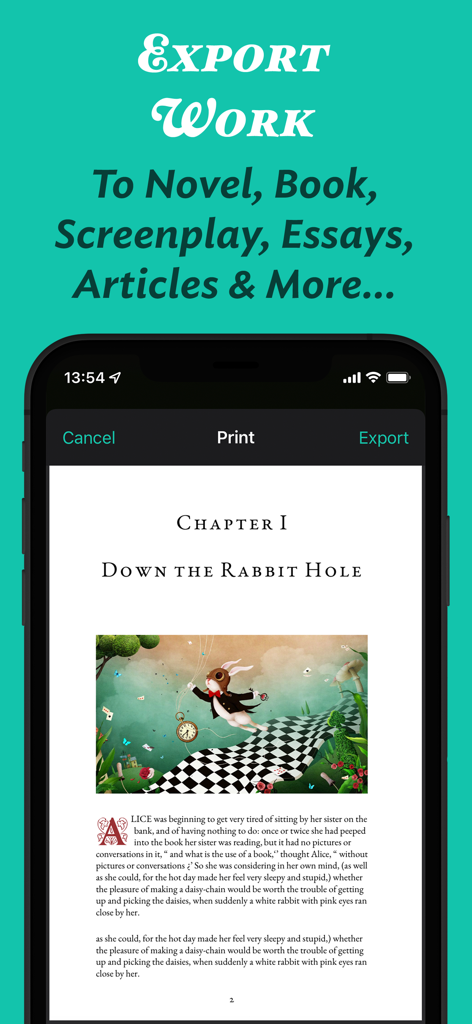
JotterPad app interface showing a print and export preview of a formatted novel chapter with an illustration
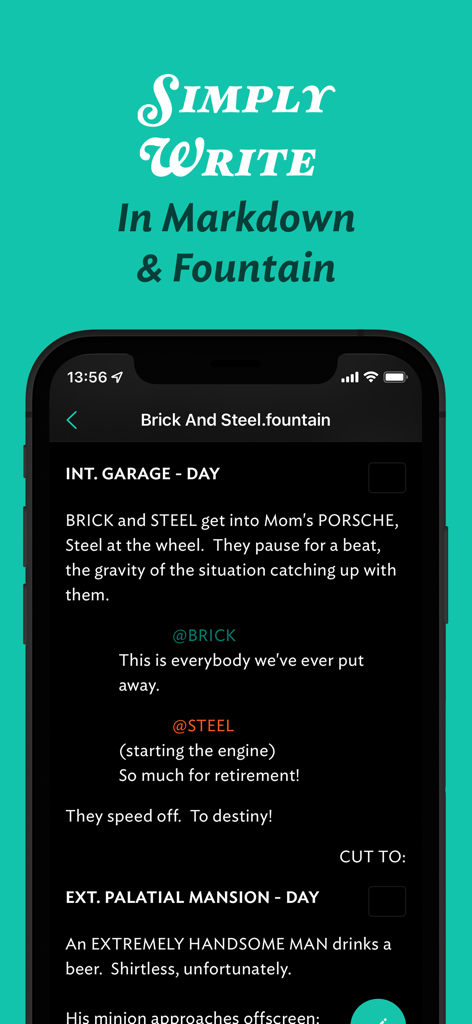
JotterPad mobile app interface for writing screenplays in Fountain syntax
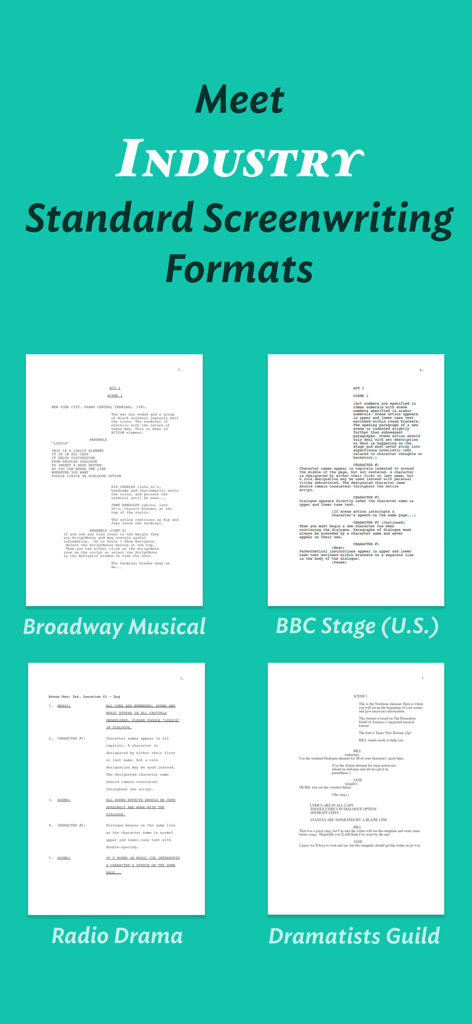
JotterPad app interface showing industry standard screenwriting templates for Broadway musical and BBC stage play
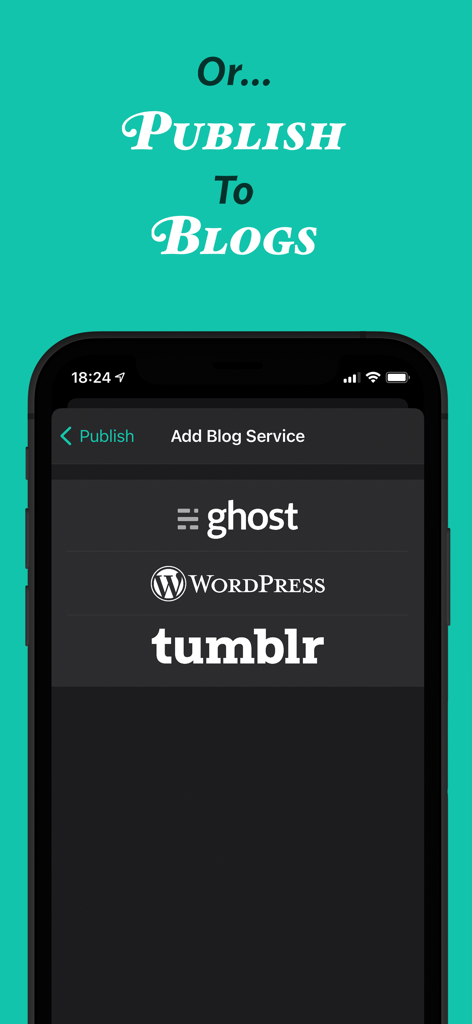
JotterPad app interface showing publishing options for Ghost WordPress and Tumblr blogs
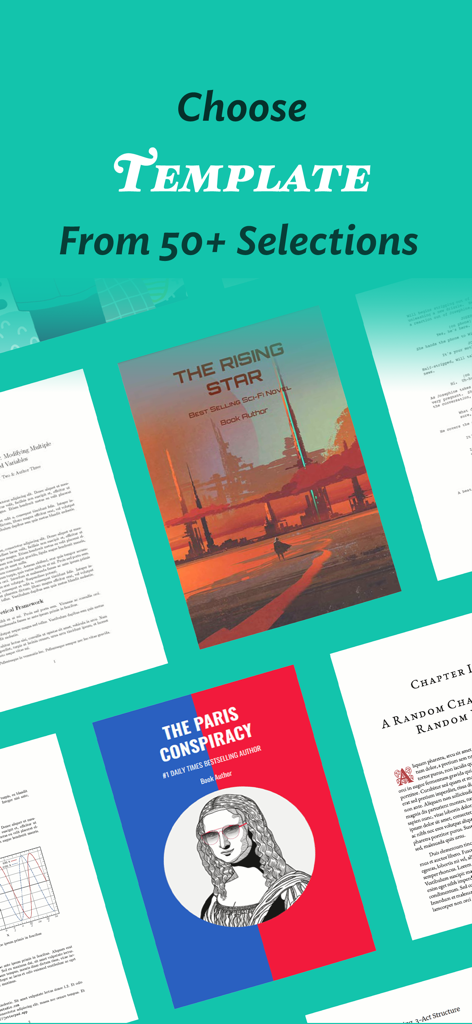
A variety of over 50 writing templates for novels screenplays and professional documents in JotterPad
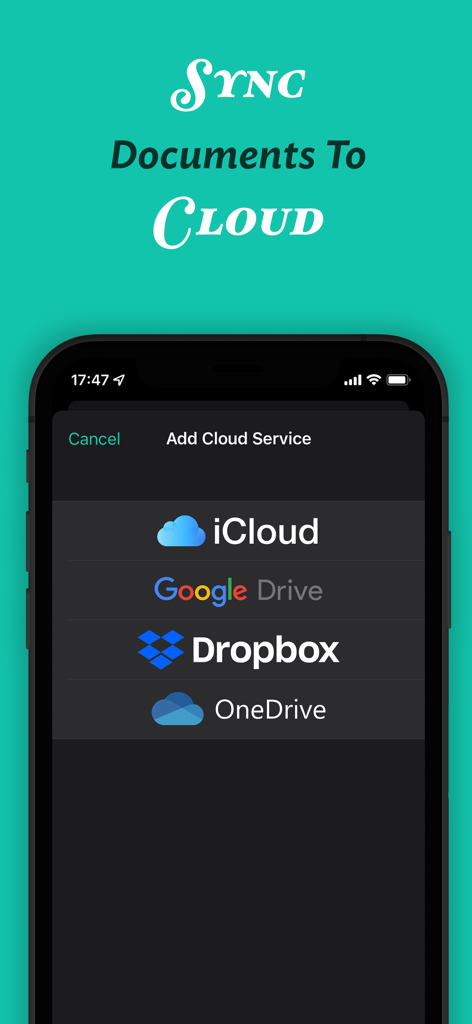
JotterPad app interface showing options to sync documents with iCloud, Google Drive, Dropbox, and OneDrive.
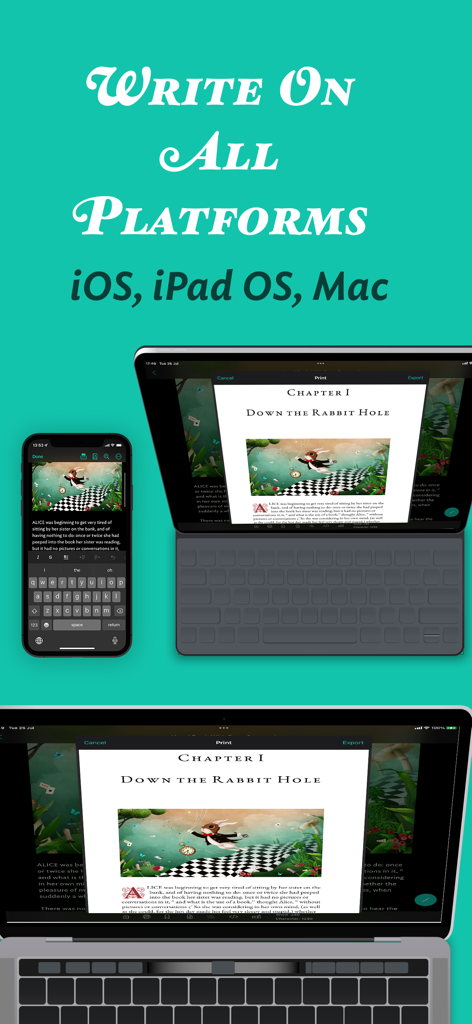
JotterPad app interface displayed across iPhone iPad and Mac showing cross platform document synchronization
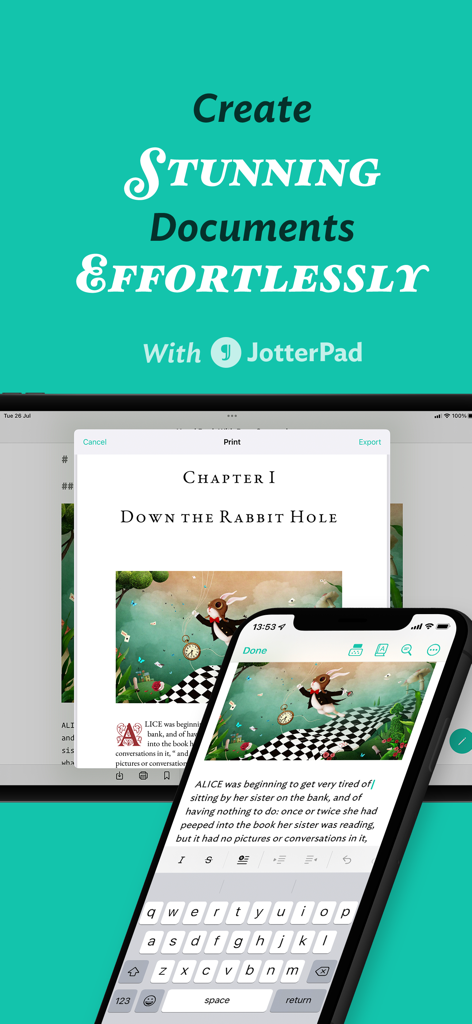
JotterPad app interface showing document editing on smartphone and tablet
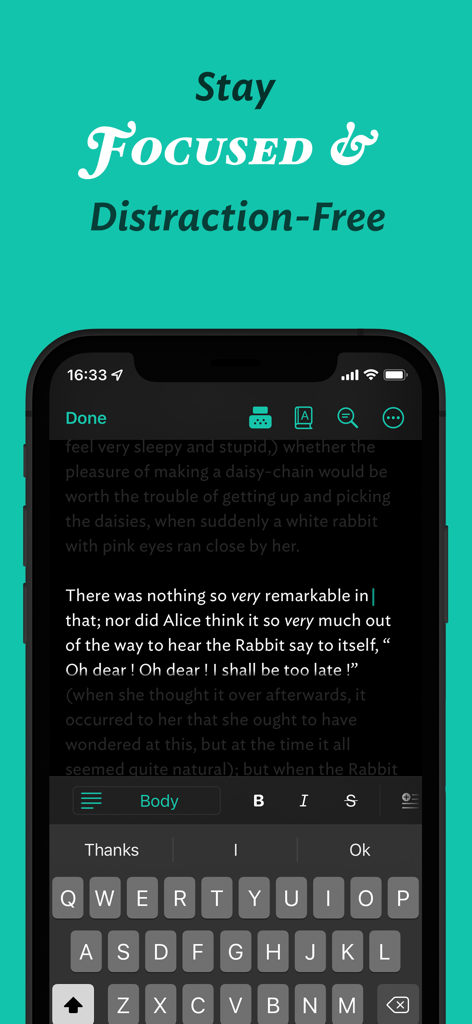
JotterPad mobile app displaying a distraction-free writing interface in dark mode.
Description
Download
More Like This
Top-ranked apps in the same category

ChatGPT
OpenAI OpCo, LLC

Google Gemini
Google LLC

Grok
X.AI Corporation

Gmail - Email by Google
Google LLC

千问 - 阿里最强大模型官方AI助手
Shanghai Zhixin Puhui Technology Co., Ltd.

Google Drive
Google LLC

Microsoft Authenticator
Microsoft Corporation

Google Sheets
Google LLC

Google Docs
Google LLC
This page is not an official page of the app or its developer, but an independent editorial publication created for informational and commentary purposes. Unless expressly stated otherwise, neither the app nor its developer is affiliated with, endorsed by, sponsored by, authorized by, or otherwise officially connected with MWM, Apple, Google Play, the app publisher, or the app's developer, and nothing on this page implies that the app was developed using MWM's services. Any trademarks, logos, screenshots, and other content remain the property of their respective owners.