
This page is not an official page of the app or its developer, but an independent editorial publication created for informational and commentary purposes. Unless expressly stated otherwise, neither the app nor its developer is affiliated with, endorsed by, sponsored by, authorized by, or otherwise officially connected with MWM, Apple, Google Play, the app publisher, or the app's developer, and nothing on this page implies that the app was developed using MWM's services. Any trademarks, logos, screenshots, and other content remain the property of their respective owners.


Kaspersky Passwords & Docs
Securely store passwords, bank cards, and confidential documents with zero-knowledge encryption. Sync seamlessly across all your devices and access everything instantly with Face ID.
Downloads
899K+User Rating
Total Ratings
13K+Publisher
Category
ProductivityLocales
30Latest Version
9.2.88Size
134.5 MBFirst Released
Sep 19, 2013Secure Your Digital Identity in One Place
The all-in-one encrypted vault for your passwords, bank cards, and essential documents, synced seamlessly across all your devices.
Zero-Knowledge Privacy
Your data is encrypted with a master password only you know. Not even Kaspersky can access your sensitive information.
Seamless Cross-Device Sync
Access your vault instantly on iPhone, Mac, or PC with biometric login for effortless security wherever you are.
Frequently Asked Questions
Everything you need to know about Kaspersky Passwords & Docs
What is Kaspersky Password Manager?
Kaspersky Password Manager securely stores passwords, addresses, bank card details, private notes, and confidential document images. It syncs this data across all your devices for faster access to online accounts and important information.
How does Kaspersky Password Manager secure my data?
Kaspersky Password Manager secures data in an encrypted vault, unlockable only with a master password. It employs Zero-Knowledge Security, meaning Kaspersky cannot access your data. It uses AES-256 Encryption.
What types of information can Kaspersky Password Manager store?
Kaspersky Password Manager stores passwords, addresses, bank card details, private notes, and images of confidential documents like passports and driver’s licenses. It also secures medical documents and other sensitive images.
Does Kaspersky Password Manager offer autofill for logins?
Yes, Kaspersky Password Manager features password autofill technology. It automatically fills credentials for logging into accounts and apps, saving users from manual entry.
Can Kaspersky Password Manager generate strong passwords?
Yes, Kaspersky Password Manager includes a password generator. It notifies users about weak or duplicate passwords and instantly generates strong, secure replacements.
Is there a free version of Kaspersky Password Manager?
Yes, Kaspersky Password Manager offers a free version. This version provides all Premium features but limits storage to a maximum of 5 entries.
Does Kaspersky Password Manager sync data across multiple devices?
Yes, Kaspersky Password Manager syncs all stored passwords and private data. This ensures easy accessibility across mobile devices, PCs, Macs, and browsers.
How does Kaspersky Password Manager protect user privacy?
Kaspersky Password Manager implements Zero-Knowledge Security, meaning your data is accessible only by you. Kaspersky does not store your master password on devices or in cloud storage.
Can I store confidential documents like passports in Kaspersky Password Manager?
Yes, Kaspersky Password Manager allows storing and securing images of confidential documents. This includes passports, driver’s licenses, and medical documents, keeping them in an encrypted vault.
Does Kaspersky Password Manager support biometric authentication like Face ID or Touch ID?
Yes, Kaspersky Password Manager supports unlocking your vault using Apple Face ID or Apple Touch ID. This feature is available for specific iPhone and iPad models.
The following screenshots and description are sourced directly from the app's official store listing and are the property of the app developer.
App Store
Screenshots
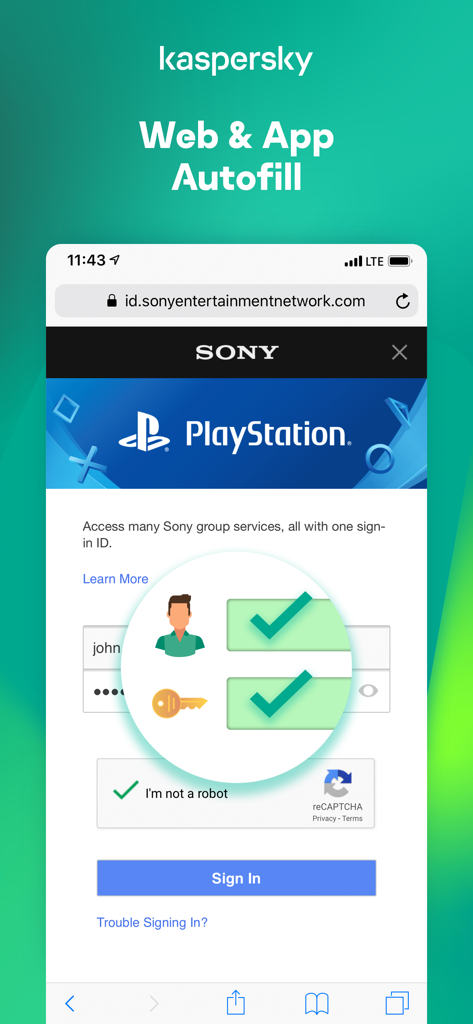
Kaspersky Passwords and Docs app interface showcasing the web and app autofill feature on a mobile login screen
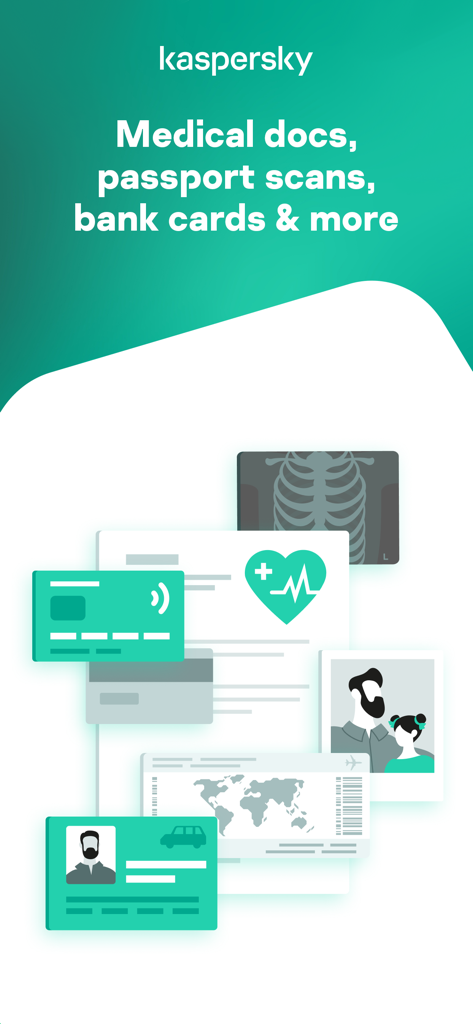
Kaspersky app interface showing secure storage for medical documents, passport scans, and bank cards.
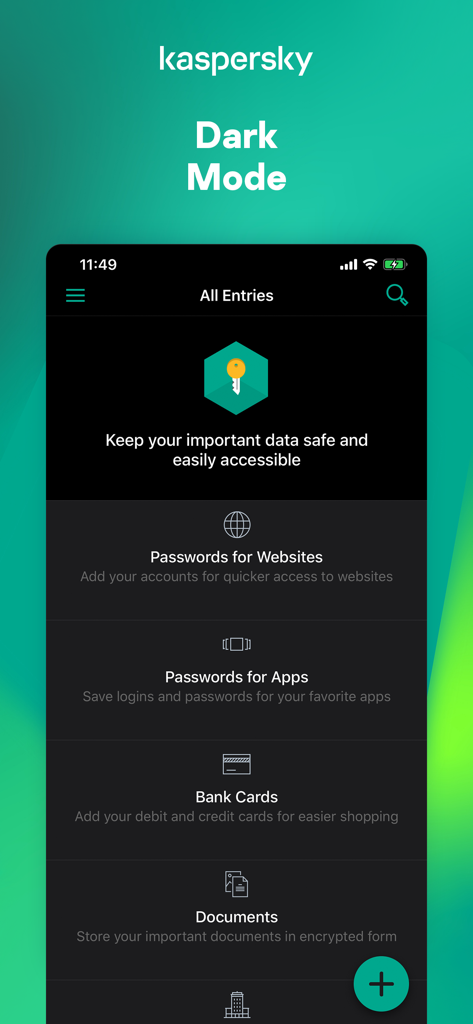
Kaspersky Password Manager mobile app interface in dark mode showing password and document categories
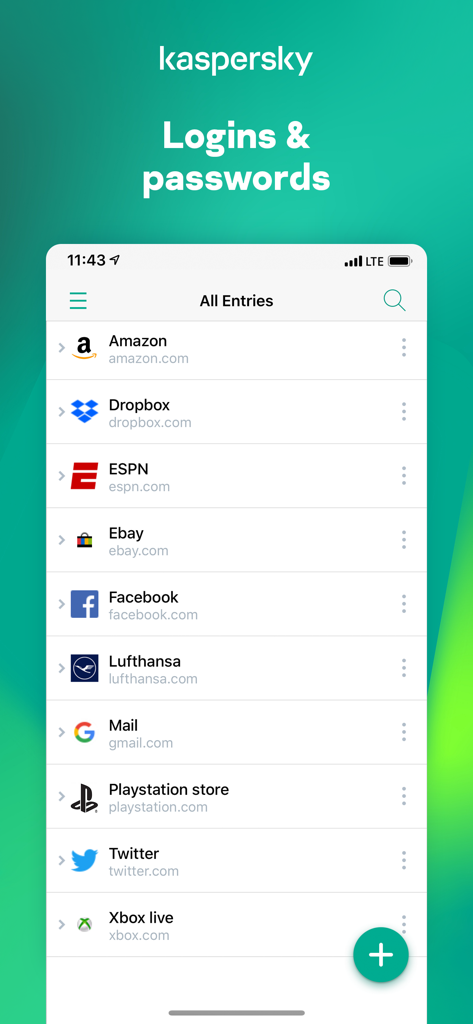
Interface of the Kaspersky Passwords and Docs app showing a list of saved logins and passwords for various accounts
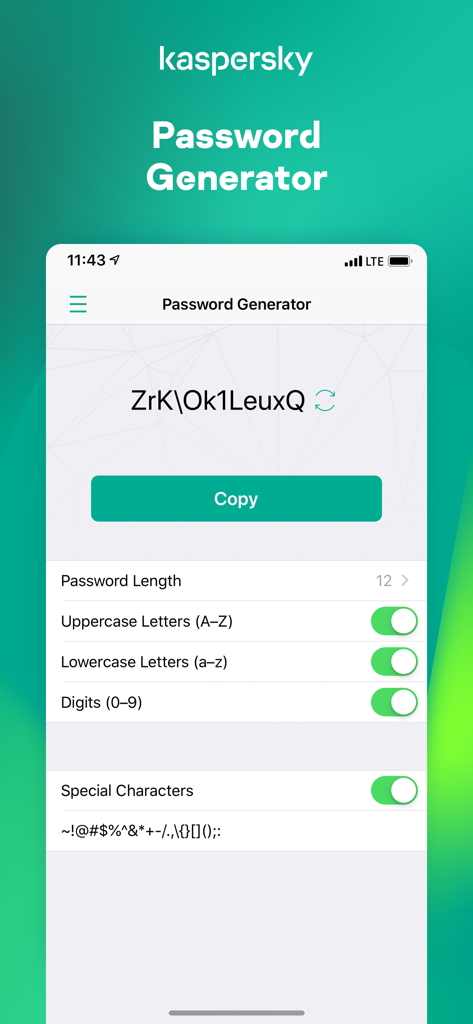
Kaspersky Passwords and Docs app showing the password generator screen with customization options for characters and length
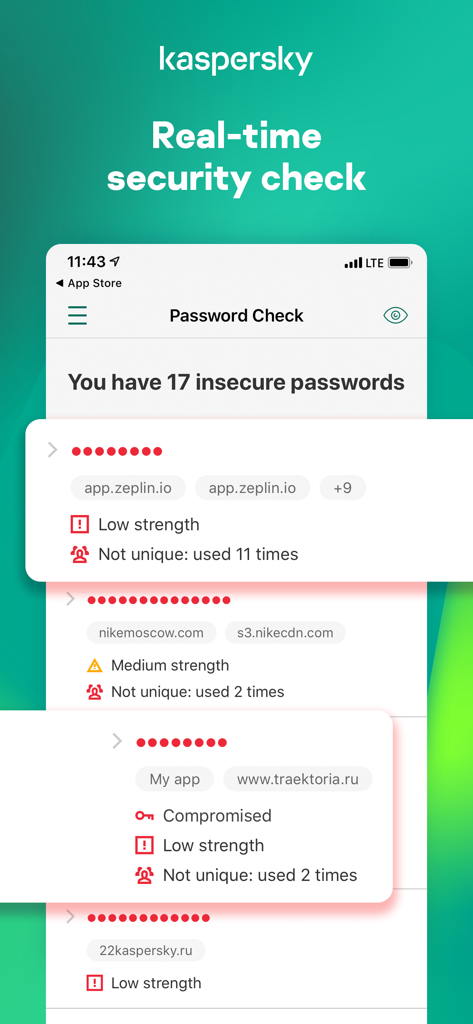
A screenshot showing the real-time security check feature of Kaspersky Password Manager identifying insecure and compromised passwords.
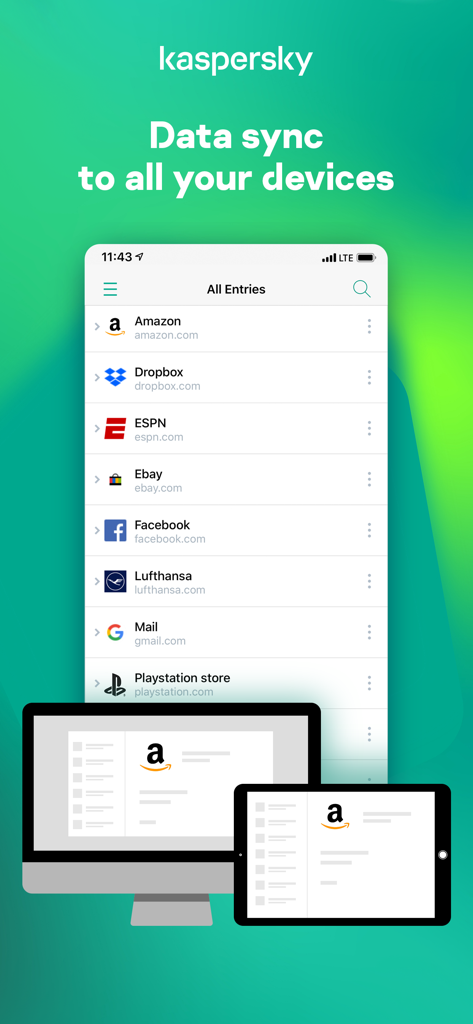
Kaspersky app showing password sync across smartphone desktop and tablet devices
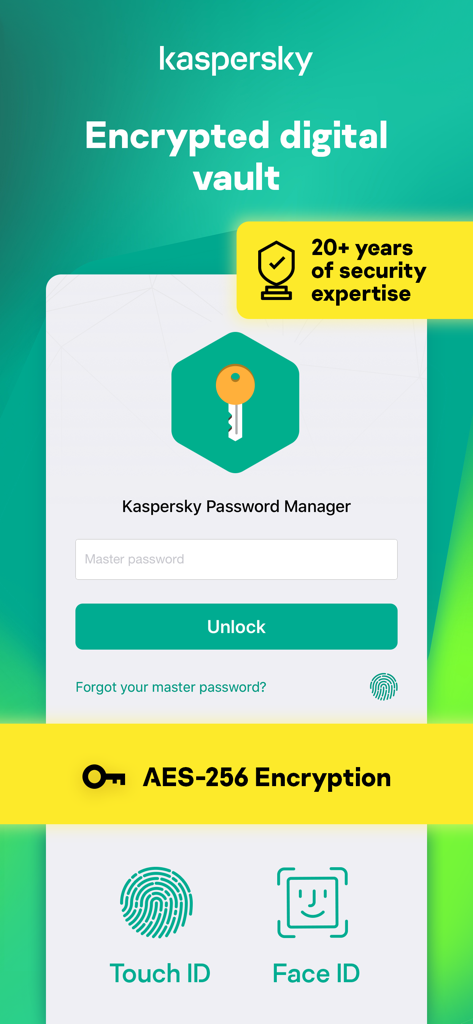
Kaspersky Password Manager app interface showing encrypted digital vault with AES-256 encryption and biometric login options like Face ID and Touch ID
Description
Download
More Like This
Apps with similar features and user experience

Proton Pass - Password Manager
Proton AG

Dashlane Password Manager
Dashlane

Password Manager - mSecure
mSeven Software, LLC

Kepttor Password Manager
MACREL SRL SEMPLIFICATA

DataVault Manager - Encrypted
MIKHAIL SHERSHNEV

Authenticator ·
SMM service, s.r.o.

Bitwarden Password Manager
Bitwarden Inc

Authenticator App ⁸
AGILE CODE LIMITED

Authenticator App ℗
RHO DEVELOPERS LLC
This page is not an official page of the app or its developer, but an independent editorial publication created for informational and commentary purposes. Unless expressly stated otherwise, neither the app nor its developer is affiliated with, endorsed by, sponsored by, authorized by, or otherwise officially connected with MWM, Apple, Google Play, the app publisher, or the app's developer, and nothing on this page implies that the app was developed using MWM's services. Any trademarks, logos, screenshots, and other content remain the property of their respective owners.