
This page is not an official page of the app or its developer, but an independent editorial publication created for informational and commentary purposes. Unless expressly stated otherwise, neither the app nor its developer is affiliated with, endorsed by, sponsored by, authorized by, or otherwise officially connected with MWM, Apple, Google Play, the app publisher, or the app's developer, and nothing on this page implies that the app was developed using MWM's services. Any trademarks, logos, screenshots, and other content remain the property of their respective owners.


KeyAccess
Take control of your digital privacy by compartmentalizing work, personal, and family life. Use unique access keys to hide photos and documents, ensuring you only share what you want when others use your device.
Downloads
4K+User Rating
Total Ratings
0Publisher
Category
LifestyleLocales
3Latest Version
2.3Size
6.3 MBFirst Released
Jun 25, 2015Total Privacy Through Smart Compartmentalization
KeyAccess empowers you to manage multiple hidden workspaces, ensuring your professional data and personal memories stay exactly where they belong.
Dynamic Multi-Key Security
Set different passwords for different file sets. Use one key for work and another for family—maintaining total discretion in every situation.
Professional File Management
View, edit, and organize PDFs, Excel sheets, and documents in a secure environment designed for high-stakes productivity.
The following screenshots and description are sourced directly from the app's official store listing and are the property of the app developer.
App Store
Screenshots
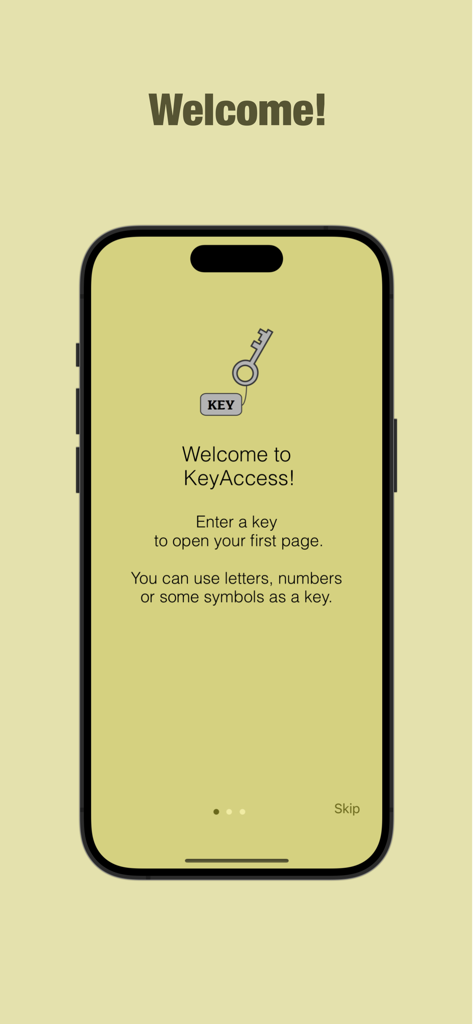
The welcome screen of the KeyAccess app explains how to use unique keys to access private files.
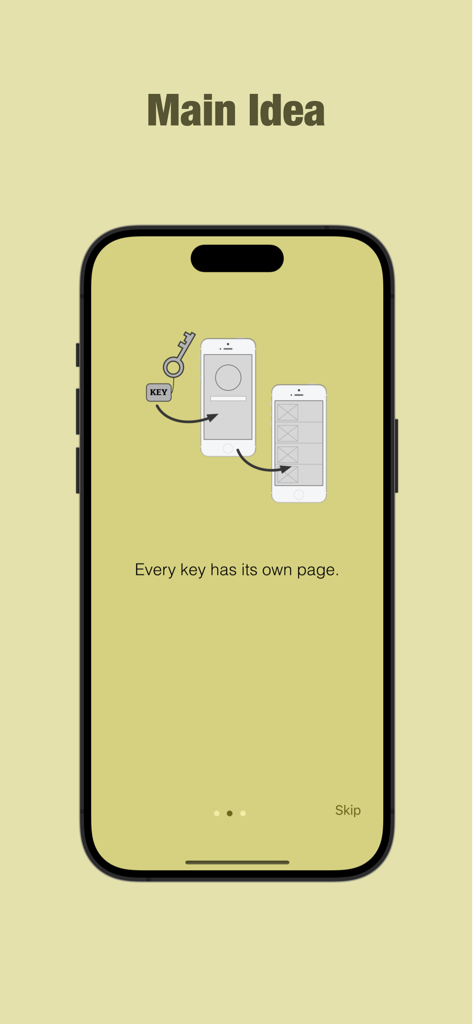
An onboarding screen for KeyAccess app explaining that every security key unlocks its own unique page of private files.
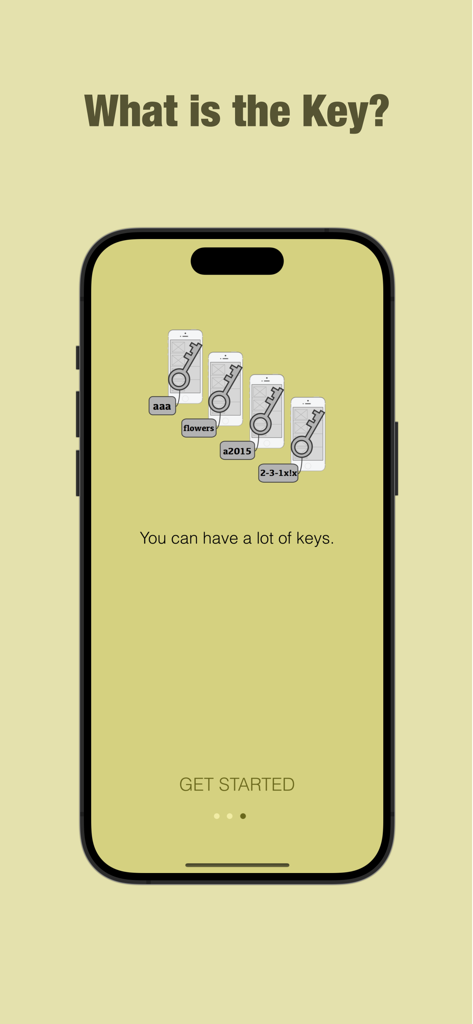
KeyAccess app introduction screen explaining the multi-key system for organizing private files.
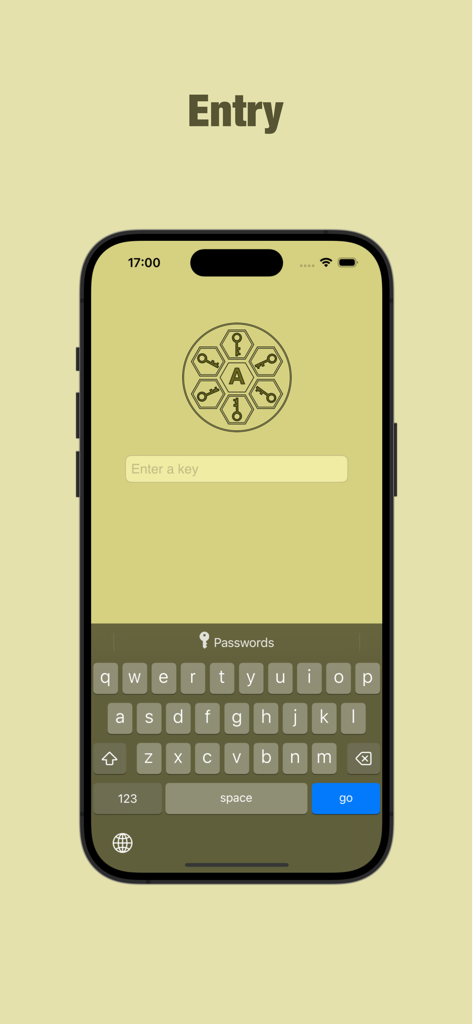
KeyAccess app entry interface on an iPhone showing a prompt to enter a private key
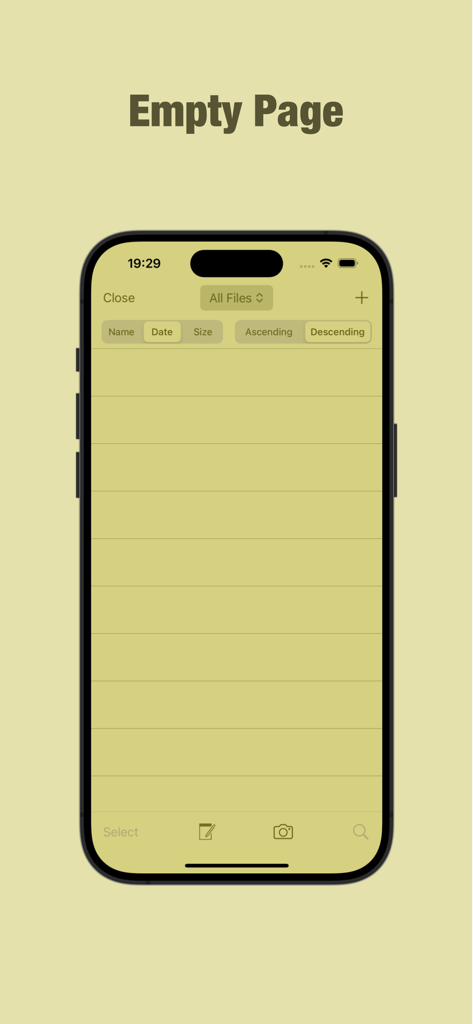
KeyAccess app interface showing an empty page with file sorting options
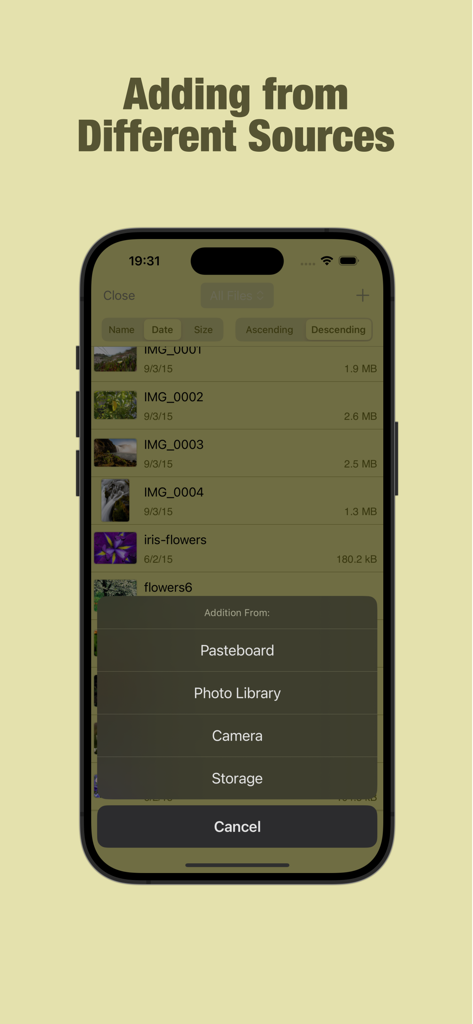
KeyAccess app interface showing options to import files from Pasteboard, Photo Library, Camera, and Storage.
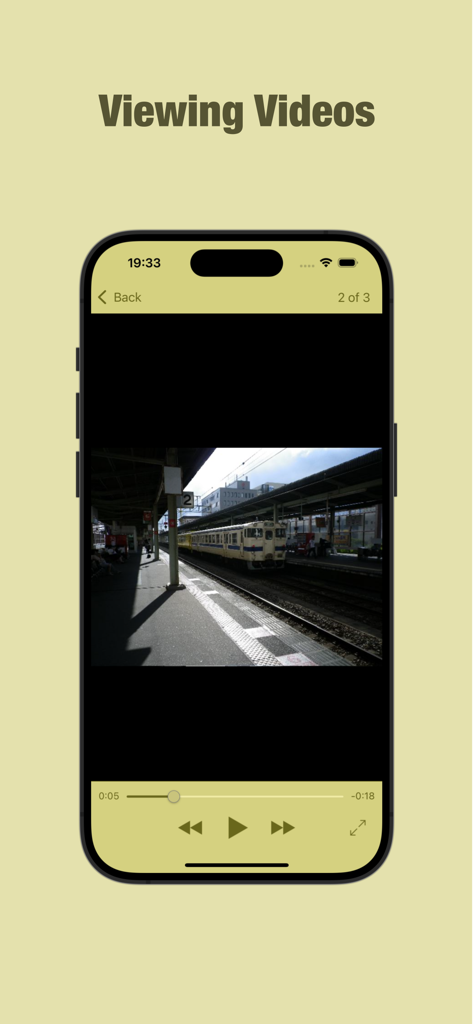
Interface of the KeyAccess app showing a private video player with playback controls
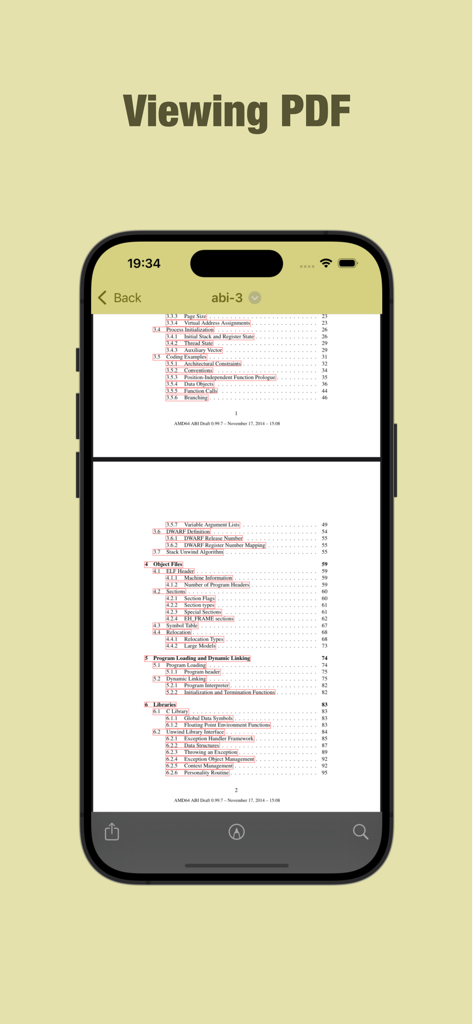
iPhone screenshot of the KeyAccess app showing the built-in PDF viewer displaying a technical document.
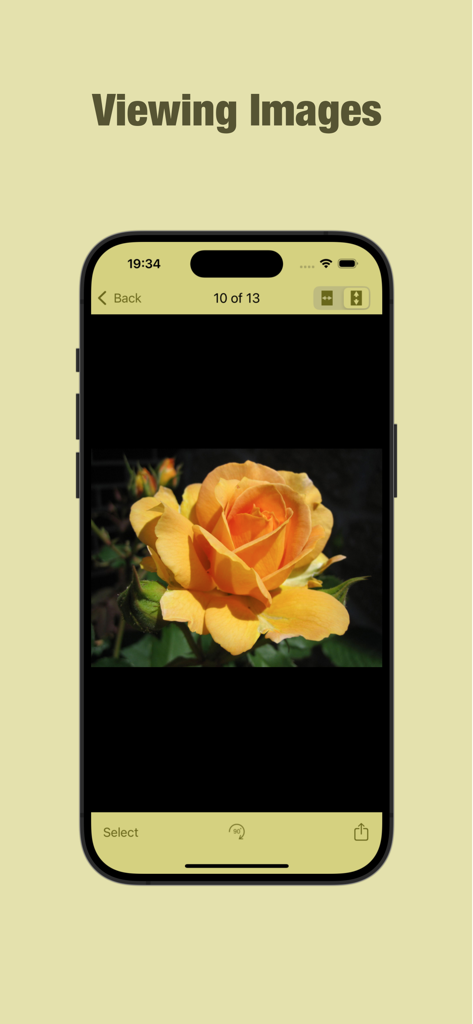
KeyAccess app interface displaying a private image of a yellow rose
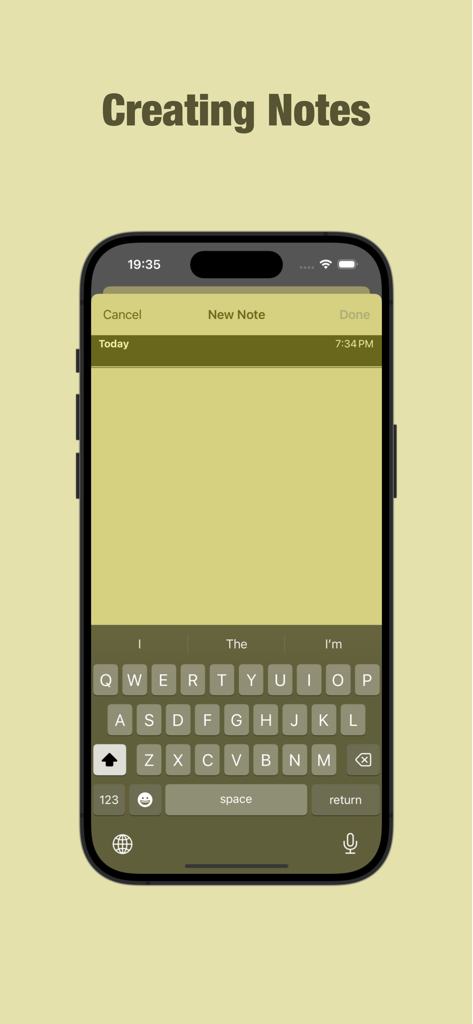
iPhone screenshot showing the interface for creating a private note within the KeyAccess app
Description
Download
More Like This
Top-ranked apps in the same category

Pinterest, Inc.

Alipay - Simplify Your Life
Alipay (Hangzhou) Technology Co., Ltd.

Dianping: Discover Good Places
Hanhai Information Technology (Shanghai) Co.Ltd

美团-美好生活小帮手
Sankuai Technology Co., Ltd.

Lemon8 - Lifestyle Community
TIKTOK PTE. LTD.

Xiaomi Home
Beijing Xiaomi Co., Ltd

Tinder Dating App: Date & Chat
Tinder LLC

SmartThings
Samsung Electronics Co., Ltd.

VNeTraffic
GLOBAL TECHNOLOGY - TELECOMMUNICATIONS CORPORATION
This page is not an official page of the app or its developer, but an independent editorial publication created for informational and commentary purposes. Unless expressly stated otherwise, neither the app nor its developer is affiliated with, endorsed by, sponsored by, authorized by, or otherwise officially connected with MWM, Apple, Google Play, the app publisher, or the app's developer, and nothing on this page implies that the app was developed using MWM's services. Any trademarks, logos, screenshots, and other content remain the property of their respective owners.