
This page is not an official page of the app or its developer, but an independent editorial publication created for informational and commentary purposes. Unless expressly stated otherwise, neither the app nor its developer is affiliated with, endorsed by, sponsored by, authorized by, or otherwise officially connected with MWM, Apple, Google Play, the app publisher, or the app's developer, and nothing on this page implies that the app was developed using MWM's services. Any trademarks, logos, screenshots, and other content remain the property of their respective owners.


こども専用カメラ
Empower your child's creativity without the digital mess. Let them snap thousands of photos in a safe, offline sandbox that won't fill up your iCloud or clutter your family memories.
Downloads
0User Rating
Total Ratings
0Publisher
Category
Photo & VideoLocales
1Latest Version
1.01Size
1.4 MBFirst Released
Jan 8, 2026The Worry-Free Camera for Little Creators
Give your child the freedom to explore photography without cluttering your phone, filling your iCloud, or compromising their privacy.
Clutter-Free Storage
Photos stay inside the app and won't clutter your main camera roll. Manually save only the masterpieces you want to keep forever.
100% Privacy & Safety
No internet required, no data collection, and zero ads. A secure offline sandbox where your child's privacy is the top priority.
The following screenshots and description are sourced directly from the app's official store listing and are the property of the app developer.
App Store
Screenshots

A young child holding a smartphone to take pictures of cherry blossoms in a public park
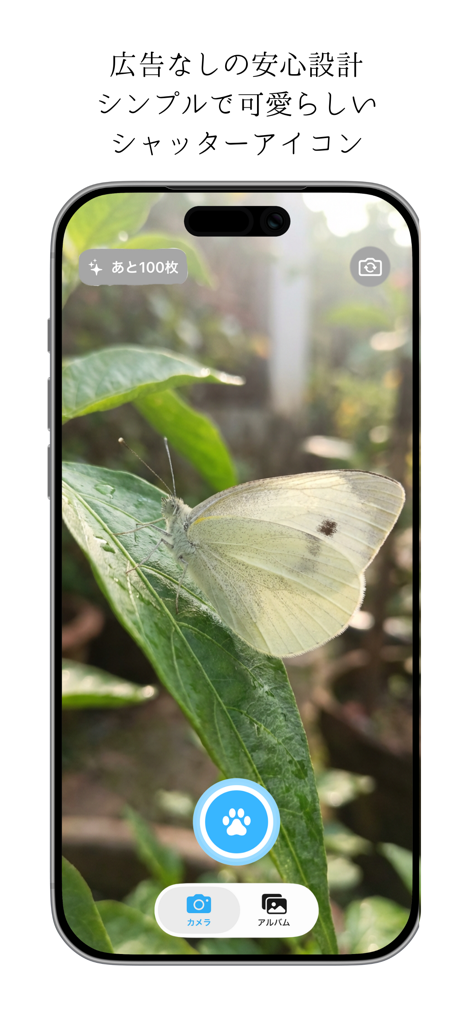
Kids camera app interface with a large blue paw print shutter button and a butterfly on a leaf
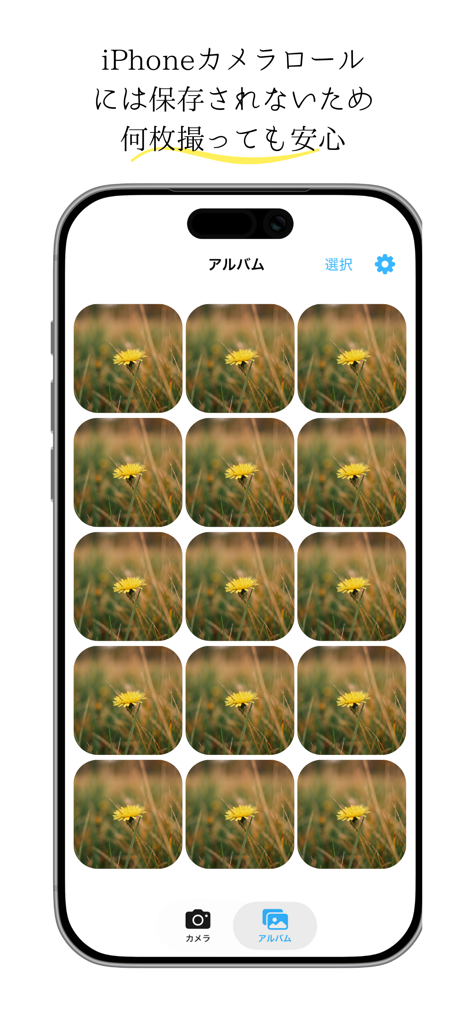
A smartphone screen displaying a photo gallery within a child-friendly camera app where photos are stored separately from the main device library.
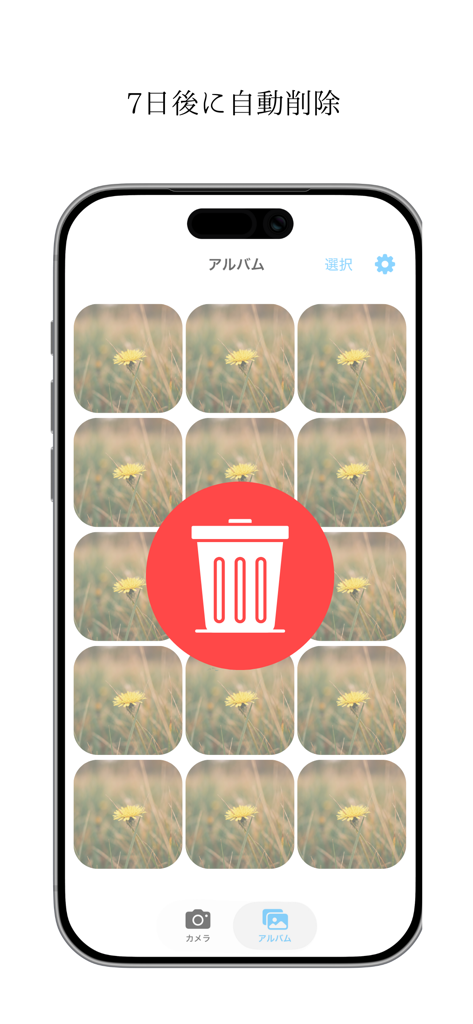
Screenshot of the kids camera app showing the automatic photo deletion feature after seven days
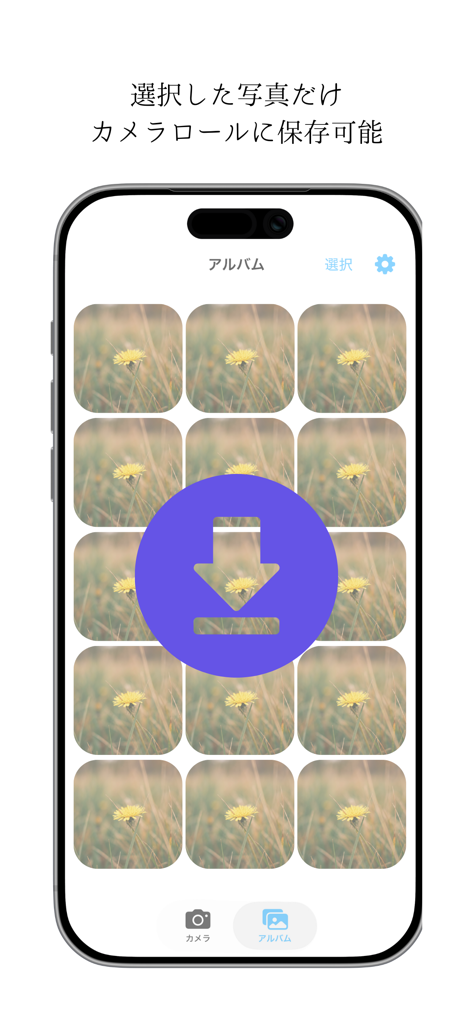
Interface of the Kids' Dedicated Camera app showing a photo gallery and a large purple download icon to save selected images to the device camera roll.
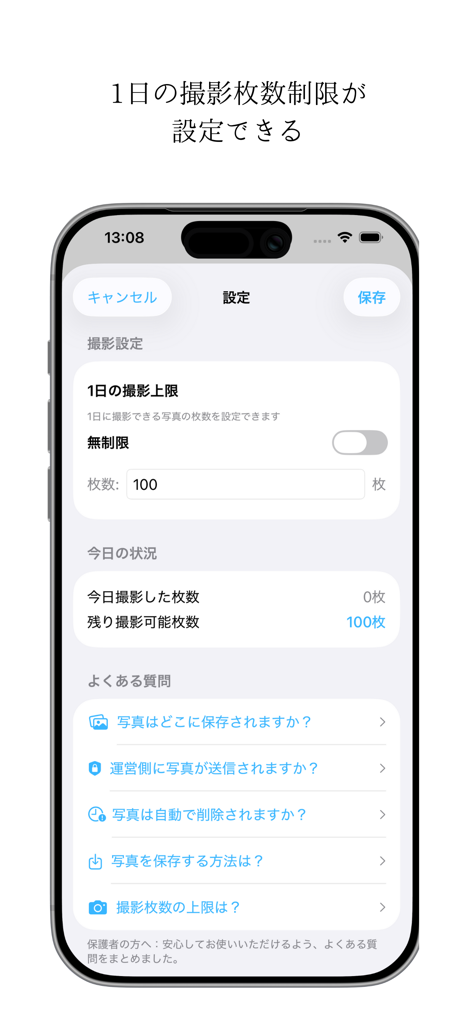
Settings screen of the kids camera app showing the configuration for daily photo limits.
Description
Download
More Like This
Top-ranked apps in the same category

CapCut: Photo & Video Editor
BYTEDANCE PTE. LTD.

Instagram, Inc.

YouTube
Google LLC

Canva: AI Photo & Video Editor
Canva Pty Ltd

Snapchat
Snap, Inc.

快手
Beijing Kwai Technology Co., Ltd.

Edits: Video Editor
Instagram, Inc.

Meitu- AI Photo & Video Editor
Xiamen Meitu Technology Co., Ltd.

Google Photos: Backup & Edit
Google LLC
This page is not an official page of the app or its developer, but an independent editorial publication created for informational and commentary purposes. Unless expressly stated otherwise, neither the app nor its developer is affiliated with, endorsed by, sponsored by, authorized by, or otherwise officially connected with MWM, Apple, Google Play, the app publisher, or the app's developer, and nothing on this page implies that the app was developed using MWM's services. Any trademarks, logos, screenshots, and other content remain the property of their respective owners.