
This page is not an official page of the app or its developer, but an independent editorial publication created for informational and commentary purposes. Unless expressly stated otherwise, neither the app nor its developer is affiliated with, endorsed by, sponsored by, authorized by, or otherwise officially connected with MWM, Apple, Google Play, the app publisher, or the app's developer, and nothing on this page implies that the app was developed using MWM's services. Any trademarks, logos, screenshots, and other content remain the property of their respective owners.


Komp
The easiest way to share life's moments with seniors who don't use smartphones. Send photos, messages, and video calls directly to their screen without the frustration of tech support.
Downloads
89K+User Rating
Total Ratings
3K+Publisher
Category
LifestyleLocales
1Latest Version
2.17.4Size
67.7 MBFirst Released
Dec 7, 2017Stay Connected with Ease
Bridge the gap between generations with a simple app that brings you closer to your loved ones. Share moments, talk face-to-face, and manage their Komp screen effortlessly from your phone.
Instant Photo Sharing
Send photos and text updates directly to their screen. It's the easiest way to share daily highlights with family members who don't use social media.
One-Tap Video Calling
Start high-quality video calls instantly. They won't need to navigate complex menus or click buttons—the connection is seamless and stress-free.
Frequently Asked Questions
Everything you need to know about Komp
What is the Komp app?
The Komp app is a content management tool for the Komp device, a one-button screen for seniors. It enables family and friends to send photos, text messages, and start video calls, helping seniors stay connected.
What are the main features of the Komp app?
The Komp app allows family and friends to send photos, text messages, and initiate video calls to seniors using the Komp device. It builds a technological bridge for easy communication between generations.
How do I set up the Komp app for the first time?
To set up the Komp app initially, open it and enter the Komp keyword displayed on the physical Komp screen. You must be nearby the Komp device for this first-time configuration process.
Can multiple family members use the Komp app?
Yes, an unlimited number of family members can be invited to share moments through the Komp app. This allows all members to see shared photos and messages, creating a family social network.
Do I need to be near the Komp device to use the app?
You need to be physically nearby the Komp device only for the initial configuration. If Komp is already configured, users must receive an invitation to access and manage its content.
The following screenshots and description are sourced directly from the app's official store listing and are the property of the app developer.
App Store
Screenshots
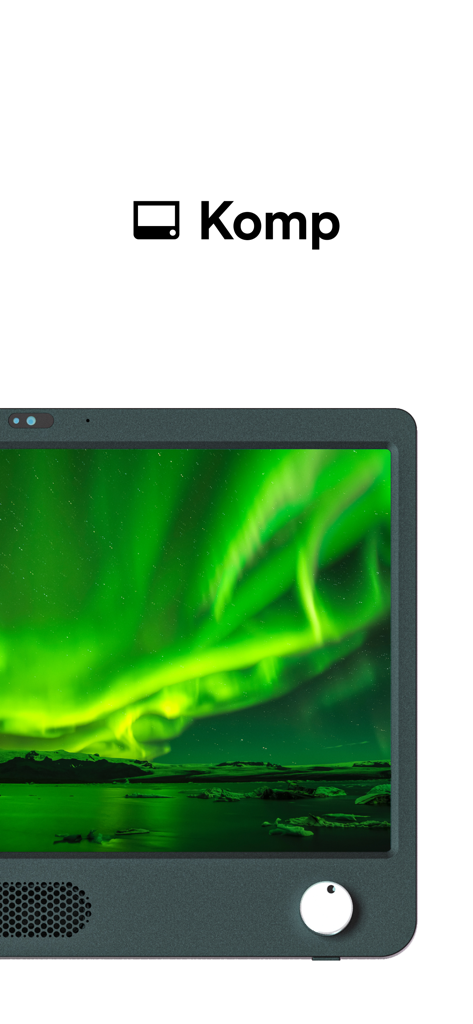
A Komp hardware device for seniors with a simple one-button interface displaying a vibrant photo of the northern lights
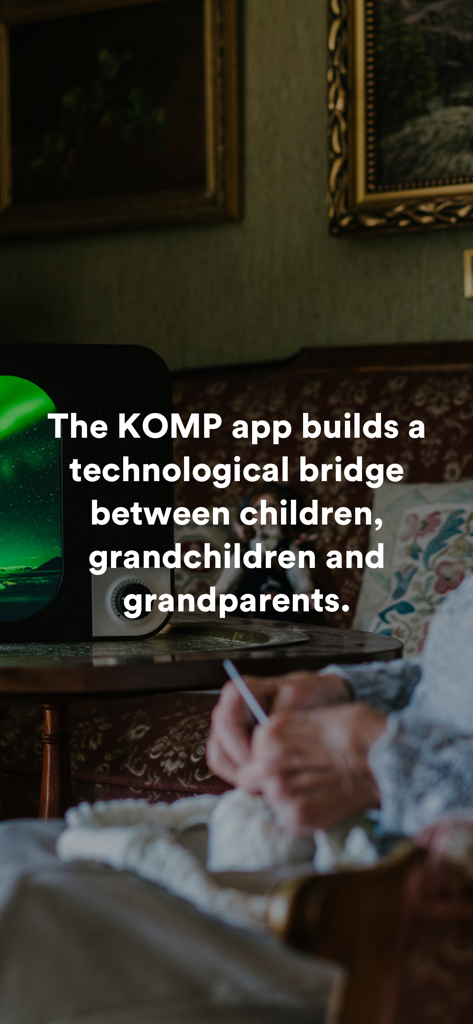
Senior person knitting next to a Komp device with text describing the app as a technological bridge between children and grandparents
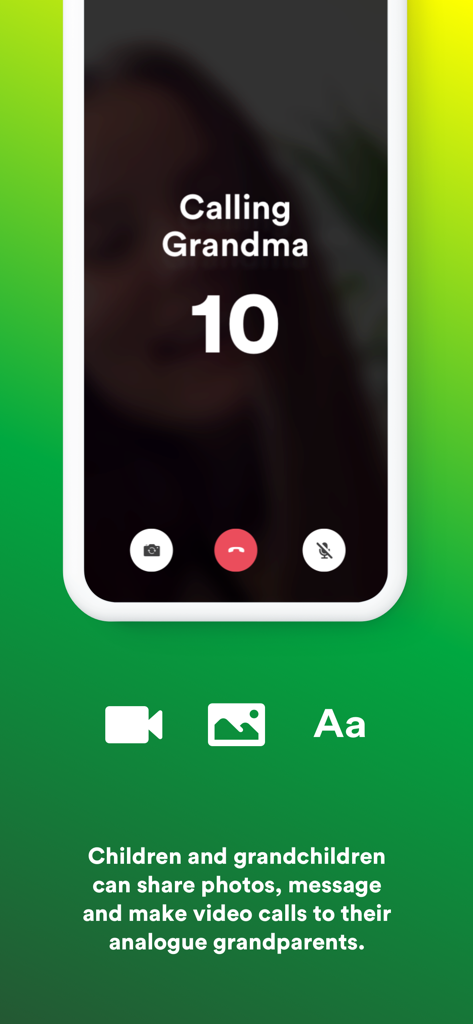
A smartphone screen showing a video call countdown with the text Calling Grandma and icons for photos and messages
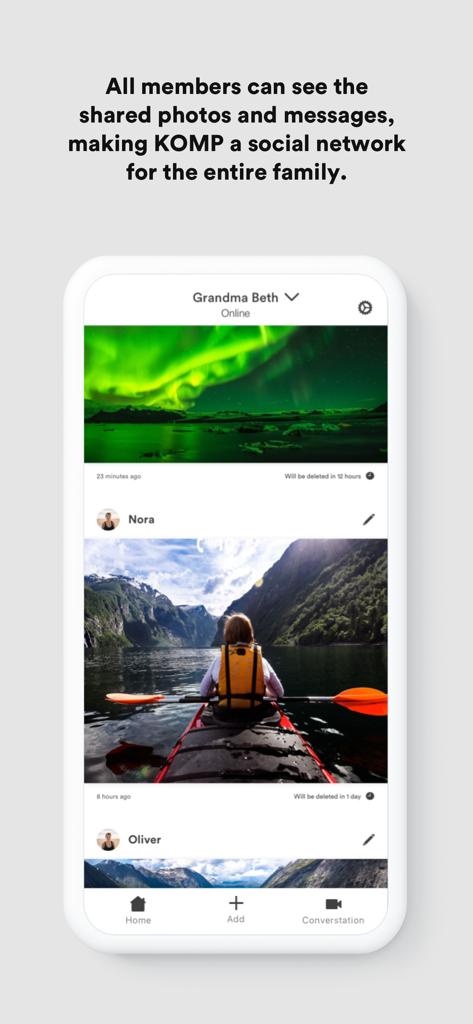
Family members sharing photos and messages on the Komp app feed for a senior
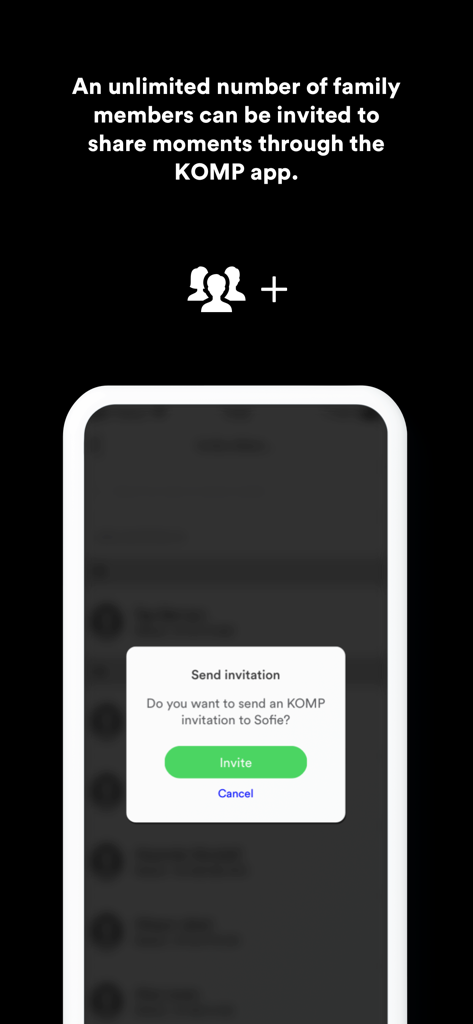
Screenshot of the Komp app showing a prompt to invite family members to share moments
Description
Download
More Like This
Apps with similar features and user experience

Frameo
Frameo A/S

Aura Frames
Aura Home, Inc.

Uhale
Zeasn Info Technology Co., Ltd.

PhotoShare Frame v2
Switchmate Inc.

AiMOR
HOTSALES GLOBAL TRADE LLC

Nixplay
Creedon Technologies USA LLC
VPhoto
Shenzhen Fujia Technology Co., Ltd.

Aluratek Smart Frame
Aluratek, Inc.
This page is not an official page of the app or its developer, but an independent editorial publication created for informational and commentary purposes. Unless expressly stated otherwise, neither the app nor its developer is affiliated with, endorsed by, sponsored by, authorized by, or otherwise officially connected with MWM, Apple, Google Play, the app publisher, or the app's developer, and nothing on this page implies that the app was developed using MWM's services. Any trademarks, logos, screenshots, and other content remain the property of their respective owners.