
This page is not an official page of the app or its developer, but an independent editorial publication created for informational and commentary purposes. Unless expressly stated otherwise, neither the app nor its developer is affiliated with, endorsed by, sponsored by, authorized by, or otherwise officially connected with MWM, Apple, Google Play, the app publisher, or the app's developer, and nothing on this page implies that the app was developed using MWM's services. Any trademarks, logos, screenshots, and other content remain the property of their respective owners.


VPhoto
The effortless way to share life's precious moments. Send photos, videos, and heartfelt messages directly from your phone to your family's cloud photo frame, no matter the distance.
Downloads
1M+User Rating
Total Ratings
1K+Publisher
Category
Photo & VideoLocales
10Latest Version
1.61Size
60.3 MBFirst Released
Jun 24, 2020Keep Your Family Close, Wherever You Are
VPhoto bridges the gap between your digital life and your family’s home, making sharing memories as simple as a single tap.
Instant Remote Sharing
Beam high-quality photos and videos from your camera roll directly to your loved ones' frames in seconds.
A Secure Private Circle
Skip the social media noise with a private connection that keeps your family moments safe and exclusive.
Frequently Asked Questions
Everything you need to know about VPhoto
What is the VPhoto app?
VPhoto is an app that allows users to upload photos and videos from their cell phone library to cloud photo frame devices. It enables sharing special moments and sending messages to connected frames.
How do I share photos and videos using VPhoto?
Users share photos and videos with VPhoto by uploading them from their cellphone library. These uploads are sent directly to connected cloud photo frame devices, facilitating sharing with others.
Can I send messages to cloud photo frames with VPhoto?
Yes, VPhoto enables sending messages directly to cloud photo frames. This feature allows users to share happiness and communicate with family, friends, or loved ones via the connected device.
How does VPhoto connect to a new photo frame?
VPhoto connects to a new frame by requiring a connection code. Users obtain this code from the frame's owner and enter it into the "Add new frame" dialog to establish the device link.
What is the purpose of the VPhoto connection code?
The VPhoto connection code links a user's app to a specific cloud photo frame. This code is mandatory for authorization before any photos or videos can be sent to that frame.
Does VPhoto support both photo and video uploads?
Yes, VPhoto supports both photo and video uploads. Users can select and send media from either their cellphone's photo library or video library to cloud photo frame devices.
The following screenshots and description are sourced directly from the app's official store listing and are the property of the app developer.
App Store
Screenshots
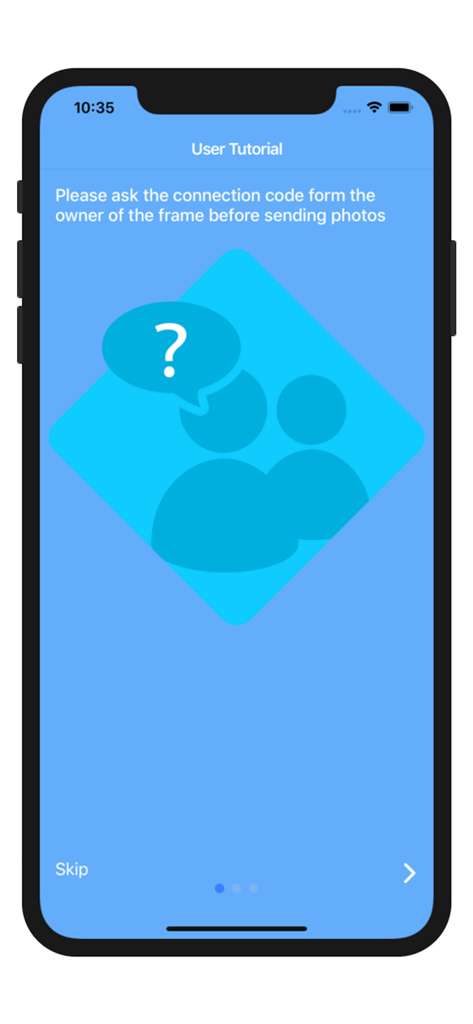
VPhoto user tutorial for frame connection code setup
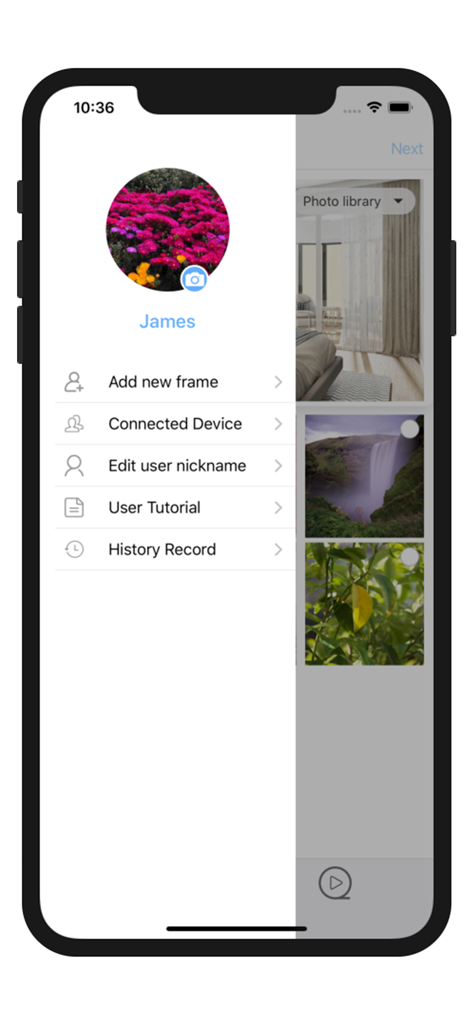
VPhoto app sidebar menu showing options for photo frame management and user profile
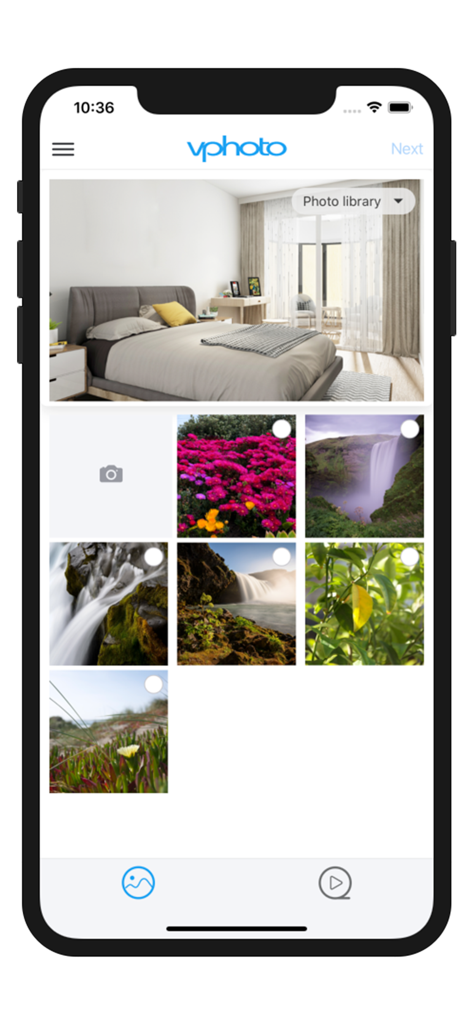
VPhoto app photo selection screen for cloud frame sharing
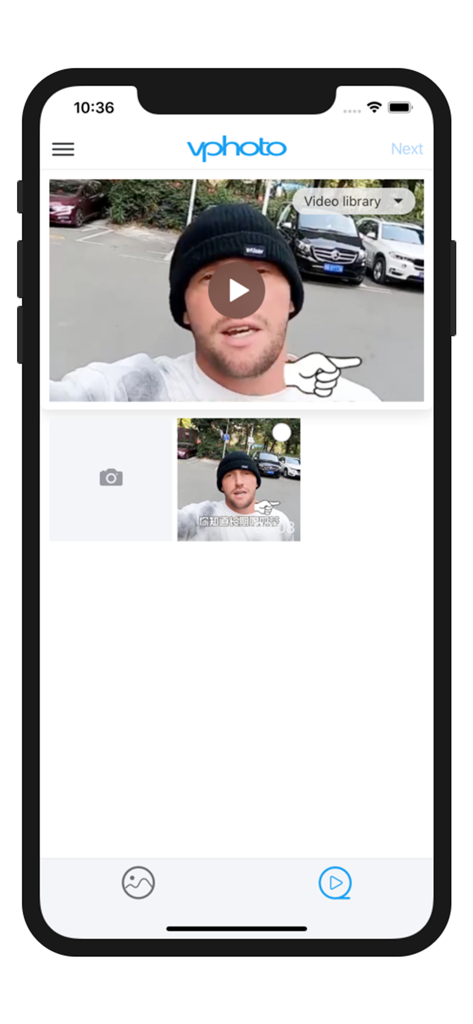
VPhoto app video library interface showing a selected video ready to be shared to a cloud photo frame.
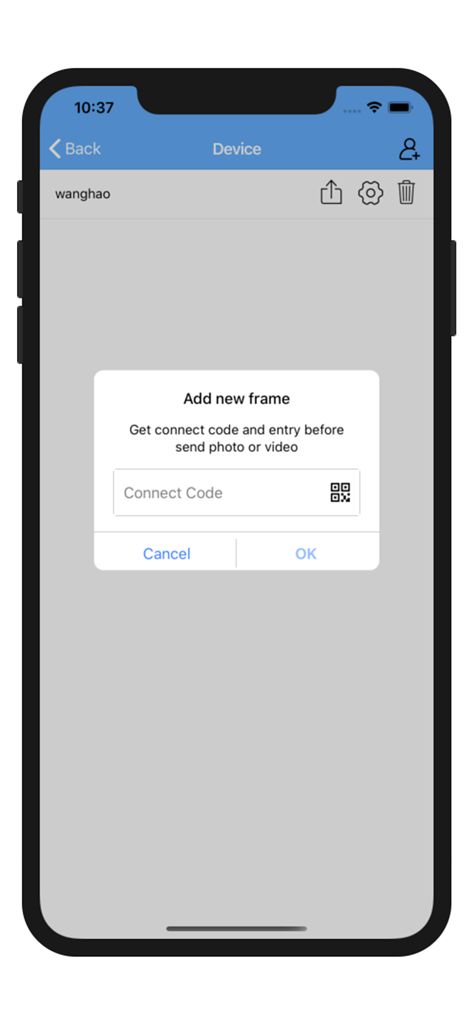
Interface for adding a new photo frame in the VPhoto app using a connection code
Description
Download
More Like This
Apps with similar features and user experience








This page is not an official page of the app or its developer, but an independent editorial publication created for informational and commentary purposes. Unless expressly stated otherwise, neither the app nor its developer is affiliated with, endorsed by, sponsored by, authorized by, or otherwise officially connected with MWM, Apple, Google Play, the app publisher, or the app's developer, and nothing on this page implies that the app was developed using MWM's services. Any trademarks, logos, screenshots, and other content remain the property of their respective owners.