
This page is not an official page of the app or its developer, but an independent editorial publication created for informational and commentary purposes. Unless expressly stated otherwise, neither the app nor its developer is affiliated with, endorsed by, sponsored by, authorized by, or otherwise officially connected with MWM, Apple, Google Play, the app publisher, or the app's developer, and nothing on this page implies that the app was developed using MWM's services. Any trademarks, logos, screenshots, and other content remain the property of their respective owners.


Nixplay
Bridge the distance by sending private photos and videos directly to your loved ones' Wi-Fi frames. Turn your mobile memories into their daily joy with just a tap.
Downloads
1M+User Rating
Total Ratings
4K+Publisher
Category
Photo & VideoLocales
7Latest Version
3.71.1Size
210.4 MBFirst Released
Aug 25, 2015Bring Your Family Closer
Effortlessly share life's best moments directly to the people who matter most, all within a private and secure family network.
Instant Sharing, Zero Effort
Send photos and 15-second videos directly to any frame, so your family never misses a milestone, no matter the distance.
Your Private Social Circle
Skip the public feeds. Share safely in a secure, encrypted environment designed specifically for private family memories.
Frequently Asked Questions
Everything you need to know about Nixplay
Can the Nixplay app be used as a remote control for the frame?
Yes, the Nixplay app functions as a remote control for your Nixplay frame. It enables users to manage playback, volume, and navigation directly from their mobile device.
What is the maximum video length supported for sharing on Nixplay?
The Nixplay app supports sharing videos up to 15 seconds in length per instance. This feature allows users to send short video clips to their Nixplay Wi-Fi Cloud Frame.
Does the Nixplay app support integration with Google Photos?
Yes, the Nixplay app integrates with Google Photos. Users can connect their Google Photos account to easily import and display their albums directly on their Nixplay frame.
How can I invite others to share content with my Nixplay frame?
You can invite friends and family to share photos and videos directly to your Nixplay frame through the app. The app provides an "Invite members" feature to send invitations.
Can I add captions to photos and comments on shared content in Nixplay?
Yes, the Nixplay app allows you to caption your own photos. You can also add comments to photos shared by your friends within the app, enhancing interaction.
What frame settings can I adjust using the Nixplay app?
The Nixplay app offers control over your frame's settings. You can assign playlists to your frame and manage content playback, putting frame control at your fingertips.
The following screenshots and description are sourced directly from the app's official store listing and are the property of the app developer.
App Store
Screenshots
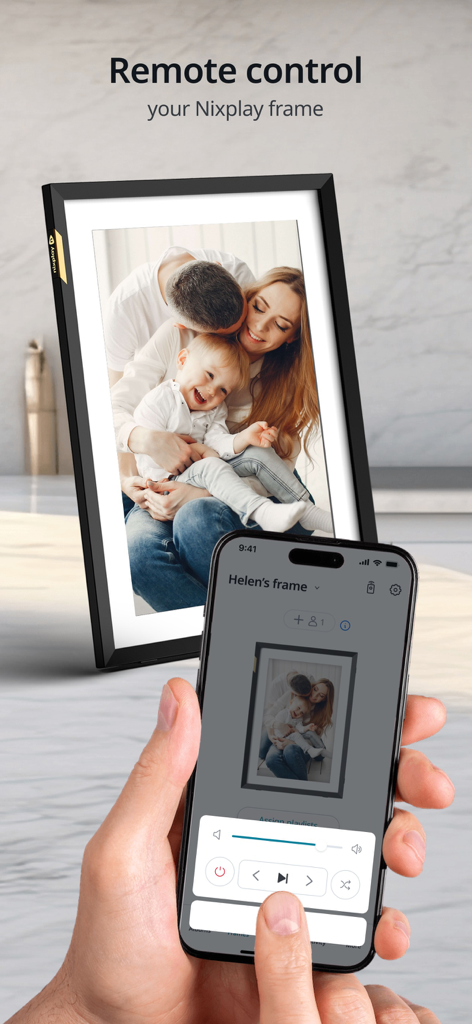
A person using the Nixplay app on a smartphone to remote control a digital photo frame displaying a family photo.
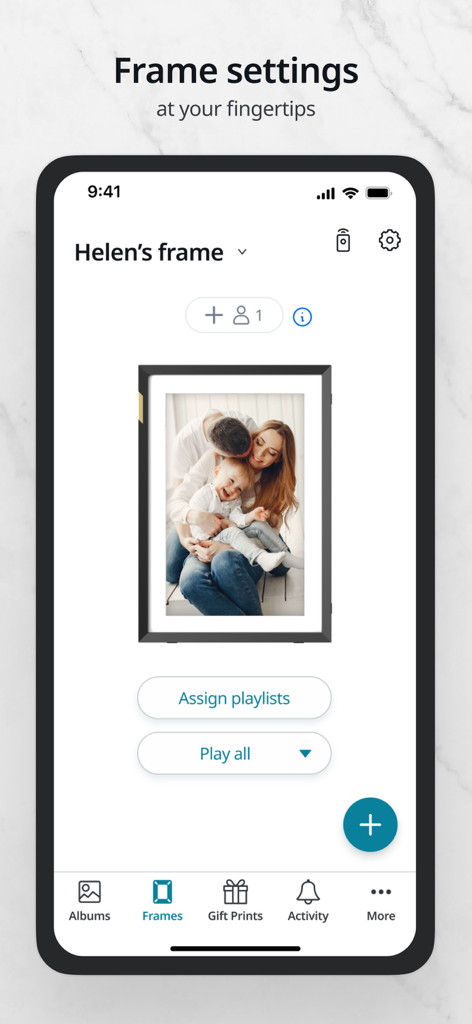
Nixplay app screen displaying frame settings for a digital photo frame featuring a family photo
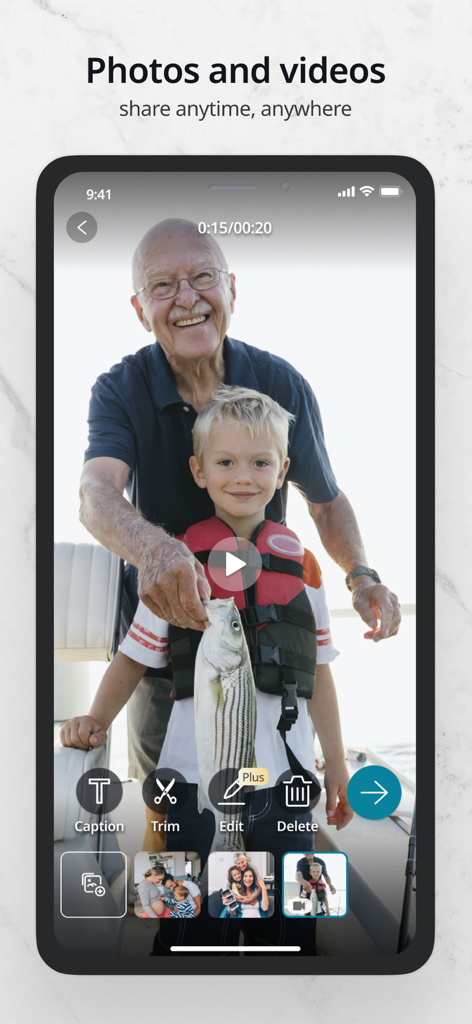
Nixplay mobile app interface showing family video sharing and editing features
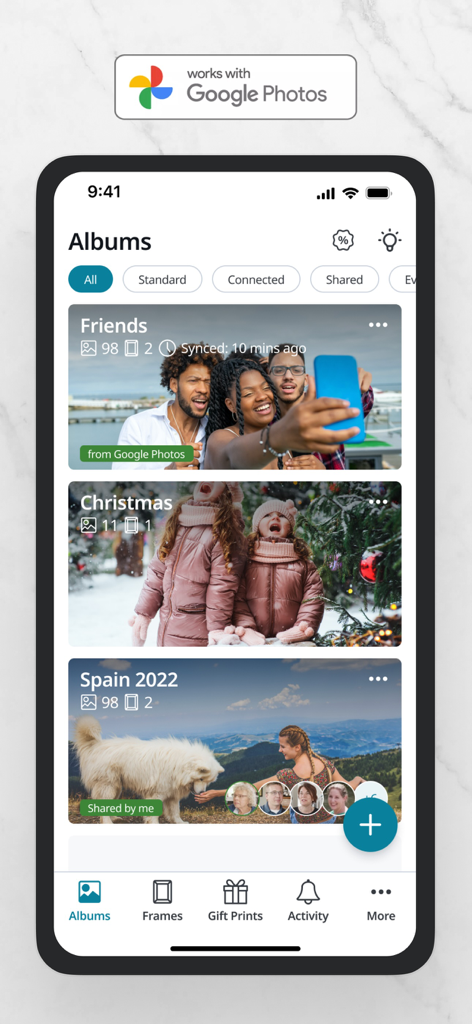
Nixplay app interface displaying photo albums and Google Photos integration
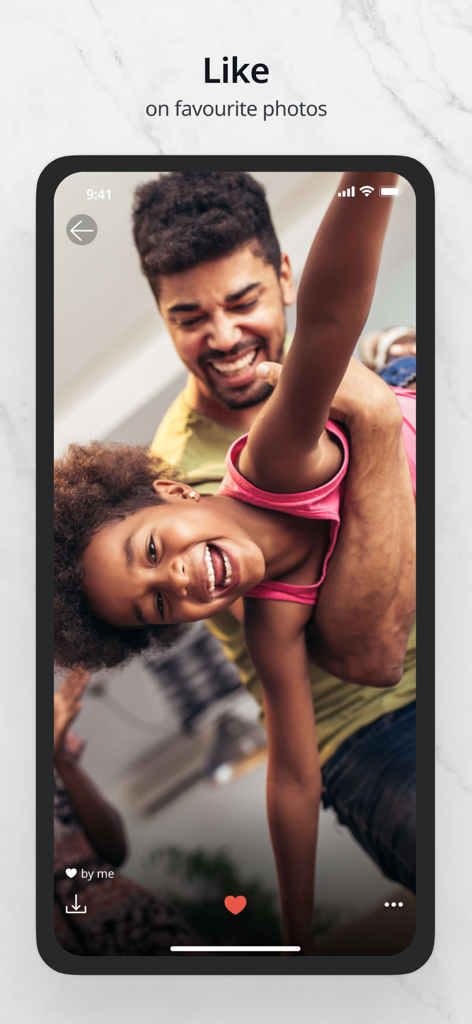
Interface of the Nixplay app showing a photo of a father and daughter with a heart icon to like a favorite image
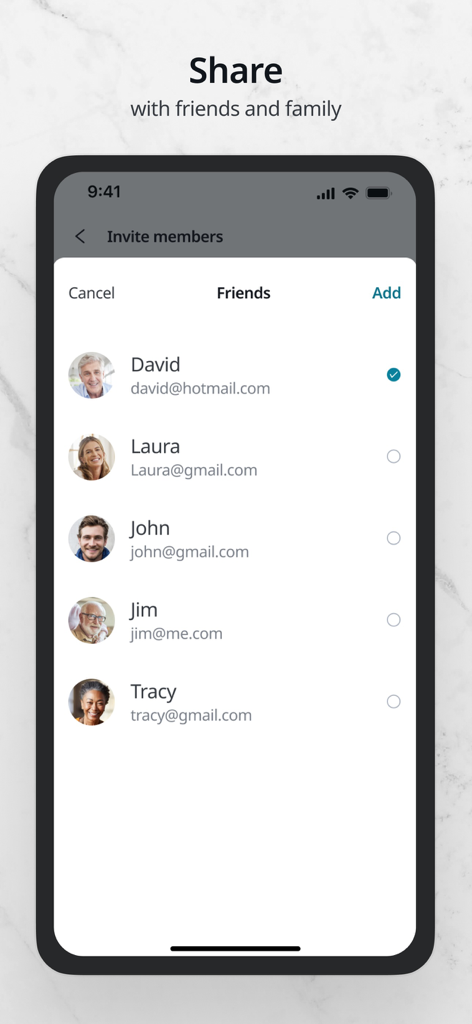
A mobile interface of the Nixplay app showing a list of friends and family to invite for sharing photos.
Description
Download
More Like This
Apps with similar features and user experience








This page is not an official page of the app or its developer, but an independent editorial publication created for informational and commentary purposes. Unless expressly stated otherwise, neither the app nor its developer is affiliated with, endorsed by, sponsored by, authorized by, or otherwise officially connected with MWM, Apple, Google Play, the app publisher, or the app's developer, and nothing on this page implies that the app was developed using MWM's services. Any trademarks, logos, screenshots, and other content remain the property of their respective owners.