LG gram Link

LG gram Link

Download on App Store
Logo of LG gram Link

LG gram Link: Seamlessly Bridge Your iPhone, LG gram, and webOS TV

Experience the power of a unified ecosystem. Effortlessly transfer files, mirror screens, and use your iPhone as a second monitor or professional webcam to maximize your productivity.

Download on App Store

Publisher

LG Electronics

Category

Utilities

Downloads

0

User Rating

3.3/5

Total Ratings

0

Locales

13

Seamless Synergy

Discover the interface used by 0 users.
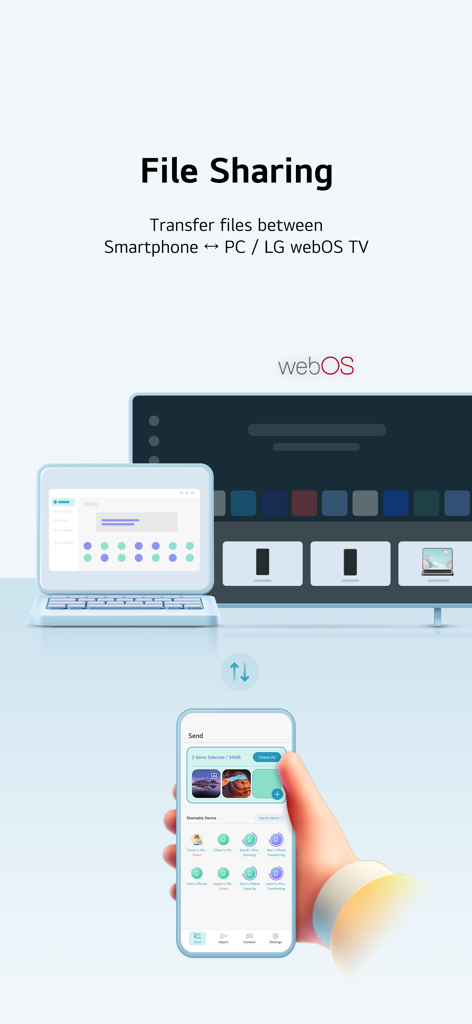
LG gram Link interface for file sharing between smartphone laptop and TV

LG gram Link interface for file sharing between smartphone laptop and TV

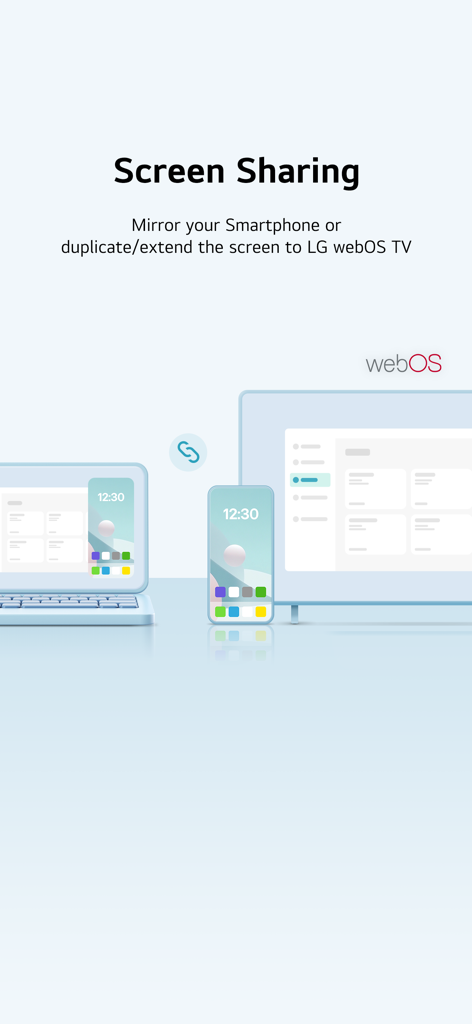
Graphic showing screen sharing and display extension between a smartphone laptop and LG webOS TV

Graphic showing screen sharing and display extension between a smartphone laptop and LG webOS TV

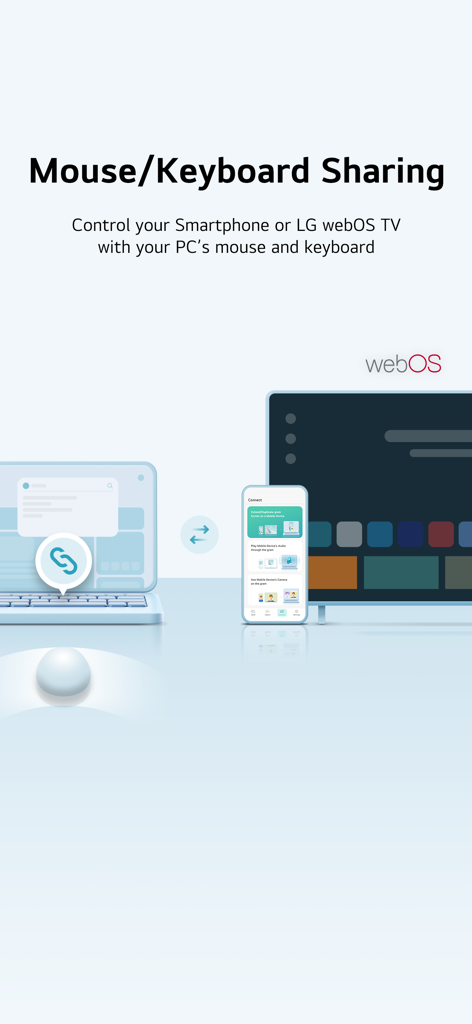
Graphic illustrating LG gram Link's mouse and keyboard sharing feature between a laptop, smartphone, and LG webOS TV.

Graphic illustrating LG gram Link's mouse and keyboard sharing feature between a laptop, smartphone, and LG webOS TV.

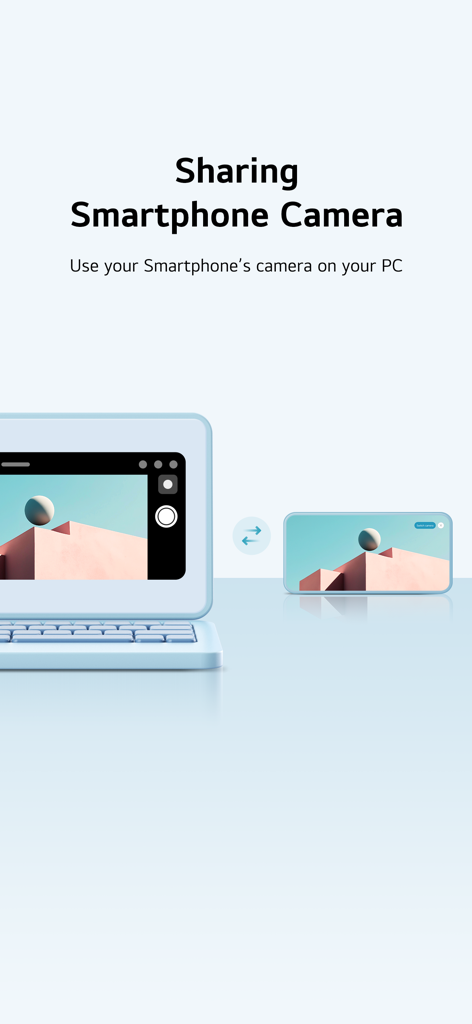
Feature illustration of the LG gram Link app showing how to use a smartphone camera on a PC

Feature illustration of the LG gram Link app showing how to use a smartphone camera on a PC

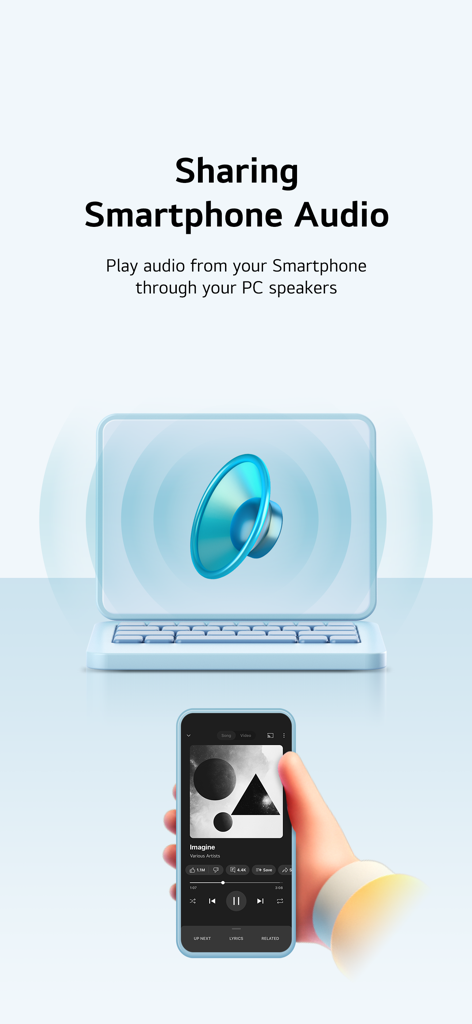
An illustration showing how to play smartphone audio through PC speakers using the LG gram Link app.

An illustration showing how to play smartphone audio through PC speakers using the LG gram Link app.

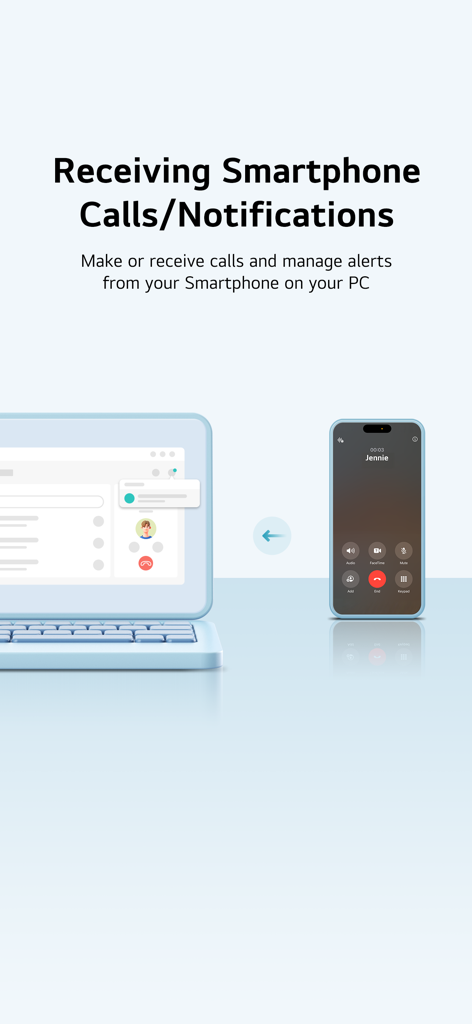
LG gram Link app demonstrating how to receive smartphone calls and notifications on a laptop

LG gram Link app demonstrating how to receive smartphone calls and notifications on a laptop

Connect Your LG World Seamlessly

The tools that make this app stand out, trusted by 0 users.

⚡

Instant Cross-Platform Sharing

Move photos, videos, and large documents between your iPhone and PC instantly. It's the seamless file-sharing experience Windows users have been waiting for.

🖥️

Expand Your Digital Workspace

Transform your iPhone or iPad into a high-definition secondary monitor or a pro-grade webcam for your video calls, maximizing your mobile hardware.

📲

Unified Desktop Workflow

Stay in your flow state by answering calls, replying to messages, and managing smartphone notifications directly from your LG gram laptop.

About the app

Everything you need to know about LG gram Link.

Description

■ App Info Connect your PC and LG webOS TV with your Smartphone regardless of the OS LG gram Link is a Smartphone connectivity application for LG PC users Try to connect your LG PC and LG webOS TV with any Smartphone regardless of the operating system You can transfer files, mirror your Smartphone, use it as a secondary monitor and more! ※ To use LG gram Link on gram PC, you must run the LG gram Link app on your iPhone (iPad).   • Easy connection with QR code You can easily connect LG PC with your Smartphone just by scanning the QR code.   • Smartphone ↔ PC / LG webOS TV file transfer Send any photos, videos or files you want to your Smartphone or LG webOS TV   • Import files and photos from PC to Smartphone Quickly search for files and photos on your PC and effortlessly import them to your Smartphone. Access the data you need on your PC instantly to work more efficiently. (This feature works in conjunction with the gram chat On-Device, so the gram chat On-Device must be installed and run for the first time before it can be used.)   • AI classification Manage and search your photos easily using LG AI Gallery feature. Your photos will be organized automatically by date, person, location, etc.   • Screen mirroring Cast your Smartphone screen on your PC.   • Display extension/duplication Use your Smartphone or LG webOS TV as a second screen.   • Keyboard/Mouse sharing  Control your Smartphone or LG webOS TV with your PC's keyboard/mouse. ※ To use the “Keyboard/Mouse share” feature, your iPhone needs to have Assistive Touch enabled.    (Includes when trying to use "Keyboard/Mouse share" with mouse click in mirroring)    Go to Settings > Accessibility > Touch > AssistiveTouch      Assistive Touch Guide : https://support.apple.com/en-us/111794   • Sharing Smartphone camera Use your Smartphone's camera on your PC. Perfect for video conferencing or photography, offering flexible functionality.   • Sharing Smartphone audio Play audio from your Smartphone through your PC speakers. Enjoy your content with enhanced sound quality.   • Talking on the phone via PC Make or receive calls directly on your PC. Talk hands-free while working, boosting your productivity.   • Get Smartphone notifications on PC View Smartphone notifications directly on your PC. Stay updated and conveniently manage your notifications without missing anything. ■ Supported models : webOS TV - webOS26 version or later required ■ Access rights - Photos (all photos) (Required) : Accessing photos and videos to be transmitted - Camera (Required) : Scanning a QR code to connect to a PC, taking photos, and attaching them - Notification (Required) : Checking connection, receiving files, and sending a transfer complete notification - Local network (Optional) : Accessing a local network to connect to a PC - Bluetooth (Optional) : Searching LG gram Link app users nearby - Files and folders (Optional) : Accessing files and folders to be transmitted to a PC - Location services (camera) (Optional) : Accessing locations where photos are saved - Microphone (Optional) : Accessing a microphone while recording videos ■ Support E-mail : lg-gramlink@lge.com

Latest Version

4.0.0

Size

322.7 MB

First Released

Jan 26, 2023

Ready to Bridge the Gap Between Your iPhone and LG gram?

Download LG gram Link today to experience seamless file transfers, instant screen mirroring, and full PC-to-phone control. Your ultimate productivity ecosystem is just a scan away.

Download on App Store

App information, icons, screenshots, and descriptions displayed on this page are sourced from the Apple App Store and are the property of their respective developers. Download estimates and rankings are based on MWM's proprietary models and may not reflect actual figures. This page is provided for informational and analytical purposes only.

Believe this page infringes your intellectual property? File a dispute