
This page is not an official page of the app or its developer, but an independent editorial publication created for informational and commentary purposes. Unless expressly stated otherwise, neither the app nor its developer is affiliated with, endorsed by, sponsored by, authorized by, or otherwise officially connected with MWM, Apple, Google Play, the app publisher, or the app's developer, and nothing on this page implies that the app was developed using MWM's services. Any trademarks, logos, screenshots, and other content remain the property of their respective owners.

Light Meter - Film Exposure
Transform your iPhone into a high-accuracy handheld light meter. Whether you are shooting with a vintage Leica or a Pentax K1000, get perfect exposure with aperture-priority metering, film stock presets, and intelligent scene logging to make every expensive frame count.
Downloads
0User Rating
Total Ratings
0Publisher
Category
Photo & VideoLocales
10Latest Version
4.2.1Size
8.5 MBFirst Released
Jul 24, 2019Master the Art of Perfect Exposure
Your iPhone becomes the ultimate professional companion for your vintage gear. Bridge the gap between analog soul and digital precision with tools designed for the modern film enthusiast.
Professional Metering Precision
Get instant Aperture and Shutter-priority readings calibrated for film. Save money by eliminating wasted frames and ensuring every shot on your roll is perfectly exposed.
Iconic Film Stock Presets
Skip the manual setup. Choose from a curated library of popular film stocks like Portra and HP5 to automatically sync ISO settings and match your film's unique characteristics.
The following screenshots and description are sourced directly from the app's official store listing and are the property of the app developer.
App Store
Screenshots
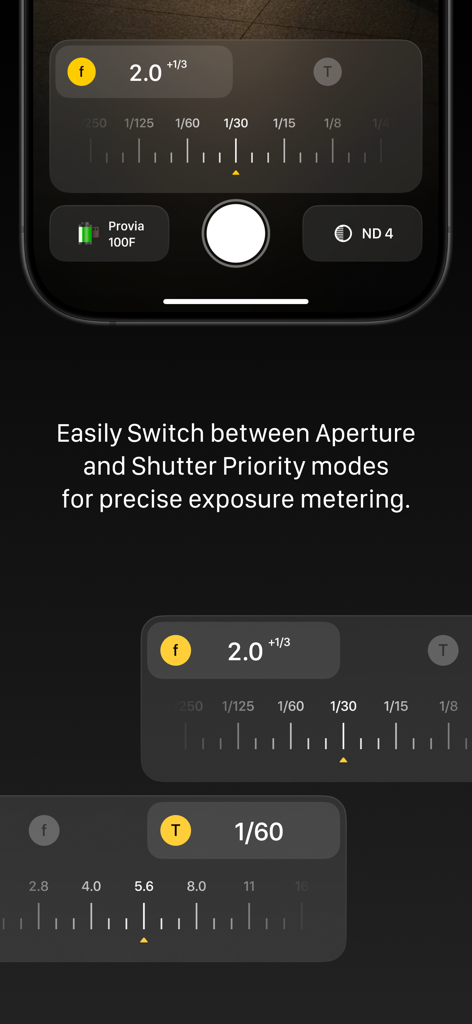
Light Meter app interface showcasing Aperture and Shutter priority modes for precise film exposure.
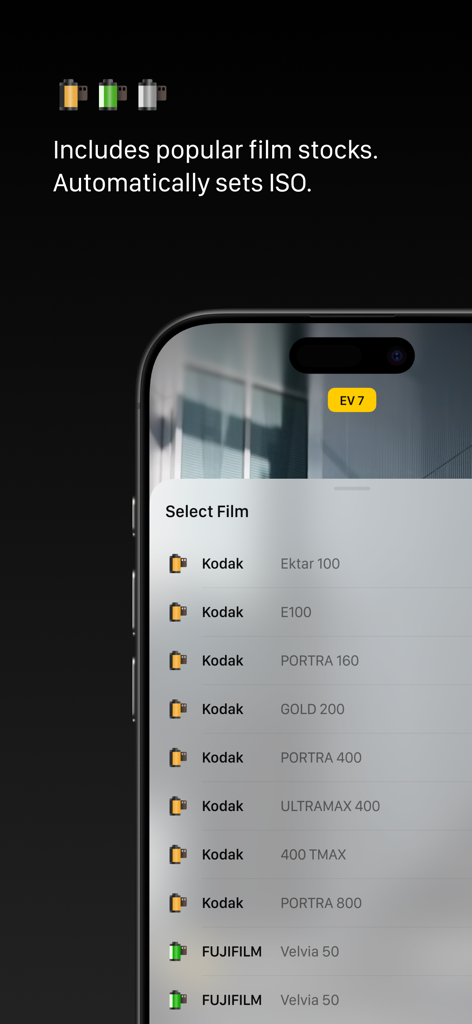
List of popular film stocks like Kodak and Fujifilm in the Light Meter app for automatic ISO setting
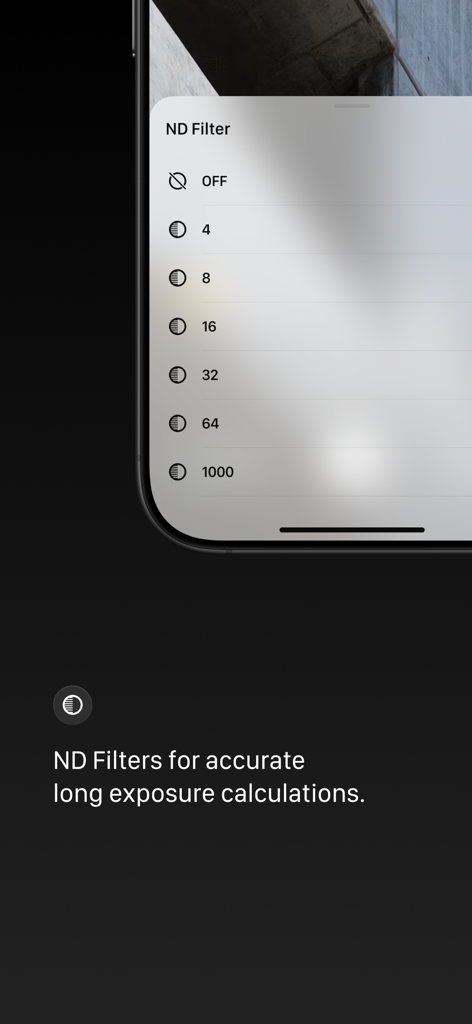
ND filter selection menu for long exposure photography in the Light Meter app
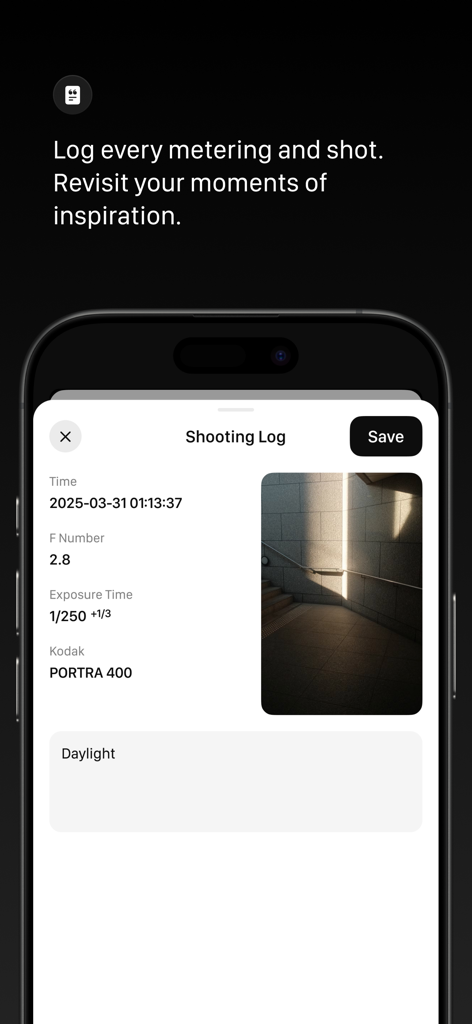
Interface of the Light Meter app showing a shooting log with exposure settings and film stock data for Kodak Portra 400
Description
Download
More Like This
Top-ranked apps in the same category

CapCut: Photo & Video Editor
BYTEDANCE PTE. LTD.
Instagram, Inc.

YouTube
Google LLC

Canva: AI Photo & Video Editor
Canva Pty Ltd

快手
Beijing Kwai Technology Co., Ltd.

Snapchat
Snap, Inc.

Meta AI - Vibes & AI Glasses
Meta Platforms, Inc.

Edits: Video Editor
Instagram, Inc.

Meitu- AI Photo & Video Editor
Xiamen Meitu Technology Co., Ltd.
This page is not an official page of the app or its developer, but an independent editorial publication created for informational and commentary purposes. Unless expressly stated otherwise, neither the app nor its developer is affiliated with, endorsed by, sponsored by, authorized by, or otherwise officially connected with MWM, Apple, Google Play, the app publisher, or the app's developer, and nothing on this page implies that the app was developed using MWM's services. Any trademarks, logos, screenshots, and other content remain the property of their respective owners.