
This page is not an official page of the app or its developer, but an independent editorial publication created for informational and commentary purposes. Unless expressly stated otherwise, neither the app nor its developer is affiliated with, endorsed by, sponsored by, authorized by, or otherwise officially connected with MWM, Apple, Google Play, the app publisher, or the app's developer, and nothing on this page implies that the app was developed using MWM's services. Any trademarks, logos, screenshots, and other content remain the property of their respective owners.


Live Player - AI media player
No longer bound by format. This app provides the power to effortlessly consume any media, anywhere, anytime, with real-time AI understanding.
Downloads
2.5M+User Rating
Total Ratings
11.7KPublisher
Category
Photo & VideoLocales
1Latest Version
2.90Size
124.8 MBFirst Released
Apr 13, 2016An in-depth analysis for discerning users seeking advanced media consumption and management capabilities.
Live Player - AI Media Player: A Technical Evaluation of Core Features
On-Device Live AI Subtitling
Provides real-time transcription for live content, enhancing accessibility and understanding for diverse media.
4K HDR Playback Support
Delivers the highest visual fidelity, enabling playback of content in ultra-high definition with superior color and contrast.
Extensive Media Format & Codec Support
Ensures broad compatibility with virtually any audio or video file, eliminating playback issues for a comprehensive media library.
Network Storage (NAS/SMB) Playback
Allows seamless access and streaming of media directly from local network storage devices like NAS or SMB shares.
Native AirPlay & Chromecast Support
Facilitates effortless casting of content to various smart TVs and devices, ensuring a connected home entertainment experience.
Cloud Service Integration
Enables direct streaming of media stored in popular cloud platforms, offering flexible access to personal media collections.
Ad-Free Experience (Pro)
Offers an uninterrupted, premium viewing experience without commercial breaks, aligning with user preference for a high-quality environment.
Wide Streaming Protocol Support
Guarantees compatibility with a wide array of online streaming sources and services, enhancing content accessibility.
Hardware Accelerated Decoding
Optimizes performance for smooth and efficient playback, particularly for high-resolution content, by utilizing device hardware.
Picture-in-Picture (PIP) Mode
Allows users to multitask by watching video in a small, resizable overlay while navigating other applications.
The following screenshots and description are sourced directly from the app's official store listing and are the property of the app developer.
App Store
Screenshots
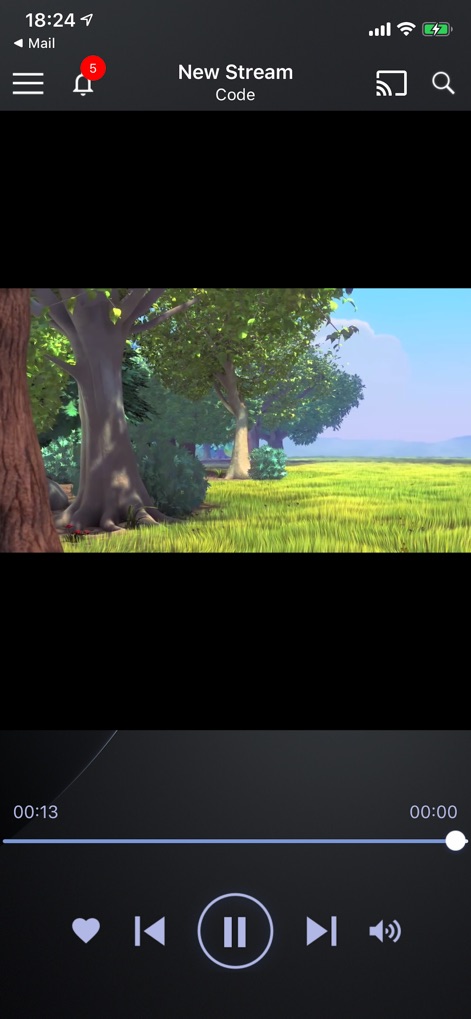
See how Live Player - AI media player presents a clean playback interface with essential controls like the progress bar and volume adjustment, ensuring a smooth viewing experience.
Intuitive Playback Control

This tool empowers users with advanced viewing modes, showcasing both the Picture-in-Picture functionality and the responsive full-screen toggle for immersive media consumption.
Enhanced Viewing Options
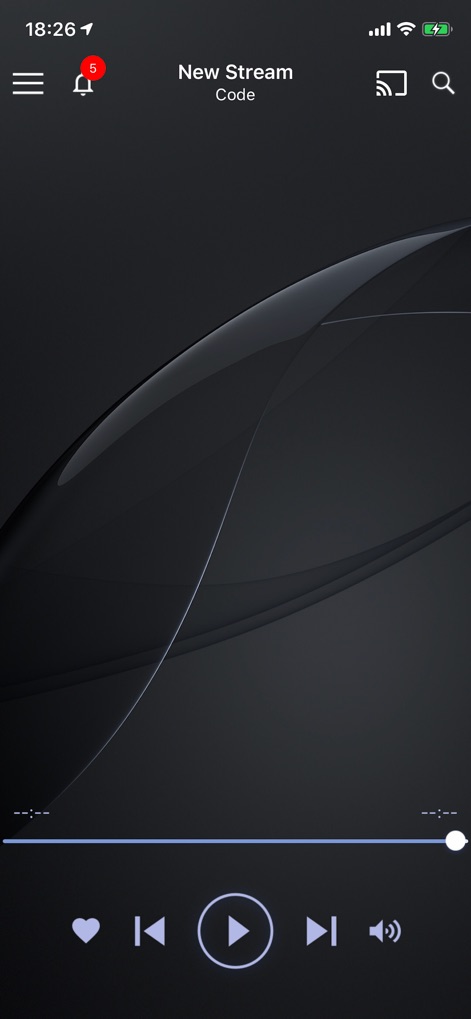
The app maintains a sophisticated and minimalist design, highlighted by its elegant dark theme and the prominent heart icon for easily favoriting media content.
Sleek Interface Design
Description
Download
More Like This
Apps with similar features and user experience

网易爆米花-智能媒体库,全能云盘网盘播放器
Guangzhou NetEase Computer System Co.Ltd

Immich
Hau Tran

飞牛
Guangzhou TR Intelligent Manufacturing Technology Co., Ltd.

nPlayer
Newin Inc.

MiraPlay
悦 刘

NipaPlay
荣广 梁

VidHub -Video Library & Player
Nanjing Oumi Software Development Co., Ltd.

Fast Player - video player
化媚 席

zFuse - Media Player
s-joys Technology Co., Ltd.
This page is not an official page of the app or its developer, but an independent editorial publication created for informational and commentary purposes. Unless expressly stated otherwise, neither the app nor its developer is affiliated with, endorsed by, sponsored by, authorized by, or otherwise officially connected with MWM, Apple, Google Play, the app publisher, or the app's developer, and nothing on this page implies that the app was developed using MWM's services. Any trademarks, logos, screenshots, and other content remain the property of their respective owners.