
This page is not an official page of the app or its developer, but an independent editorial publication created for informational and commentary purposes. Unless expressly stated otherwise, neither the app nor its developer is affiliated with, endorsed by, sponsored by, authorized by, or otherwise officially connected with MWM, Apple, Google Play, the app publisher, or the app's developer, and nothing on this page implies that the app was developed using MWM's services. Any trademarks, logos, screenshots, and other content remain the property of their respective owners.


LiveApp Pro
Transform your iPad or Mac into a powerful broadcast media server. Automate video cues, trigger professional transparent overlays, and use real-time telestration to elevate your multicam live productions.
Downloads
3K+User Rating
Total Ratings
0Publisher
Category
Photo & VideoLocales
1Latest Version
1.5.1Size
17.0 MBFirst Released
Apr 16, 2021Broadcast Tools for Modern Creators
Maximize your production value with a suite of professional features designed to integrate perfectly with your ATEM hardware and Apple ecosystem.
Seamless ATEM Automation
Sync with your Blackmagic Switcher to trigger 'Autoplay' instantly when you cut to a channel, ensuring flawless transitions every time.
Pro-Grade VideoCue Playback
Output clean, high-resolution video playlists via HDMI without UI clutter. It’s a dedicated media server in the palm of your hand.
The following screenshots and description are sourced directly from the app's official store listing and are the property of the app developer.
App Store
Screenshots
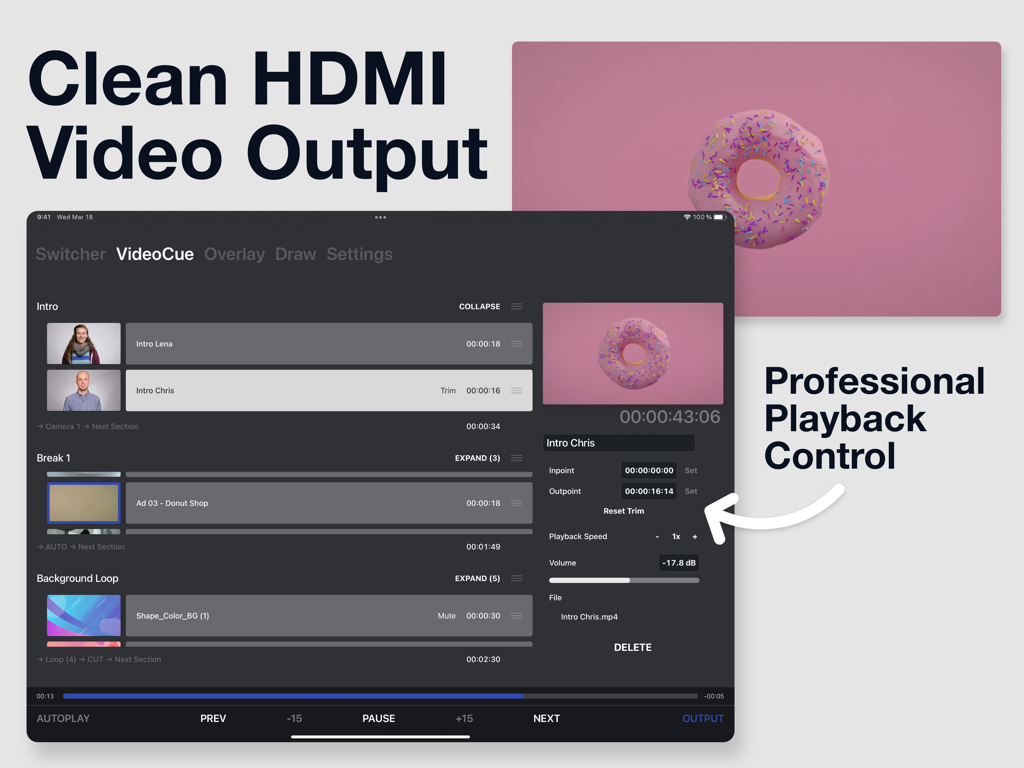
LiveApp Pro iPad interface showing video playlist management and playback controls for professional live production
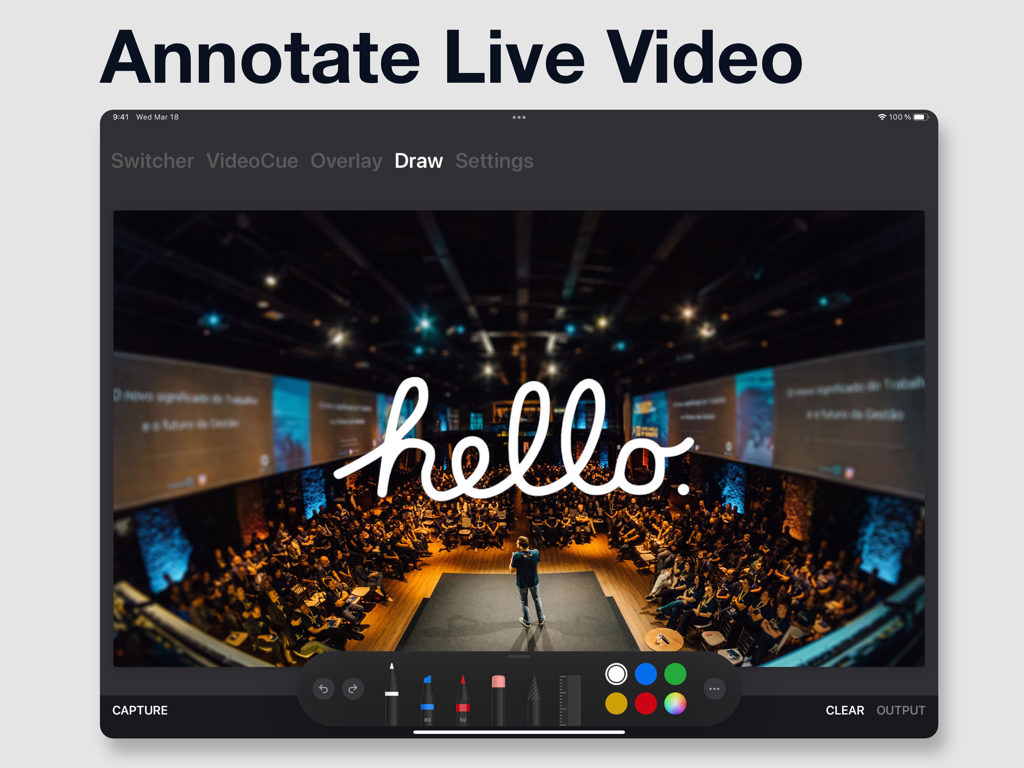
Interface of LiveApp Pro showing the drawing feature with a handwritten hello overlay on a live stage production video
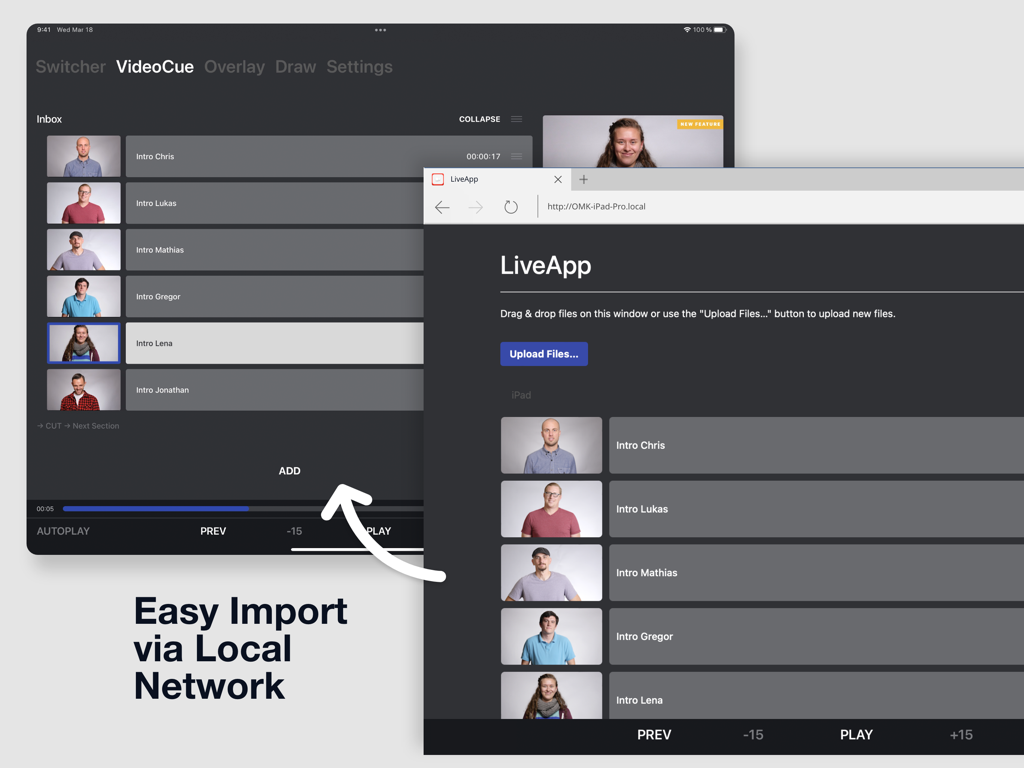
LiveApp Pro interface demonstrating video file import via a local network web browser on iPad
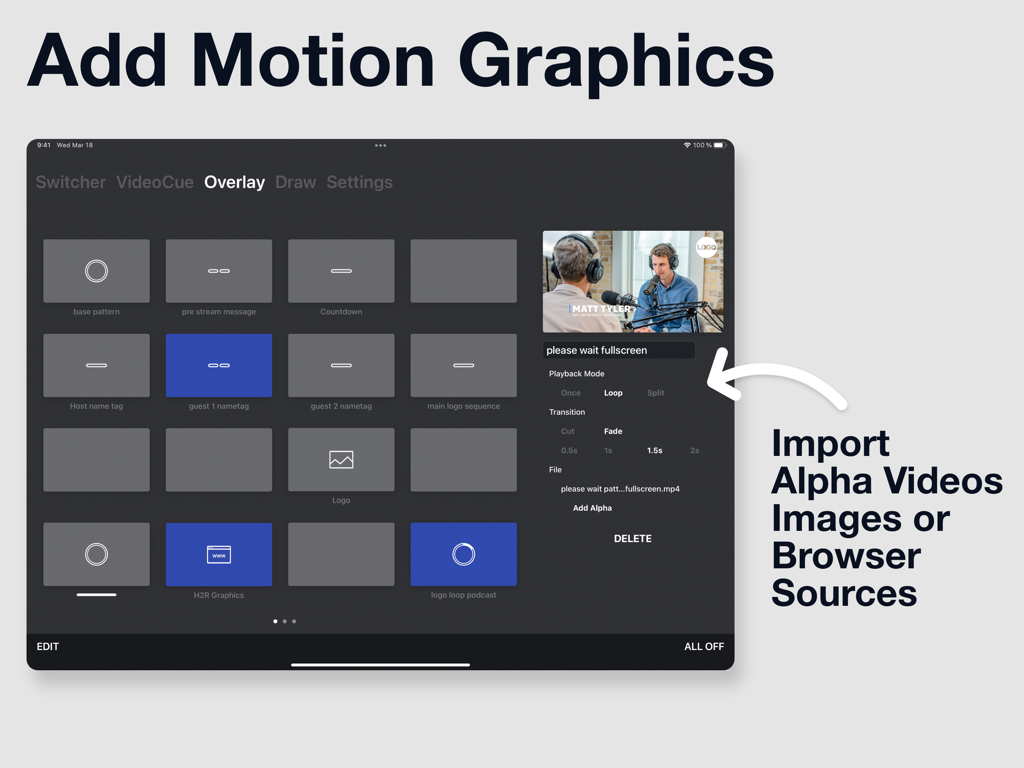
Interface of LiveApp Pro showing a grid of motion graphics and alpha video overlays for live production
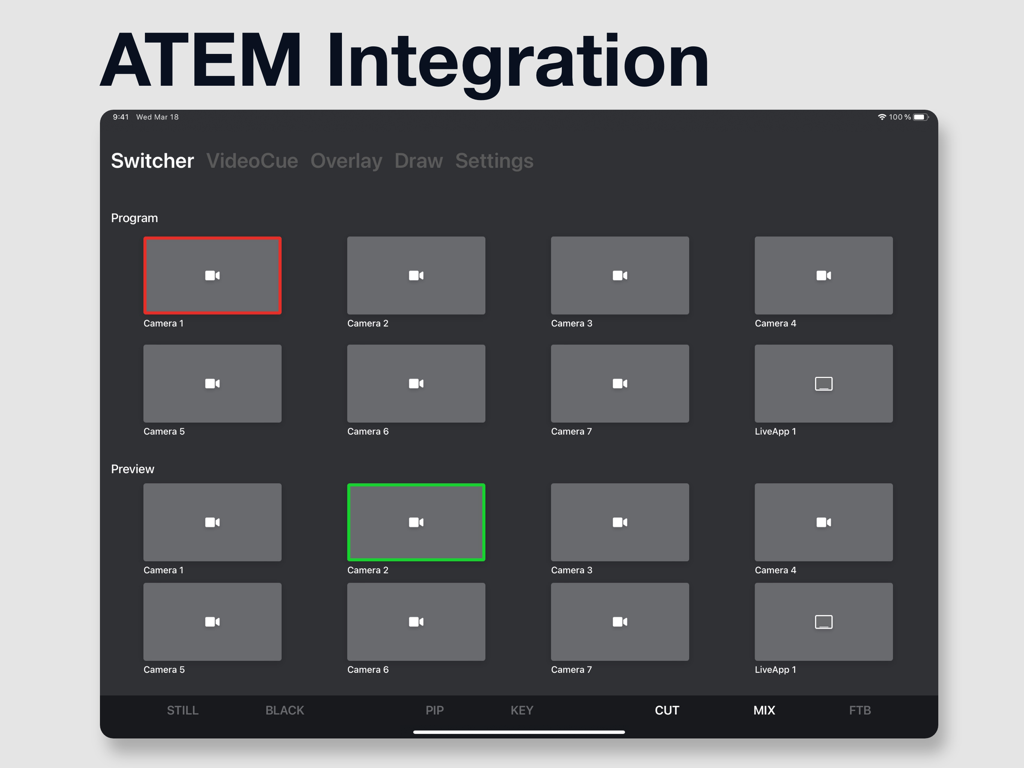
LiveApp Pro iPad interface showing ATEM switcher remote control with program and preview rows for multi camera live production
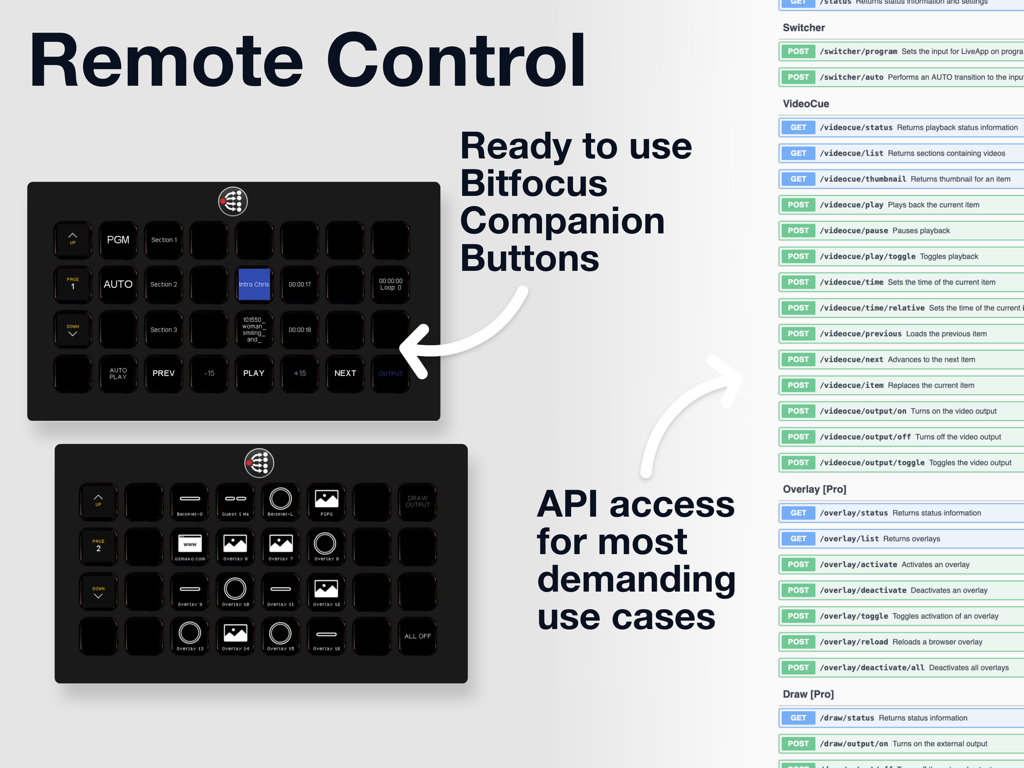
Remote control interface with Bitfocus Companion buttons and API access for LiveApp Pro.
Description
Download
More Like This
Top-ranked apps in the same category

CapCut: Photo & Video Editor
BYTEDANCE PTE. LTD.

Instagram, Inc.

YouTube
Google LLC

Canva: AI Photo & Video Editor
Canva Pty Ltd

Snapchat
Snap, Inc.

快手
Beijing Kwai Technology Co., Ltd.

Edits: Video Editor
Instagram, Inc.

Meitu- AI Photo & Video Editor
Xiamen Meitu Technology Co., Ltd.

Google Photos: Backup & Edit
Google LLC
This page is not an official page of the app or its developer, but an independent editorial publication created for informational and commentary purposes. Unless expressly stated otherwise, neither the app nor its developer is affiliated with, endorsed by, sponsored by, authorized by, or otherwise officially connected with MWM, Apple, Google Play, the app publisher, or the app's developer, and nothing on this page implies that the app was developed using MWM's services. Any trademarks, logos, screenshots, and other content remain the property of their respective owners.