
This page is not an official page of the app or its developer, but an independent editorial publication created for informational and commentary purposes. Unless expressly stated otherwise, neither the app nor its developer is affiliated with, endorsed by, sponsored by, authorized by, or otherwise officially connected with MWM, Apple, Google Play, the app publisher, or the app's developer, and nothing on this page implies that the app was developed using MWM's services. Any trademarks, logos, screenshots, and other content remain the property of their respective owners.


LiveCut: Video to Live Photos
Effortlessly transform your favorite video clips into interactive Live Photos. Whether you're curating a single memory or batch-converting your entire gallery, get the perfect cover frame every time.
Downloads
300User Rating
Total Ratings
0Publisher
Category
Photo & VideoLocales
2Latest Version
1.0.2Size
2.3 MBFirst Released
Mar 3, 2025Bring Your Lock Screen to Life
Turn your favorite video clips and viral trends into stunning, high-quality Live Photos. Designed for the aesthetic-obsessed iPhone user, LiveCut makes wallpaper customization effortless.
Frame-Perfect Aesthetics
Don't settle for blurry previews. Precisely trim your videos and hand-pick the perfect cover frame to ensure your lock screen looks flawless, static or animated.
Batch Mode Efficiency
Skip the repetitive work. Import multiple videos at once and let our high-speed queue convert your entire gallery into Live Photos in a single tap.
The following screenshots and description are sourced directly from the app's official store listing and are the property of the app developer.
App Store
Screenshots
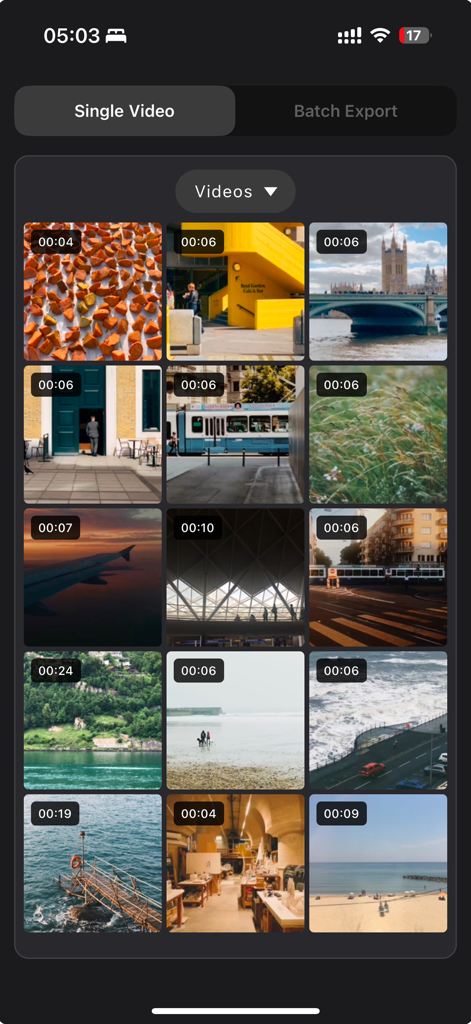
Interface of LiveCut app displaying a grid of video thumbnails with durations for selection.

Interface of LiveCut app showing video trimming and cover photo selection for Live Photo conversion
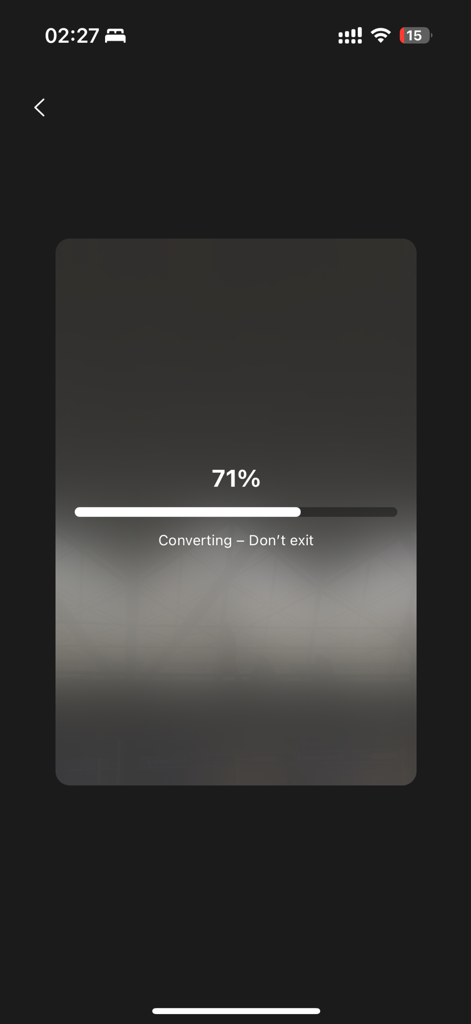
Interface of the LiveCut app showing a 71 percent progress bar during the video to Live Photo conversion process.
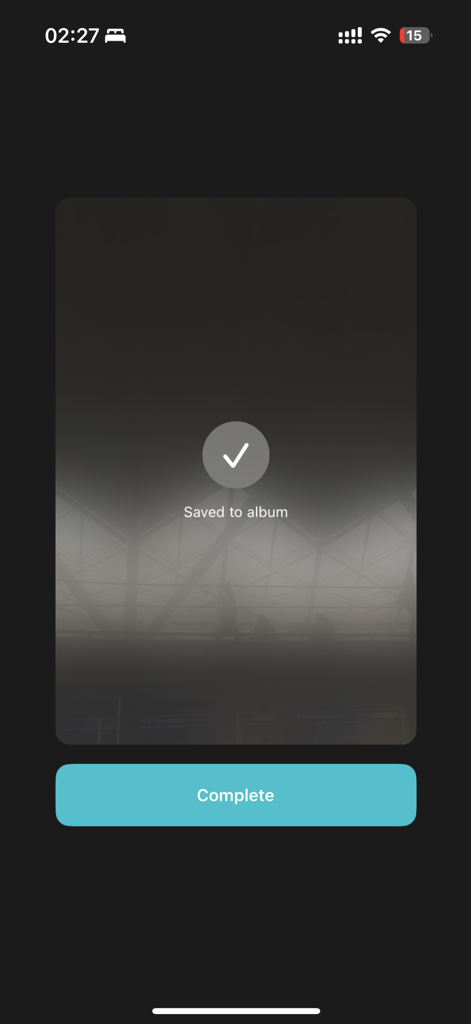
Screenshot of the LiveCut app showing a successful video to live photo conversion with a Saved to album message and a Complete button.
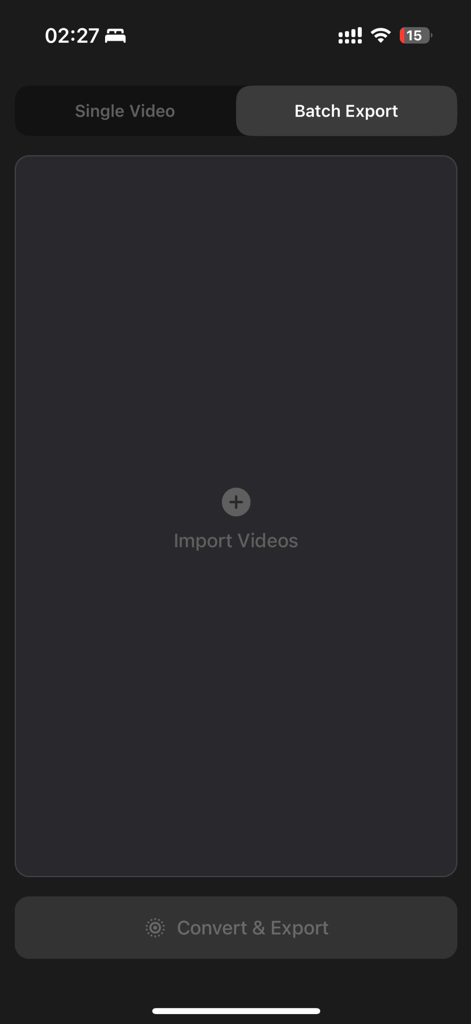
Batch export interface of the LiveCut app showing the option to import multiple videos for conversion to live photos
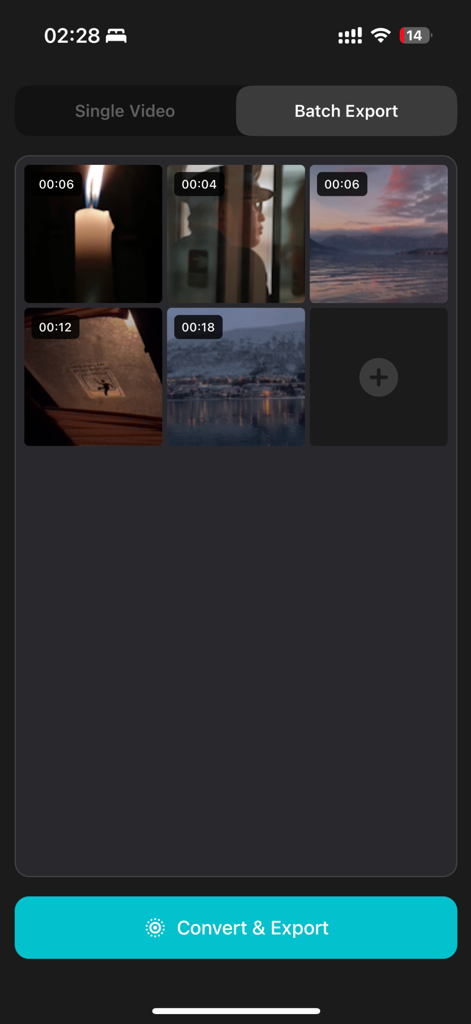
Interface of the LiveCut app showing the batch export mode with multiple video thumbnails selected for conversion.
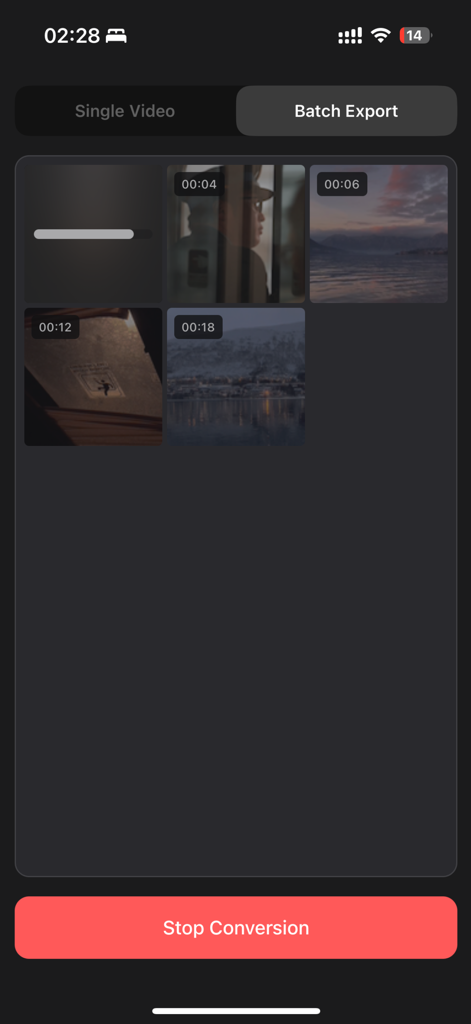
Interface of LiveCut app showing the batch conversion of multiple videos into live photos
Description
Download
More Like This
Top-ranked apps in the same category

CapCut: Photo & Video Editor
BYTEDANCE PTE. LTD.

Instagram, Inc.

YouTube
Google LLC

Canva: AI Photo & Video Editor
Canva Pty Ltd

快手
Beijing Kwai Technology Co., Ltd.

Snapchat
Snap, Inc.

Edits: Video Editor
Instagram, Inc.

Google Photos: Backup & Edit
Google LLC

Meta AI - Vibes & AI Glasses
Meta Platforms, Inc.
This page is not an official page of the app or its developer, but an independent editorial publication created for informational and commentary purposes. Unless expressly stated otherwise, neither the app nor its developer is affiliated with, endorsed by, sponsored by, authorized by, or otherwise officially connected with MWM, Apple, Google Play, the app publisher, or the app's developer, and nothing on this page implies that the app was developed using MWM's services. Any trademarks, logos, screenshots, and other content remain the property of their respective owners.