
This page is not an official page of the app or its developer, but an independent editorial publication created for informational and commentary purposes. Unless expressly stated otherwise, neither the app nor its developer is affiliated with, endorsed by, sponsored by, authorized by, or otherwise officially connected with MWM, Apple, Google Play, the app publisher, or the app's developer, and nothing on this page implies that the app was developed using MWM's services. Any trademarks, logos, screenshots, and other content remain the property of their respective owners.

LiveNote: Note on Lock Screen
Stop opening apps just to remember what is next. Harness Live Activities and Dynamic Island to keep your to-dos and reminders glanceable the moment you pick up your phone—no unlocking required.
Downloads
50K+User Rating
Total Ratings
900Publisher
Category
ProductivityLocales
6Latest Version
1.2.3Size
23.6 MBFirst Released
Dec 18, 2025Master Your Day at a Glance
Stop digging through apps to find your notes. LiveNote puts your most critical tasks and schedules directly on your Lock Screen, designed for the fast-paced life of modern iPhone users.
Glanceable Productivity
Eliminate 'App Fatigue' by viewing your notes and countdowns without ever unlocking your phone. Perfect for staying focused during a busy commute or workday.
Dynamic Island Support
Experience seamless multi-tasking with Live Activities. Your most important to-dos float right in the Dynamic Island, keeping you on track while you use other apps.
The following screenshots and description are sourced directly from the app's official store listing and are the property of the app developer.
App Store
Screenshots
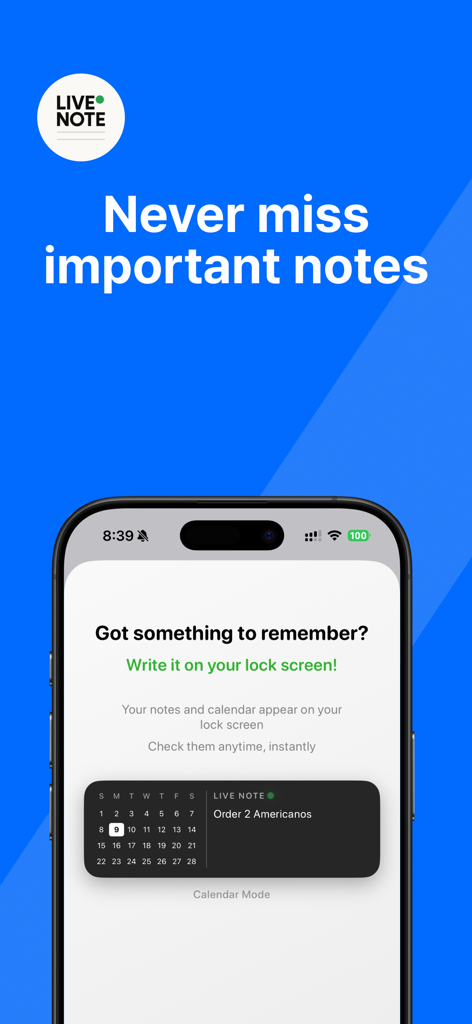
LiveNote app interface on an iPhone lock screen displaying a note and calendar widget
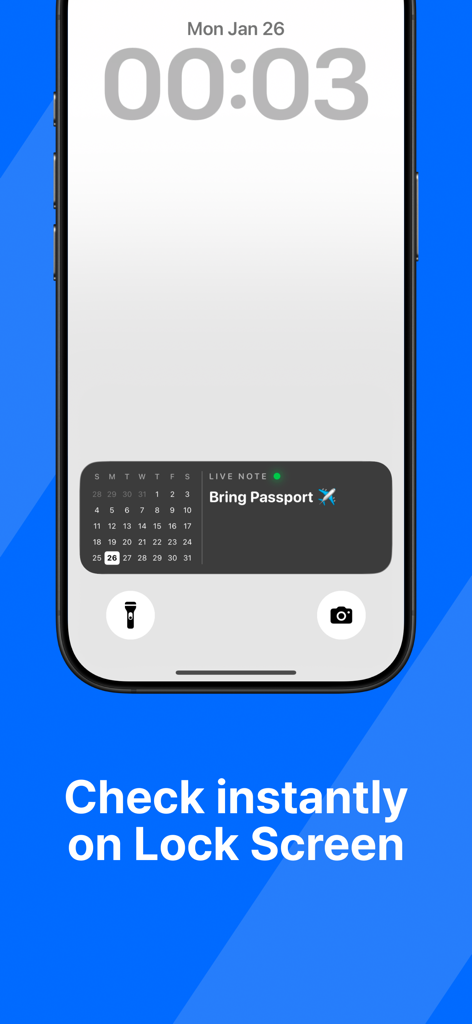
An iPhone lock screen showing a LiveNote widget with a calendar and a reminder note that says Bring Passport.
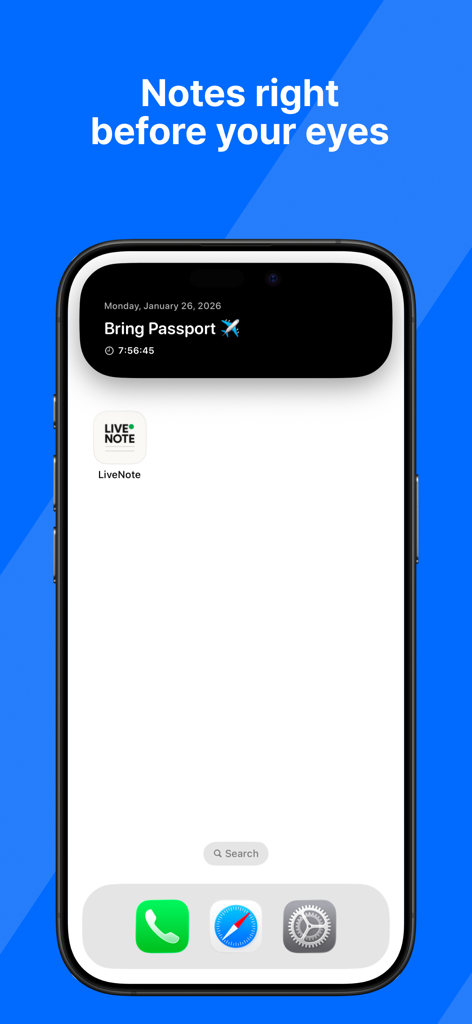
LiveNote app displaying a Bring Passport reminder in the iPhone Dynamic Island
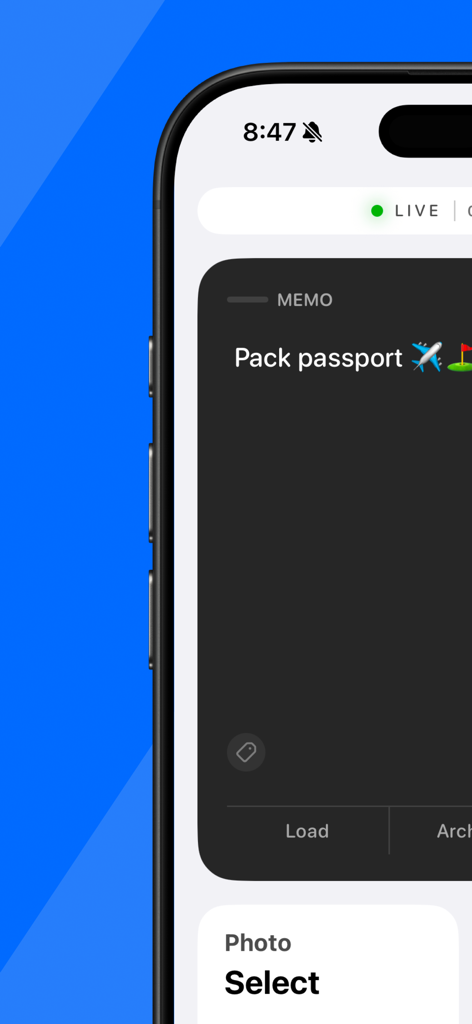
A mobile app interface for creating a lock screen memo saying Pack passport with travel emojis.
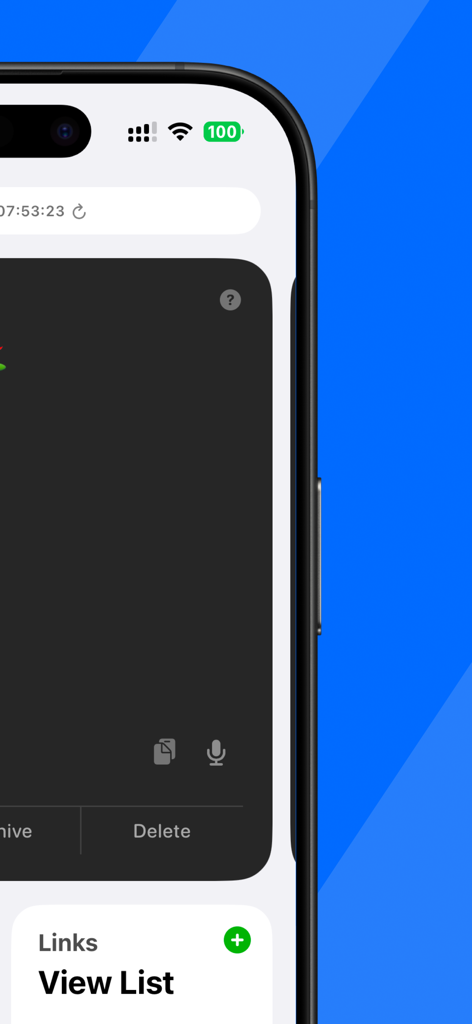
LiveNote app interface on iPhone showing link management and note editing options
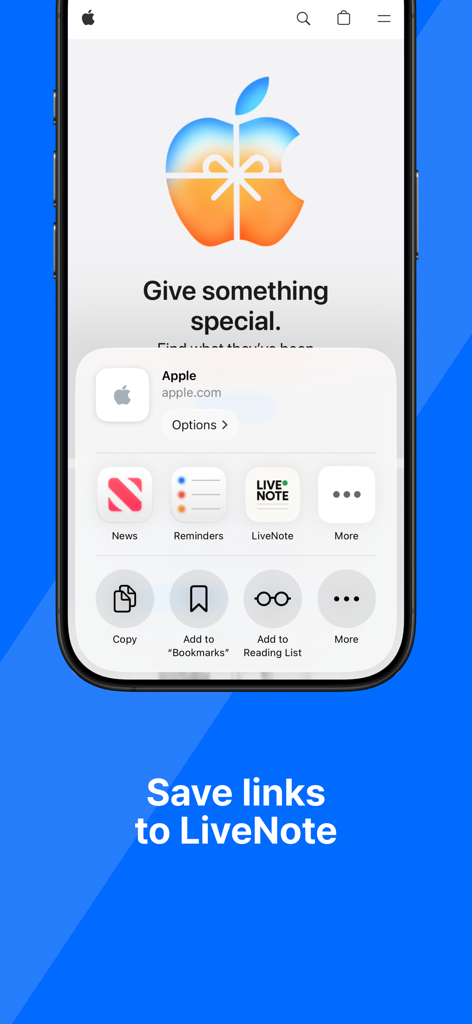
iPhone screen showing the iOS share sheet with the LiveNote icon to save a link from the web browser.
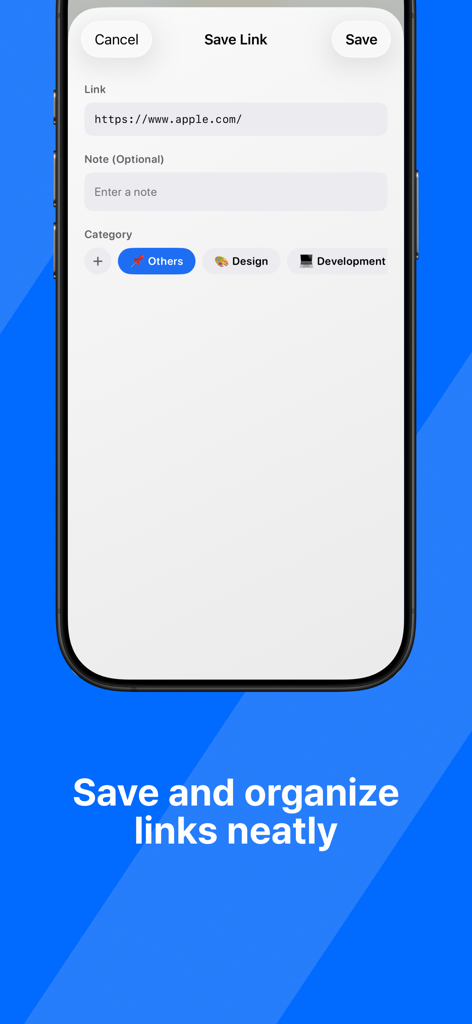
A screen showing how to save and categorize links in the LiveNote app
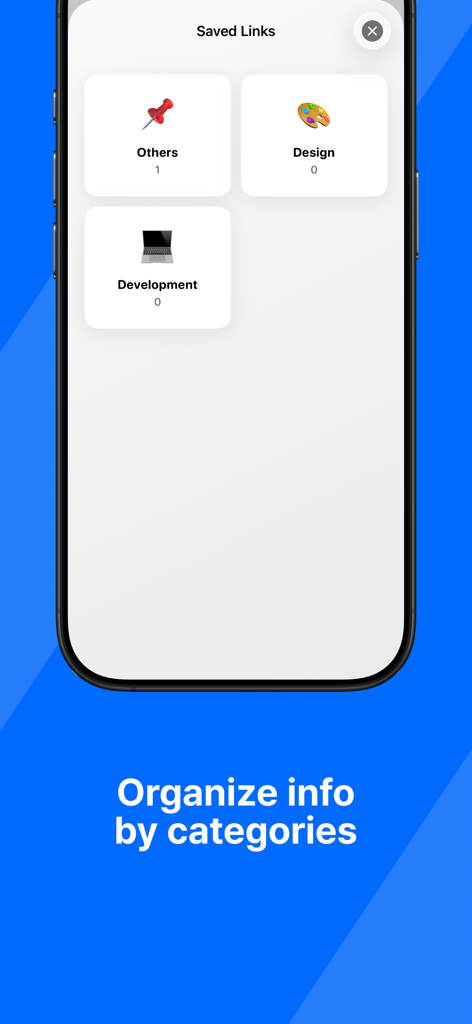
Interface of the LiveNote app showing saved links organized into categories like Design and Development
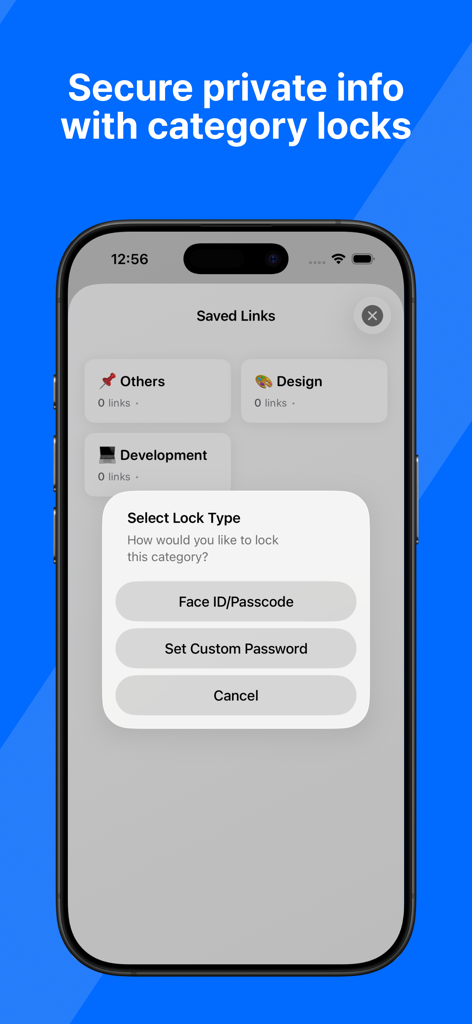
A smartphone screen displaying options to secure link categories using Face ID or a custom password.
Description
Download
More Like This
Top-ranked apps in the same category

ChatGPT
OpenAI OpCo, LLC

Google Gemini
Google LLC

Claude by Anthropic
Anthropic PBC

Gmail - Email by Google
Google LLC

千问 - 阿里最强大模型官方AI助手
Shanghai Zhixin Puhui Technology Co., Ltd.

Grok - AI Chat & Video
X.AI Corporation
Google Drive
Google LLC

Microsoft Authenticator
Microsoft Corporation
Google Sheets
Google LLC
This page is not an official page of the app or its developer, but an independent editorial publication created for informational and commentary purposes. Unless expressly stated otherwise, neither the app nor its developer is affiliated with, endorsed by, sponsored by, authorized by, or otherwise officially connected with MWM, Apple, Google Play, the app publisher, or the app's developer, and nothing on this page implies that the app was developed using MWM's services. Any trademarks, logos, screenshots, and other content remain the property of their respective owners.