
This page is not an official page of the app or its developer, but an independent editorial publication created for informational and commentary purposes. Unless expressly stated otherwise, neither the app nor its developer is affiliated with, endorsed by, sponsored by, authorized by, or otherwise officially connected with MWM, Apple, Google Play, the app publisher, or the app's developer, and nothing on this page implies that the app was developed using MWM's services. Any trademarks, logos, screenshots, and other content remain the property of their respective owners.


Locker: Hidden Photo Vault
Stop worrying about the accidental swipe. Secure your most sensitive photos, videos, notes, and app links behind FaceID protection. Use our stealth mode to disguise the app icon as a calculator or timer for the ultimate digital fortress.
Downloads
4M+User Rating
Total Ratings
11K+Publisher
Category
UtilitiesLocales
21Latest Version
4.1.2Size
42.3 MBFirst Released
Jul 24, 2017Total Privacy in Plain Sight
The ultimate vault for your most personal content. Secure your photos, apps, and notes with biometric protection and clever camouflage designed for digital sovereignty.
Social Camouflage
Disguise your vault as a harmless calculator or timer to keep prying eyes away from your home screen and ensure plausible deniability.
Biometric Lockdown
Eliminate 'accidental swipe' anxiety. Use FaceID or TouchID to protect your private media with a secondary layer of authentication that stays on your device.
The following screenshots and description are sourced directly from the app's official store listing and are the property of the app developer.
App Store
Screenshots
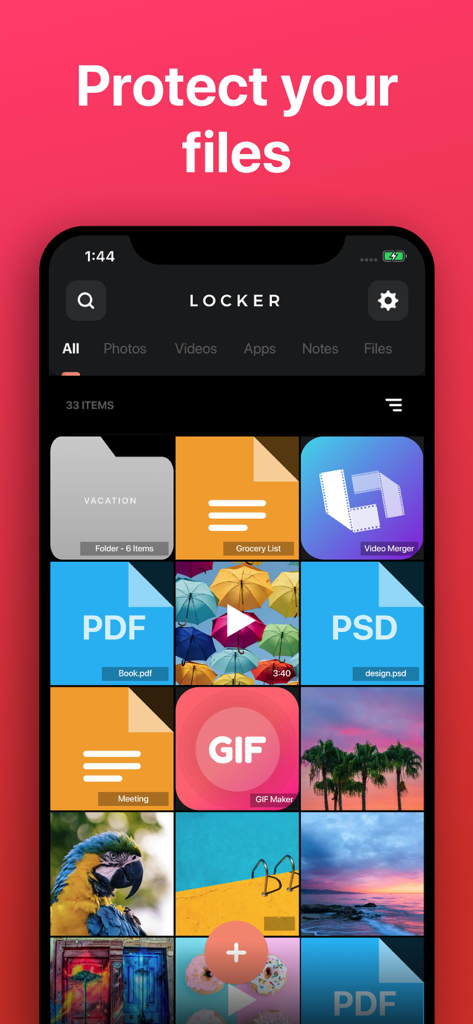
Interface of the Locker app showing a grid of protected photos, PDF documents, and private notes
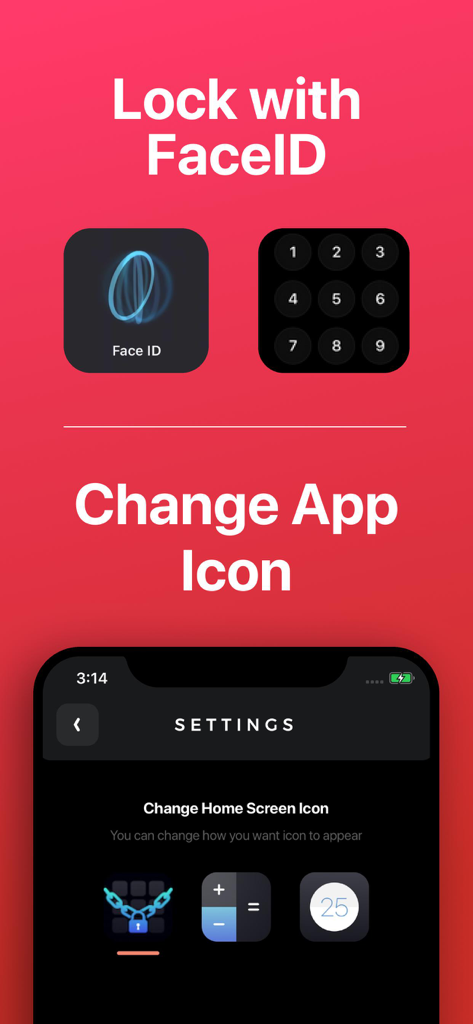
Locker app interface showing FaceID security options and settings to change the app icon to a calculator for privacy
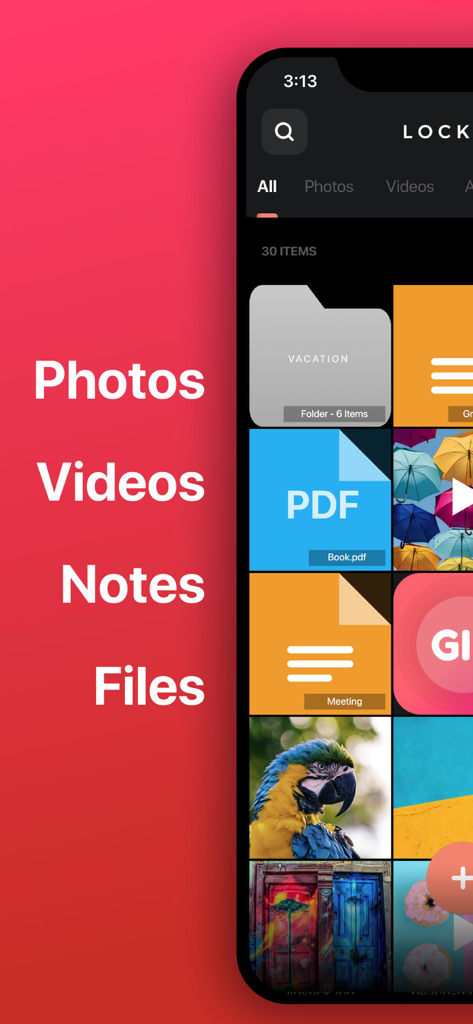
Interface of the Locker app showing organized private folders, PDF files, notes, and photos in a secure vault.
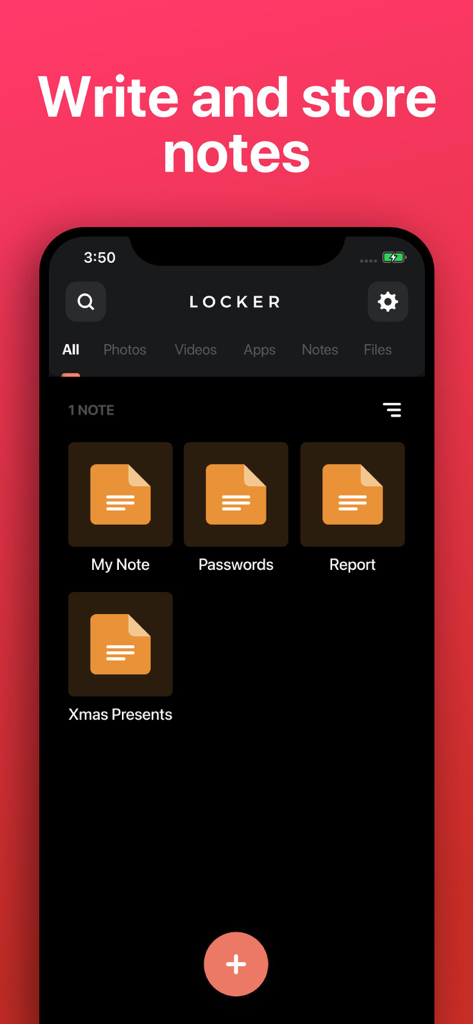
A screenshot of the Locker app showing the interface for writing and storing private notes.
Description
Download
More Like This
Apps with similar features and user experience

Private Photo Vault - Pic Safe
Legendary Software Labs LLC

PBox-Private Photo Vault
宇 刘

Safe Lock - Hidden Photo Vault
Katerina Akhlebinina

SV - Private Photo Vault PRO
Legendary Software Labs LLC

PV - Secret Photo Album
Haibin Jiao

Converter: Hidden Photo Vault
Dmitry Petrov

Calculator Lock - Secure Vault
MacyMind

Secret Photo Vault: Keepsafe
KeepSafe Software, Inc

Digiposte: secure storage
la poste
This page is not an official page of the app or its developer, but an independent editorial publication created for informational and commentary purposes. Unless expressly stated otherwise, neither the app nor its developer is affiliated with, endorsed by, sponsored by, authorized by, or otherwise officially connected with MWM, Apple, Google Play, the app publisher, or the app's developer, and nothing on this page implies that the app was developed using MWM's services. Any trademarks, logos, screenshots, and other content remain the property of their respective owners.