LotteryMaster!

LotteryMaster!

Download on App Store
Logo of LotteryMaster!

LotteryMaster!: Professional Raffle & Fundraising Draws Made Easy

The ultimate tool for community organizers to manage physical ticket books by color and letter. Handle partially sold books with ease and guarantee a fair, transparent winner for your next event.

Download on App Store

Publisher

Vigleik Steinar Voll

Category

Utilities

Downloads

0

User Rating

1.0/5

Total Ratings

0

Locales

1

Fairness in Action

Discover the interface used by 0 users.
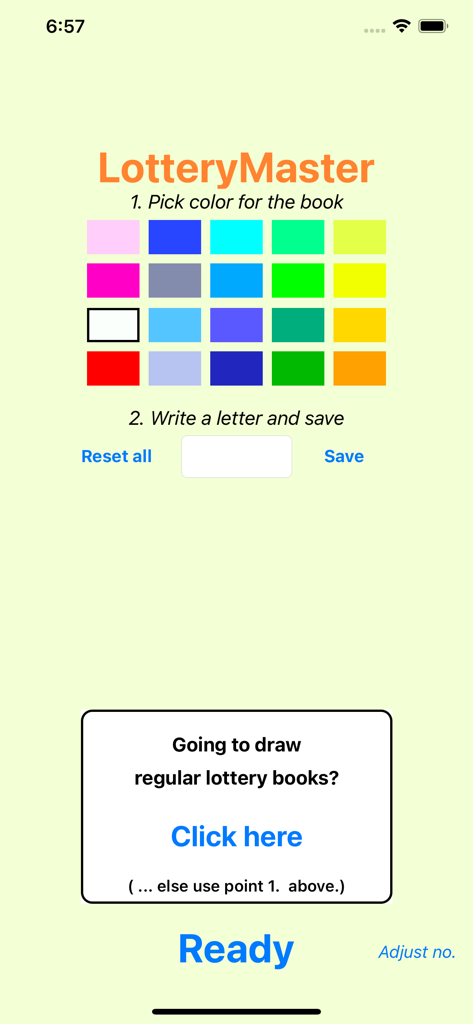
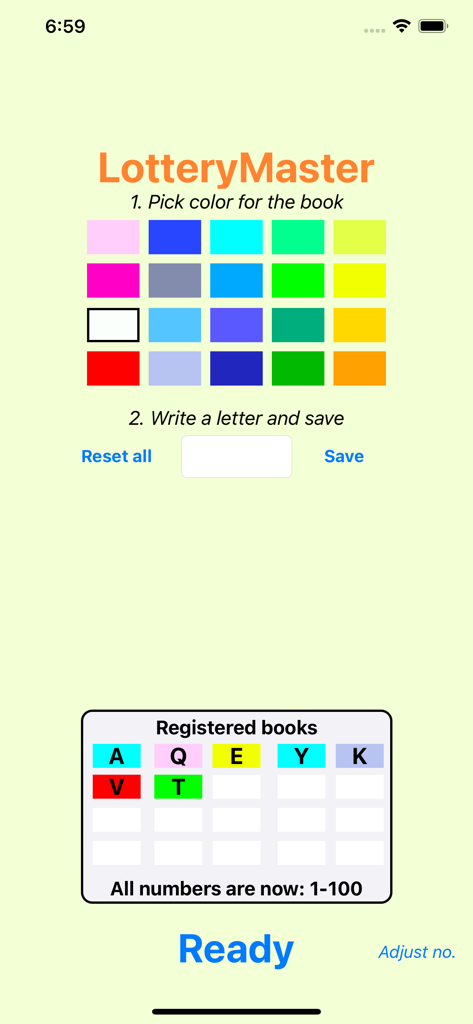
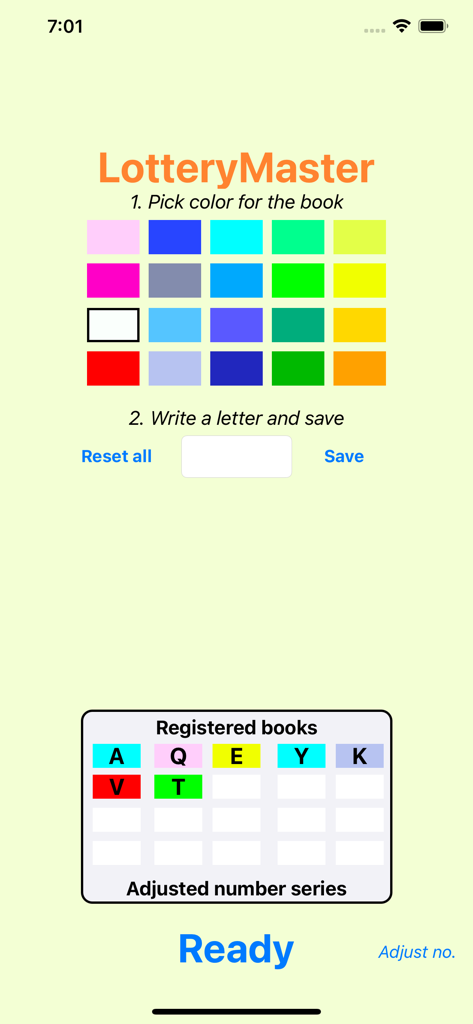
Setup screen in LotteryMaster app for selecting ticket book colors and letter codes

Setup screen in LotteryMaster app for selecting ticket book colors and letter codes

LotteryMaster interface to select ticket colors and letters for raffle organization

LotteryMaster interface to select ticket colors and letters for raffle organization

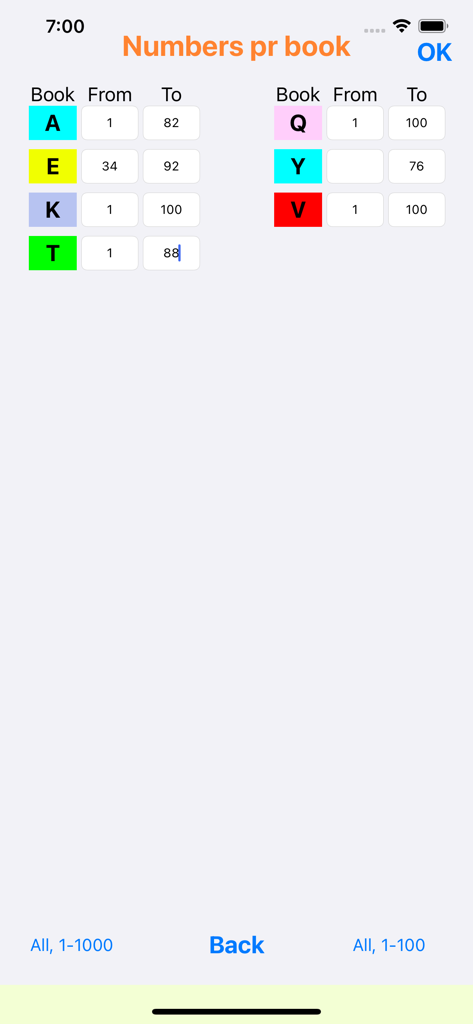
LotteryMaster app interface for setting starting and ending ticket numbers for multiple colored raffle books

LotteryMaster app interface for setting starting and ending ticket numbers for multiple colored raffle books

LotteryMaster interface for selecting ticket book colors and assigning letters for a raffle draw

LotteryMaster interface for selecting ticket book colors and assigning letters for a raffle draw

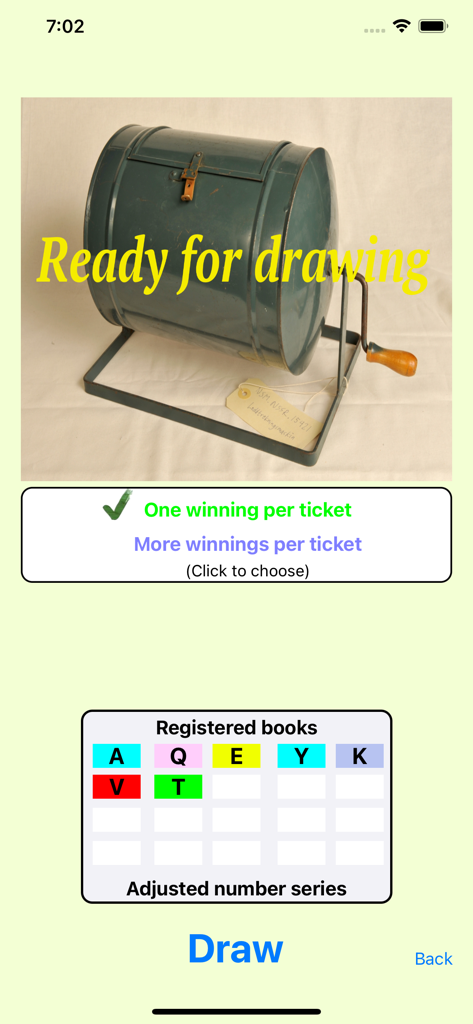
Digital raffle drawing screen showing registered colored ticket books and a draw button

Digital raffle drawing screen showing registered colored ticket books and a draw button

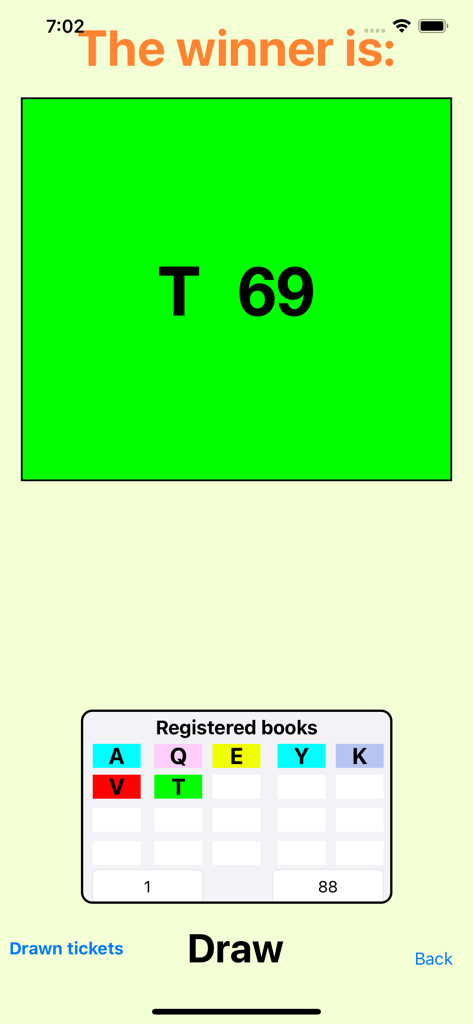
LotteryMaster app screen displaying the winning ticket number T 69 in a green box above the raffle draw controls

LotteryMaster app screen displaying the winning ticket number T 69 in a green box above the raffle draw controls

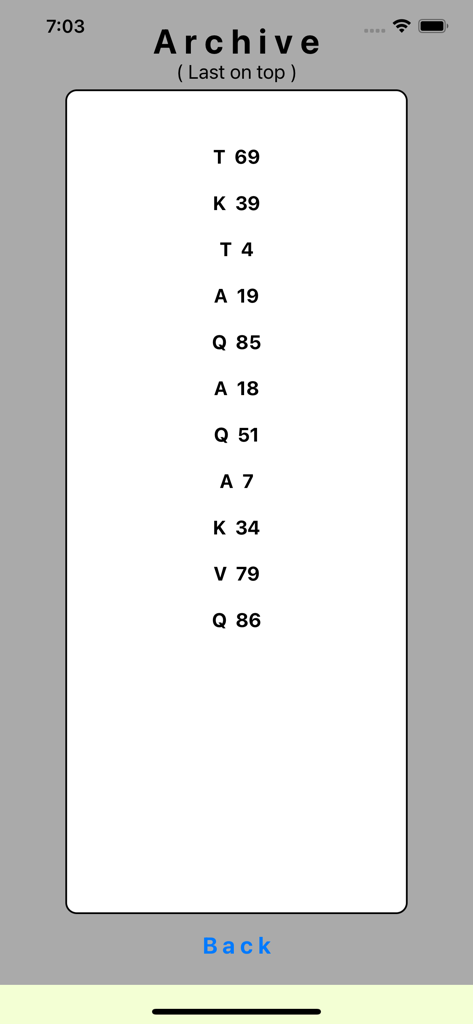
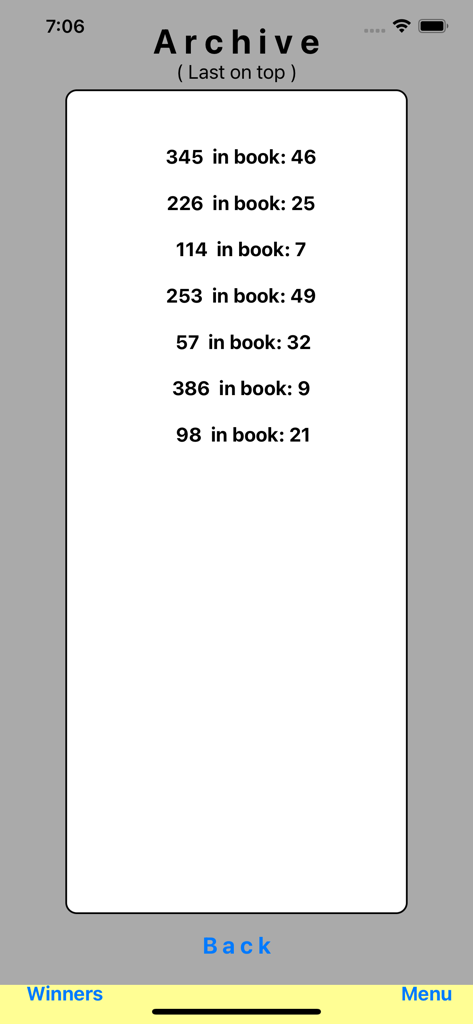
Archive screen displaying a list of winning raffle ticket letters and numbers

Archive screen displaying a list of winning raffle ticket letters and numbers

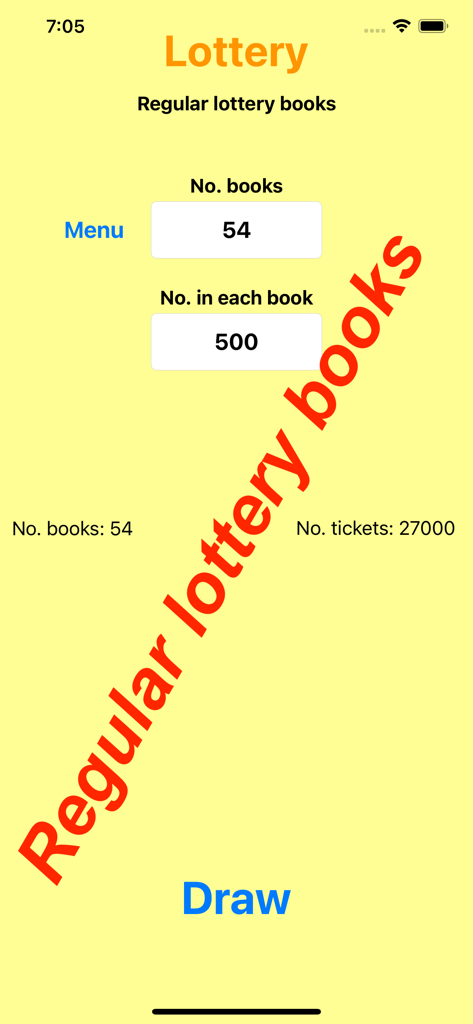
Screen for configuring regular lottery books showing number of books and total tickets in the LotteryMaster app

Screen for configuring regular lottery books showing number of books and total tickets in the LotteryMaster app

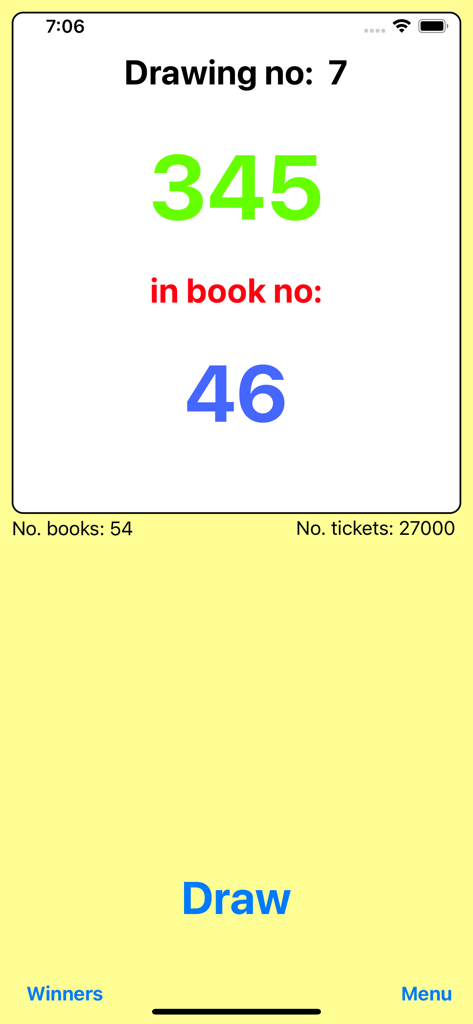
Digital raffle draw result showing winning ticket number and book number in LotteryMaster

Digital raffle draw result showing winning ticket number and book number in LotteryMaster

Archive screen of the LotteryMaster app displaying a list of previous winning raffle tickets and book numbers

Archive screen of the LotteryMaster app displaying a list of previous winning raffle tickets and book numbers

Professional Raffle Management Made Simple

The tools that make this app stand out, trusted by 0 users.

🔢

Eliminate Dead Draws

Only draw from tickets you’ve actually sold. Easily adjust number ranges for partially used books to ensure every winner is a real participant.

🎨

Visual Inventory Mapping

Match your digital draw to your physical inventory. Assign colors and letters to each book for instant, error-free identification during the big moment.

⚖️

Fairness You Can Trust

Build community confidence with a transparent digital draw. Every winner is automatically logged in the Archive for easy post-event reporting.

About the app

Everything you need to know about LotteryMaster!.

Description

For ticket books with numbers and even letters! 1. Select the color of each sold ticket book. 2. Write the letter for each sold book and save. 3. If not all the numbers are sold in all books, adjust the number series for each book! 4. Draw! The color and the letter of the winner number shows up! Partly-used lottery books: If you have unsold tickets i.e.from K37-K100 in a book, then use them! Just register the red K-book and adjust the numbers to 37-100 for that book. Register all the other sold books and draw! Regular lottery books: You can do this in two ways: 1. Use the 'Click here' at the lower part of the screen. a) Enter the number of sold books. b) Draw!  You find all the winners in the Archive. 2. If you have not sold all the tickets in many books, and you have less then 21 books: a) Mark each physical book with i.e. B1, B2, B3, B4 and then write these books into  the app using your favorite color. b) If you have numbers from 1-1000 in each book, click 'All, 1-1000' and if not all the numbers are sold, adjust the numbers for these books and draw. Can it be easier and more fair??

Latest Version

2.6

Size

5.1 MB

First Released

Oct 30, 2017

Make Every Draw Fair and Effortless

Stop worrying about unsold tickets or messy books. Download LotteryMaster! today and bring professional precision to your next fundraiser or community event.

Download on App Store

App information, icons, screenshots, and descriptions displayed on this page are sourced from the Apple App Store and are the property of their respective developers. Download estimates and rankings are based on MWM's proprietary models and may not reflect actual figures. This page is provided for informational and analytical purposes only.

Believe this page infringes your intellectual property? File a dispute