
This page is not an official page of the app or its developer, but an independent editorial publication created for informational and commentary purposes. Unless expressly stated otherwise, neither the app nor its developer is affiliated with, endorsed by, sponsored by, authorized by, or otherwise officially connected with MWM, Apple, Google Play, the app publisher, or the app's developer, and nothing on this page implies that the app was developed using MWM's services. Any trademarks, logos, screenshots, and other content remain the property of their respective owners.

Lunel
Access your terminal, code with AI assistance, and manage full-stack workflows directly from your phone. No accounts, zero configuration—just seamless, secure control of your projects from anywhere.
Downloads
0User Rating
Total Ratings
0Publisher
Category
Developer ToolsLocales
1Latest Version
1.0.1Size
106.3 MBFirst Released
Mar 23, 2026The Full Power of Your Desk, Anywhere
Stop being tethered to your workstation. Manage projects, deploy fixes, and orchestrate code with a professional-grade environment built for the mobile workflow.
AI-Powered Orchestration
Skip the tedious mobile typing. Use context-aware AI agents to generate code, search your repo, and apply changes directly to your project.
Full Terminal & Git Access
This isn't a code viewer. Run live scripts, manage dependencies, and push commits through a high-performance terminal connected to your machine.
The following screenshots and description are sourced directly from the app's official store listing and are the property of the app developer.
App Store
Screenshots
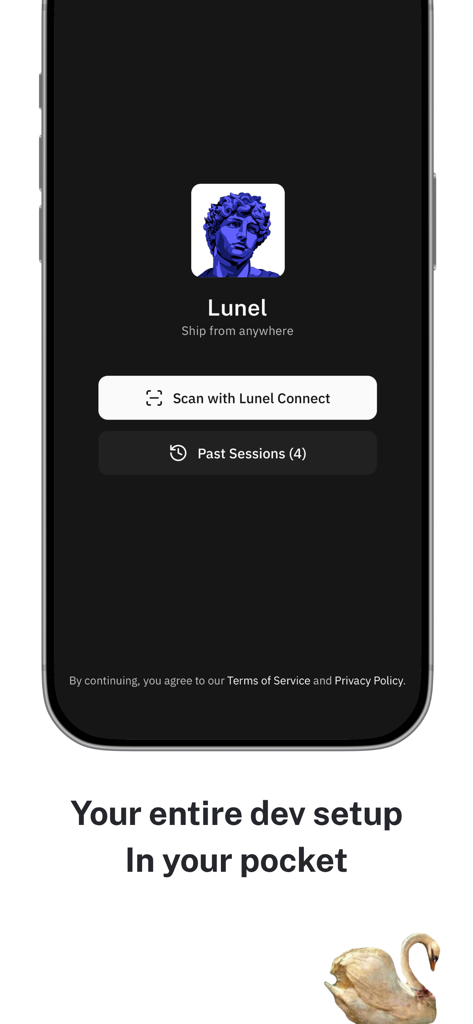
Home screen of the Lunel mobile development environment app showing options to scan and connect or view past sessions
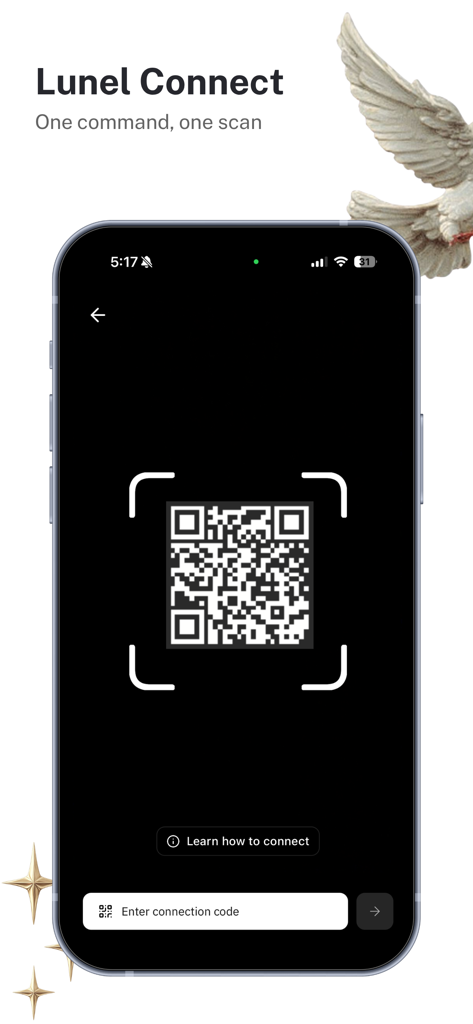
Lunel app QR code connection screen for pairing a mobile device with a local development environment
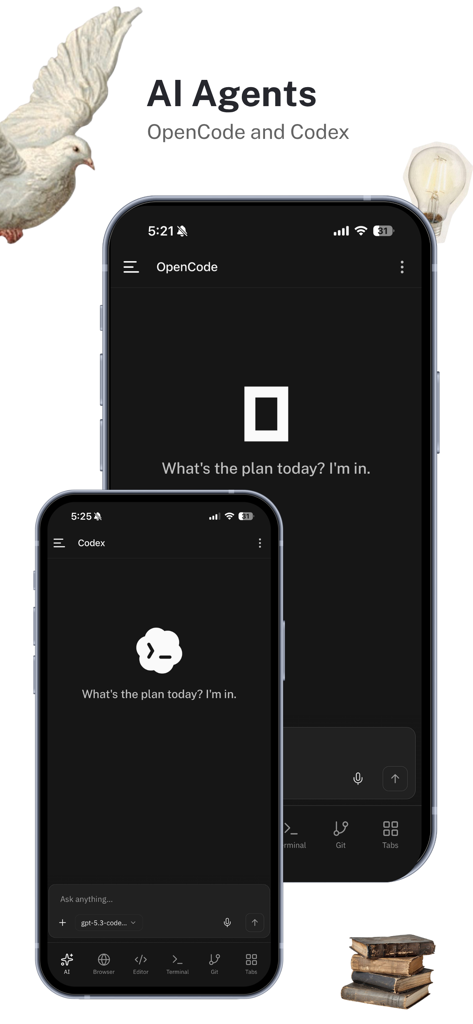
Interface of the Lunel mobile app featuring AI agents OpenCode and Codex for remote coding assistance.
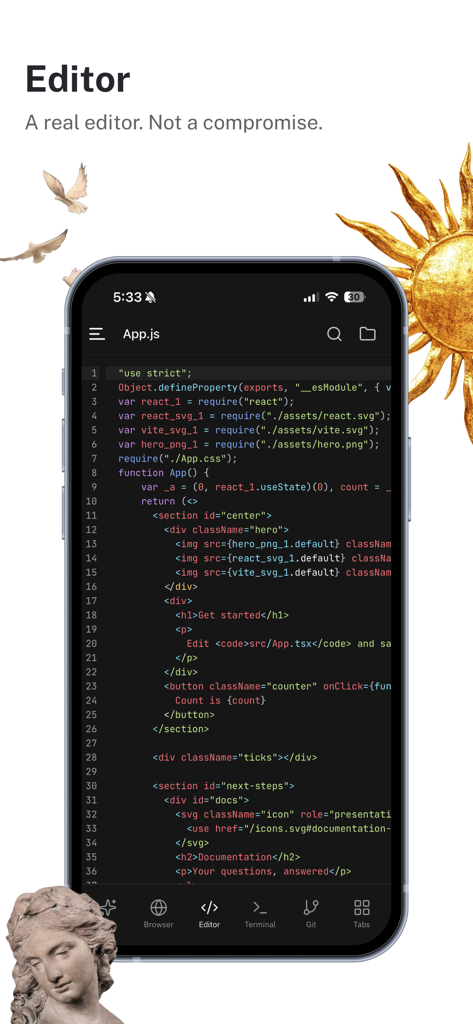
Lunel mobile development environment code editor interface
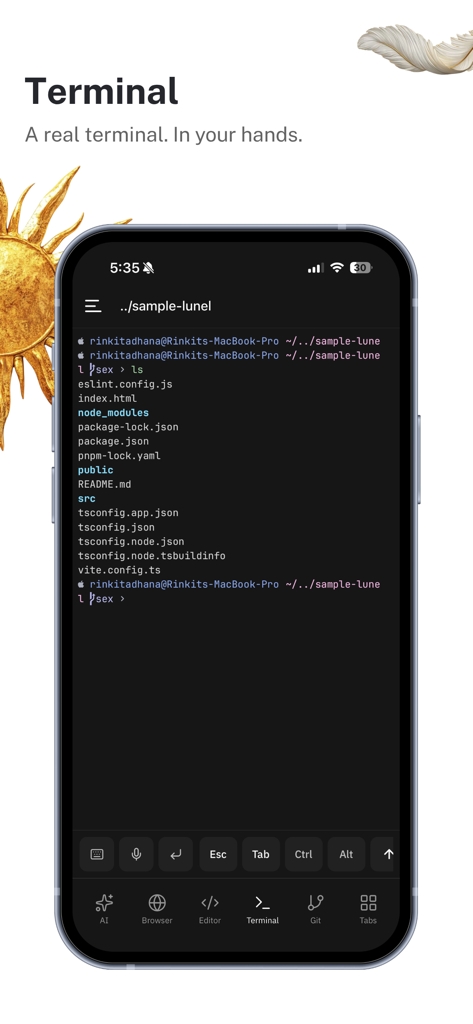
A smartphone displaying the Lunel app with a live terminal interface showing a project directory structure
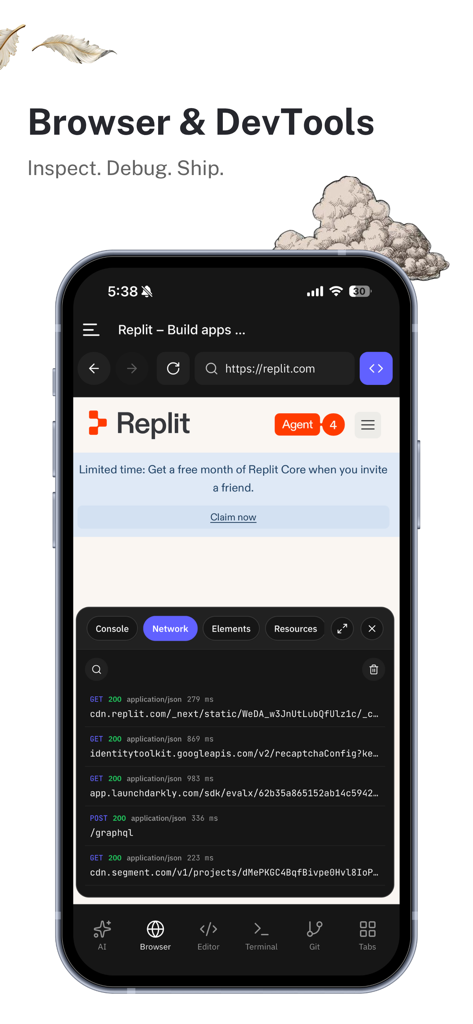
Lunel mobile development environment showing integrated browser and developer tools for inspecting and debugging.
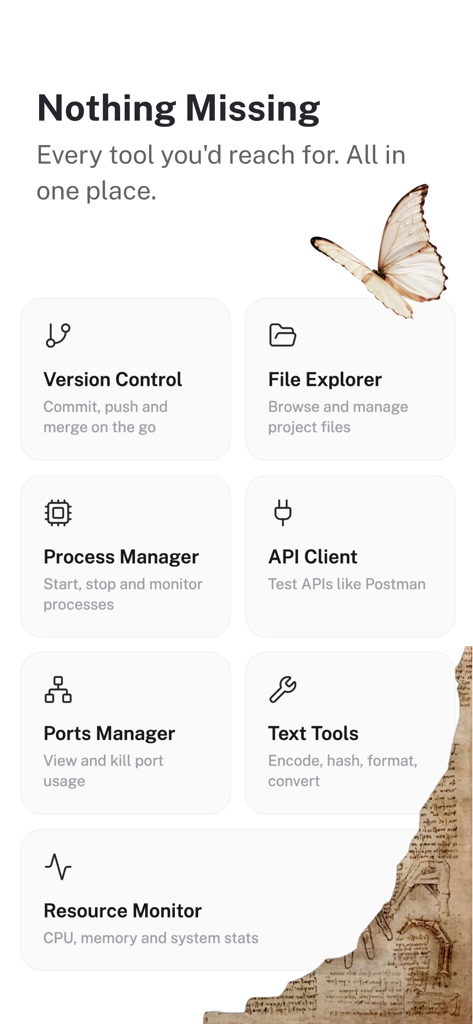
A list of developer features in the Lunel app including version control file explorer process manager and api client

Promotional graphic for Lunel mobile development environment with a purple statue and text saying Ship From Anywhere
Description
Download
More Like This
Top-ranked apps in the same category

TestFlight
Apple Inc.

Replit: Vibe Code Apps
Replit, Inc

GitHub
GitHub

avoGate
Lark Company Limited
Emergent AI: Vibe Code Apps
Emergent Labs Inc

O-KAM Pro
Shenzhen VeePai IoT Intelligent Technology LLC

ProxyPin - Open Source Capture
Minimalist Network Co., Ltd.

Apple Developer
Apple Inc.

Expo Go
650 Industries, Inc.
This page is not an official page of the app or its developer, but an independent editorial publication created for informational and commentary purposes. Unless expressly stated otherwise, neither the app nor its developer is affiliated with, endorsed by, sponsored by, authorized by, or otherwise officially connected with MWM, Apple, Google Play, the app publisher, or the app's developer, and nothing on this page implies that the app was developed using MWM's services. Any trademarks, logos, screenshots, and other content remain the property of their respective owners.