
This page is not an official page of the app or its developer, but an independent editorial publication created for informational and commentary purposes. Unless expressly stated otherwise, neither the app nor its developer is affiliated with, endorsed by, sponsored by, authorized by, or otherwise officially connected with MWM, Apple, Google Play, the app publisher, or the app's developer, and nothing on this page implies that the app was developed using MWM's services. Any trademarks, logos, screenshots, and other content remain the property of their respective owners.


Macroscope Cam
Unlock the hidden potential of your Pro camera with 15x zoom and precision focus locking. Experience professional macro photography with a one-time purchase and total privacy—no subscriptions, no data tracking.
Downloads
4K+User Rating
Total Ratings
0Publisher
Category
Photo & VideoLocales
1Latest Version
3.0Size
14.9 MBFirst Released
Feb 22, 2023See the Unseen with Precision
Transform your iPhone into a powerful macroscope. Designed for explorers, collectors, and tech enthusiasts who demand the most from their premium hardware.
Intelligent Focus Locking
Our proprietary focus algorithm eliminates the 'hunting' common in standard apps, letting you capture crystal-clear shots of textures and nature.
Zero Subscriptions
Reject the SaaS trend with a 'pay once, own forever' model. No recurring fees, no ads, and absolutely no data tracking for total peace of mind.
The following screenshots and description are sourced directly from the app's official store listing and are the property of the app developer.
App Store
Screenshots
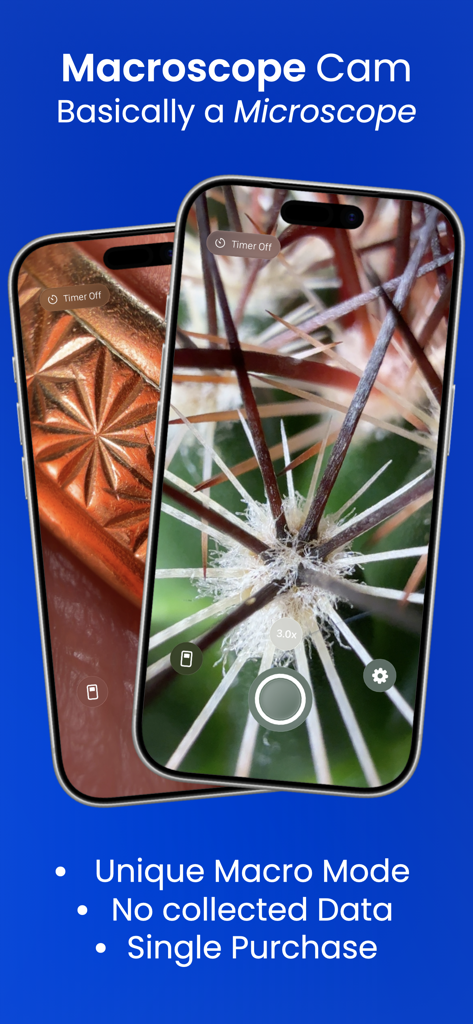
Macroscope Cam app interface showing extreme close-up macro photography of a plant and a textured pattern on iPhone screens
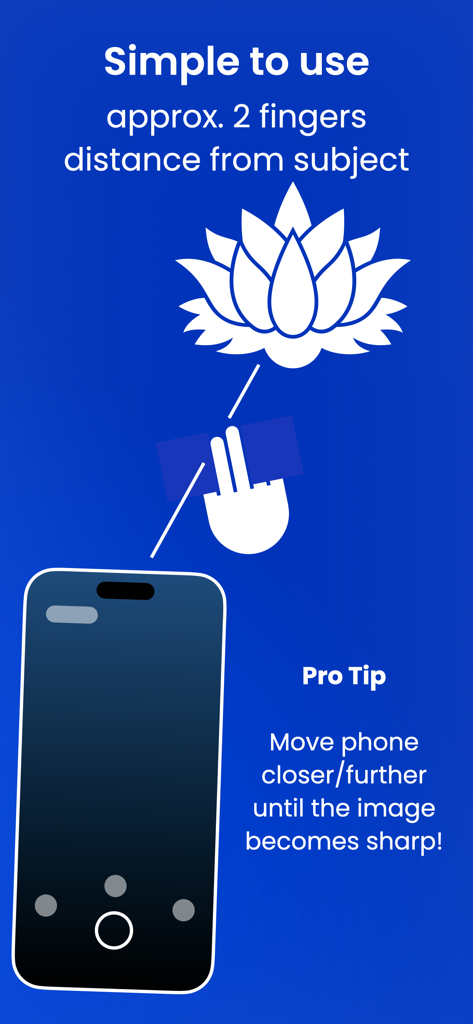
An instructional graphic showing that the iPhone should be approximately two fingers distance from a subject for sharp macro photography.
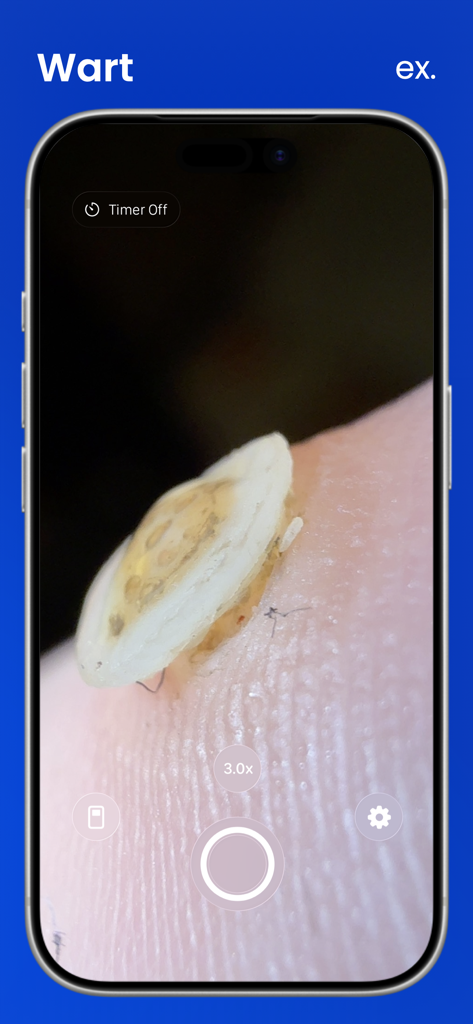
Macroscope Cam app on iPhone showing a 3x magnified close up view of a skin wart for inspection
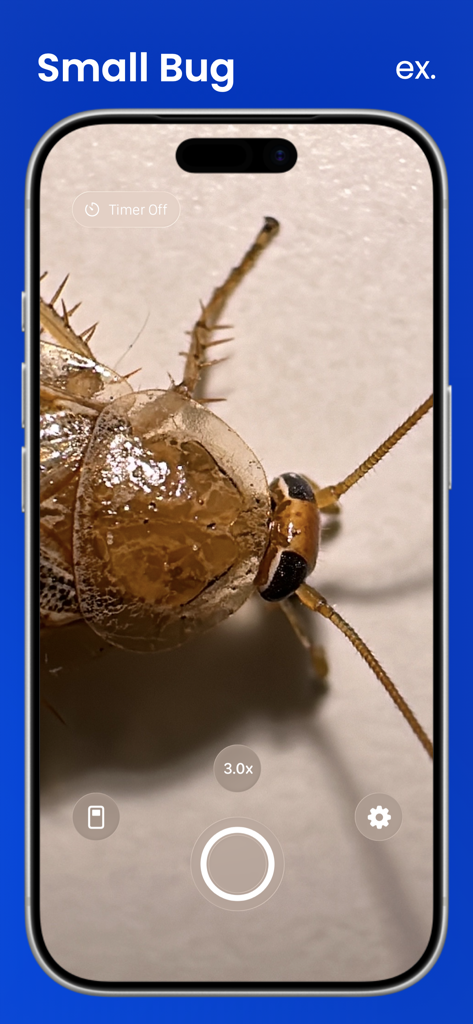
iPhone screen displaying a highly detailed macro photo of a small bug using the Macroscope Cam app.
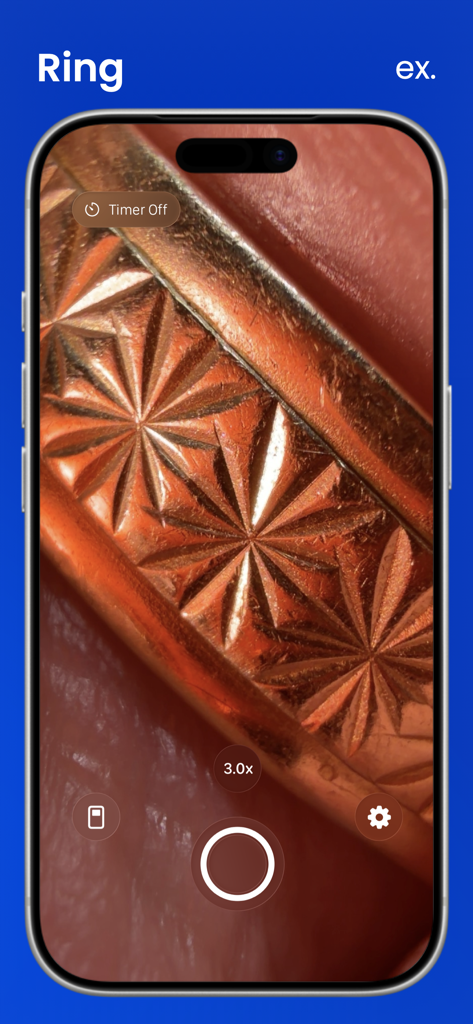
A screenshot of the Macroscope Cam app interface showing a 3x zoom close-up of a gold ring with intricate star patterns.
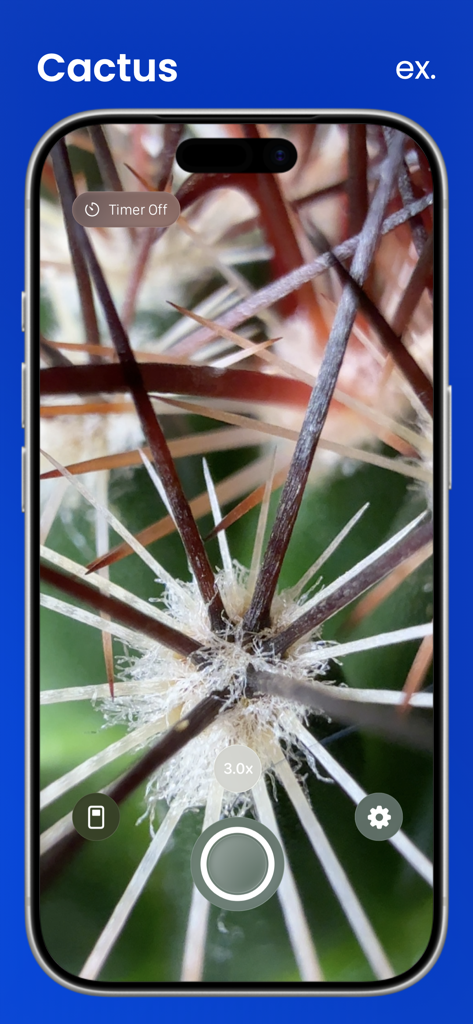
Macroscope Cam app interface displaying a 3x zoom macro shot of cactus thorns

List of compatible iPhone models for the Macroscope Cam app including Pro versions from 13 to 17.
Description
Download
More Like This
Top-ranked apps in the same category

CapCut: Photo & Video Editor
BYTEDANCE PTE. LTD.

Instagram, Inc.

YouTube
Google LLC

Canva: AI Photo & Video Editor
Canva Pty Ltd

Snapchat
Snap, Inc.

快手
Beijing Kwai Technology Co., Ltd.

Edits: Video Editor
Instagram, Inc.

Meitu- AI Photo & Video Editor
Xiamen Meitu Technology Co., Ltd.

Google Photos: Backup & Edit
Google LLC
This page is not an official page of the app or its developer, but an independent editorial publication created for informational and commentary purposes. Unless expressly stated otherwise, neither the app nor its developer is affiliated with, endorsed by, sponsored by, authorized by, or otherwise officially connected with MWM, Apple, Google Play, the app publisher, or the app's developer, and nothing on this page implies that the app was developed using MWM's services. Any trademarks, logos, screenshots, and other content remain the property of their respective owners.