
This page is not an official page of the app or its developer, but an independent editorial publication created for informational and commentary purposes. Unless expressly stated otherwise, neither the app nor its developer is affiliated with, endorsed by, sponsored by, authorized by, or otherwise officially connected with MWM, Apple, Google Play, the app publisher, or the app's developer, and nothing on this page implies that the app was developed using MWM's services. Any trademarks, logos, screenshots, and other content remain the property of their respective owners.

Mail: Email, Cloud, Calendar
Digital sprawl is a time sink. This app delivers unrivaled command over essential mail, calendar, and cloud functions, cutting through the noise.
Downloads
25M+User Rating
Total Ratings
2.5MPublisher
Category
ProductivityLocales
23Latest Version
15.80.0Size
614.6 MBFirst Released
Mar 29, 2012Key Features of 'Mail: Email, Cloud, Calendar'
A comprehensive review of its core functionalities and user benefits.
Unified Multi-Account Management
The app allows users to consolidate multiple email accounts, including Gmail, Outlook, Yahoo, and Yandex, into a single, unified interface for streamlined management.
AI Email Summarization
This tool features a neural network that provides brief summaries of lengthy emails, enabling users to quickly understand the core context without reading the entire message.
All-in-One Productivity Hub
The app provides an integrated suite of services, combining email, a comprehensive calendar, notes, and cloud storage, to create an all-in-one productivity hub.
Integrated Cloud Storage
It allows users to securely store documents, photos, and scans in the cloud, helping to free up smartphone memory and ensure easy access to important files.
Smart Calendar & Planner
The tool offers a smart calendar and planner functionality for managing work meetings, setting reminders, creating checklists, and even suggesting optimal vacation dates.
Instant Email Translation
The app includes an integrated email translator, making it convenient for users to understand foreign newsletters and communicate effectively in different languages.
Advanced Email Organization
It intelligently groups emails into threads and automatically sorts newsletters, social media notifications, and personal correspondence into dedicated folders.
Offline Email Reading
The app supports an offline mode, saving emails locally so users can read them without an internet connection, ideal for travel or areas with limited service.
Frequently Asked Questions
Everything you need to know about Mail: Email, Cloud, Calendar
Does Mail: Email, Cloud, Calendar support multiple email accounts?
Yes, Mail: Email, Cloud, Calendar integrates accounts from various email clients like Yandex.Mail, Microsoft Outlook, Gmail, Hotmail, Rambler, Yahoo, and Zimbra, allowing users to manage them all in one application.
Does Mail: Email, Cloud, Calendar provide summaries of long emails?
Yes, the Mail app includes a neural network that provides brief summaries of long emails, helping users quickly grasp the context without reading the entire message.
Can the Calendar in Mail: Email, Cloud, Calendar help plan holidays?
Yes, the Calendar feature in Mail: Email, Cloud, Calendar helps users find the best dates for holidays. It suggests optimal months and days based on salary input.
Can I customize email notifications in Mail: Email, Cloud, Calendar?
Yes, Mail: Email, Cloud, Calendar allows users to customize new email notifications. They can select specific folders and comfortable times to receive push notifications.
What services are included in the Mail: Email, Cloud, Calendar application?
Mail: Email, Cloud, Calendar offers core services including a fast Mail service, a convenient Calendar, Notes, Cloud storage for photos and documents, Shopping, and News.
Does Mail: Email, Cloud, Calendar have an email translator?
Yes, Mail: Email, Cloud, Calendar includes a convenient email translator. Users can translate foreign newsletters or business emails instantly by opening or writing text and selecting the language.
How does Mail: Email, Cloud, Calendar manage newsletters?
Yes, Mail: Email, Cloud, Calendar collects newsletters on one page. Users can easily unsubscribe from irrelevant ones and manage their subscriptions directly within the app.
Does Mail: Email, Cloud, Calendar have a dark mode?
Yes, the Mail app offers a dark background option for comfortable viewing at night. Users can switch between bright and dark interfaces as desired.
Can I read emails offline using Mail: Email, Cloud, Calendar?
Yes, Mail: Email, Cloud, Calendar saves emails to local storage for offline reading. This feature allows users to access their mail without an internet connection, such as on a plane.
The following screenshots and description are sourced directly from the app's official store listing and are the property of the app developer.
App Store
Screenshots
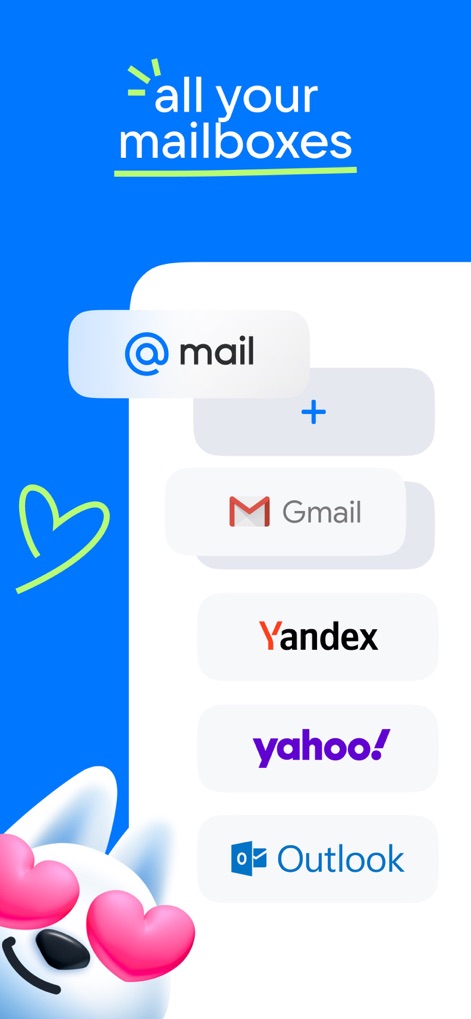
Universal Mailbox Access
This screenshot highlights how users can seamlessly integrate various email accounts like Gmail and Outlook into a single interface.
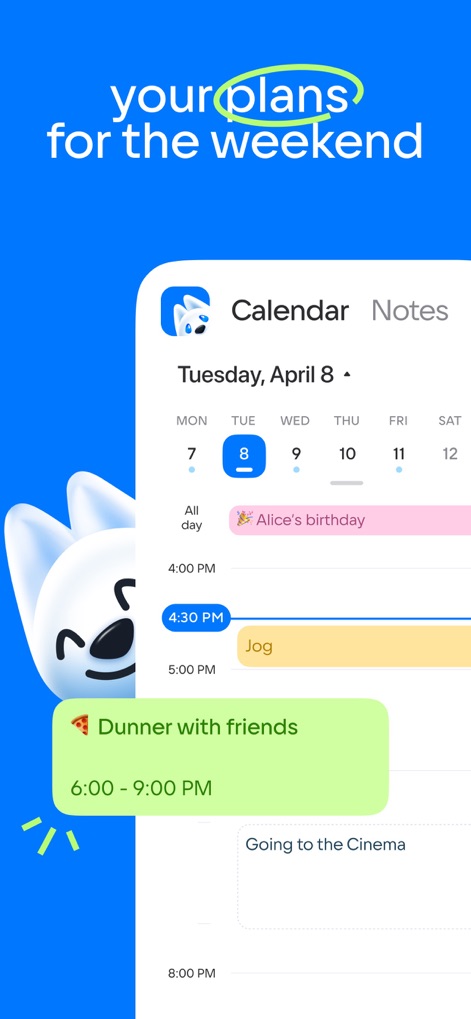
Streamlined Daily Planning
Observe the app's intuitive calendar display, showcasing scheduled events like "Alice's birthday" and personal activities such as "Jog" within a comprehensive daily plan.
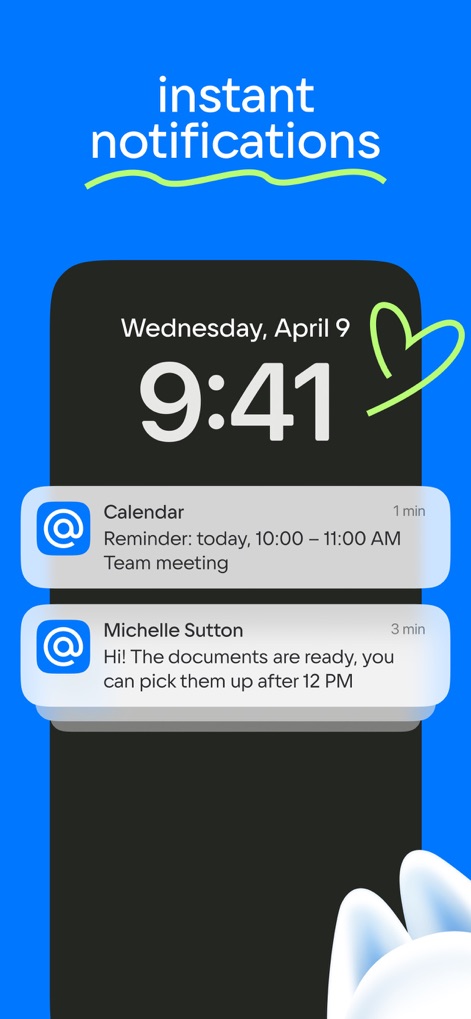
Instant, Organized Alerts
The app delivers timely notifications directly to the lock screen, including calendar reminders and personalized email alerts from contacts like Michelle Sutton.
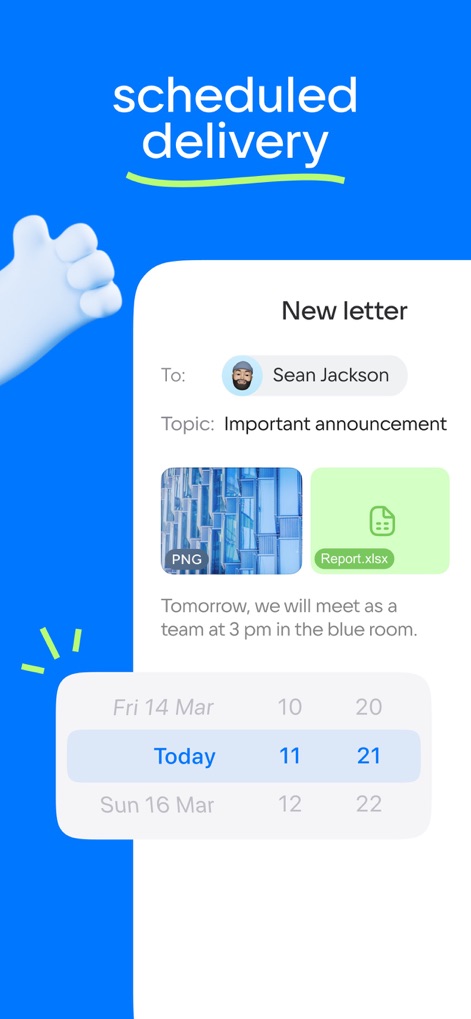
Smart Email Scheduling
Users can compose new emails with various attachments, such as PNG images and XLSX documents, and utilize the built-in scheduler for precise delivery timing.
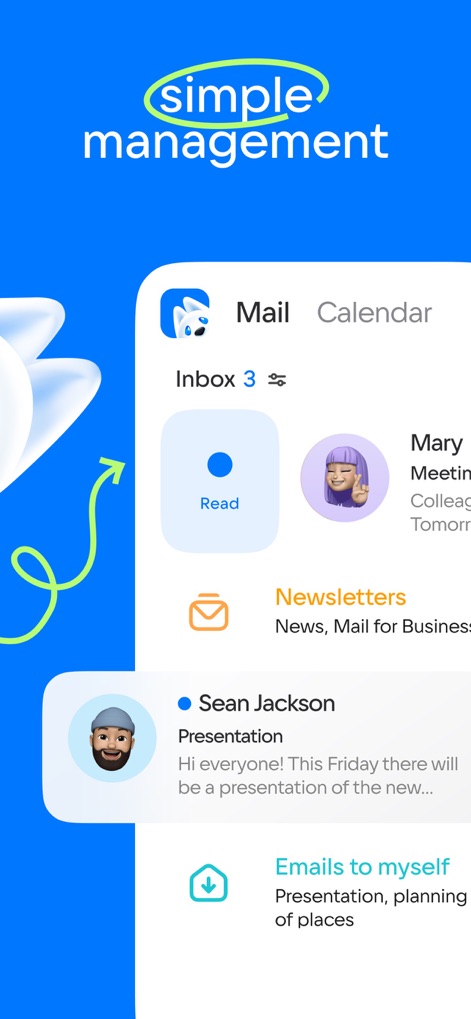
Effortless Inbox Management
This visual demonstrates the app's streamlined inbox, featuring categorized emails such as newsletters and immediate actions like the "Read" button for efficient processing.
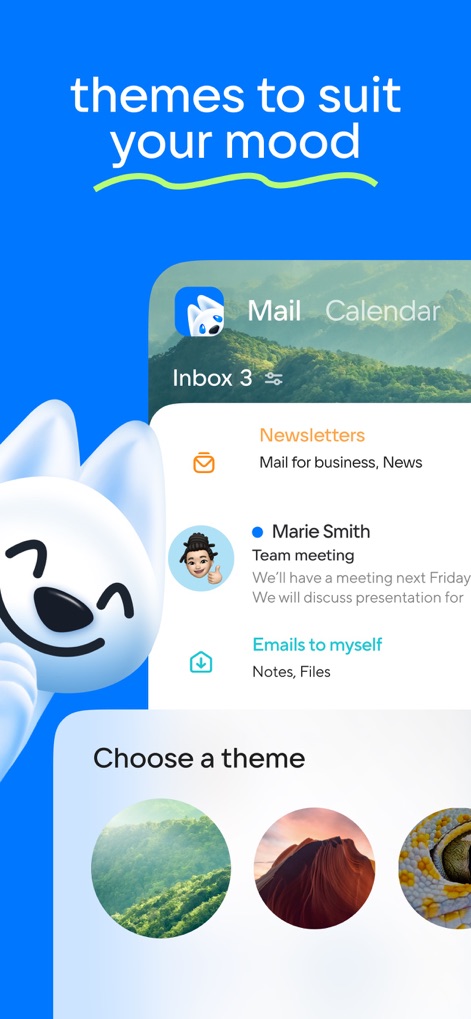
Personalized Interface Themes
The app offers a range of visual themes, allowing users to customize their interface with diverse background options to suit personal preference and mood.
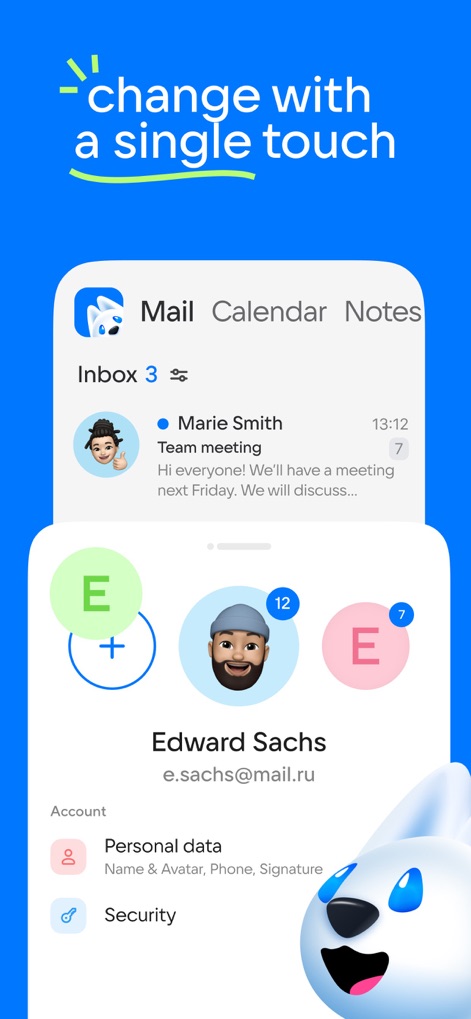
Seamless Account Switching
Users can effortlessly switch between multiple accounts, such as Edward Sachs' profile, and manage personal data and security settings within a unified interface.
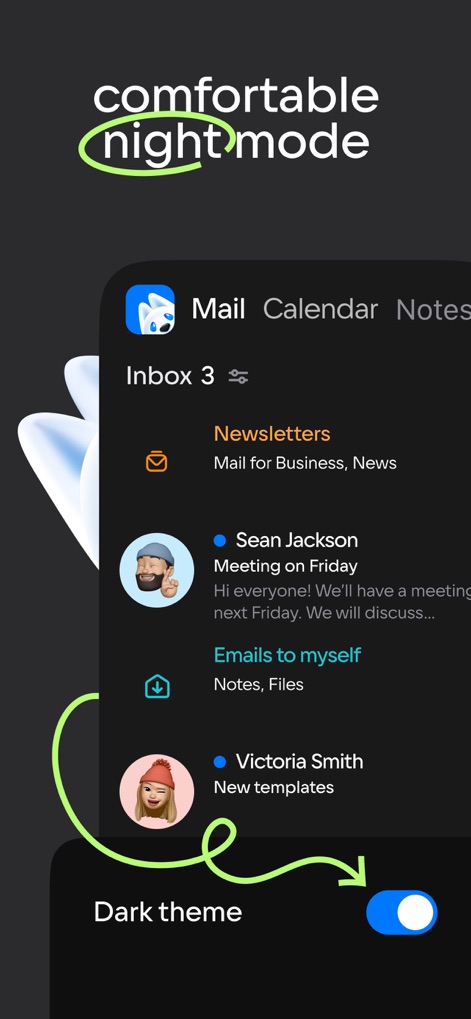
Optimized Night Experience
This screenshot illustrates the app's "Dark theme" toggle, allowing users to switch to a dark background for reduced eye strain during nighttime use.
Description
Download
More Like This
Apps with similar features and user experience

Microsoft Outlook
Microsoft Corporation

Yandex Mail: Email & Cloud
DIRECT CURSUS COMPUTER SYSTEMS TRADING LLC

Gmail - Email by Google
Google LLC

Yahoo Mail
Yahoo Inc.

Proton Mail - Encrypted Email
Proton AG

Email - Edison Mail
Edison Software Inc.

Zoho Mail - Email and Calendar
Zoho Corporation

GMX - Mail & Cloud
1&1 Mail & Media GmbH

AOL Mail, News, Weather
AOL Media LLC
This page is not an official page of the app or its developer, but an independent editorial publication created for informational and commentary purposes. Unless expressly stated otherwise, neither the app nor its developer is affiliated with, endorsed by, sponsored by, authorized by, or otherwise officially connected with MWM, Apple, Google Play, the app publisher, or the app's developer, and nothing on this page implies that the app was developed using MWM's services. Any trademarks, logos, screenshots, and other content remain the property of their respective owners.