
This page is not an official page of the app or its developer, but an independent editorial publication created for informational and commentary purposes. Unless expressly stated otherwise, neither the app nor its developer is affiliated with, endorsed by, sponsored by, authorized by, or otherwise officially connected with MWM, Apple, Google Play, the app publisher, or the app's developer, and nothing on this page implies that the app was developed using MWM's services. Any trademarks, logos, screenshots, and other content remain the property of their respective owners.


Makitori
Eliminate paperwork and app fatigue. Manage instructions, track progress, and replicate winning strategies across every location from a single smartphone.
Downloads
15K+User Rating
Total Ratings
0Publisher
Category
ProductivityLocales
1Latest Version
1.0.43Size
37.7 MBFirst Released
Mar 23, 2023Elevate Your Store Operations
Eliminate administrative overhead and ensure brand excellence across every location with a tool designed specifically for the retail floor.
Unified Command Center
Consolidate instructions and progress reporting into one screen. Stop chasing updates across emails and messaging apps.
Visual Quality Control
Instantly share and verify store displays. Scale successful examples across your network to maintain premium brand standards.
Frequently Asked Questions
Everything you need to know about Makitori
What is Makitori?
Makitori is an application that centralizes business instructions and reporting on a single management screen, allowing for progress checks and the sharing of successful examples across stores to ensure uniform service quality.
How does Makitori manage work instructions and progress checks?
Makitori manages work instructions and progress checks on a single management screen. This allows all business instructions and their current status to be monitored efficiently within the app.
Does Makitori help maintain uniform service quality across multiple stores?
Yes, Makitori helps ensure uniform service quality across different stores. It allows users to check the displays and reports from each store, facilitating the horizontal deployment of successful examples.
Can users operate the Makitori app from a single smartphone?
Yes, Makitori is designed for easy and hassle-free operation using a single smartphone. This enables users to focus more on their core business activities.
What types of reports can users manage with the Makitori app?
Makitori allows users to manage various reports, including "Promotional Check Sheet" and "Equipment Repair Report". The app provides detailed status tracking, such as "In Progress," and shows report deadlines.
How does Makitori notify users about new reports or tasks?
Makitori notifies users about new reports and tasks directly through a dedicated notification screen. It displays entries like "'Promotional Check Sheet' has been created" along with start and submission deadlines.
Is a login required to use the Makitori app?
Yes, a login is required to use the Makitori app. Users must enter a Login ID and Password on the login screen to access the application's features.
The following screenshots and description are sourced directly from the app's official store listing and are the property of the app developer.
App Store
Screenshots
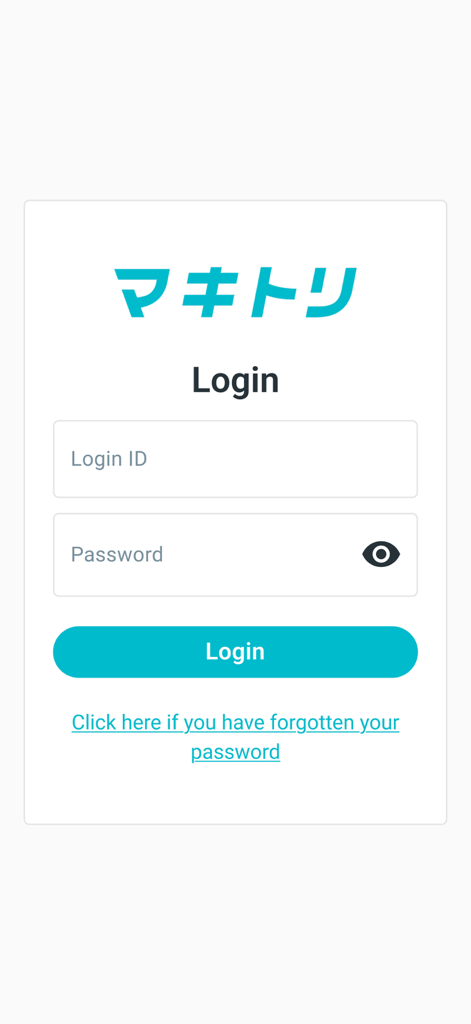
Login screen for the Makitori retail productivity app showing login ID and password fields
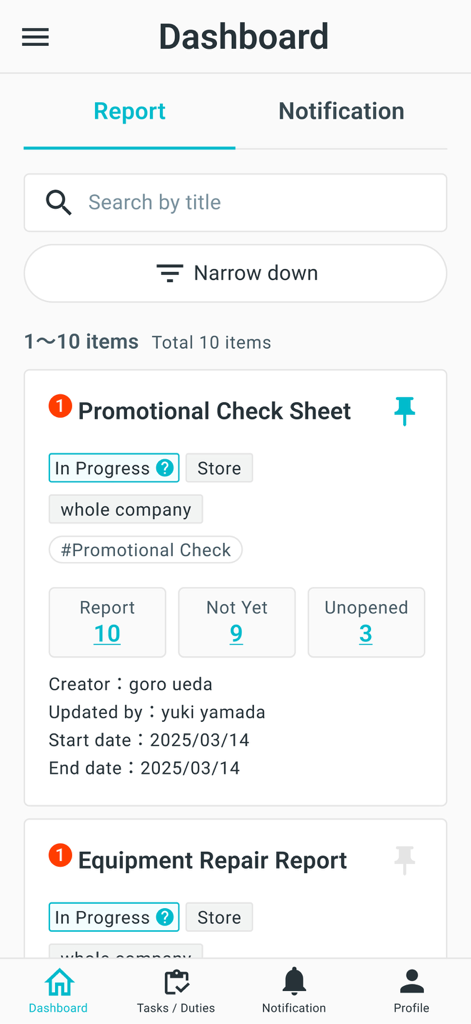
Makitori app dashboard showing promotional check sheet and equipment repair report status for retail management.
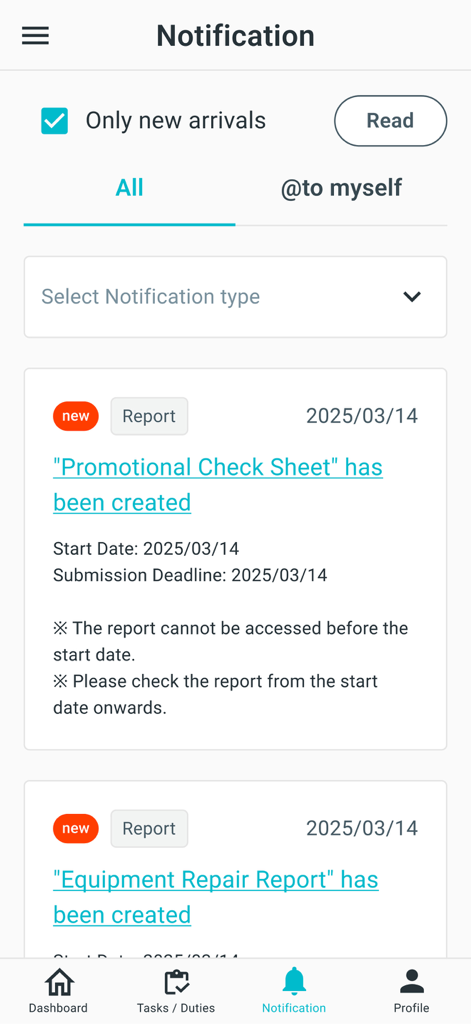
A mobile screen from the Makitori app displaying a list of task notifications and reports.
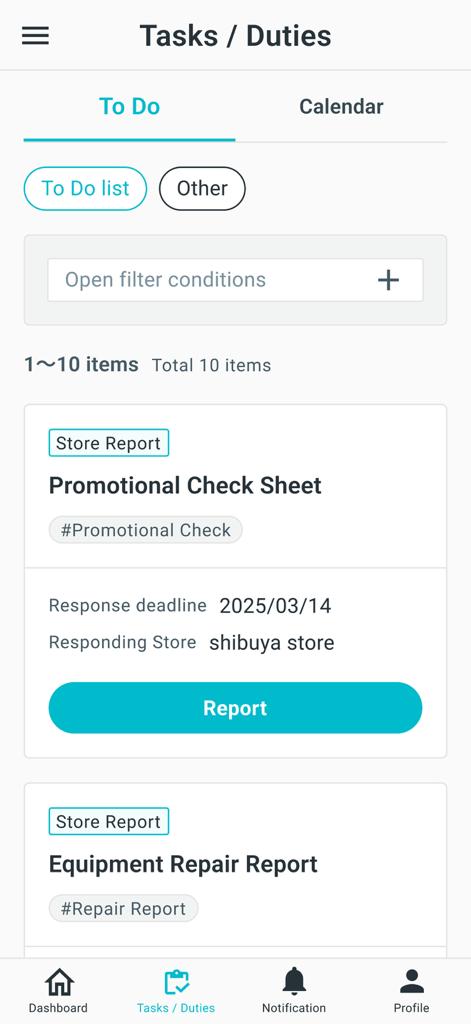
Makitori app interface showing a to do list of store reports and tasks for retail management
Description
Download
More Like This
Top-ranked apps in the same category

ChatGPT
OpenAI OpCo, LLC

Google Gemini
Google LLC

Grok
X.AI Corporation

Gmail - Email by Google
Google LLC

千问 - 阿里最强大模型官方AI助手
Shanghai Zhixin Puhui Technology Co., Ltd.

Google Drive
Google LLC

Microsoft Authenticator
Microsoft Corporation

Google Sheets
Google LLC

Google Docs
Google LLC
This page is not an official page of the app or its developer, but an independent editorial publication created for informational and commentary purposes. Unless expressly stated otherwise, neither the app nor its developer is affiliated with, endorsed by, sponsored by, authorized by, or otherwise officially connected with MWM, Apple, Google Play, the app publisher, or the app's developer, and nothing on this page implies that the app was developed using MWM's services. Any trademarks, logos, screenshots, and other content remain the property of their respective owners.