
This page is not an official page of the app or its developer, but an independent editorial publication created for informational and commentary purposes. Unless expressly stated otherwise, neither the app nor its developer is affiliated with, endorsed by, sponsored by, authorized by, or otherwise officially connected with MWM, Apple, Google Play, the app publisher, or the app's developer, and nothing on this page implies that the app was developed using MWM's services. Any trademarks, logos, screenshots, and other content remain the property of their respective owners.


Manual Camera, Pro DSLR | RAW+
Bypass computational processing and reclaim your creative intent with tactile manual sliders, TrueRAW output, and a minimalist interface designed for the professional workflow.
Downloads
989K+User Rating
Total Ratings
8K+Publisher
Category
Photo & VideoLocales
2Latest Version
1.2.33Size
14.8 MBFirst Released
Dec 12, 2016Professional Power in Your Pocket
Stop letting AI over-process your photos. Take full command of your iPhone's sensor with a minimalist interface designed for image purists and professional workflows.
Tactile Manual Control
Ditch the auto-mode frustration. Adjust ISO and Shutter Speed via huge, precise sliders that mimic the physical dials of a professional DSLR.
Unprocessed TrueRAW
Capture the purest data possible with zero sharpening or noise reduction. Perfect for photographers who want total creative freedom in post-processing.
Frequently Asked Questions
Everything you need to know about Manual Camera, Pro DSLR | RAW+
What is the RAW+ app?
RAW+ is a minimalist camera app designed for purists and professionals on iPhone. It provides full manual exposure controls, supports RAW and ProRAW formats, and includes advanced features for precise photography.
Does RAW+ offer manual exposure controls?
Yes, RAW+ always provides full manual exposure controls. Shutter and ISO settings are accessible directly on-screen using large sliders. The app is built for complete manual photographic control.
What RAW formats does Manual Camera, Pro DSLR | RAW+ support?
Manual Camera, Pro DSLR | RAW+ supports both standard RAW (TrueRAW) and Apple's ProRAW formats. TrueRAW delivers unadulterated images, while ProRAW incorporates Apple's computational enhancements.
Can I try RAW+ for free?
Yes, users can try RAW+ by taking the first 5 shots for free. To unlock the app's full functionality forever, an upgrade is required after the trial period.
Which iPhone models support RAW capture in RAW+?
RAW support in RAW+ is available for iPhone SE, iPhone 6s, and all newer iPhone devices. This ensures broad compatibility for RAW image capture.
Which iPhones support ProRAW in Manual Camera, Pro DSLR | RAW+?
ProRAW support in Manual Camera, Pro DSLR | RAW+ is available on iPhone 12 Pro, iPhone 12 Pro Max, and all subsequent iPhone models with ProRAW capabilities.
Does RAW+ include white balance controls?
Yes, RAW+ features custom white balance settings. It also provides 8 white balance presets, including Auto and custom Kelvin options, for precise color adjustments.
Does Manual Camera, Pro DSLR | RAW+ have a histogram?
Yes, Manual Camera, Pro DSLR | RAW+ includes an RGB Histogram. This feature can be activated or deactivated within the app's settings menu for real-time exposure monitoring.
Does RAW+ show highlight and shadow clipping warnings?
Yes, RAW+ provides both Highlight and Shadow Clipping Warnings. Users can toggle these warnings on or off in the settings menu to prevent over or underexposed areas.
What are the advanced features available in RAW+?
RAW+ offers advanced features such as Manual Focus Override, 48mp Max resolution toggle, Optional JPG Shooting, RGB Histogram, Grid & Level Overlays, and Highlight/Shadow Clipping Warnings. These are configurable in settings.
The following screenshots and description are sourced directly from the app's official store listing and are the property of the app developer.
App Store
Screenshots
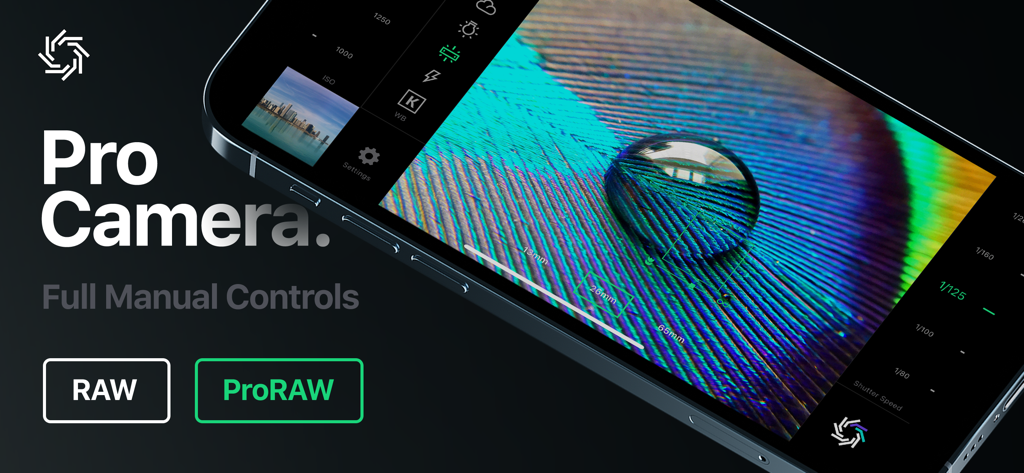
iPhone screen showing a professional camera app with manual exposure controls and RAW support
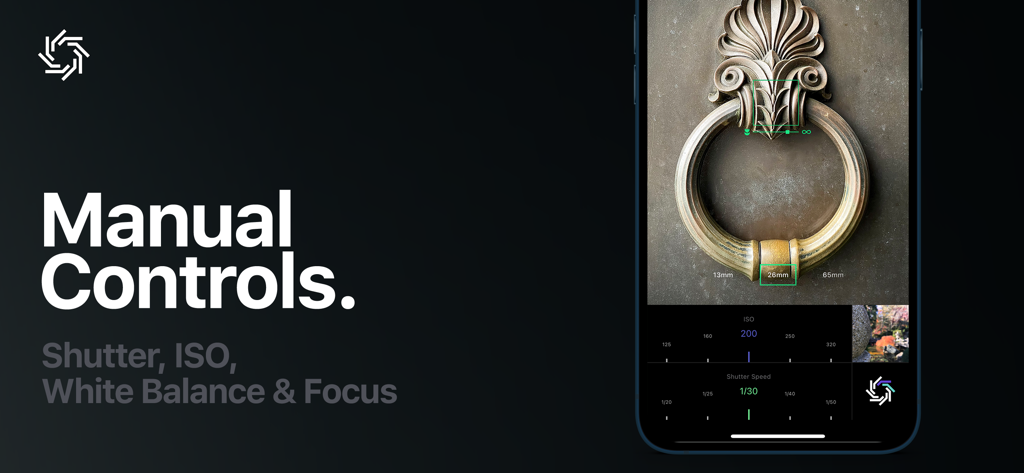
Professional camera app interface showing manual shutter and ISO controls on an iPhone
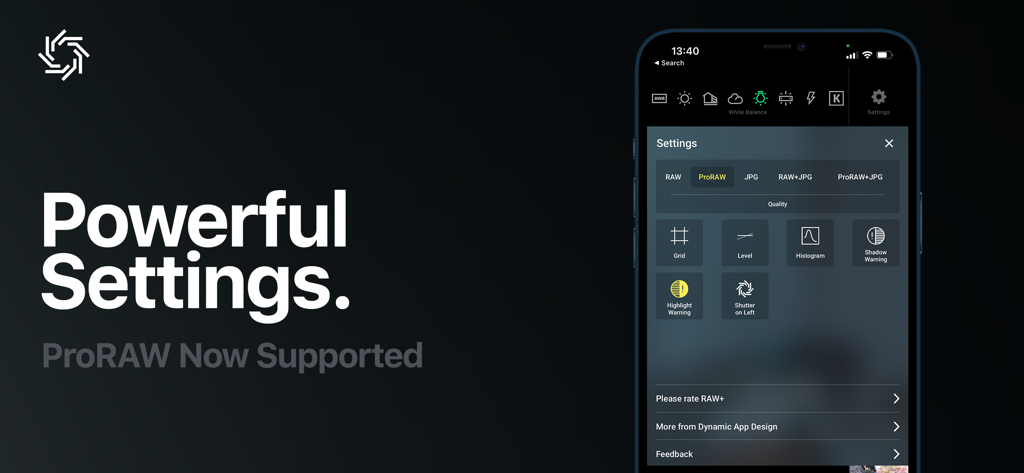
Manual Camera app settings interface showing ProRAW support and photography tools like histogram and grid overlays
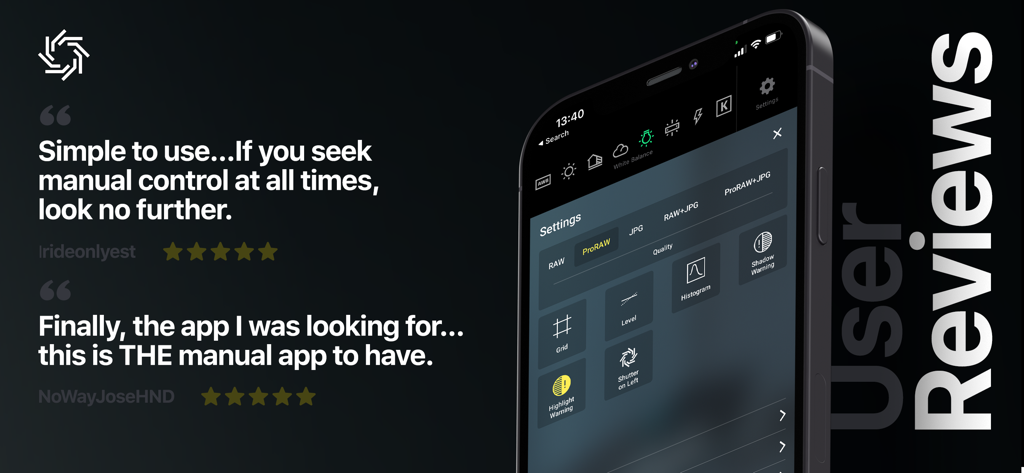
Positive user reviews and settings interface for the Manual Camera Pro DSLR mobile app.
Description
Download
More Like This
Top-ranked apps in the same category

CapCut: Photo & Video Editor
BYTEDANCE PTE. LTD.

Instagram, Inc.

YouTube
Google LLC

Canva: AI Photo & Video Editor
Canva Pty Ltd

快手
Beijing Kwai Technology Co., Ltd.

Snapchat
Snap, Inc.

Edits: Video Editor
Instagram, Inc.

Google Photos: Backup & Edit
Google LLC

Meta AI - Vibes & AI Glasses
Meta Platforms, Inc.
This page is not an official page of the app or its developer, but an independent editorial publication created for informational and commentary purposes. Unless expressly stated otherwise, neither the app nor its developer is affiliated with, endorsed by, sponsored by, authorized by, or otherwise officially connected with MWM, Apple, Google Play, the app publisher, or the app's developer, and nothing on this page implies that the app was developed using MWM's services. Any trademarks, logos, screenshots, and other content remain the property of their respective owners.