Map Marker: places organizer

Map Marker: places organizer

Download on App Store
Logo of Map Marker: places organizer

Map Marker: places organizer - Professional Location Management for Field and Trail

Take total control of your mapping data with offline access, custom data fields, and professional measurement tools. Organize your world into folders and sync seamlessly—all with a one-time purchase and no subscriptions.

Download on App Store

Publisher

Sebastien BIERO

Category

Utilities

Downloads

54K+

User Rating

4.8/5

Total Ratings

100

Locales

1

Precision in Every Detail

Discover the interface used by 54K+ users.
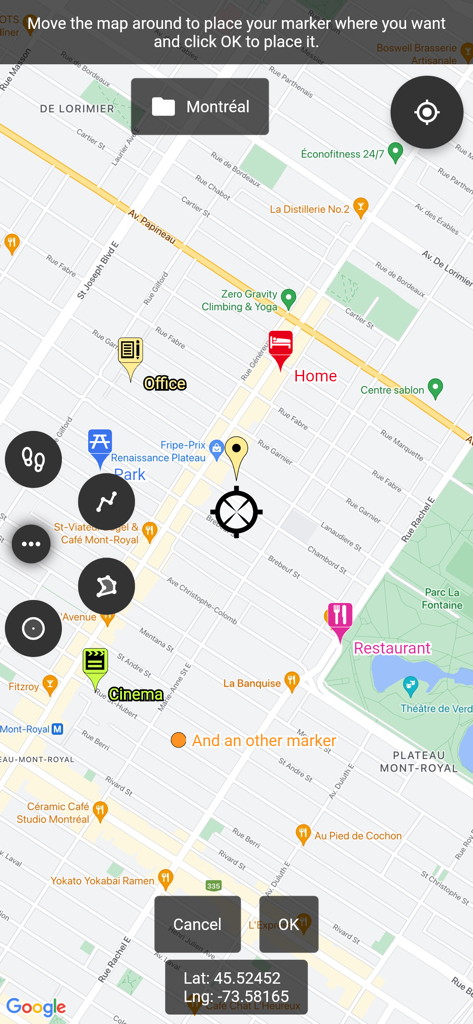
A map interface displaying custom markers for home, office, and entertainment locations with precise GPS coordinates

A map interface displaying custom markers for home, office, and entertainment locations with precise GPS coordinates

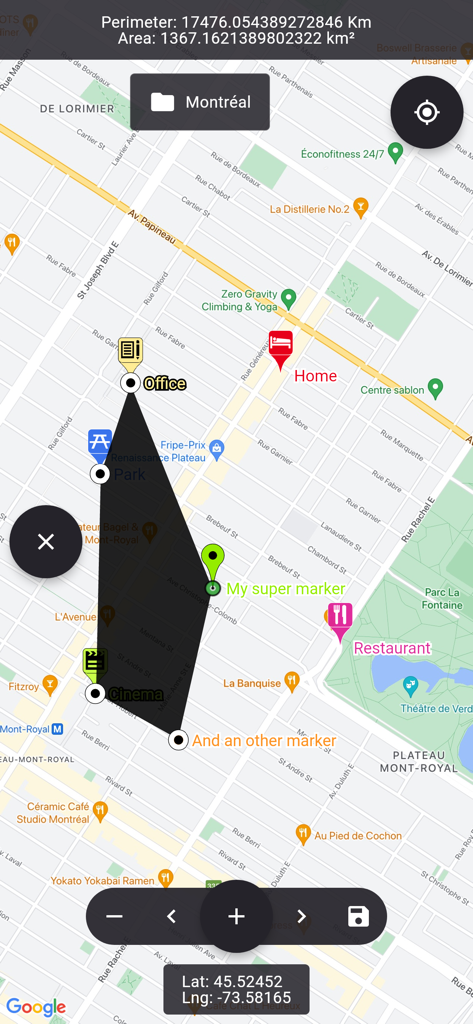
Map view showing a custom polygon shape with area and perimeter calculations over a city layout

Map view showing a custom polygon shape with area and perimeter calculations over a city layout

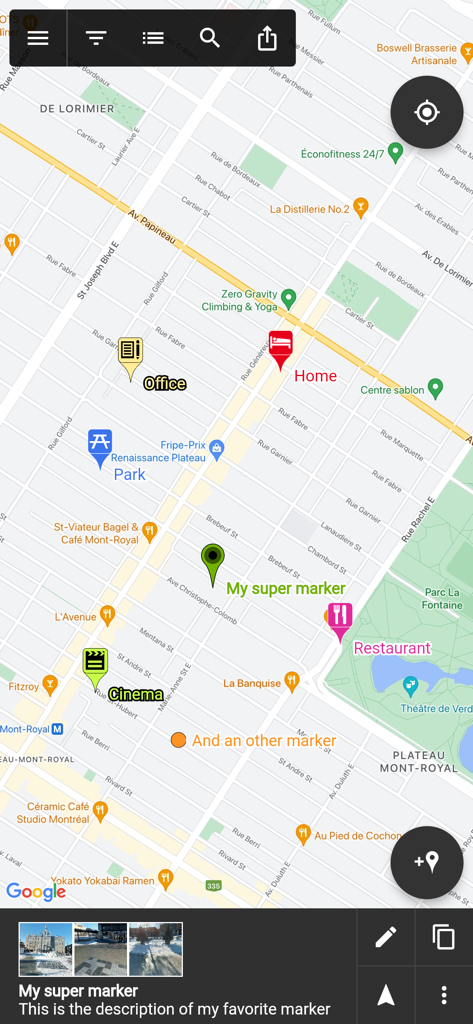
A map screen from the Map Marker app showing custom location pins with labels like Home, Office, and Restaurant

A map screen from the Map Marker app showing custom location pins with labels like Home, Office, and Restaurant

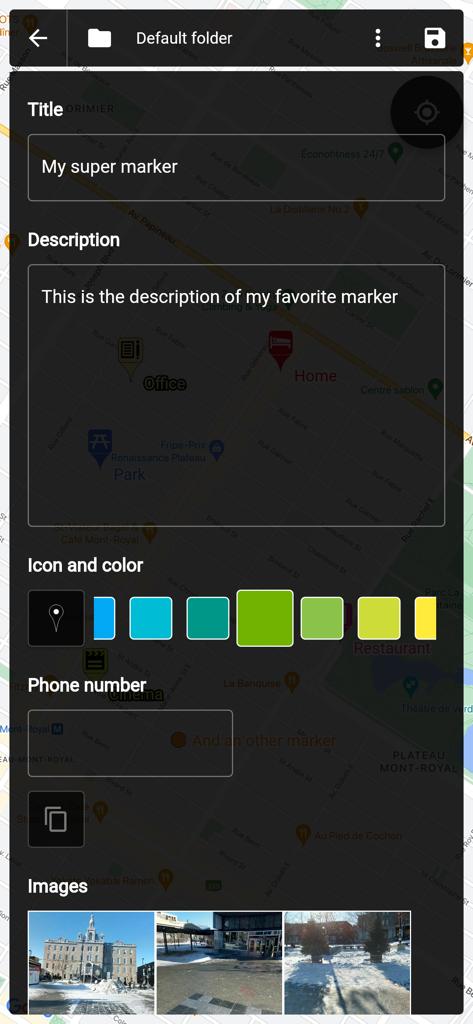
Screen showing map marker customization with title, description, color selection, and photo attachments

Screen showing map marker customization with title, description, color selection, and photo attachments

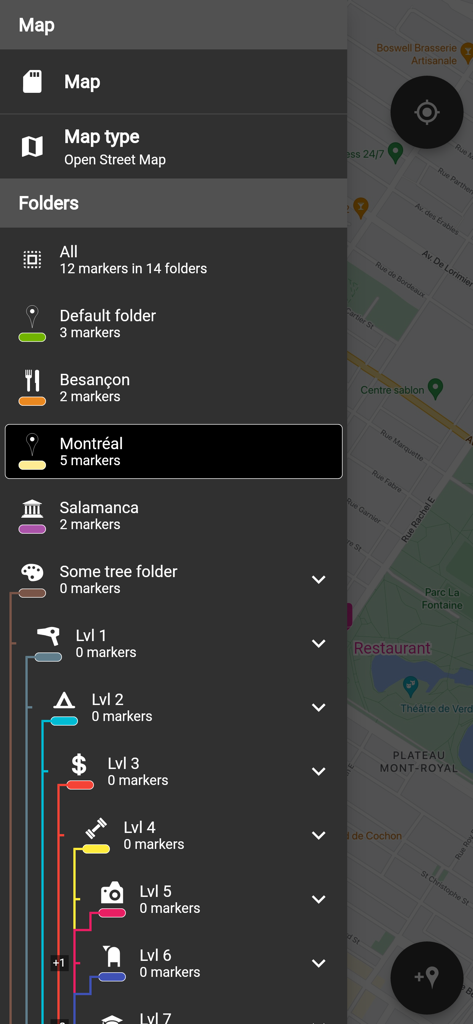
Interface showing the side menu with a list of nested folders for organizing map markers by location and level

Interface showing the side menu with a list of nested folders for organizing map markers by location and level

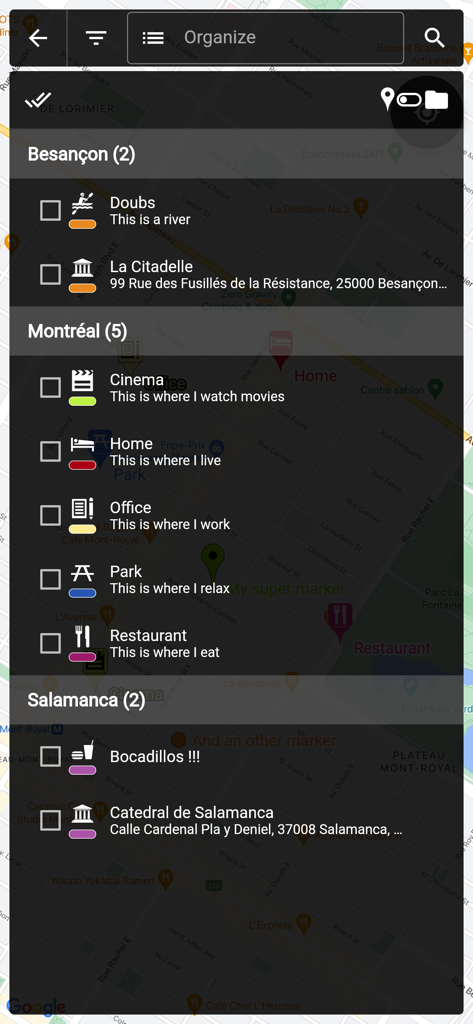
A screen showing a list of saved map markers organized into folders by city name

A screen showing a list of saved map markers organized into folders by city name

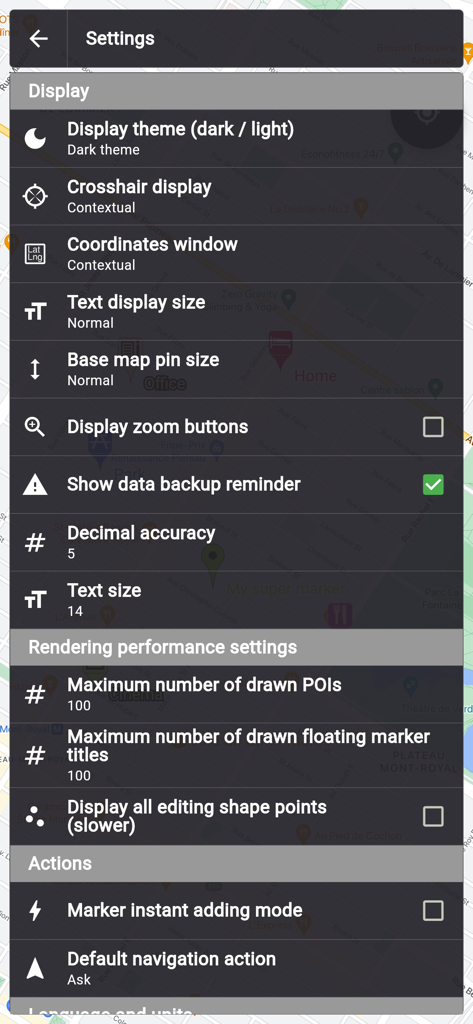
Settings menu of Map Marker app showing display and performance options in dark theme

Settings menu of Map Marker app showing display and performance options in dark theme

Professional Location Management for Power Users

The tools that make this app stand out, trusted by 54K+ users.

📂

Advanced Custom Organization

Go beyond simple pins. Use folders and custom fields like checkboxes, dates, and photos to turn your map into a powerful, searchable mobile CRM.

🌲

Reliable Offline Independence

Place markers and navigate with an integrated compass even without cell service. Ideal for remote field work, overlanding, and rural property management.

📐

Precision Pro Tools

Calculate polygon areas and perimeters for land surveying or project estimates. Export your data as KML files to maintain full ownership and interoperability.

About the app

Everything you need to know about Map Marker: places organizer.

Description

This app uses Google Maps and other sources in order to allow you to place markers even without internet connection. If you have any issues with the app, please contact me by email, I will most likely be able to help. Features: • Set a title, a description, a date, a color, an icon and pictures for each marker, and move them freely on the map • Organise your markers into different folders • Browse and organize your markers easily from the text-searchable markers list • Search places from various sources and create a new marker from the result • Open a marker's location in any other map application already installed • Navigate to a marker's location with the integrated compass • Display and copy marker GPS coordinates to clipboard with one click • Display a marker's address if available • Create path-markers and measure their distance easily • Create polygon-surface-markers and measure their perimeter and area easily • Create circle-surface-markers and measure perimeter and area easily • Create GPS tracks recorded from your device location • Share a captured image of the current map • Share markers as KML files • Import markers from a QR code • Import/export markers from/to KML or KMZ files • Import your Google Maps favorite locations (those marked with a star) • Exported KML files are compatible with most other map softwares such as Google Earth • Custom fields for markers: Checkbox, Date, Email, Text, Multi-choice, Phone, Web link • Create templates for custom fields per folder: the child markers will inherit their parent folder's custom fields Premium features: • Save your markers on the cloud with WebDAV, Google Drive or Dropbox • Collaborate with your friends by sharing your map cloud folder with them: anyone with access to the map folder can modify it and changes will be synced to everyone using the folder • Restore previous versions of your cloud map folder • One time purchase for a lifetime upgrade on your Apple account with an unlimited number of iOS devices • No ads Used permissions: • Get your location => to locate you on the map • Access to external storage => to export, save and import to/from files

Latest Version

3.14.0

Size

64.2 MB

First Released

Nov 15, 2017

The Last Map Organizer You’ll Ever Need

Join 54,000+ professionals and adventurers who demand precision. Get professional-grade GIS tools, offline reliability, and zero subscription fatigue with a one-time lifetime upgrade.

Download on App Store

App information, icons, screenshots, and descriptions displayed on this page are sourced from the Apple App Store and are the property of their respective developers. Download estimates and rankings are based on MWM's proprietary models and may not reflect actual figures. This page is provided for informational and analytical purposes only.

Believe this page infringes your intellectual property? File a dispute