
This page is not an official page of the app or its developer, but an independent editorial publication created for informational and commentary purposes. Unless expressly stated otherwise, neither the app nor its developer is affiliated with, endorsed by, sponsored by, authorized by, or otherwise officially connected with MWM, Apple, Google Play, the app publisher, or the app's developer, and nothing on this page implies that the app was developed using MWM's services. Any trademarks, logos, screenshots, and other content remain the property of their respective owners.


Maple Family Organizer
The all-in-one command center for busy parents. Sync shared calendars, automate school emails into tasks, and manage household chores in one seamless app.
Downloads
212K+User Rating
Total Ratings
1K+Publisher
Category
ProductivityLocales
1Latest Version
24.0.0Size
98.4 MBFirst Released
Feb 22, 2021One Shared Brain for Your Busy Family
Stop the mental gymnastics. Maple automates your schedules, emails, and chores so you can reclaim your time.
Automate the Mental Load
Maple Fast AI scans your inbox to turn school emails and sports updates into calendar events and tasks automatically.
The Single Pane of Glass
Sync Google, Outlook, and TeamSnap to see every family commitment and school event in one beautifully organized view.
The following screenshots and description are sourced directly from the app's official store listing and are the property of the app developer.
App Store
Screenshots
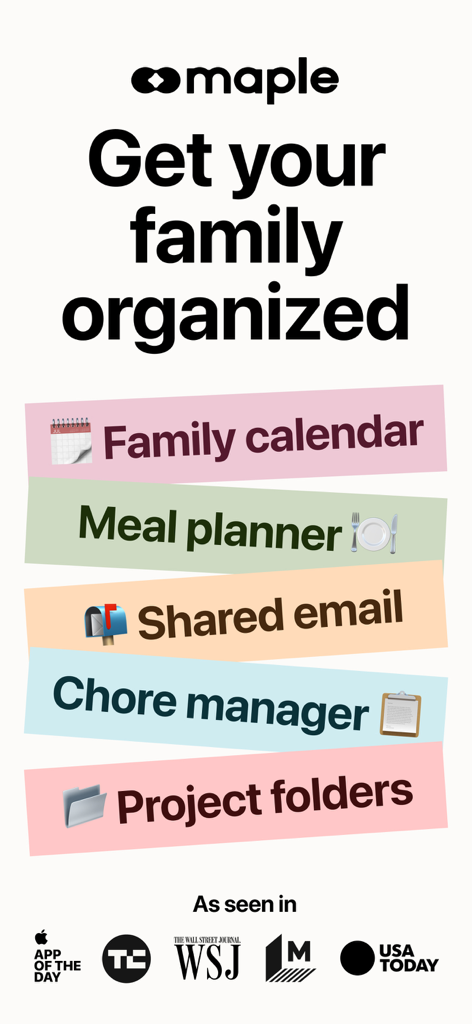
Maple Family Organizer app promotional graphic highlighting key features like family calendar, meal planner, shared email, chore manager, and project folders.
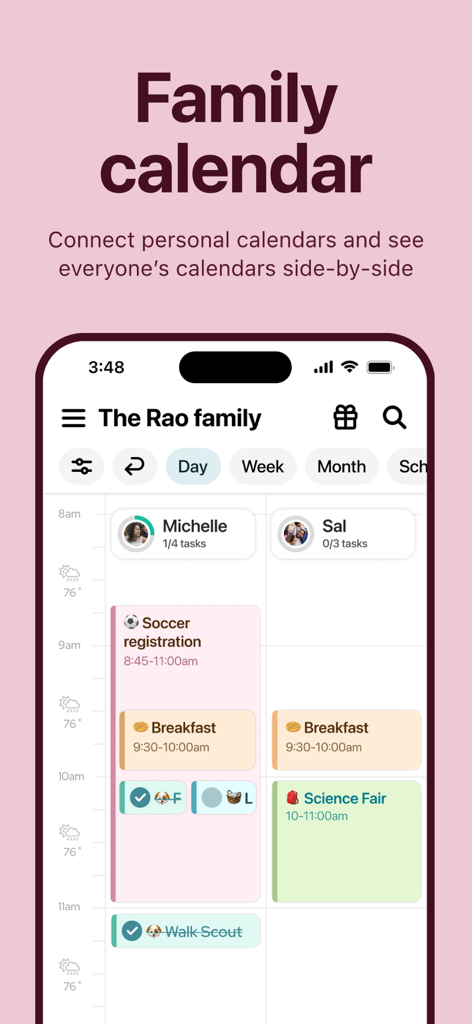
Maple app shared family calendar displaying side-by-side daily schedules for family members
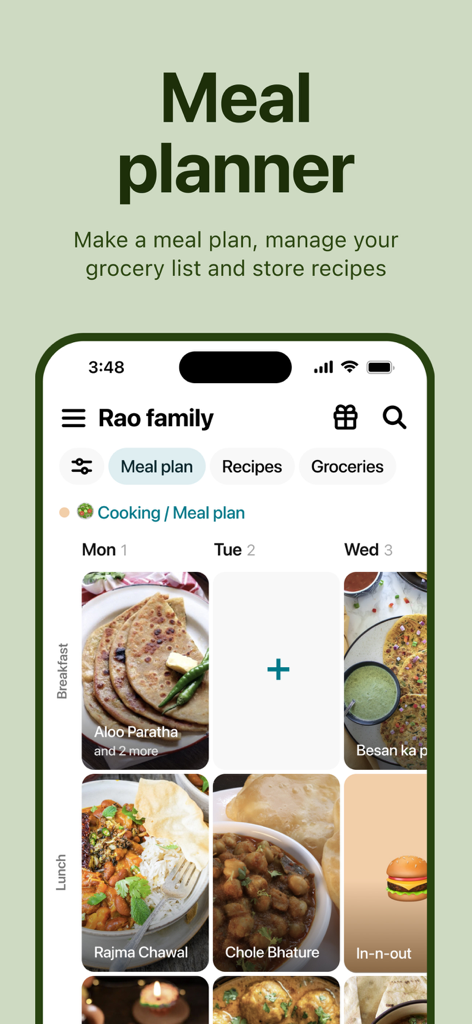
Maple app meal planner interface showing a weekly family menu with images for breakfast and lunch
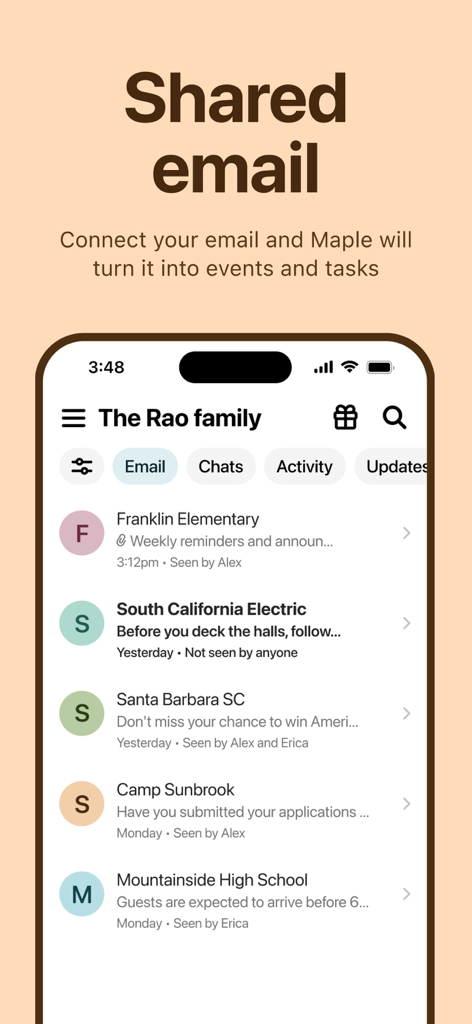
Screenshot of Maple app showing a shared family email inbox with messages from school and sports organized for easy household management
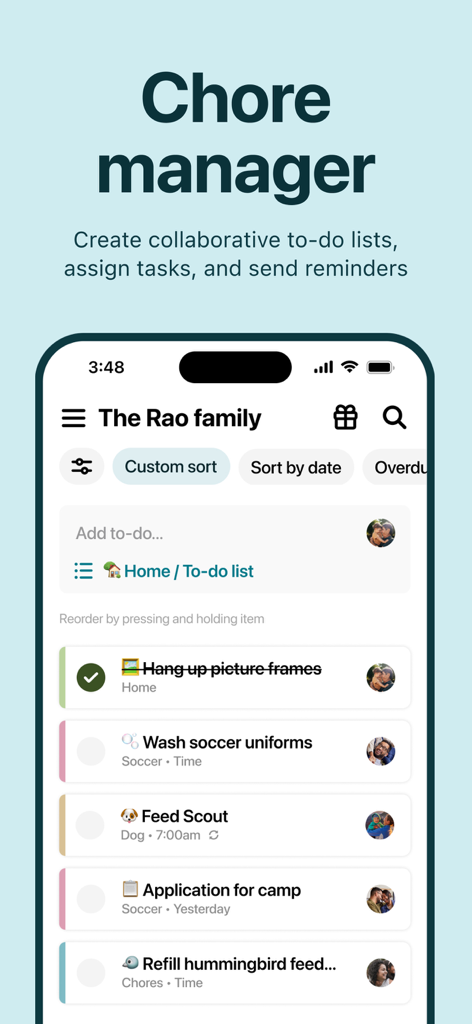
Interface of Maple Family Organizer app showing a shared household chore list and collaborative task management
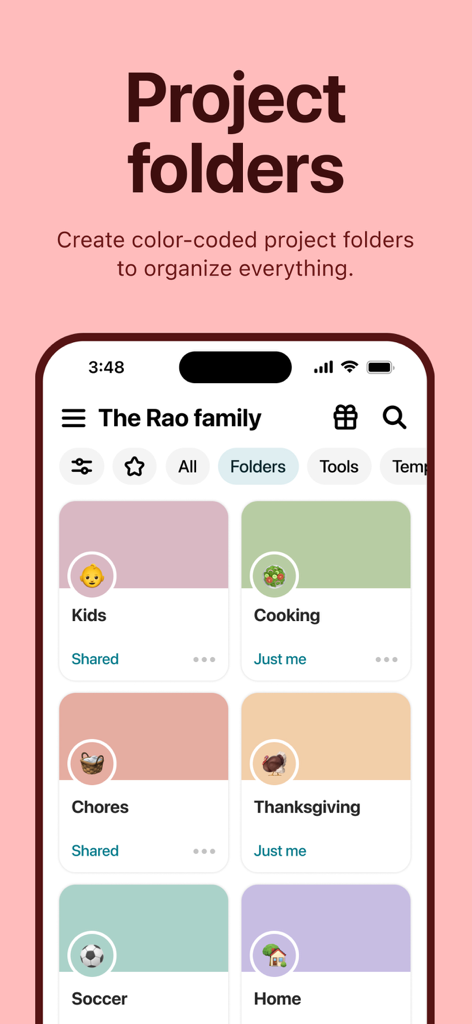
A screenshot of the Maple Family Organizer app showing various color coded project folders like Kids Cooking and Chores.
Description
Download
More Like This
Apps with similar features and user experience

FamilyWall: Family Organizer
Family & Co

Cozi Family Organizer
Cozi

Shared Family Calendar: FamCal
Hangzhou Beesoft Information Technology Co., Ltd.

Cubbily: Family Calendar
DISCOVERY BAY PTE. LTD.

Christmas Gift List Tracker
LW Brands, LLC

Podz: Family & Group Organizer
Strikebrite, LLC

SuperFam - Shared Family App
Rosharan Technologies PRIVATE LIMITED

ienon:Family&Couples Organizer
Dear Inc.

WeDo: Shared To-Do & Planner
hiroshi sakamoto
This page is not an official page of the app or its developer, but an independent editorial publication created for informational and commentary purposes. Unless expressly stated otherwise, neither the app nor its developer is affiliated with, endorsed by, sponsored by, authorized by, or otherwise officially connected with MWM, Apple, Google Play, the app publisher, or the app's developer, and nothing on this page implies that the app was developed using MWM's services. Any trademarks, logos, screenshots, and other content remain the property of their respective owners.