
This page is not an official page of the app or its developer, but an independent editorial publication created for informational and commentary purposes. Unless expressly stated otherwise, neither the app nor its developer is affiliated with, endorsed by, sponsored by, authorized by, or otherwise officially connected with MWM, Apple, Google Play, the app publisher, or the app's developer, and nothing on this page implies that the app was developed using MWM's services. Any trademarks, logos, screenshots, and other content remain the property of their respective owners.

WeDo: Shared To-Do & Planner
Reduce the mental load of household management and team projects. From shared grocery lists to daily chores, collaborate in real-time with an intuitive, one-handed interface designed for your busy lifestyle.
Downloads
242K+User Rating
Total Ratings
6K+Publisher
Category
ProductivityLocales
11Latest Version
12.19.2Size
135.8 MBFirst Released
May 25, 2019Stay Perfectly in Sync with Your Circle
From grocery runs to project deadlines, coordinate every part of your life with real-time sharing and effortless organization designed for your busy lifestyle.
Real-Time Shared Lists
Instantly sync tasks across devices so you and your partner are always on the same page, reducing the need for constant check-in texts.
Intuitive One-Handed UI
Designed for the multitasker—seamlessly swipe through custom categories and manage your daily chores even when your hands are full.
The following screenshots and description are sourced directly from the app's official store listing and are the property of the app developer.
App Store
Screenshots
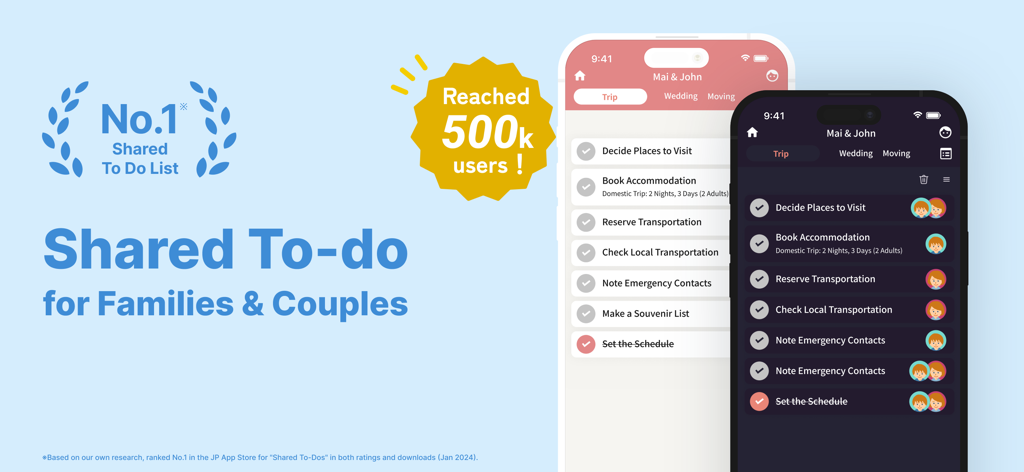
WeDo app interface showing shared to-do lists for couples with member icons in light and dark modes
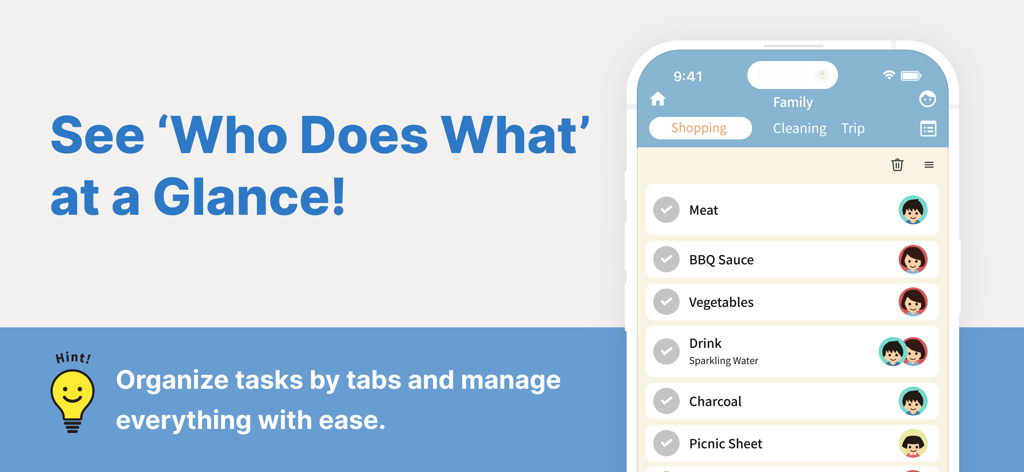
WeDo app interface displaying a shared family shopping list with individual user icons assigned to each item
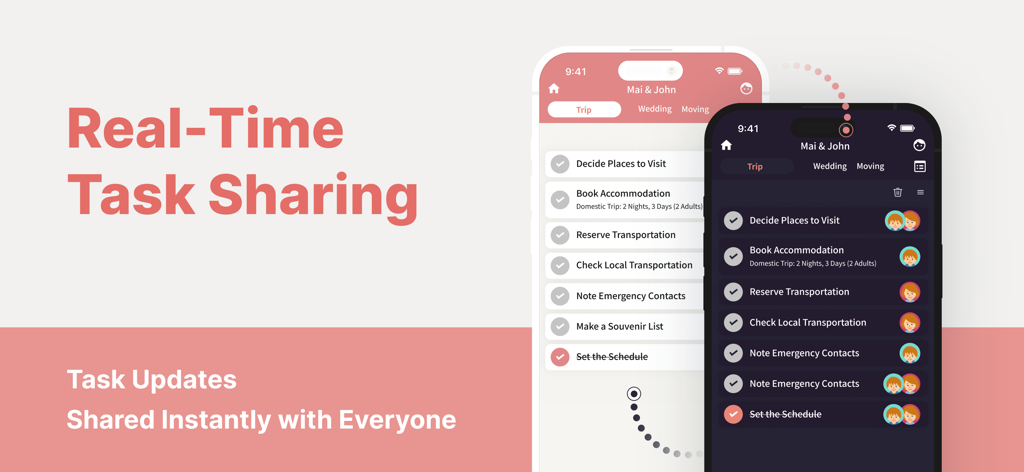
WeDo app interface showing real-time shared tasks and trip planning for couples in light and dark modes.
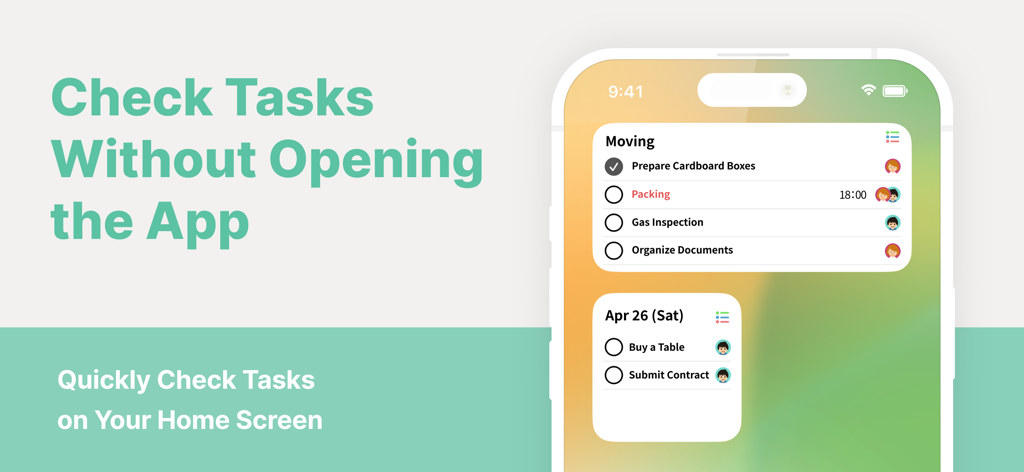
iPhone home screen showing shared task widgets for the WeDo planner app
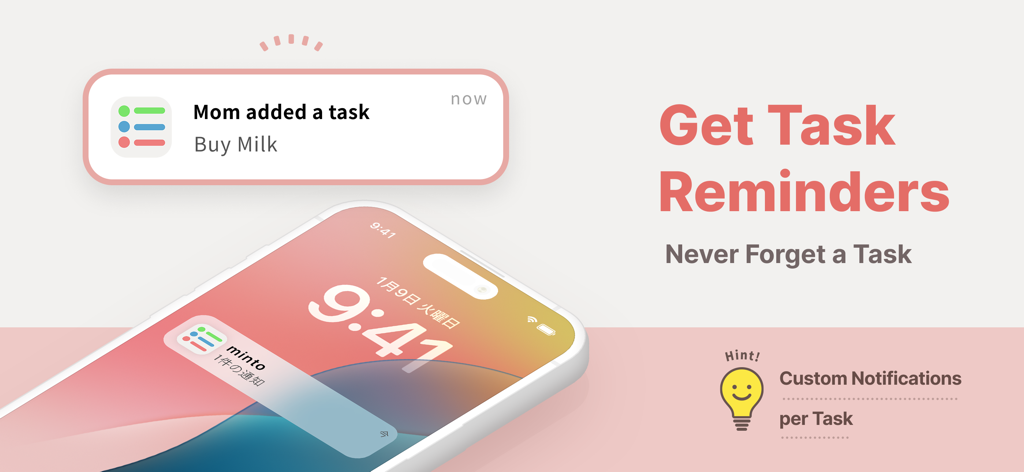
Shared task reminder notification on a mobile phone showing a household member added a grocery item
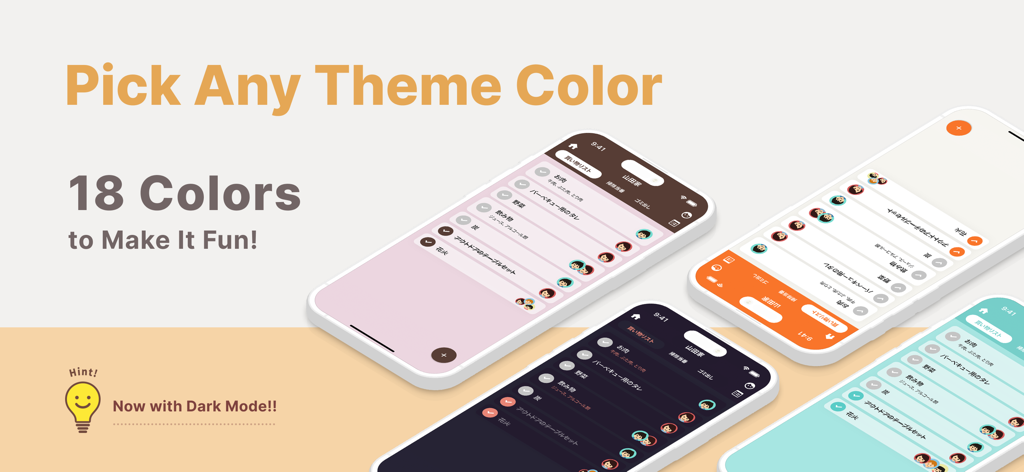
Multiple mobile screens showing WeDo app theme colors and dark mode options
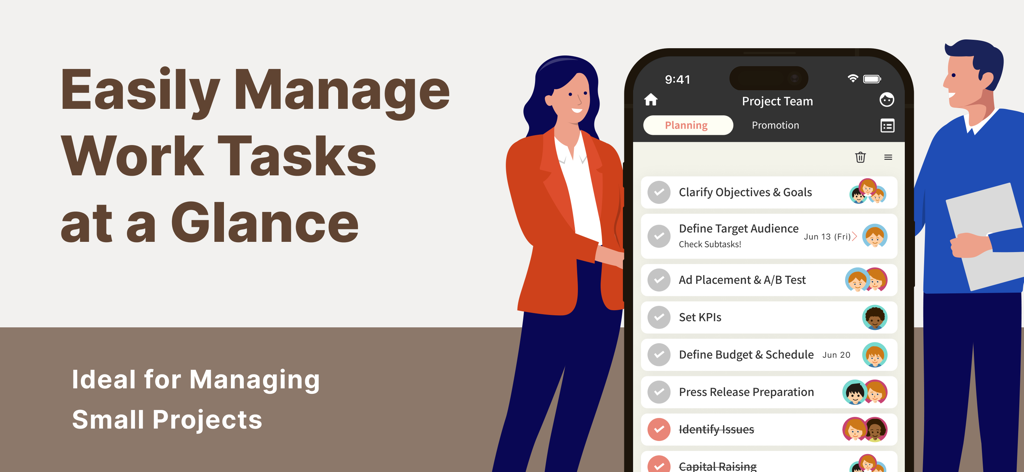
Two professionals using the WeDo app to manage a project team task list with shared assignments
Description
Download
More Like This
Apps with similar features and user experience

FamilyWall: Family Organizer
Family & Co

Cozi Family Organizer
Cozi

Shared Family Calendar: FamCal
Hangzhou Beesoft Information Technology Co., Ltd.

Cubbily: Family Calendar
DISCOVERY BAY PTE. LTD.

Christmas Gift List Tracker
LW Brands, LLC

Podz: Family & Group Organizer
Strikebrite, LLC

SuperFam - Shared Family App
Rosharan Technologies PRIVATE LIMITED

ienon:Family&Couples Organizer
Dear Inc.

Lubble: Couple Calendar&To-do
kyujin yum
This page is not an official page of the app or its developer, but an independent editorial publication created for informational and commentary purposes. Unless expressly stated otherwise, neither the app nor its developer is affiliated with, endorsed by, sponsored by, authorized by, or otherwise officially connected with MWM, Apple, Google Play, the app publisher, or the app's developer, and nothing on this page implies that the app was developed using MWM's services. Any trademarks, logos, screenshots, and other content remain the property of their respective owners.