
This page is not an official page of the app or its developer, but an independent editorial publication created for informational and commentary purposes. Unless expressly stated otherwise, neither the app nor its developer is affiliated with, endorsed by, sponsored by, authorized by, or otherwise officially connected with MWM, Apple, Google Play, the app publisher, or the app's developer, and nothing on this page implies that the app was developed using MWM's services. Any trademarks, logos, screenshots, and other content remain the property of their respective owners.
Marker for Creators
Stop scrubbing through hours of footage. Use your iPhone or Apple Watch to tag highlights in real-time and export them directly into DaVinci Resolve, Premiere Pro, or Final Cut Pro.
Downloads
5K+User Rating
Total Ratings
0Publisher
Category
Photo & VideoLocales
1Latest Version
1.2.7Size
104.7 MBFirst Released
Nov 10, 2025Slash Your Editing Time by 75%
Marker for Creators lets you identify your best takes in real-time. Stop scrubbing through hours of raw footage and start finishing your rough cuts 4x faster.
Mark from Your Wrist
Keep your hands on the gimbal. Add instant markers from your Apple Watch without ever breaking your production flow.
Pro NLE Integration
Skip the manual sync. Export your markers directly into DaVinci Resolve, Premiere Pro, or Final Cut Pro timelines.
The following screenshots and description are sourced directly from the app's official store listing and are the property of the app developer.
App Store
Screenshots
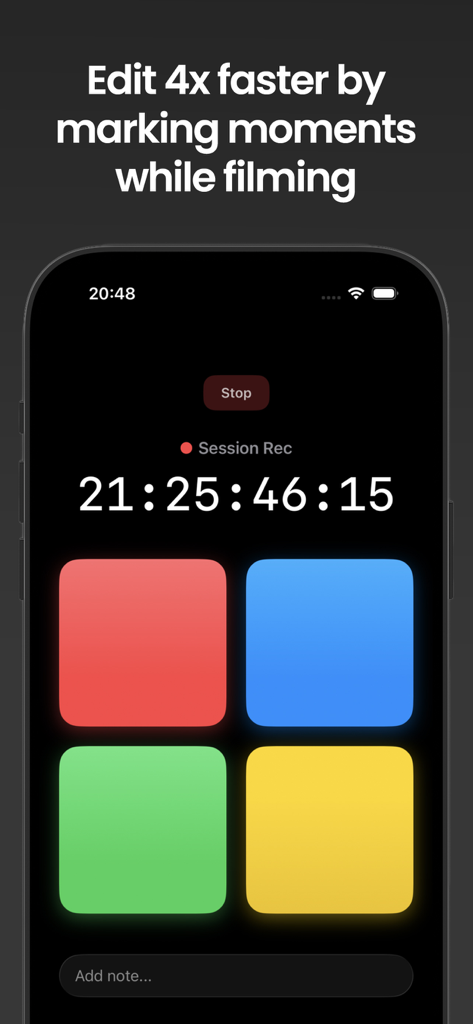
Smartphone interface of Marker for Creators showing colorful marker buttons and session timecode for efficient video editing.
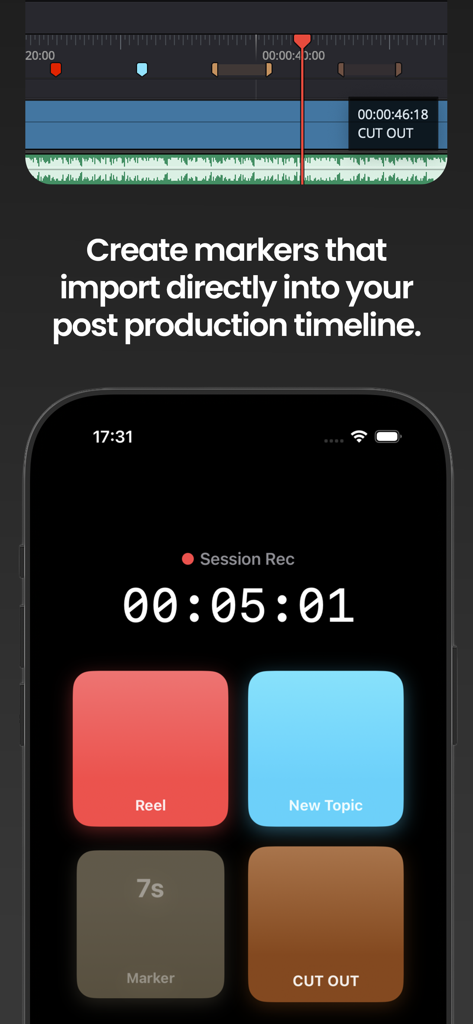
iPhone interface of Marker for Creators app showing session recording buttons and a video editing timeline
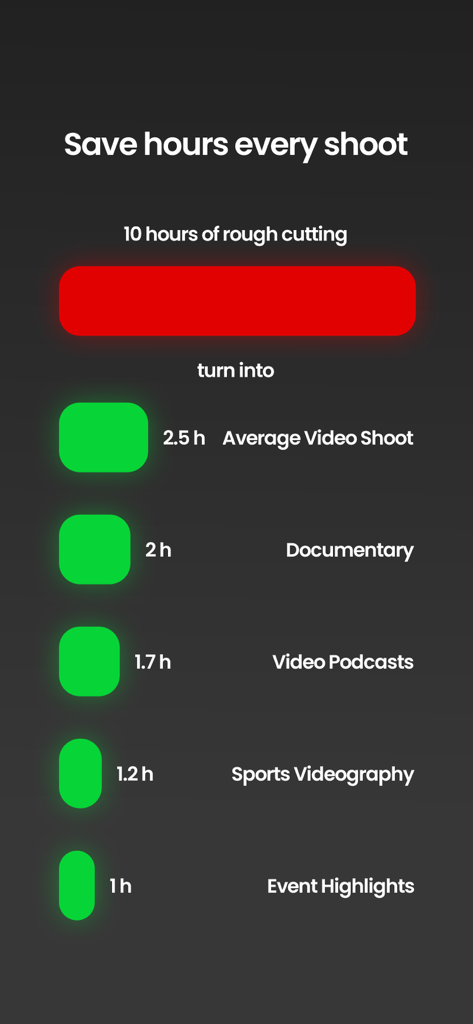
Infographic showing how the app reduces 10 hours of rough cutting to significantly shorter times for documentaries podcasts and event highlights
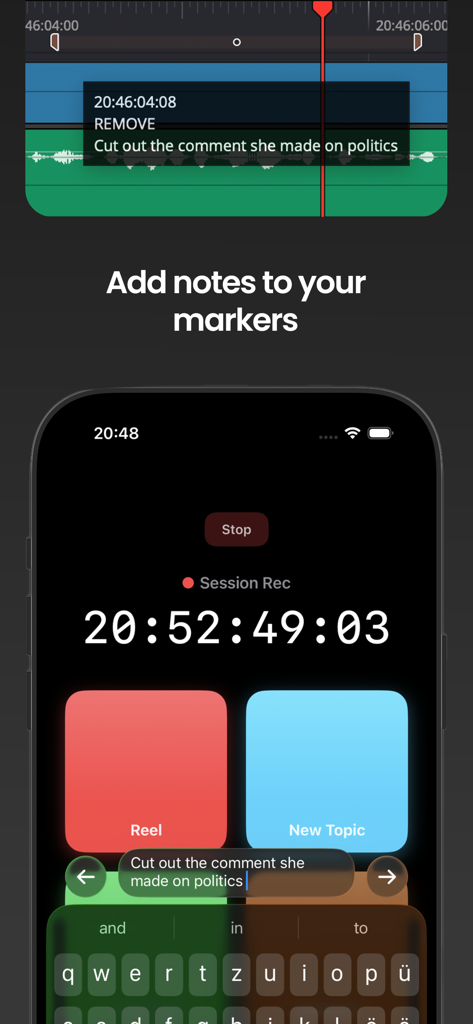
iPhone screen showing how to add notes to video markers that sync with a professional editing timeline
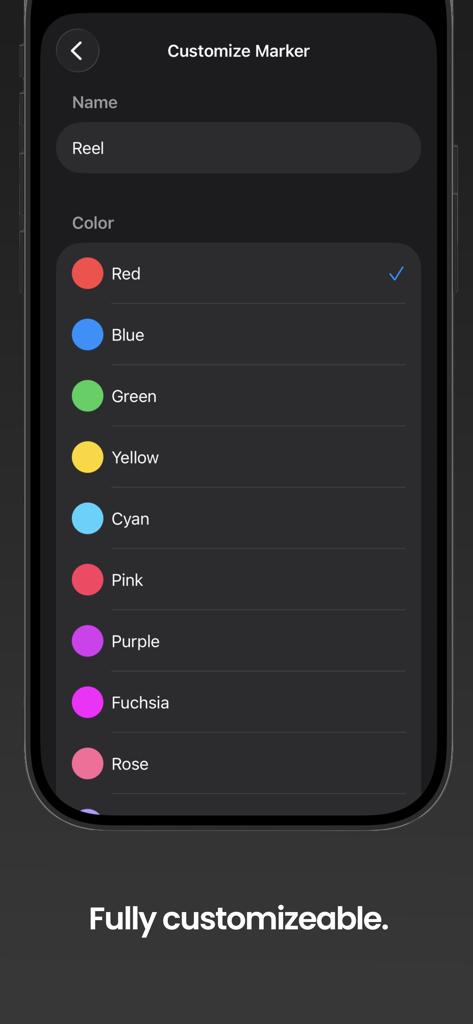
Interface showing marker customization with name and color selection options
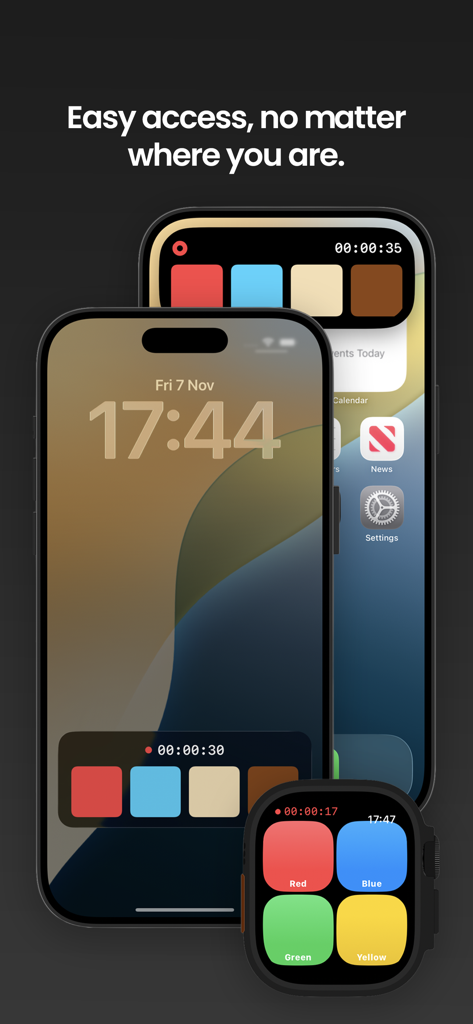
Marker for Creators app interface on iPhone lock screen and Apple Watch
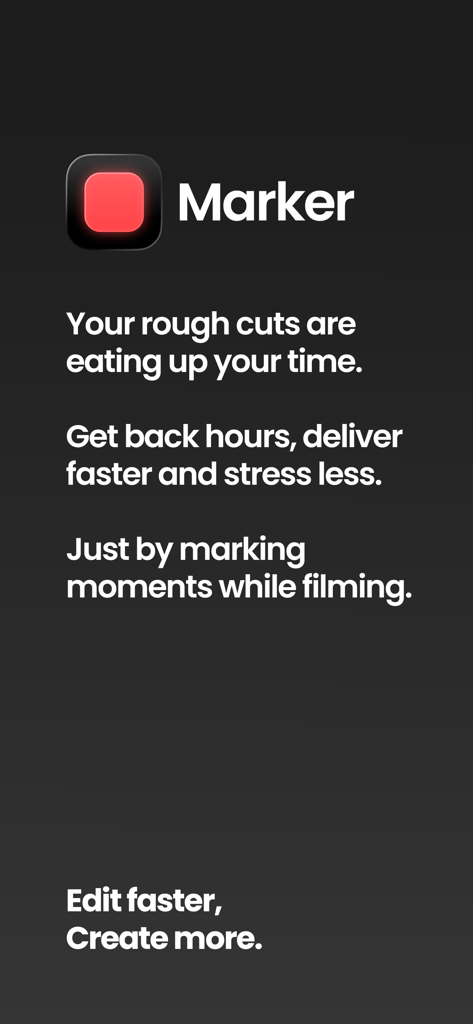
Marker for Creators app screen explaining how to save time on video rough cuts by marking moments while filming
Description
Download
More Like This
Top-ranked apps in the same category

CapCut: Photo & Video Editor
BYTEDANCE PTE. LTD.

Instagram, Inc.

YouTube
Google LLC

Canva: AI Video & Photo Editor
Canva Pty Ltd

Snapchat
Snap, Inc.

Meta AI - Vibes & AI Glasses
Meta Platforms, Inc.

Edits: Video Editor
Instagram, Inc.

快手
Beijing Kwai Technology Co., Ltd.

Google Photos: Backup & Edit
Google LLC
This page is not an official page of the app or its developer, but an independent editorial publication created for informational and commentary purposes. Unless expressly stated otherwise, neither the app nor its developer is affiliated with, endorsed by, sponsored by, authorized by, or otherwise officially connected with MWM, Apple, Google Play, the app publisher, or the app's developer, and nothing on this page implies that the app was developed using MWM's services. Any trademarks, logos, screenshots, and other content remain the property of their respective owners.