
This page is not an official page of the app or its developer, but an independent editorial publication created for informational and commentary purposes. Unless expressly stated otherwise, neither the app nor its developer is affiliated with, endorsed by, sponsored by, authorized by, or otherwise officially connected with MWM, Apple, Google Play, the app publisher, or the app's developer, and nothing on this page implies that the app was developed using MWM's services. Any trademarks, logos, screenshots, and other content remain the property of their respective owners.

MediaClean: storage cleaner
Stop wasting time manually deleting photos. Our intelligent guardian identifies duplicates, compresses heavy videos, and clears hidden clutter so you always have room for what matters most.
Downloads
5K+User Rating
Total Ratings
100Publisher
Category
ProductivityLocales
22Latest Version
1.1.6Size
76.2 MBFirst Released
Dec 10, 2025Reclaim Your iPhone’s Potential
Stop stressing over "Storage Full" alerts. MediaClean uses smart algorithms to declutter your library, compress large files, and optimize your device speed—all with a single tap.
Intelligent Photo Cleanup
Automatically find and remove blurry shots or near-identical duplicates, intelligently keeping only your best memories.
Smart Video Compression
Shrink massive 4K videos without losing visual quality, freeing up gigabytes of space while keeping your favorite clips.
The following screenshots and description are sourced directly from the app's official store listing and are the property of the app developer.
App Store
Screenshots
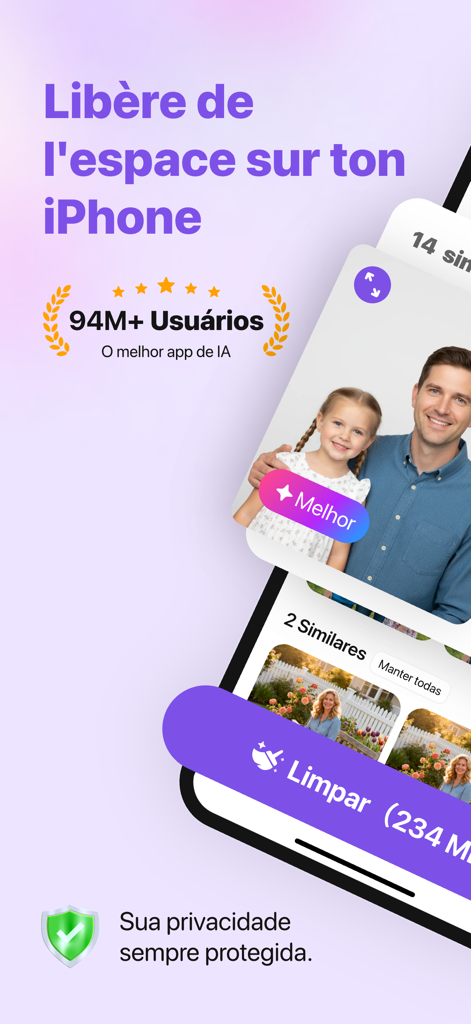
MediaClean app interface on an iPhone showing AI similar photo cleanup and privacy protection features

MediaClean app screen showing similar photo detection and AI cleanup features
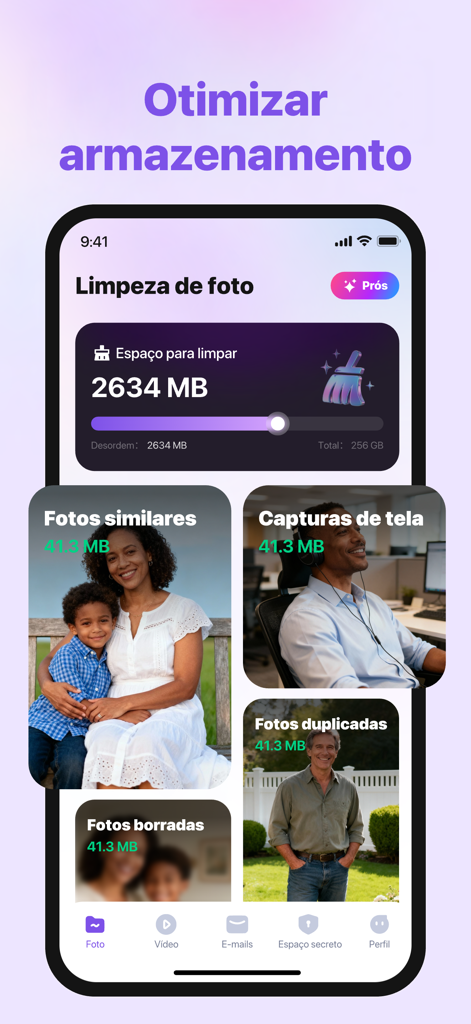
MediaClean app interface displaying storage optimization and photo cleanup categories
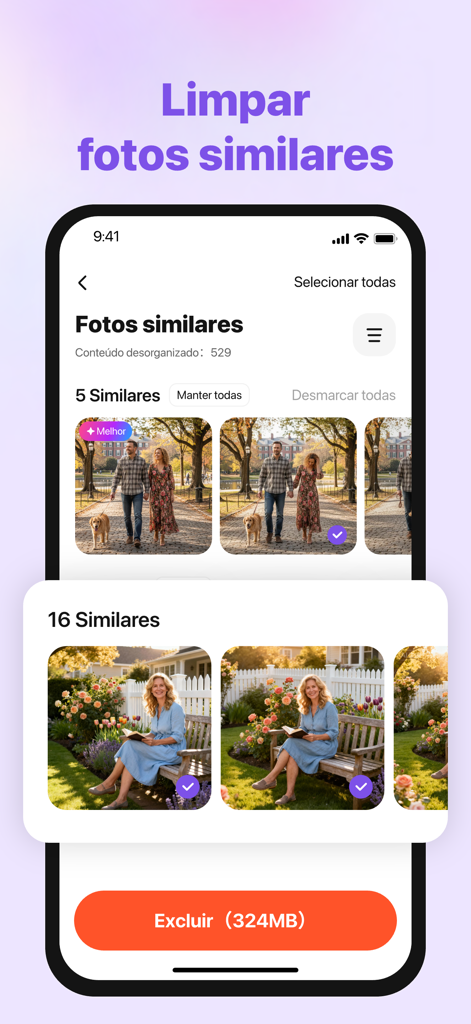
MediaClean app interface identifying similar photos for storage optimization
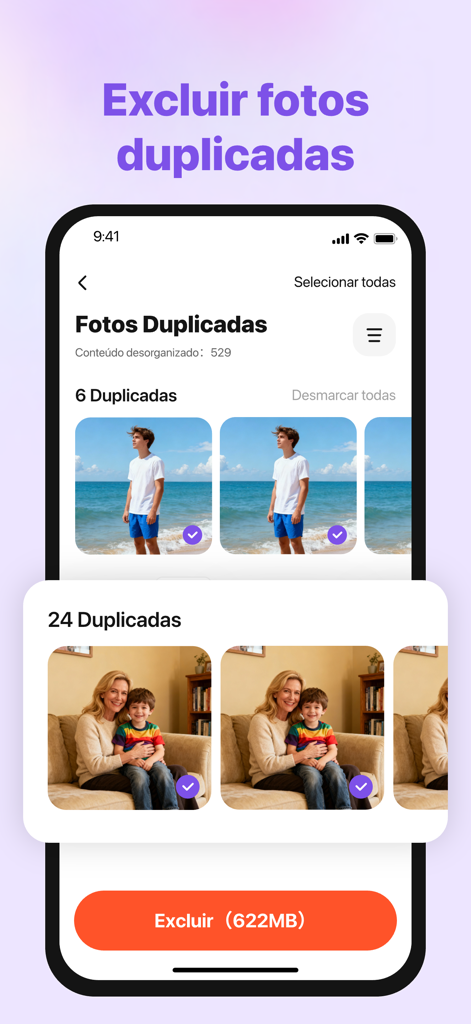
MediaClean app interface identifying and selecting duplicate photos for deletion
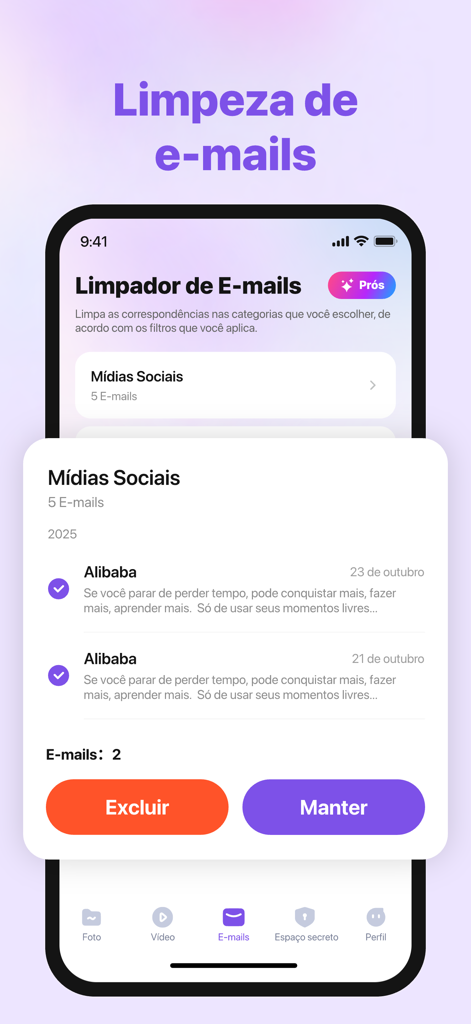
Interface of the MediaClean app showing the email cleanup feature with options to delete or keep social media emails
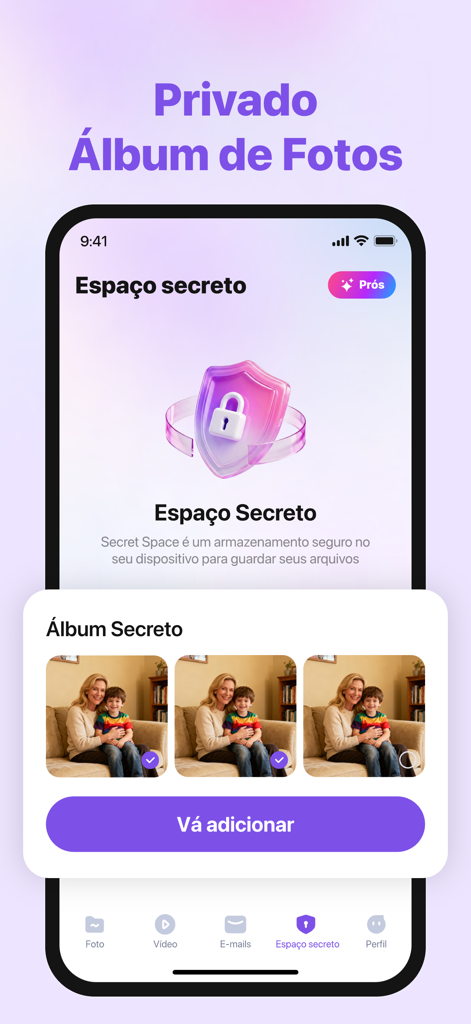
MediaClean app interface showing the secret space and private photo vault feature
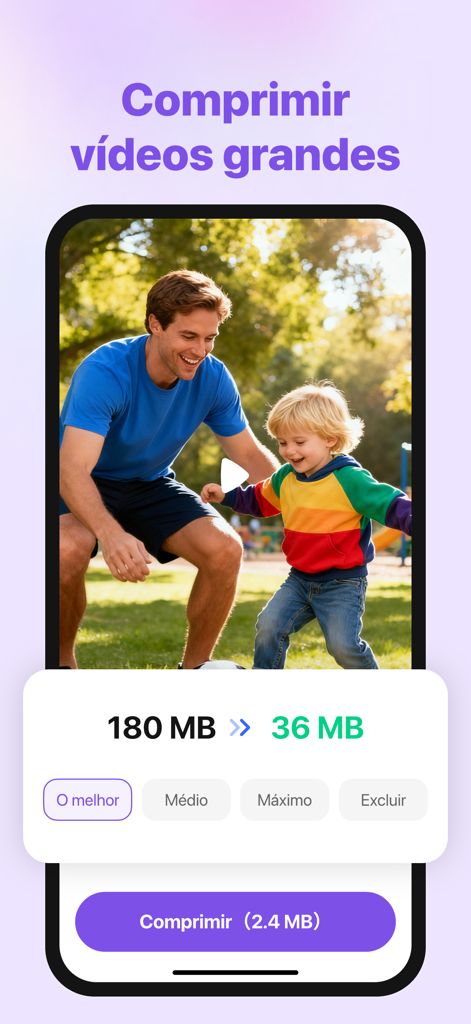
MediaClean app screen showing a video file size reduction from 180MB to 36MB using compression tools
Description
Download
More Like This
Top-ranked apps in the same category
Google Gemini
Google LLC

ChatGPT
OpenAI OpCo, LLC

Claude by Anthropic
Anthropic PBC

Gmail - Email by Google
Google LLC

千问 - 阿里最强大模型官方AI助手
Shanghai Zhixin Puhui Technology Co., Ltd.

Grok - AI Chat & Video
X.AI Corporation
Google Drive
Google LLC

Microsoft Authenticator
Microsoft Corporation
Google Sheets
Google LLC
This page is not an official page of the app or its developer, but an independent editorial publication created for informational and commentary purposes. Unless expressly stated otherwise, neither the app nor its developer is affiliated with, endorsed by, sponsored by, authorized by, or otherwise officially connected with MWM, Apple, Google Play, the app publisher, or the app's developer, and nothing on this page implies that the app was developed using MWM's services. Any trademarks, logos, screenshots, and other content remain the property of their respective owners.