
This page is not an official page of the app or its developer, but an independent editorial publication created for informational and commentary purposes. Unless expressly stated otherwise, neither the app nor its developer is affiliated with, endorsed by, sponsored by, authorized by, or otherwise officially connected with MWM, Apple, Google Play, the app publisher, or the app's developer, and nothing on this page implies that the app was developed using MWM's services. Any trademarks, logos, screenshots, and other content remain the property of their respective owners.


Meeting Point Digital Signage
Eliminate ghost meetings and optimize office efficiency. Transform your iPads into professional-grade room displays with automatic check-ins, ad hoc booking, and full MDM support for your Apple-centric workplace.
Downloads
0User Rating
Total Ratings
0Publisher
Category
ProductivityLocales
1Latest Version
1.6.0Size
7.1 MBFirst Released
Oct 18, 2022Optimize Your Office Real Estate
Transform any iPad into a professional room display that eliminates 'ghost meetings' and automates your scheduling workflow using your existing Apple ecosystem.
Automated Room Recovery
Eliminate 'ghost meetings' by automatically releasing rooms when participants don't check in, maximizing your available workspace.
Proximity Auto Check-In
Deliver a frictionless employee experience with proximity-based check-ins that recognize attendance via the iPhone client app.
The following screenshots and description are sourced directly from the app's official store listing and are the property of the app developer.
App Store
Screenshots
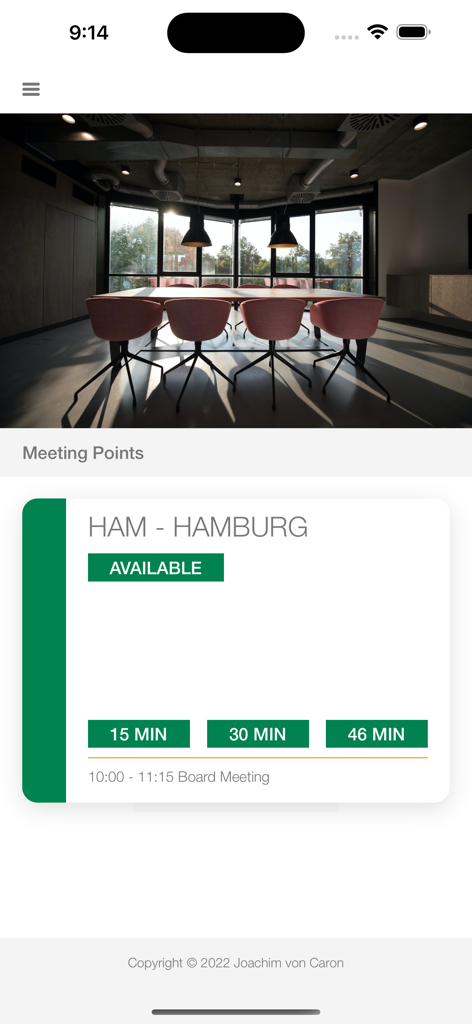
iPhone screen displaying an available meeting room in Hamburg within the Meeting Point app
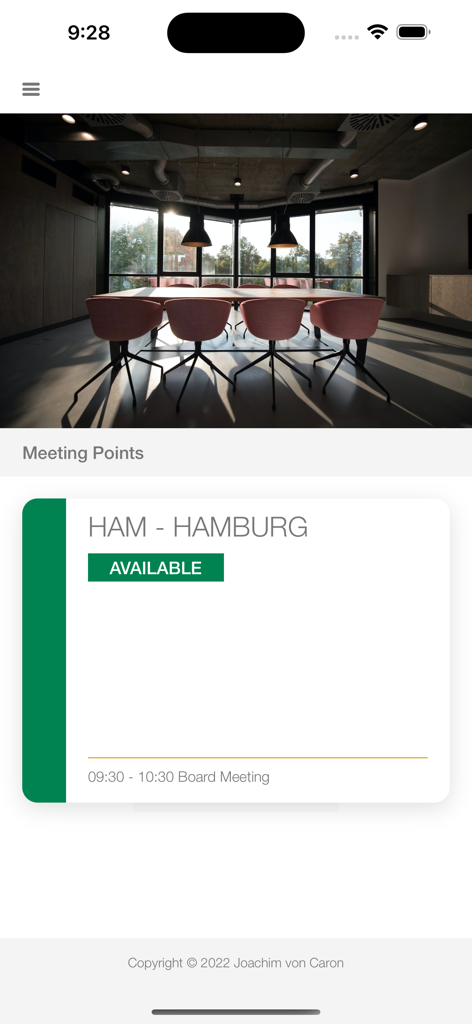
Digital signage app interface showing an available meeting room named Hamburg with a green status badge.
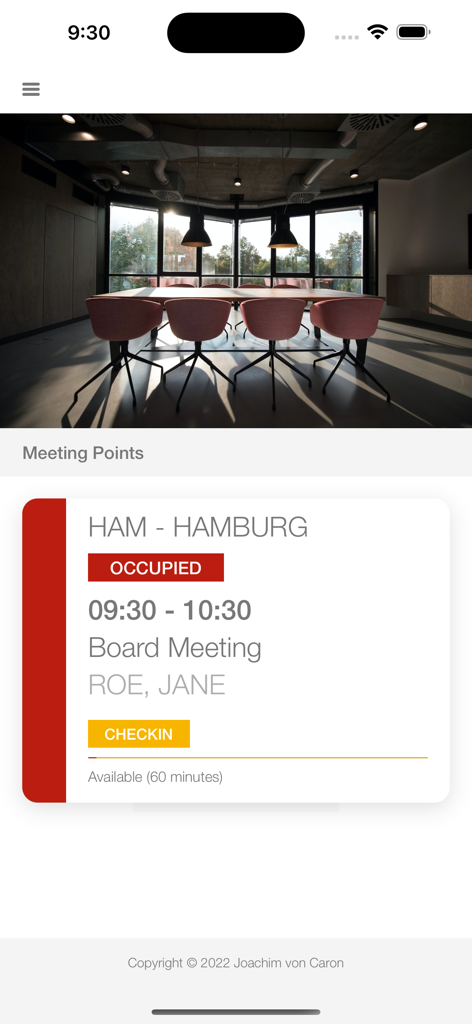
iPhone screen showing an occupied conference room status for a board meeting with a yellow check-in button
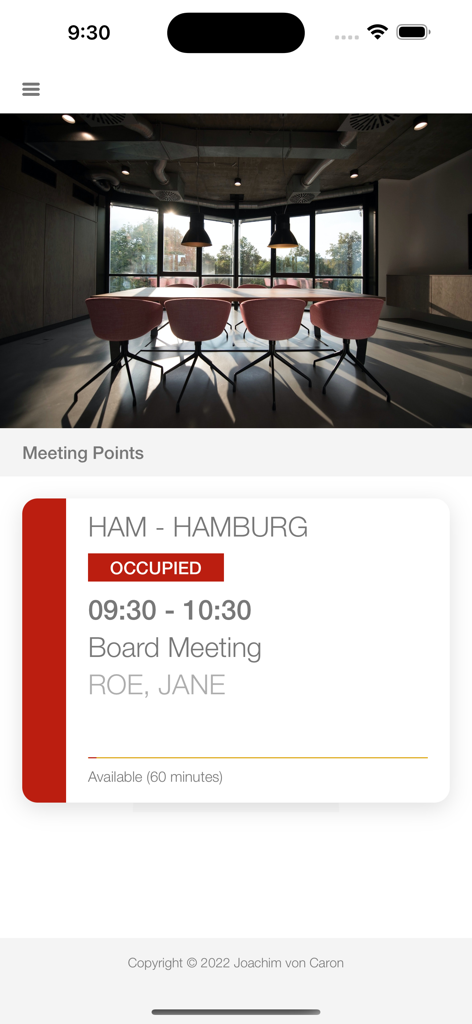
Meeting Point iPhone app interface showing an occupied conference room for a board meeting
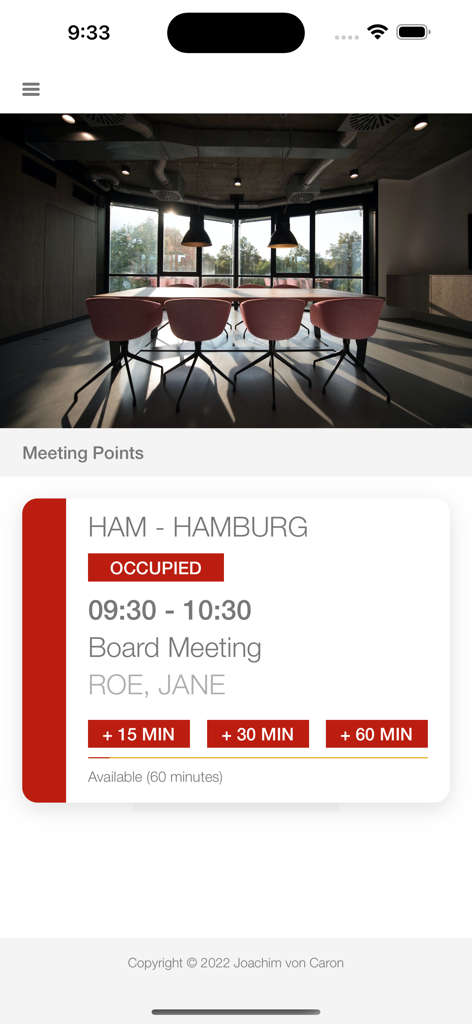
iPhone screen showing an occupied conference room status for a board meeting with extension options
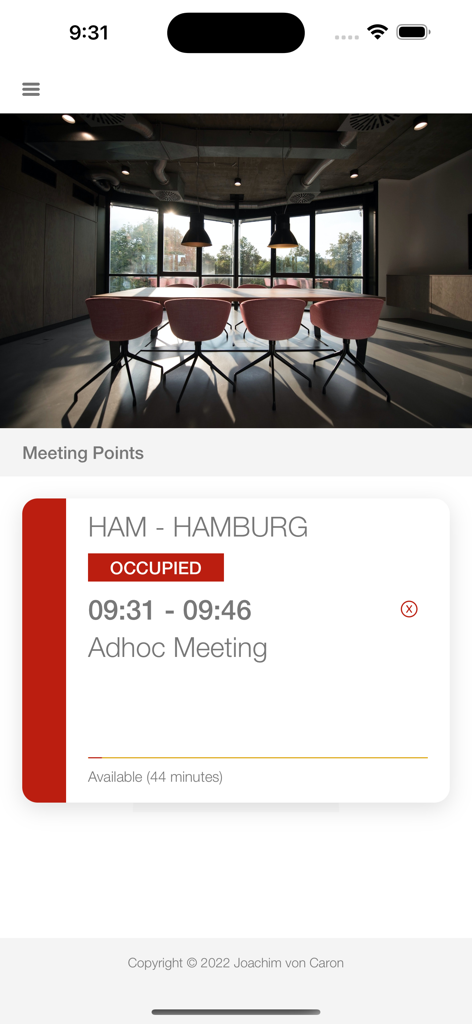
iPhone interface showing a meeting room occupied status for an adhoc meeting in Hamburg
Description
Download
More Like This
Top-ranked apps in the same category

ChatGPT
OpenAI OpCo, LLC

Google Gemini
Google LLC

Grok
X.AI Corporation

Gmail - Email by Google
Google LLC

千问 - 阿里最强大模型官方AI助手
Shanghai Zhixin Puhui Technology Co., Ltd.

Google Drive
Google LLC

Microsoft Authenticator
Microsoft Corporation

Google Sheets
Google LLC

Google Docs
Google LLC
This page is not an official page of the app or its developer, but an independent editorial publication created for informational and commentary purposes. Unless expressly stated otherwise, neither the app nor its developer is affiliated with, endorsed by, sponsored by, authorized by, or otherwise officially connected with MWM, Apple, Google Play, the app publisher, or the app's developer, and nothing on this page implies that the app was developed using MWM's services. Any trademarks, logos, screenshots, and other content remain the property of their respective owners.