
This page is not an official page of the app or its developer, but an independent editorial publication created for informational and commentary purposes. Unless expressly stated otherwise, neither the app nor its developer is affiliated with, endorsed by, sponsored by, authorized by, or otherwise officially connected with MWM, Apple, Google Play, the app publisher, or the app's developer, and nothing on this page implies that the app was developed using MWM's services. Any trademarks, logos, screenshots, and other content remain the property of their respective owners.
Merge Voice Memos : MemoMerger
Stop juggling fragmented audio. Instantly join lectures, interviews, and meetings into single files directly from the Apple Voice Memos app with professional crossfades and high-quality WAV export.
Downloads
100+User Rating
Total Ratings
0Publisher
Category
ProductivityLocales
1Latest Version
2.1Size
27.7 MBFirst Released
Aug 27, 2025Master Your Voice Memos
The ultimate utility for students and professionals to consolidate, polish, and organize audio recordings instantly.
Direct Share Integration
Merge files directly from the native Apple Voice Memos app. No complex editors or extra steps needed.
Seamless Transitions
Create professional-sounding tracks with automatic crossfades and edge fades for a smooth listening experience.
The following screenshots and description are sourced directly from the app's official store listing and are the property of the app developer.
App Store
Screenshots
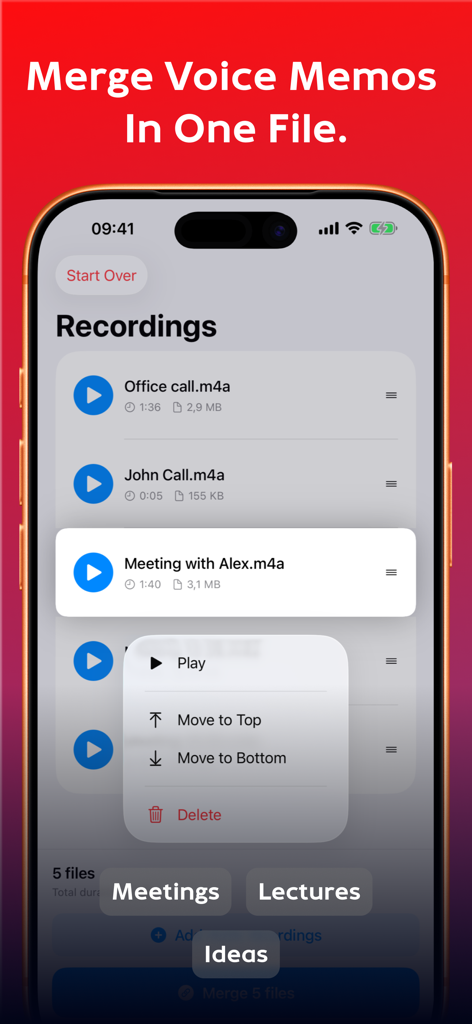
App interface showing a list of voice recordings and options to reorganize them for merging
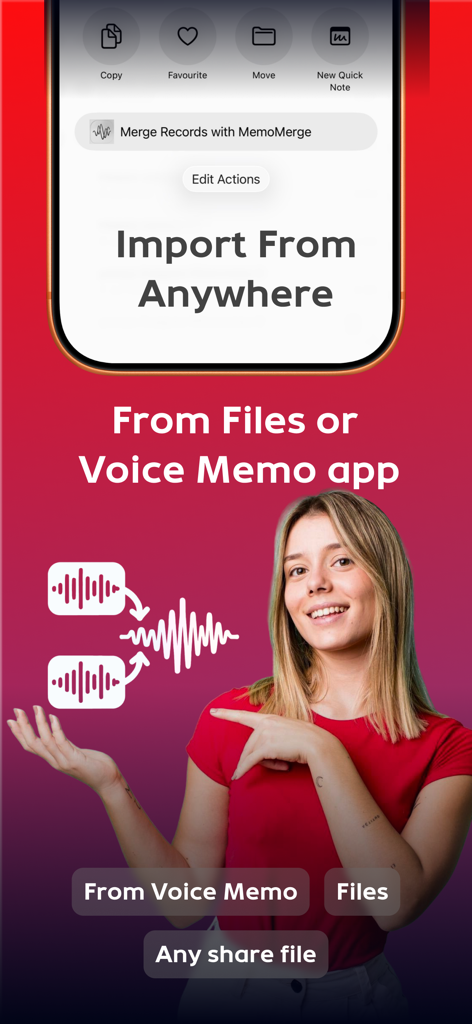
A woman pointing at a graphic demonstrating how to merge voice memos via the iOS share sheet.
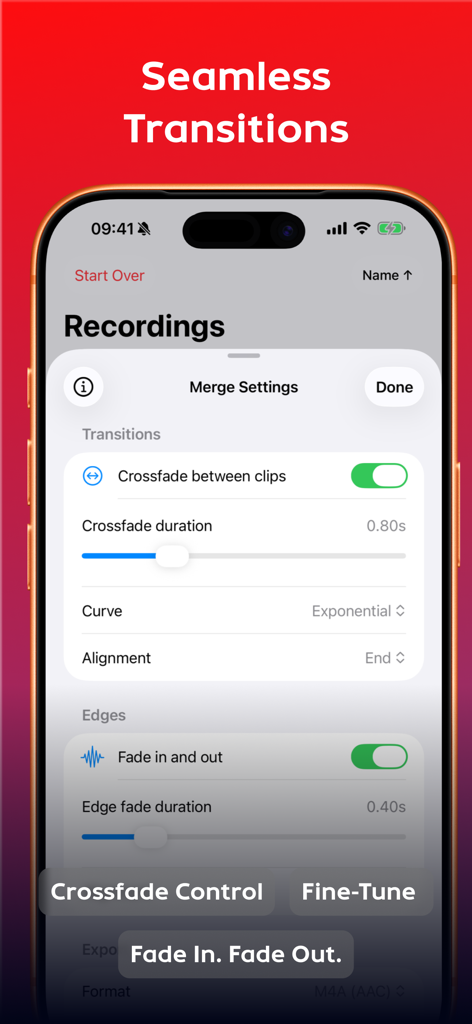
Interface of MemoMerger showing audio transition settings including crossfade and edge fade controls for merging voice memos
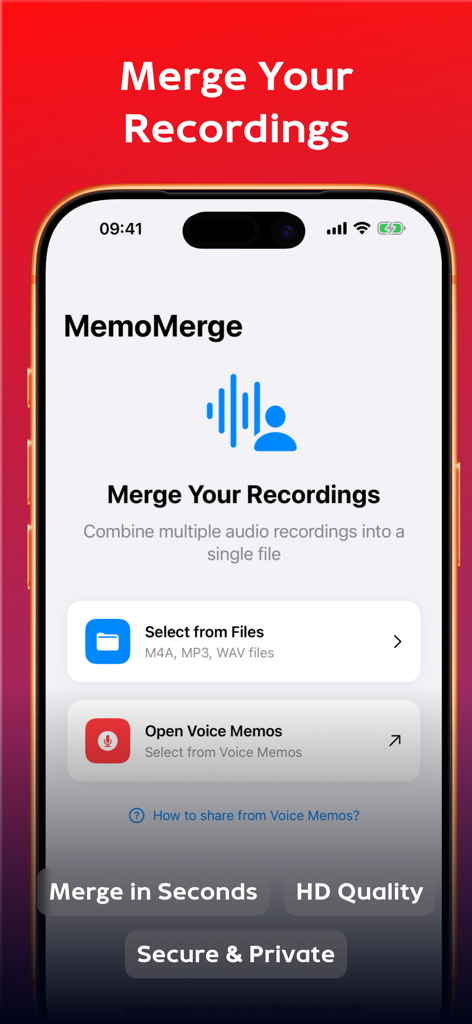
Interface of the MemoMerge app on an iPhone showing options to combine multiple audio recordings from Files or Voice Memos
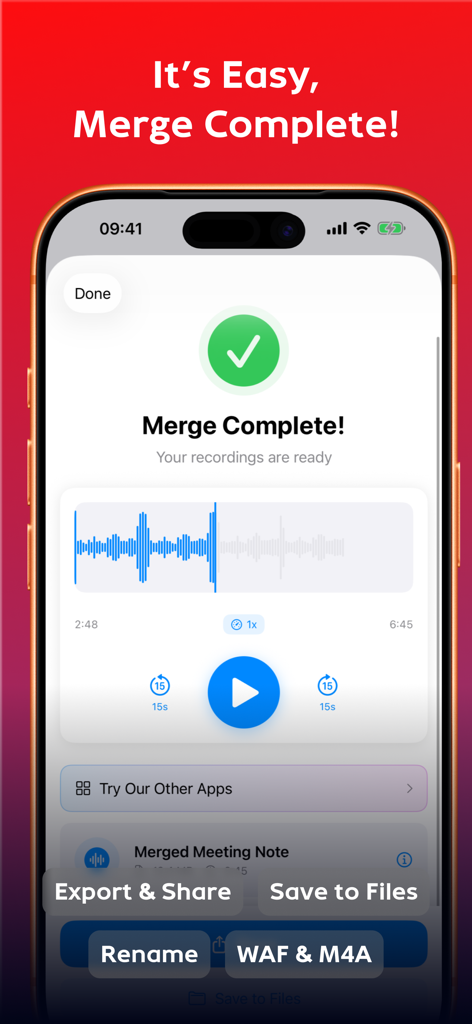
iPhone screenshot of the MemoMerger app showing a successful voice memo merge with an audio waveform and export options

A collection of positive user reviews for the MemoMerger app highlighting its utility for students and professionals.
Description
Download
More Like This
Top-ranked apps in the same category

ChatGPT
OpenAI OpCo, LLC

Google Gemini
Google LLC

Claude by Anthropic
Anthropic PBC

Gmail - Email by Google
Google LLC

千问 - 阿里最强大模型官方AI助手
Shanghai Zhixin Puhui Technology Co., Ltd.

Grok - AI Chat & Video
X.AI Corporation

Google Drive
Google LLC

Microsoft Authenticator
Microsoft Corporation

Google Sheets
Google LLC
This page is not an official page of the app or its developer, but an independent editorial publication created for informational and commentary purposes. Unless expressly stated otherwise, neither the app nor its developer is affiliated with, endorsed by, sponsored by, authorized by, or otherwise officially connected with MWM, Apple, Google Play, the app publisher, or the app's developer, and nothing on this page implies that the app was developed using MWM's services. Any trademarks, logos, screenshots, and other content remain the property of their respective owners.