
This page is not an official page of the app or its developer, but an independent editorial publication created for informational and commentary purposes. Unless expressly stated otherwise, neither the app nor its developer is affiliated with, endorsed by, sponsored by, authorized by, or otherwise officially connected with MWM, Apple, Google Play, the app publisher, or the app's developer, and nothing on this page implies that the app was developed using MWM's services. Any trademarks, logos, screenshots, and other content remain the property of their respective owners.

MFA-2FA Authenticator,OTP,Auth
Simplify your protection. Manage passwords, browse privately, and secure your accounts with 2FA—all behind the safety of FaceID and TouchID.
Downloads
92K+User Rating
Total Ratings
600Publisher
Category
ReferenceLocales
2Latest Version
1.1.5Size
48.2 MBFirst Released
Jan 9, 2024Your All-in-One Digital Shield
Consolidate your security toolkit. Protect your identity, manage credentials, and browse privately with the ultimate iOS utility designed for busy professionals.
Seamless 2FA Authentication
Protect high-value accounts like Coinbase, Slack, and Amazon with lightning-fast QR setup and secure TOTP codes.
Biometric Password Vault
Ditch the sticky notes. Store all your logins in a secure vault protected by your iPhone's native Face ID or Touch ID.
Frequently Asked Questions
Everything you need to know about MFA-2FA Authenticator,OTP,Auth
What is the MFA Authenticator App?
The MFA Authenticator App is an all-in-one digital security solution. It provides password management, private browsing, and multi-factor authentication (MFA) to protect sensitive information and online activities.
Does the MFA Authenticator App include a password manager?
Yes, the MFA Authenticator App includes a password manager. It safeguards all passwords and login credentials in one secure place, supporting Touch ID or Face ID for access.
Does the MFA Authenticator App offer private browsing?
Yes, the MFA Authenticator App offers a built-in private browser. It allows users to browse the web without leaving traces such as cookies, history, or cached files.
What MFA methods does the MFA Authenticator App support?
The MFA Authenticator App supports time-based OTP (One-Time Password) and push notifications for multi-factor authentication. It also allows 2FA setup by scanning QR codes.
Can I unlock the MFA Authenticator App with Face ID or Touch ID?
Yes, the MFA Authenticator App supports unlocking with Face ID or Touch ID. This biometric authentication provides convenient and secure access to stored information.
Does the MFA Authenticator App collect user data?
No, the SecureVault app does not collect or store any user data without explicit permission. User privacy and security are top priorities for the app.
Is the MFA Authenticator App compatible with many apps and websites?
Yes, the MFA Authenticator App is compatible with over 1000 apps and websites. It supports a wide range of popular online services for secure authentication.
Does the MFA Authenticator App offer backup and sync across devices?
Yes, the MFA Authenticator App offers secure backup and sync across devices. It uses Face ID and Touch ID encryption and integrates with iCloud Keychain.
How easy is it to set up accounts in the MFA Authenticator App?
Setting up accounts in the MFA Authenticator App is easy and takes seconds. Users can quickly add accounts by scanning a QR code.
How can I get support for the MFA Authenticator App?
Users can contact the support team for the MFA Authenticator App by emailing authenticator_help@outlook.com. The team is available to assist with questions or feedback.
The following screenshots and description are sourced directly from the app's official store listing and are the property of the app developer.
App Store
Screenshots
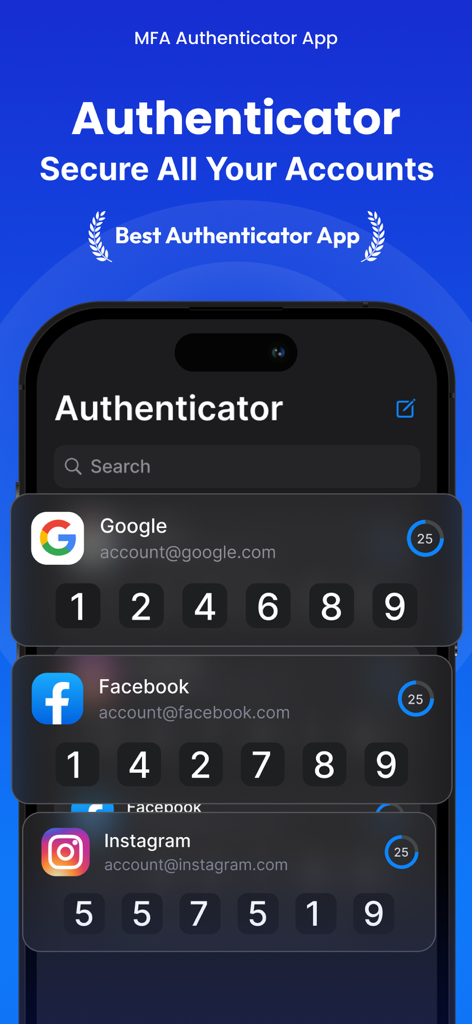
MFA Authenticator app displaying two factor authentication codes for social media and email accounts
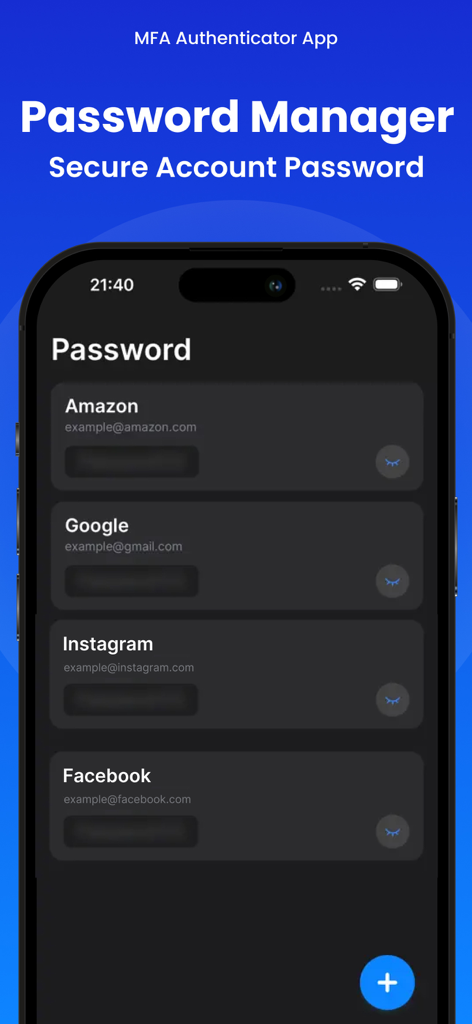
MFA Authenticator app password manager screen displaying secure login details for Amazon Google Instagram and Facebook accounts
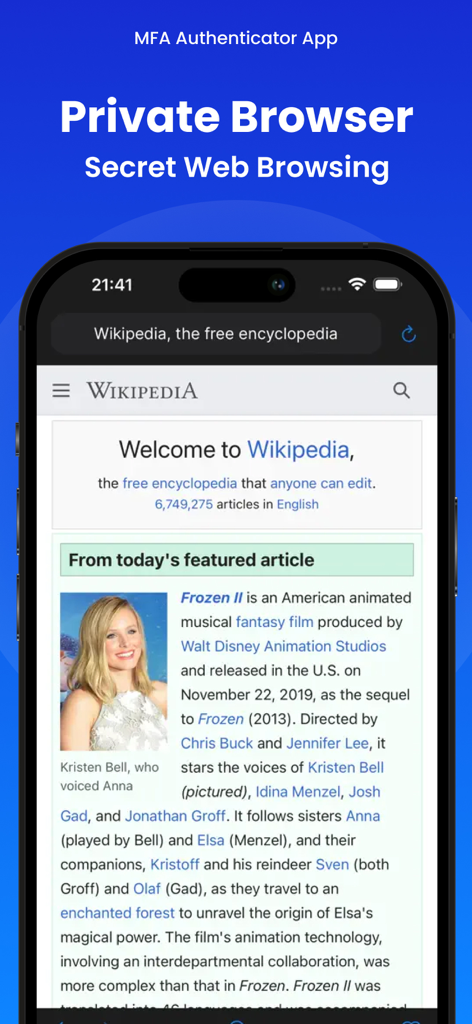
iPhone screenshot displaying the Private Browser feature of the MFA-2FA Authenticator app.
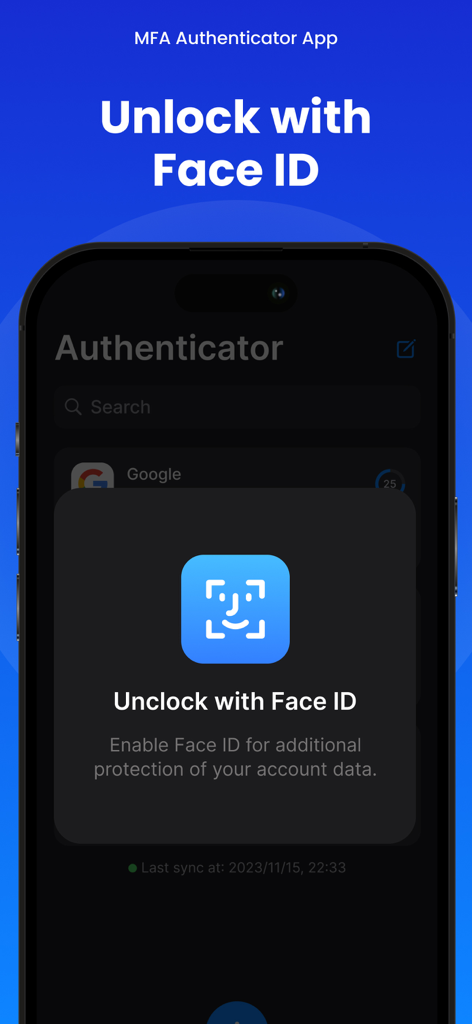
iPhone screen showing a Face ID authentication prompt to unlock the MFA Authenticator app for enhanced security.
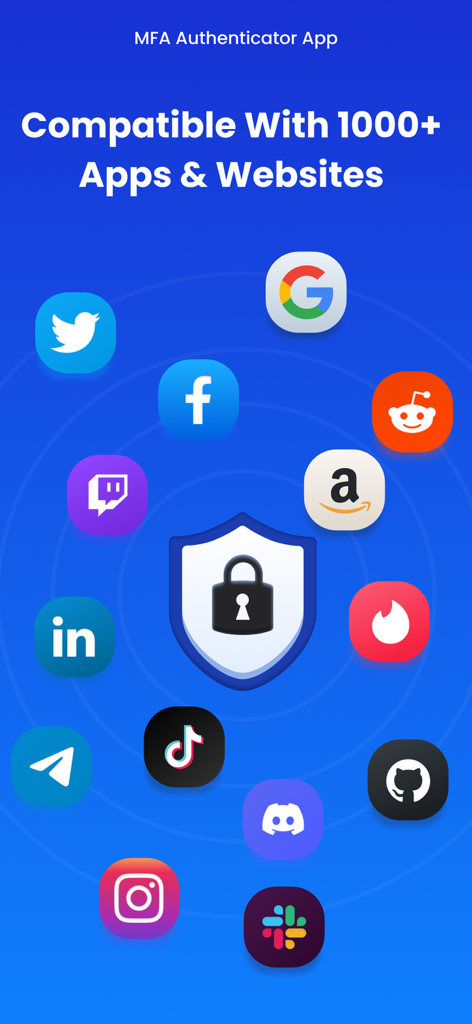
MFA Authenticator app showing compatibility with over 1000 popular apps and websites like Google Facebook and Amazon
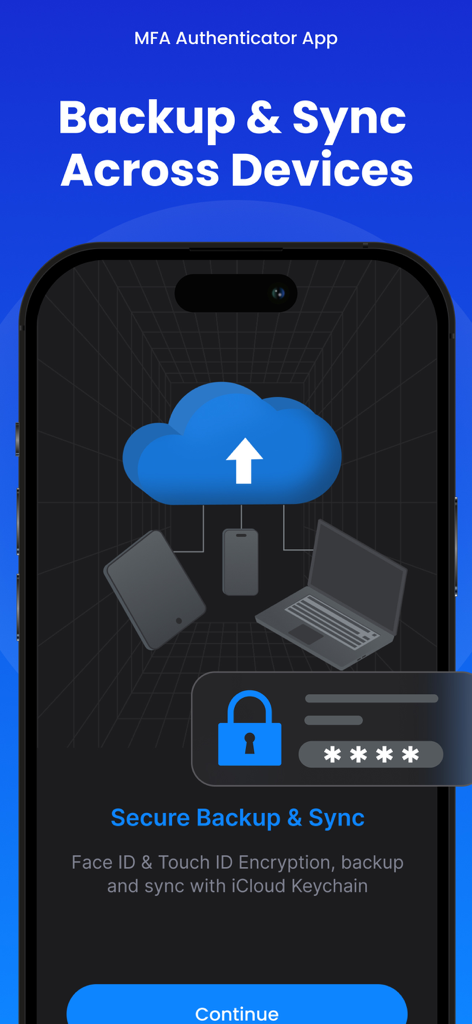
MFA 2FA Authenticator app interface displaying secure backup and sync across devices with Face ID and iCloud
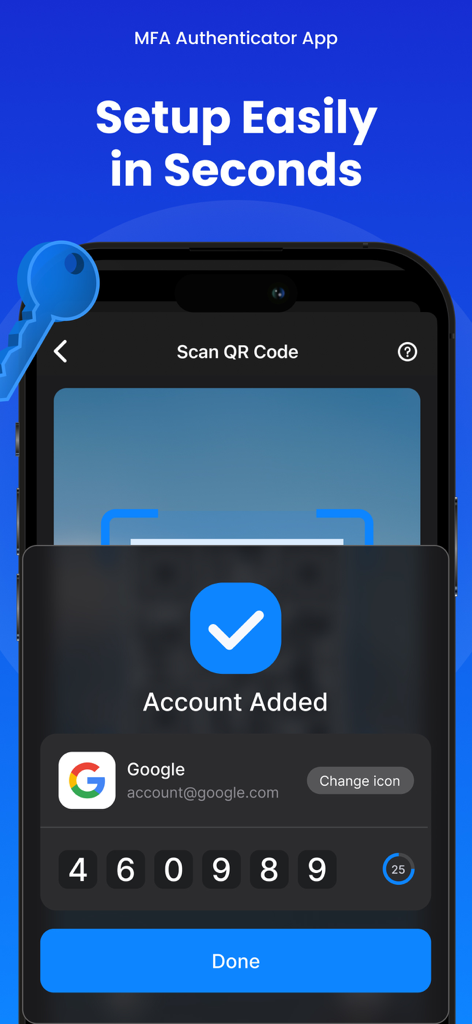
MFA Authenticator app interface showing a successfully added Google account with a 2FA verification code.
Description
Download
More Like This
Apps with similar features and user experience

Proton Pass - Password Manager
Proton AG

Dashlane Password Manager
Dashlane

Password Manager - mSecure
mSeven Software, LLC

Kepttor Password Manager
MACREL SRL SEMPLIFICATA

DataVault Manager - Encrypted
MIKHAIL SHERSHNEV

Authenticator ·
SMM service, s.r.o.

Bitwarden Password Manager
Bitwarden Inc

Authenticator App ⁸
AGILE CODE LIMITED

Authenticator App ℗
RHO DEVELOPERS LLC
This page is not an official page of the app or its developer, but an independent editorial publication created for informational and commentary purposes. Unless expressly stated otherwise, neither the app nor its developer is affiliated with, endorsed by, sponsored by, authorized by, or otherwise officially connected with MWM, Apple, Google Play, the app publisher, or the app's developer, and nothing on this page implies that the app was developed using MWM's services. Any trademarks, logos, screenshots, and other content remain the property of their respective owners.