
This page is not an official page of the app or its developer, but an independent editorial publication created for informational and commentary purposes. Unless expressly stated otherwise, neither the app nor its developer is affiliated with, endorsed by, sponsored by, authorized by, or otherwise officially connected with MWM, Apple, Google Play, the app publisher, or the app's developer, and nothing on this page implies that the app was developed using MWM's services. Any trademarks, logos, screenshots, and other content remain the property of their respective owners.


Mi TV Remote・Shield Controller
Your iPhone becomes the master key to your entertainment, ditching the clutter.
Downloads
50k+User Rating
Total Ratings
867Publisher
Category
UtilitiesLocales
26Latest Version
2.6Size
92.9 MBFirst Released
Feb 21, 2024An Analytical Overview for iOS/iPadOS Users
Key Features of Mi TV Remote・Shield Controller
Comprehensive Remote Functions
It allows users to access all necessary remote control buttons, including power, volume, and intuitive navigation, replicating the full functionality of a traditional physical remote.
Universal Device Compatibility
The app provides broad compatibility, allowing users to transform their iOS or iPadOS device into a remote for Mi TVs, Mi Boxes, and a wide range of other OS-based smart TVs.
Integrated Media Casting
The app provides a casting functionality that enables users to effortlessly stream photos and videos directly from their iOS or iPadOS device to their TV via built-in Chromecast support.
Seamless Wi-Fi Connectivity
This tool features a modern Wi-Fi connection method, enabling control of the TV without the need for an IR blaster, simplifying setup and usage for a streamlined experience.
Interactive Home Screen Widgets
This tool features interactive home screen widgets, offering quick and convenient access to essential controls directly from the user's iPhone or iPad home screen.
Flexible Freemium Access
It allows users to download and utilize the app for free, with an option to upgrade to a premium version for an ad-free experience and access to all advanced features.
Frequently Asked Questions
Everything you need to know about Mi TV Remote・Shield Controller
What devices can the Mi TV Remote・Shield Controller app control?
The Mi TV Remote・Shield Controller app controls Mi TV and MI Box devices. It also supports a large number of other OS-based TVs.
Does the Mi TV Remote app require an IR blaster?
No, the Mi TV Remote・Shield Controller app does not require an IR blaster. It connects to your TV using your existing Wi-Fi network.
Can I cast photos and videos using the Mi TV Remote app?
Yes, the Mi TV Remote・Shield Controller app supports casting. Users can cast photos and videos from their iOS or iPadOS device to their TV via built-in Chromecast support.
Is the Mi TV Remote・Shield Controller app free to download?
Yes, the Mi TV Remote・Shield Controller app is free to download and use. A premium version is available for additional features and an ad-free experience.
How does the Mi TV Remote app connect to my TV?
The Mi TV Remote・Shield Controller app connects to your TV over the same Wi-Fi network. It automatically detects and lists available devices for easy selection.
Does the Mi TV Remote・Shield Controller app offer home screen widgets?
Yes, the Mi TV Remote・Shield Controller app includes interactive home screen widgets. These widgets provide quick and easy control of your TV.
Is the Mi TV Remote・Shield Controller app an official Xiaomi product?
No, the Mi TV Remote・Shield Controller app is a third-party application. It is not officially affiliated with Xiaomi.
What features are included in the premium version of Mi TV Remote?
The premium version of the Mi TV Remote・Shield Controller app offers an ad-free experience and all awesome features. The specific additional features are not detailed beyond "all awesome features."
How do I manage my subscription for Mi TV Remote・Shield Controller?
You manage your Mi TV Remote・Shield Controller subscription and auto-renewal settings through your user's iTunes Account Settings. Auto-renewal can be turned off at least 24 hours before the current period ends.
The following screenshots and description are sourced directly from the app's official store listing and are the property of the app developer.
App Store
Screenshots
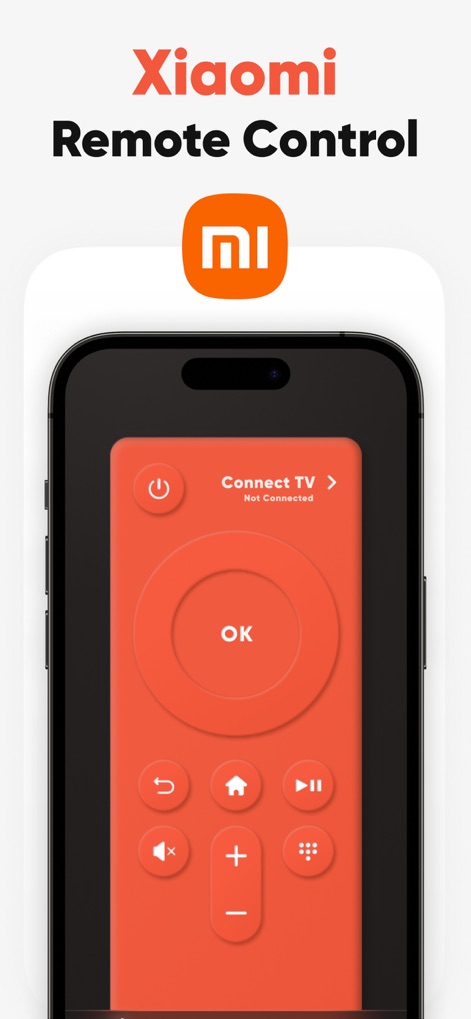
See how the app's intuitive red remote interface provides all essential buttons and clearly displays the TV connection status.
Smart Remote Interface
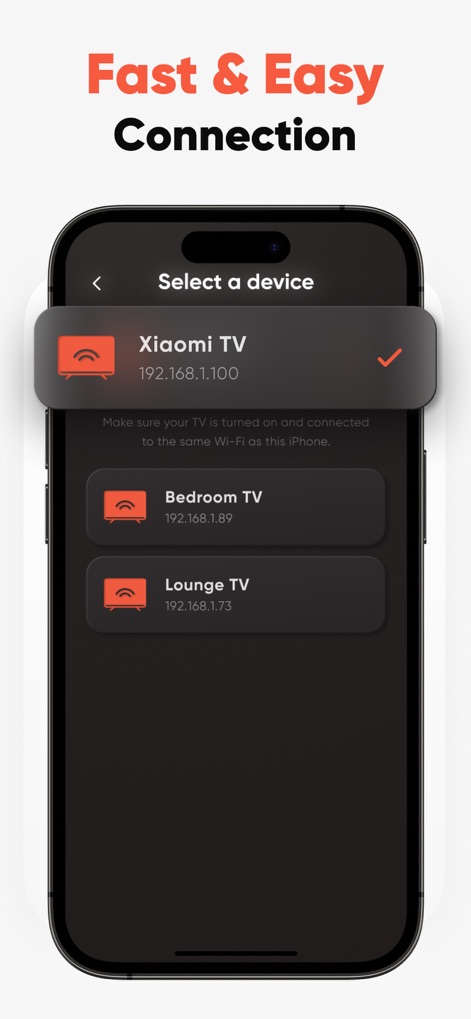
This tool simplifies setup by displaying available devices for selection and uses Wi-Fi for fast, easy connection to your TV.
Seamless Device Pairing
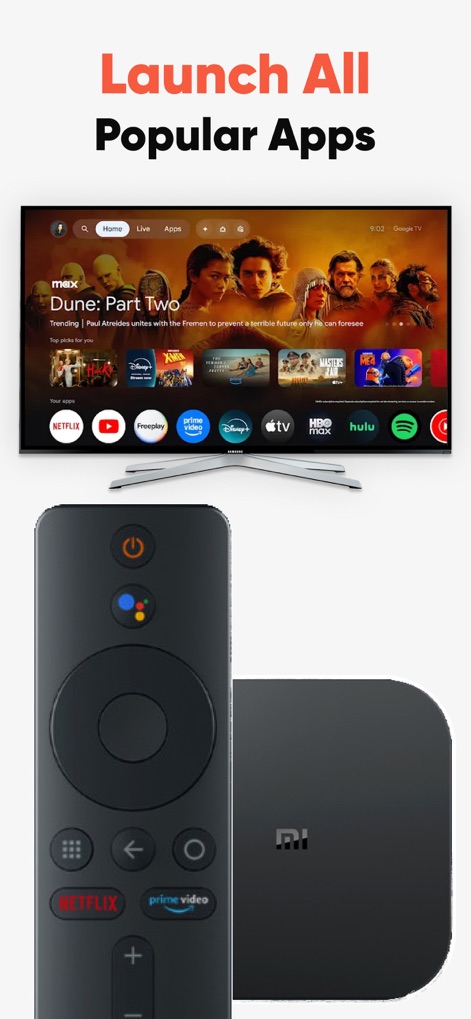
Users can effortlessly launch popular streaming apps visible on the TV screen and control their Mi Box with this versatile tool.
Entertainment Hub Control
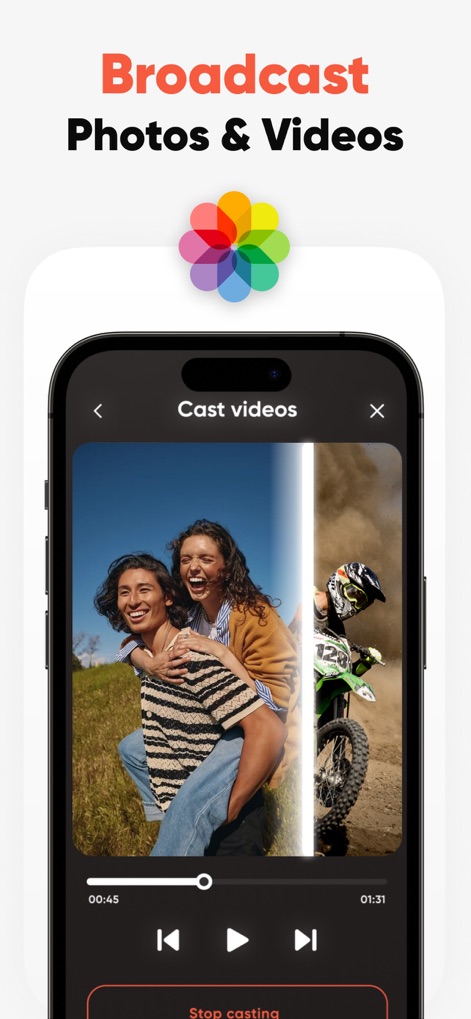
The app allows users to easily cast photos and videos from their device, featuring clear playback controls within the casting interface.
Effortless Media Casting
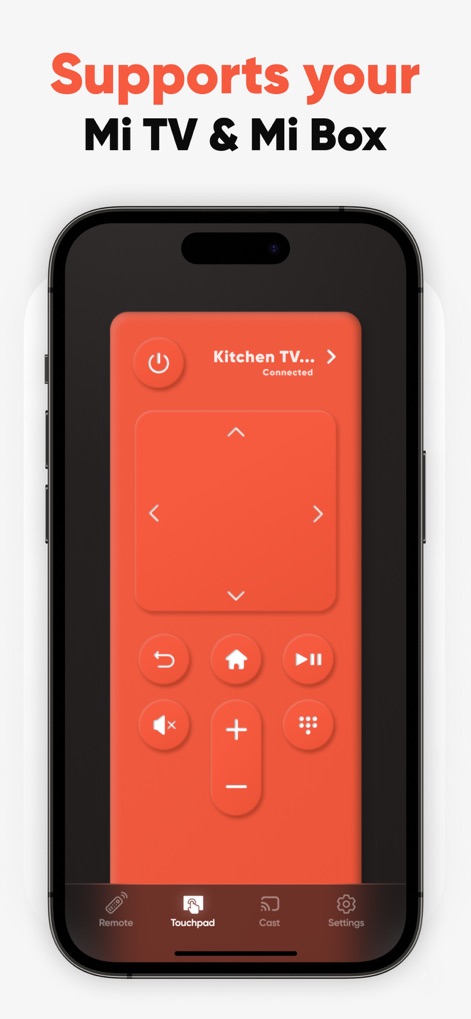
This tool offers comprehensive control for Mi TV & Mi Box, clearly showing the "Kitchen TV" connection status and providing a versatile bottom navigation bar for different modes.
Unified Control Modes
The app consistently earns high praise, evident in the five-star rating and positive user testimonials highlighting its ease of use.
Proven User Satisfaction
Description
Download
More Like This
Apps with similar features and user experience

The Roku App (Official)
ROKU INC

TV Remote & Smart TV Control
To Ngoc Mai

Universal TV Remote Control .
Apps Venture Inc.

TV Remote, Universal Remote
Hangzhou Yingshitong Technology Co., Ltd.

TV Remote Control “Universo”
Nemo Apps LLC

TV Remote・Universal Control #1
Mihai Turlea

Remote Smart Tv Universal
clement gasner

Remote TV Control TCL Onn App
CEMAL CAGLAR KIRICI

TV Remote Control Universal AI
Anh Ngo
This page is not an official page of the app or its developer, but an independent editorial publication created for informational and commentary purposes. Unless expressly stated otherwise, neither the app nor its developer is affiliated with, endorsed by, sponsored by, authorized by, or otherwise officially connected with MWM, Apple, Google Play, the app publisher, or the app's developer, and nothing on this page implies that the app was developed using MWM's services. Any trademarks, logos, screenshots, and other content remain the property of their respective owners.