
This page is not an official page of the app or its developer, but an independent editorial publication created for informational and commentary purposes. Unless expressly stated otherwise, neither the app nor its developer is affiliated with, endorsed by, sponsored by, authorized by, or otherwise officially connected with MWM, Apple, Google Play, the app publisher, or the app's developer, and nothing on this page implies that the app was developed using MWM's services. Any trademarks, logos, screenshots, and other content remain the property of their respective owners.


MicSwap Video Pro Audio Editor
Transform your video audio with the tone of 22 legendary microphones like the Shure SM7b and Neumann U87. Swap mic models, add reverb, and master your tracks with professional precision—all from your mobile device.
Downloads
10K+User Rating
Total Ratings
200Publisher
Category
Photo & VideoLocales
22Latest Version
3.3Size
54.9 MBFirst Released
Nov 5, 2019Elevate Your Audio to Studio Standards
MicSwap Video Pro gives your mobile content the polished sound of a high-end production. Swap microphones, edit tracks, and add professional effects directly on your device.
Legendary Microphone Modeling
Instantly swap your audio for the iconic sound of 22 industry-standard mics, including the Shure SM7b for podcasts and the Neumann U87 for vocals.
Precision Track Editing
Split your audio into tracks and assign unique models, volumes, and reverbs to each segment for total creative control over your mix.
The following screenshots and description are sourced directly from the app's official store listing and are the property of the app developer.
App Store
Screenshots
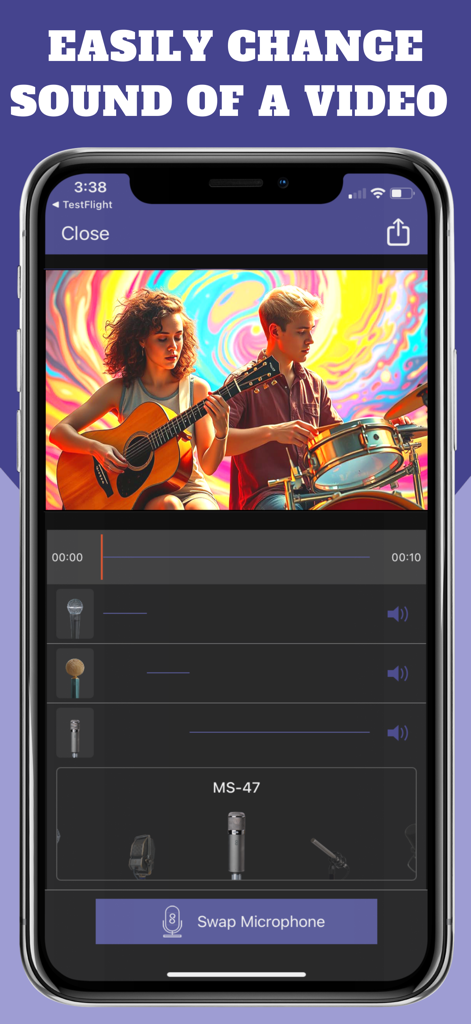
MicSwap Video Pro app interface showing the microphone swap feature on a music video clip
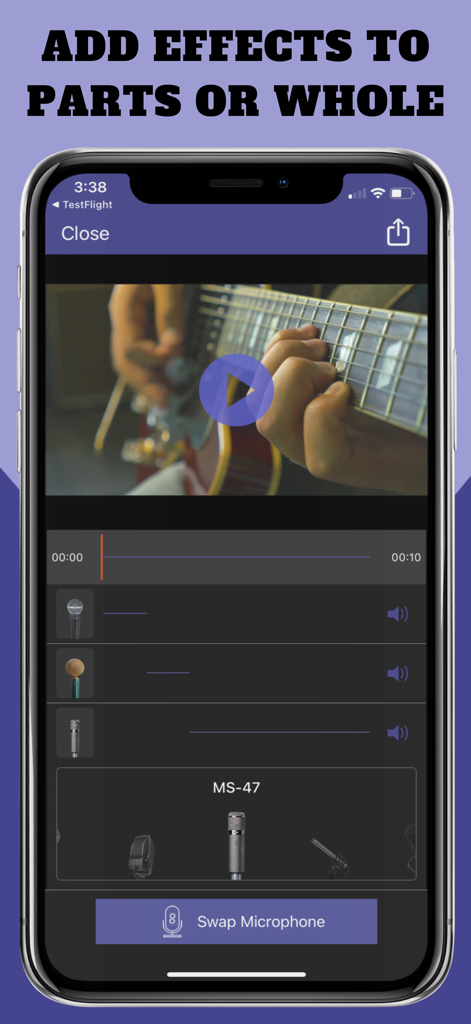
Interface of MicSwap Video Pro showing audio track editing and microphone swapping for a guitar video
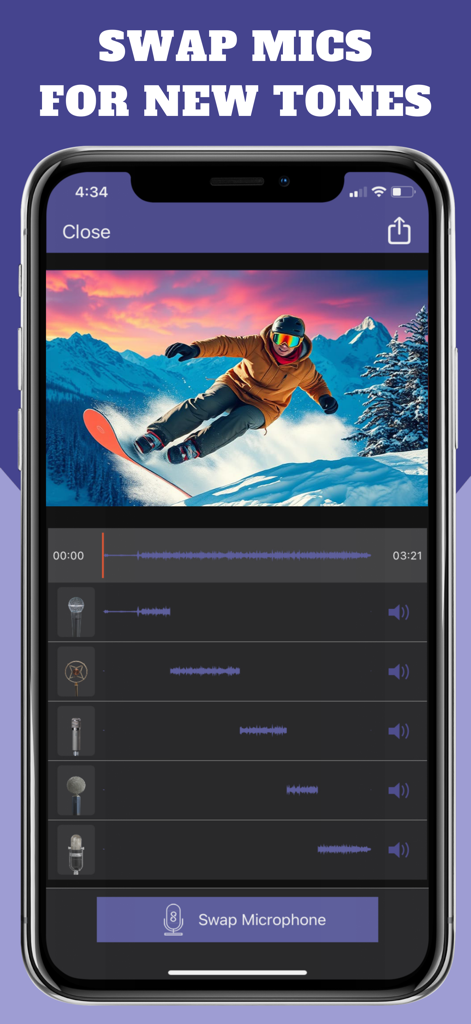
Smartphone interface showing MicSwap Video Pro app with multitrack audio editing and microphone swapping for a snowboarding video
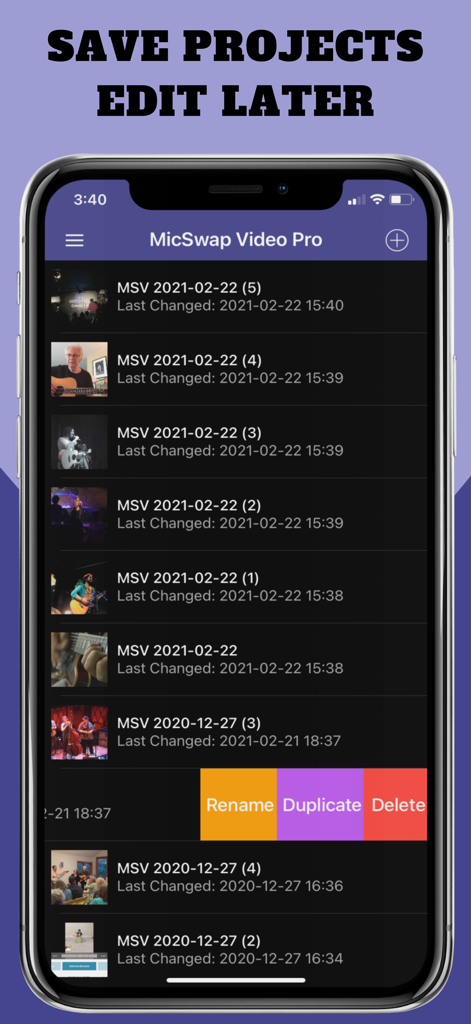
MicSwap Video Pro app project list showing options to save rename and edit video audio projects later
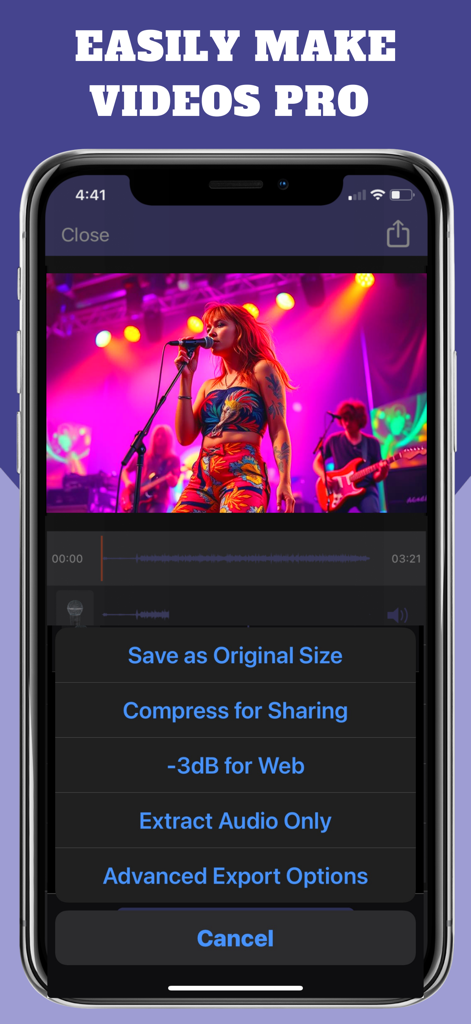
Export options menu in the MicSwap Video Pro app showing save and compress settings
Description
Download
More Like This
Top-ranked apps in the same category

CapCut: Photo & Video Editor
BYTEDANCE PTE. LTD.

Instagram, Inc.

YouTube
Google LLC

Canva: AI Photo & Video Editor
Canva Pty Ltd

快手
Beijing Kwai Technology Co., Ltd.

Snapchat
Snap, Inc.

Meta AI - Vibes & AI Glasses
Meta Platforms, Inc.

Edits: Video Editor
Instagram, Inc.

Meitu- AI Photo & Video Editor
Xiamen Meitu Technology Co., Ltd.
This page is not an official page of the app or its developer, but an independent editorial publication created for informational and commentary purposes. Unless expressly stated otherwise, neither the app nor its developer is affiliated with, endorsed by, sponsored by, authorized by, or otherwise officially connected with MWM, Apple, Google Play, the app publisher, or the app's developer, and nothing on this page implies that the app was developed using MWM's services. Any trademarks, logos, screenshots, and other content remain the property of their respective owners.