
Miles to Kilometers

The fast, simple, and light-weight tool for travelers, runners, and explorers. Convert units accurately in seconds—even when you're on the go.
Publisher
Category
UtilitiesDownloads
100User Rating
Total Ratings
0Locales
21Discover the interface used by 100 users.
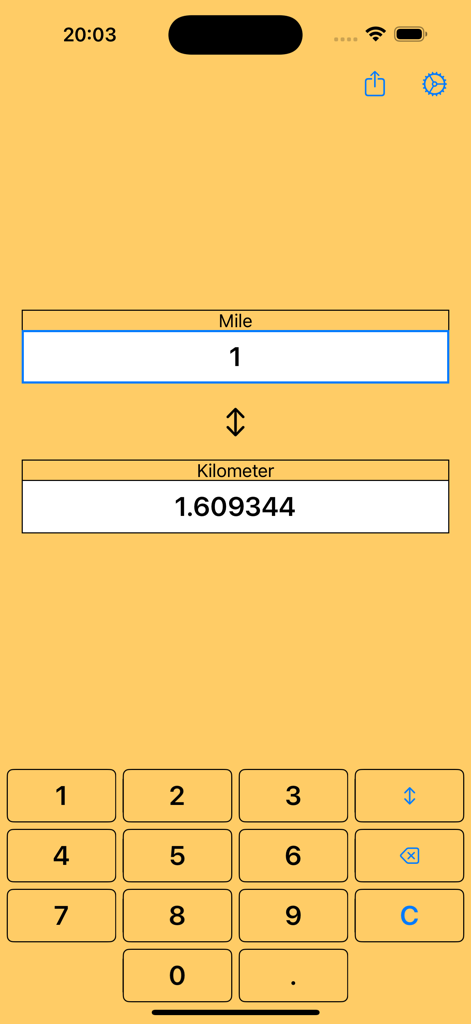
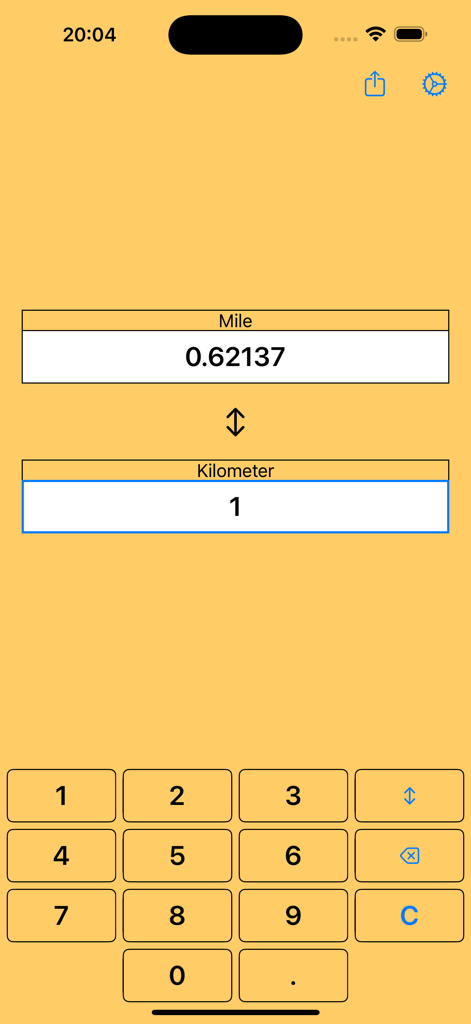
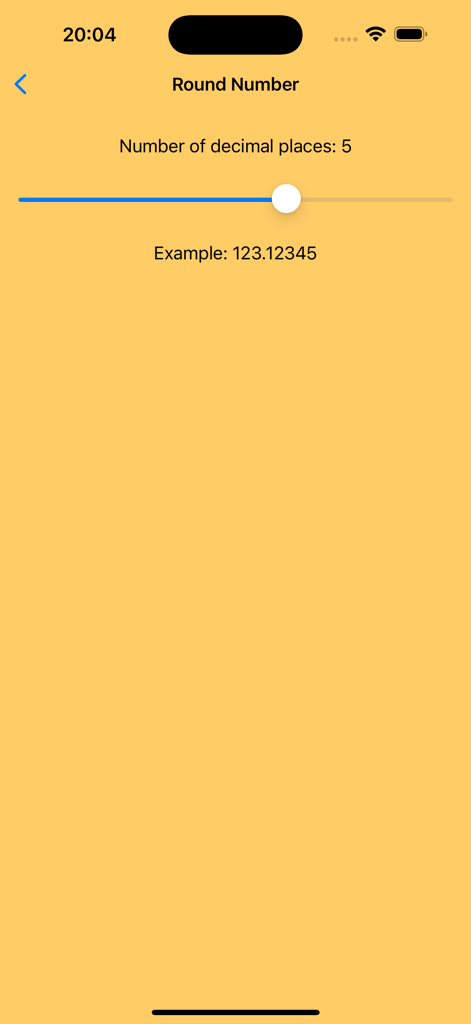
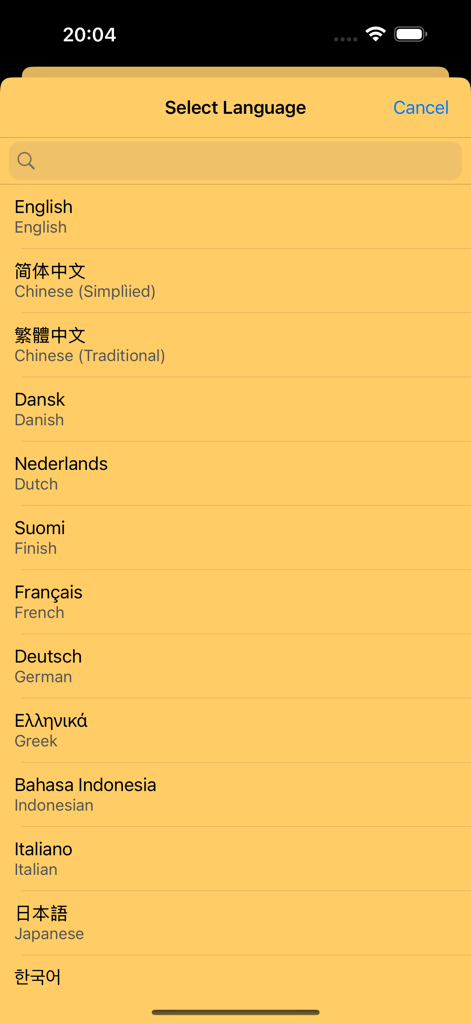
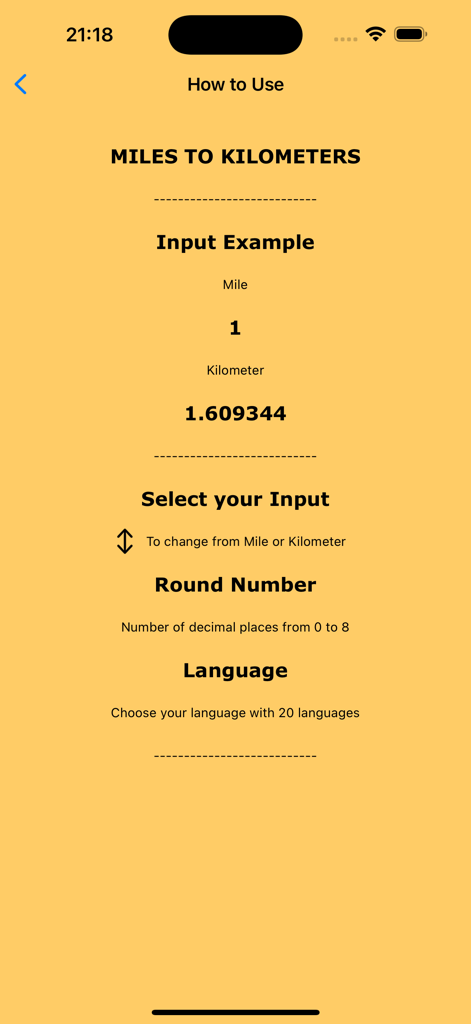
The tools that make this app stand out, trusted by 100 users.
Get instant results as you type. Perfect for making split-second decisions on the road or the trail without the mental math.
Navigate foreign road signs with confidence. With support for 21 languages, it is the essential companion for your next international trip.
Easily reconcile 5K, 10K, and marathon distances with your training miles. Convert, track, and share your results effortlessly.
Everything you need to know about Miles to Kilometers.
Description
Latest Version
1.0
Size
0.9 MB
First Released
Oct 23, 2024
Download the ultra-light 1MB converter designed for travelers and athletes. Get instant, accurate results on the go, even without an internet connection.
Everything you need to know about Miles to Kilometers
The Miles to Kilometers app is a conversion tool for transforming length units between miles and kilometers. It features a simple interface and automatic calculations.
The Miles to Kilometers app converts units by allowing the user to enter a value, and the app automatically calculates the equivalent in the other unit.
Yes, the Miles to Kilometers app converts both miles to kilometers and kilometers to miles. Users can switch the input unit for conversion.
Yes, the Miles to Kilometers app supports multiple languages. Users can select their preferred language within the app settings.
The Miles to Kilometers app supports 20 different languages, allowing users to choose their preferred interface language.
Yes, users can adjust the number of decimal places for conversion results in the Miles to Kilometers app. The app allows setting between 0 and 8 decimal places.
Yes, the Miles to Kilometers app features a simple and easy-to-use interface. Users enter values, and the app performs automatic calculations.
Yes, the Miles to Kilometers app allows users to easily share conversion results. A share icon is visible in the application's interface.
Top-ranked apps in the same category

Google LLC

Google LLC

China Mobile Online Services Co., Ltd.

Google LLC

Servicos e Informacoes do Brasil

DEEP FLOW SOFTWARE SERVICES - FZCO

Servicos e Informacoes do Brasil

CHINA TELECOM Corporation Ltd.

Microsoft Corporation
App information, icons, screenshots, and descriptions displayed on this page are sourced from the Apple App Store and are the property of their respective developers. Download estimates and rankings are based on MWM's proprietary models and may not reflect actual figures. This page is provided for informational and analytical purposes only.
Believe this page infringes your intellectual property? File a dispute