
This page is not an official page of the app or its developer, but an independent editorial publication created for informational and commentary purposes. Unless expressly stated otherwise, neither the app nor its developer is affiliated with, endorsed by, sponsored by, authorized by, or otherwise officially connected with MWM, Apple, Google Play, the app publisher, or the app's developer, and nothing on this page implies that the app was developed using MWM's services. Any trademarks, logos, screenshots, and other content remain the property of their respective owners.


Mindlist — To Do List & Tasks
The ad-free, minimalist planner for those who hate over-complicated apps. Organize your day, customize your aesthetic, and reclaim your focus with a single, one-time unlock.
Downloads
570K+User Rating
Total Ratings
1K+Publisher
Category
ProductivityLocales
13Latest Version
5.1Size
31.1 MBFirst Released
Apr 12, 2020Stay Productive, Without the Clutter
Tired of over-engineered planners? Mindlist is the minimalist tool designed to help you organize your life in seconds, providing a clean space for your daily focus.
Distraction-Free Focus
Experience a truly ad-free environment. We prioritize your concentration over clicks, so you can manage your day without interruptions or data-tracking noise.
Personalized Digital Space
Customize your task lists with colors and icons that match your aesthetic. Your productivity tool should be as unique and clean as your own personal brand.
Frequently Asked Questions
Everything you need to know about Mindlist — To Do List & Tasks
Does Mindlist include a calendar feature for task management?
Yes, Mindlist features a calendar to visualize your work and schedule. You can plan your daily life by seeing tasks assigned to specific dates within the app.
Can I customize my task lists in Mindlist?
Yes, Mindlist allows customization of task lists. Users can change icon colors, icon shapes, and enable/disable hiding completed tasks or highlighting overdue tasks.
Does the Mindlist app display advertisements?
No, Mindlist does not display advertisements. The app focuses on providing a distraction-free experience for managing your tasks and schedule.
How do I add a new task in Mindlist?
To add tasks in Mindlist, tap "Add new tasks." Then, edit to add the task's name, set it on your calendar, activate reminders, and specify if it's a repeating task.
Is Mindlist free to use, or does it have premium features?
Mindlist is free to use. It also offers Premium features available through a low-cost, one-time unlock, granting lifetime access to all premium functionalities.
Does Mindlist support a dark mode or night theme?
Yes, Mindlist includes a Dark (Night) Mode. It automatically changes to dark mode during nighttime for improved visibility and user comfort.
Can Mindlist send reminders for upcoming tasks?
Yes, Mindlist sends reminders for upcoming appointments, meetings, deadlines, or things to do. Users must allow notifications for this feature to function.
How can I organize my lists within Mindlist?
Mindlist allows users to organize lists by simply dragging and moving them. This feature helps arrange your task lists according to your preference.
The following screenshots and description are sourced directly from the app's official store listing and are the property of the app developer.
App Store
Screenshots
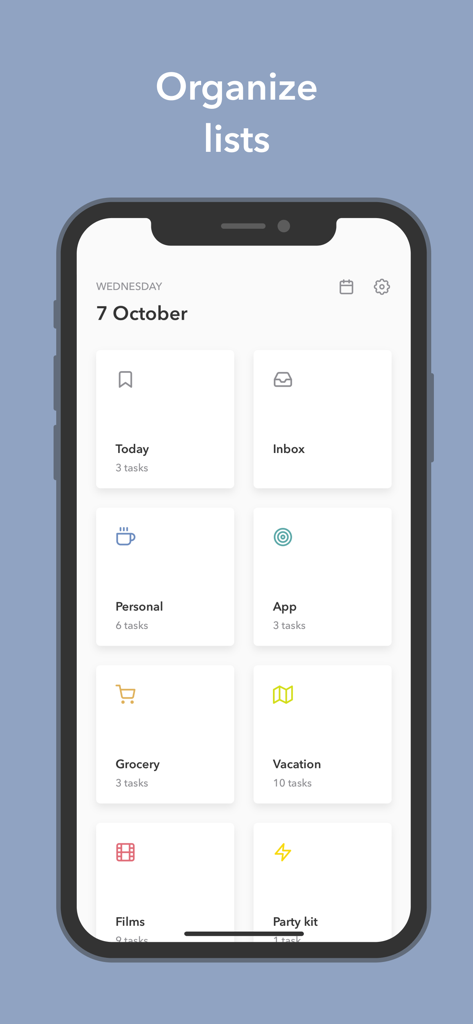
Minimalist app interface showing a grid of organized task lists with colorful icons for personal grocery and vacation categories
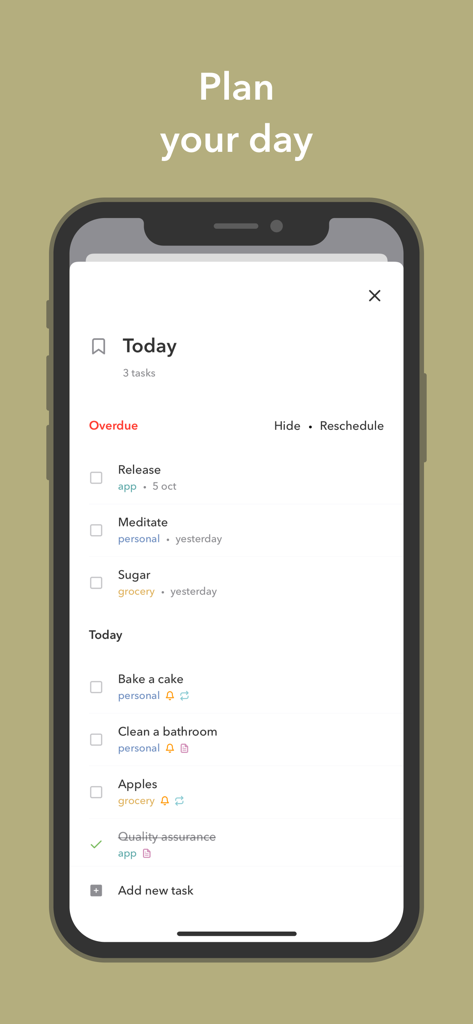
A minimalist smartphone interface showing a daily to-do list with sections for overdue and today tasks
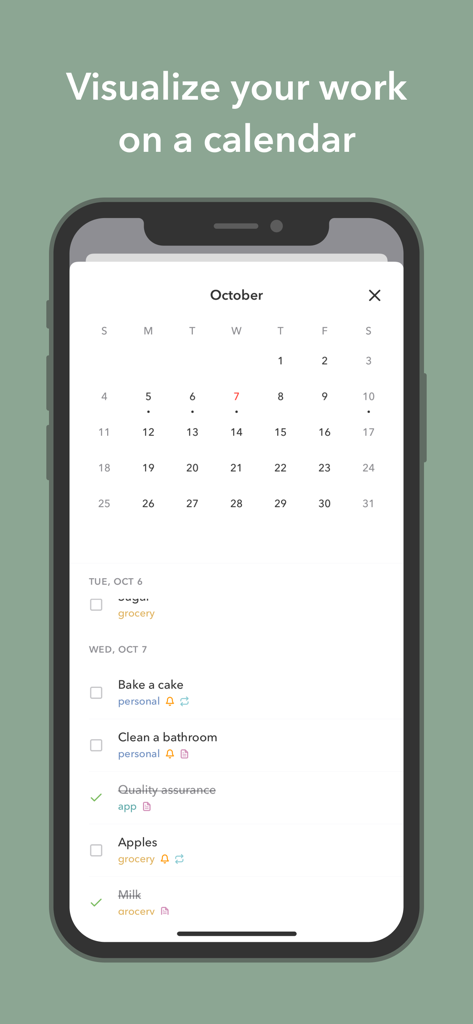
A mobile interface of the Mindlist app showing a monthly calendar and a list of daily tasks.
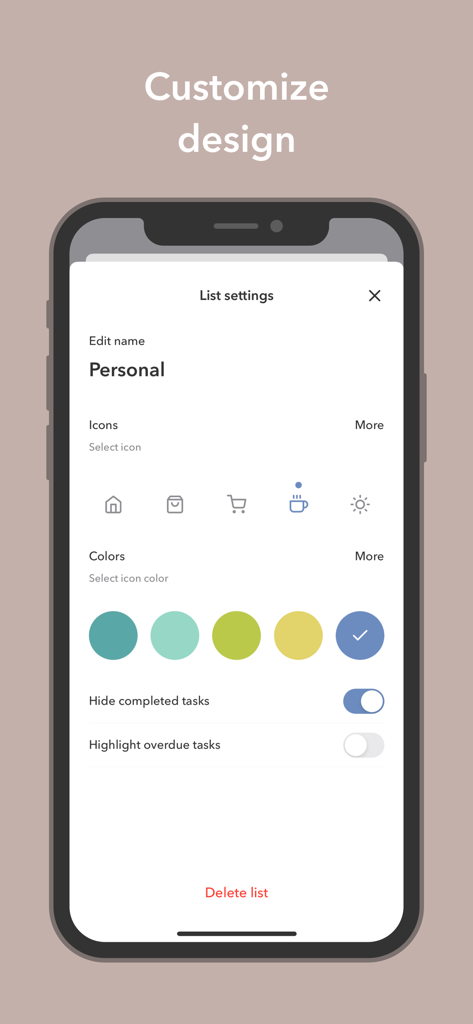
Mindlist app interface for customizing list icons and colors.
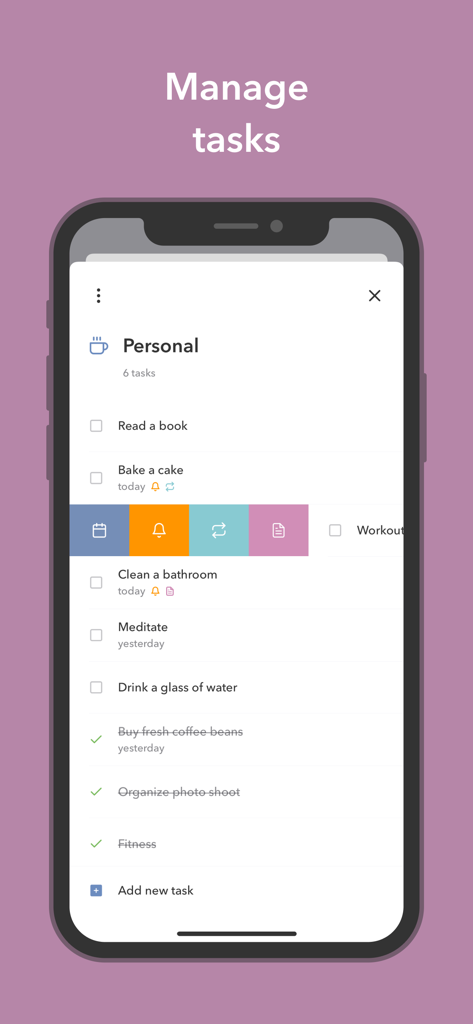
Mindlist app interface showing a personal task list with options to schedule and set reminders
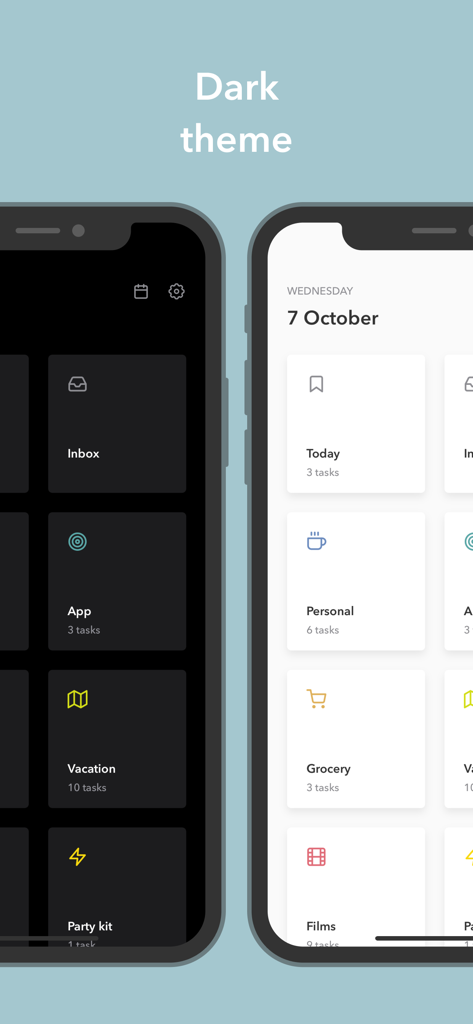
Comparison between light and dark themes in the Mindlist task management app interface
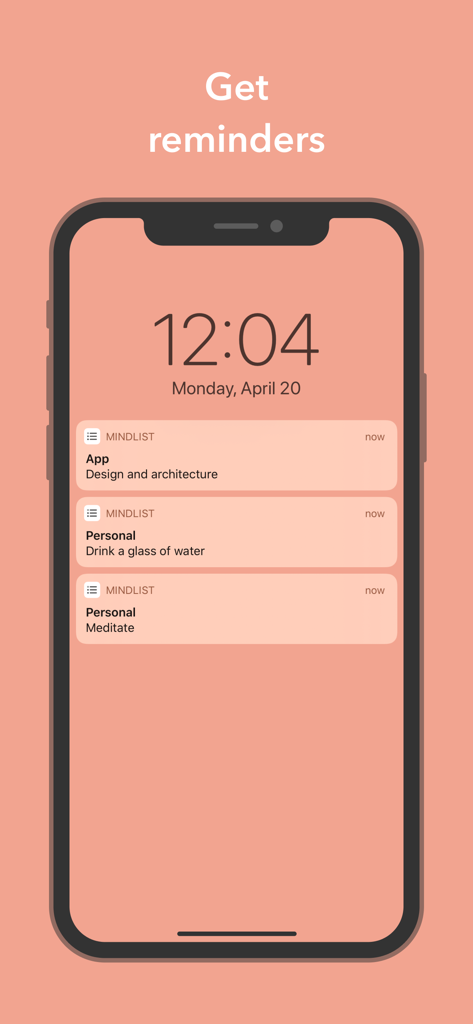
iPhone lock screen showing task reminders and notifications from the Mindlist app
Description
Download
More Like This
Top-ranked apps in the same category

ChatGPT
OpenAI OpCo, LLC

Google Gemini
Google LLC

Grok
X.AI Corporation

Gmail - Email by Google
Google LLC

千问 - 阿里最强大模型官方AI助手
Shanghai Zhixin Puhui Technology Co., Ltd.

Google Drive
Google LLC

Microsoft Authenticator
Microsoft Corporation

Google Sheets
Google LLC

Google Docs
Google LLC
This page is not an official page of the app or its developer, but an independent editorial publication created for informational and commentary purposes. Unless expressly stated otherwise, neither the app nor its developer is affiliated with, endorsed by, sponsored by, authorized by, or otherwise officially connected with MWM, Apple, Google Play, the app publisher, or the app's developer, and nothing on this page implies that the app was developed using MWM's services. Any trademarks, logos, screenshots, and other content remain the property of their respective owners.