
This page is not an official page of the app or its developer, but an independent editorial publication created for informational and commentary purposes. Unless expressly stated otherwise, neither the app nor its developer is affiliated with, endorsed by, sponsored by, authorized by, or otherwise officially connected with MWM, Apple, Google Play, the app publisher, or the app's developer, and nothing on this page implies that the app was developed using MWM's services. Any trademarks, logos, screenshots, and other content remain the property of their respective owners.

minne
Join a world-class community of makers and showcase your craftsmanship on Japan’s largest handmade marketplace. Snap, edit, and list your creations in minutes, managing your entire shop directly from your iPhone.
Downloads
3M+User Rating
Total Ratings
392K+Publisher
Category
ShoppingLocales
2Latest Version
16.8.2Size
87.9 MBFirst Released
Oct 20, 2012Turn Your Creative Passion into a Thriving Business
Everything you need to showcase your craftsmanship, manage orders, and grow your handmade brand directly from your iPhone.
Professional Listings in Seconds
Capture and edit high-quality product photos in-app. Showcase your unique aesthetic and 'slow-made' quality to attract premium buyers.
Effortless Shop Management
Update inventory, edit product details, and manage your storefront on the go. No desktop required to keep your business running smoothly.
Frequently Asked Questions
Everything you need to know about minne
What is the minne app?
The minne app is a platform for registering and managing handmade products on the "minne" e-store. It allows creators to upload works, edit product and sales information, and check ordered items easily.
Can I upload my handmade products using the minne app?
Yes, the minne app allows users to upload their works to the "minne" e-store. This functionality enables sellers to list and manage their handmade products directly from the application.
What features does the minne app offer for sellers?
The minne app offers features for sellers including taking and editing product pictures, editing product information, editing sales information, and checking ordered items.
Do I need an account to use the minne app?
Yes, you need to obtain a minne account beforehand to use the minne app. This is a prerequisite for accessing its functionalities and managing your products.
Can buyers purchase items through the minne app?
Yes, buyers can purchase items through the minne app. Screenshot #1 displays "Add to cart" and "Pay with Apple Pay" options, confirming direct purchase capabilities within the application.
Does the minne app support viewing ordered items?
Yes, the minne app supports viewing ordered items. Both sellers and buyers can check the status and details of their ordered items directly within the application.
Is minne a large e-commerce platform for handmade goods?
Yes, minne is a large e-commerce platform for handmade goods. Screenshot #1 identifies it as the "Domestic largest handmade market" with over "17 million downloads".
The following screenshots and description are sourced directly from the app's official store listing and are the property of the app developer.
App Store
Screenshots
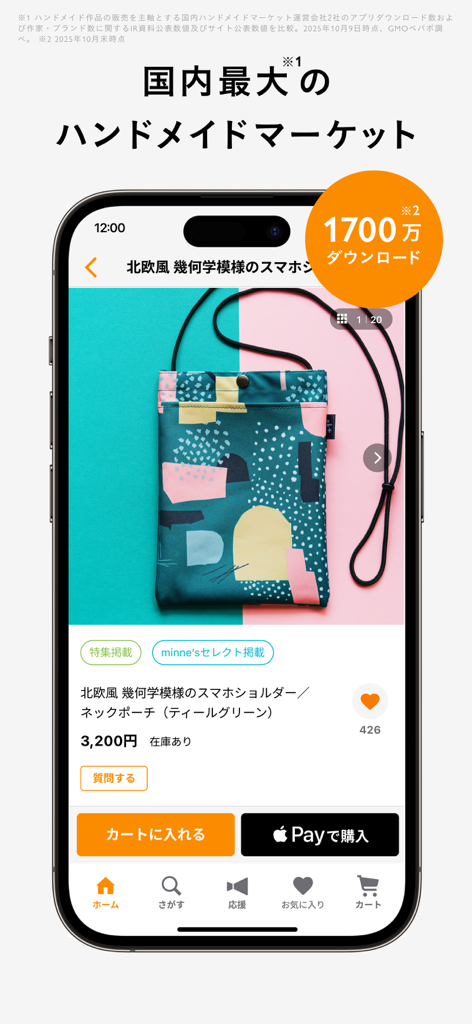
Smartphone showing a handmade geometric pouch product page on the minne marketplace app
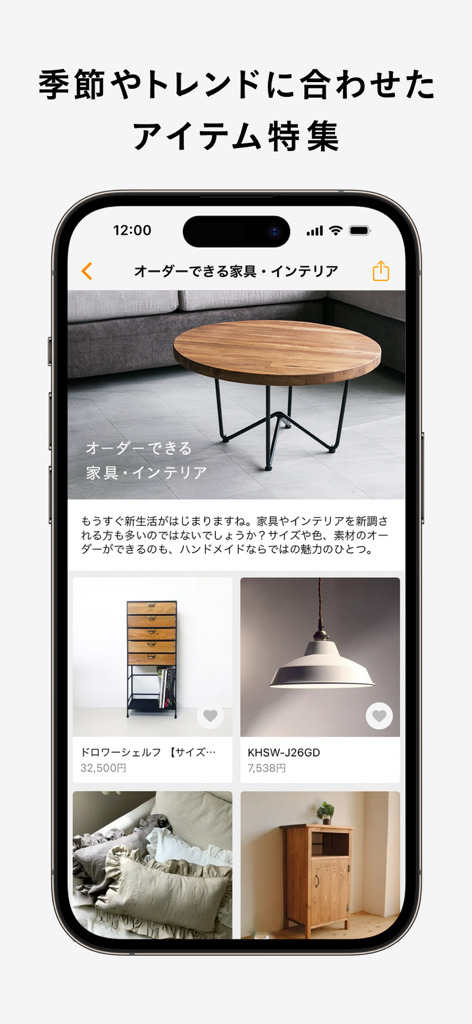
Screenshot of the minne app showing a featured list of handmade furniture and interior products
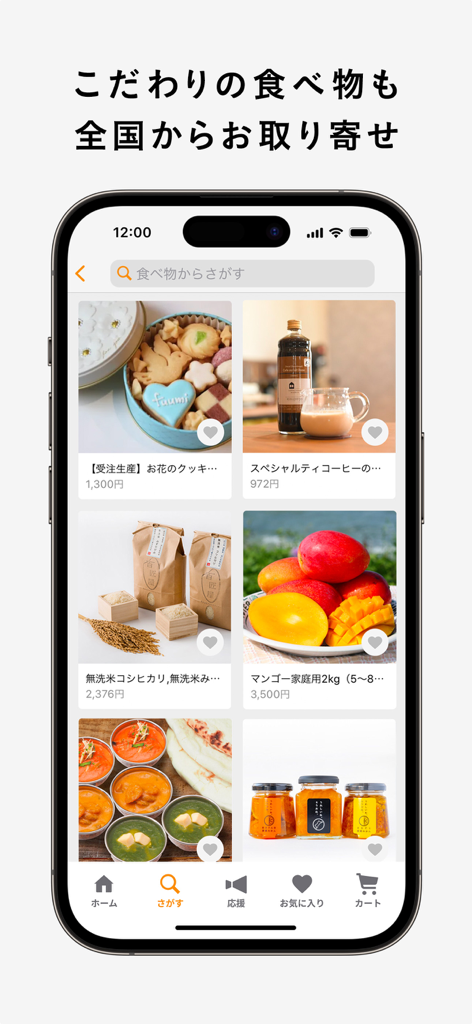
A mobile interface showing various handmade food products on the minne app
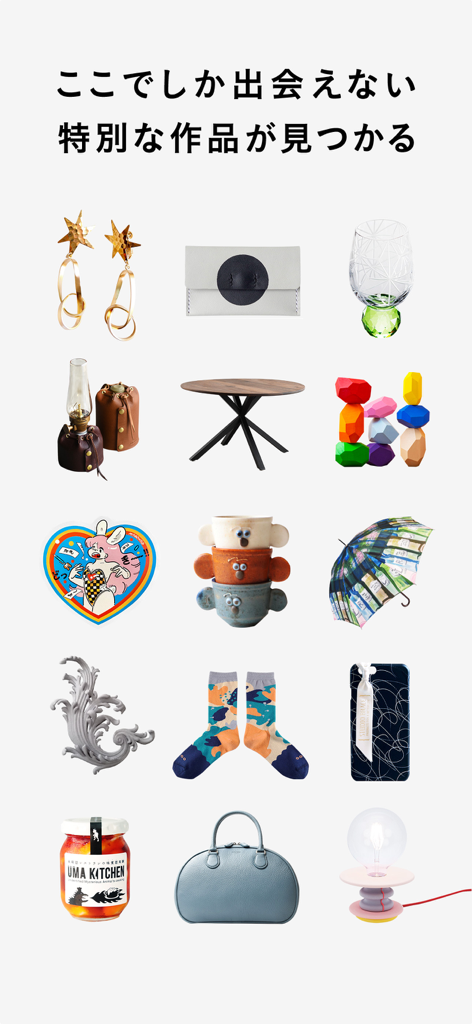
A collection of unique handmade Japanese items including jewelry, home decor, and fashion from minne
Description
Download
More Like This
Apps with similar features and user experience

Uber Eats Manager
Uber Technologies, Inc.

GHTK
Giao Hang Tiet Kiem Joint Stock Company

DoorDash - Business Manager
DoorDash, Inc.

レストランボード
Recruit Co.,Ltd.

Trendyol Seller Center
DSM Grup Danismanlik Iletisim ve Satis Tic. A.S.

美团赚赚
Beijing Sankuai Online Technology Co., Ltd.

BIZGO秒账进销存-仓库出入库记账管理开单软件
Zhejiang Kunying Technology Co., Ltd.

GrabMerchant
GRABTAXI HOLDINGS PTE. LTD.

淘宝主播
Zhejiang Taobao Network Co.,Ltd
This page is not an official page of the app or its developer, but an independent editorial publication created for informational and commentary purposes. Unless expressly stated otherwise, neither the app nor its developer is affiliated with, endorsed by, sponsored by, authorized by, or otherwise officially connected with MWM, Apple, Google Play, the app publisher, or the app's developer, and nothing on this page implies that the app was developed using MWM's services. Any trademarks, logos, screenshots, and other content remain the property of their respective owners.