
This page is not an official page of the app or its developer, but an independent editorial publication created for informational and commentary purposes. Unless expressly stated otherwise, neither the app nor its developer is affiliated with, endorsed by, sponsored by, authorized by, or otherwise officially connected with MWM, Apple, Google Play, the app publisher, or the app's developer, and nothing on this page implies that the app was developed using MWM's services. Any trademarks, logos, screenshots, and other content remain the property of their respective owners.


MirrorMeister Screen Mirroring
Ditch the messy cables and expensive adapters. Effortlessly stream your photos, videos, sports, and social media from your iPhone or iPad to the big screen for a better, more comfortable viewing experience.
Downloads
2M+User Rating
Total Ratings
23K+Publisher
Category
Photo & VideoLocales
17Latest Version
2.2.10Size
127.6 MBFirst Released
Oct 14, 2020Experience Your Content on a Grand Scale
MirrorMeister eliminates technical hurdles, providing a seamless wireless bridge between your iOS devices and the big screen—no cables or extra hardware required.
Universal Compatibility
No Apple TV? No problem. Mirror your iPhone or iPad to almost any Smart TV brand, including Samsung, LG, Sony, Roku, and Hisense, instantly.
Clutter-Free Connection
Ditch the expensive HDMI adapters and unsightly wires. Enjoy a clean, minimalist living room with a 100% wireless streaming solution.
Frequently Asked Questions
Everything you need to know about MirrorMeister Screen Mirroring
What is MirrorMeister?
MirrorMeister is a screen mirroring app that wirelessly connects your iOS devices, such as iPhones and iPads, to your smart TV. It allows you to display media and apps from your device onto a larger screen.
Which TV brands does MirrorMeister support?
MirrorMeister supports a wide range of popular TV brands including Samsung, Sony, LG, Panasonic, Hisense, Philips, TCL, Toshiba, Sharp, Hitachi, and any TV using Android TV OS. It also supports Roku TV.
Can I mirror content from streaming apps like Netflix with MirrorMeister?
No, MirrorMeister does not support mirroring content from apps like Netflix, iTunes, Disney, or Apple TV. These apps use Digital Rights Management (DRM) which prevents screen mirroring, resulting in a black screen on your TV.
Is MirrorMeister suitable for gaming?
No, MirrorMeister is not suitable for high-intensity gaming on a Smart TV. There is a normal delay (latency) of 1 to 3 seconds, which impacts the gaming experience.
How do I set up MirrorMeister on my TV?
To set up MirrorMeister, ensure your iOS device and TV are on the same local network. Launch the app, and a simple setup process will guide you step-by-step to connect the mirroring app to your TV.
Does MirrorMeister collect my screen recording data?
No, MirrorMeister does not record your screen into files or send content to a server. It only temporarily stores data in memory before streaming it to the TV, and then the content is removed from memory.
Do I need a subscription for MirrorMeister?
Yes, an UNLIMITED ACCESS PRO SUBSCRIPTION is required for full access to all MirrorMeister features without advertising and interruptions. Payment is charged to your iTunes Account.
What streaming devices does MirrorMeister support?
MirrorMeister supports streaming devices such as Roku Streaming Player, Chromecast, Amazon FireTV, and Xiaomi Mi Box, in addition to direct Smart TV connections.
Can I watch live sports with MirrorMeister?
Yes, MirrorMeister allows you to stream and enjoy live sports, movies, TV shows, and breaking news from your iOS device onto your smart TV for a better viewing experience.
Are cables required to use MirrorMeister for screen mirroring?
No, MirrorMeister provides completely wireless screen mirroring. It eliminates the need for HDMI cables or other physical connections, offering a cable-free experience for your convenience.
The following screenshots and description are sourced directly from the app's official store listing and are the property of the app developer.
App Store
Screenshots
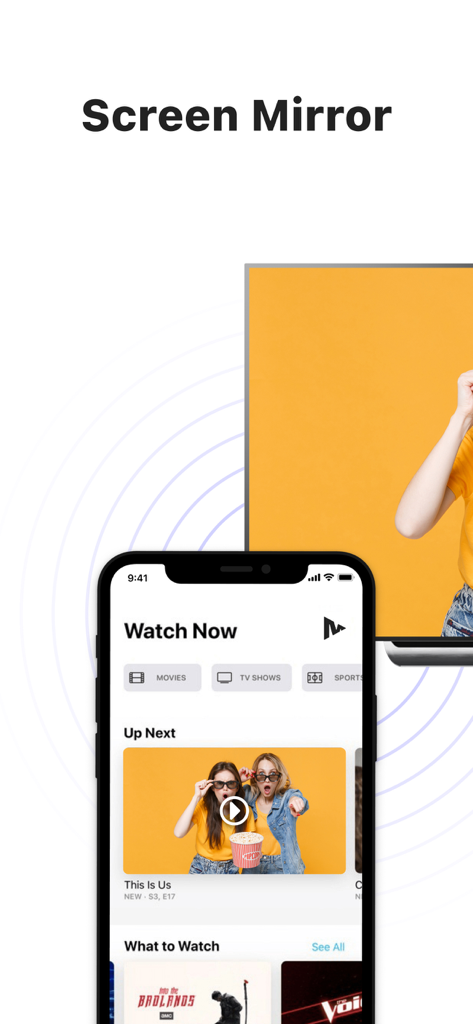
An iPhone displaying video content being mirrored wirelessly onto a large smart TV screen
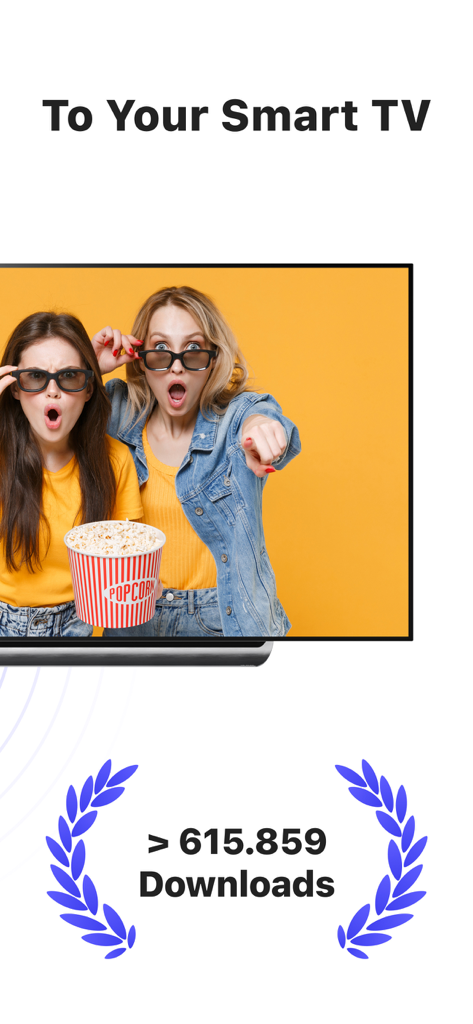
MirrorMeister app screenshot showing wireless screen mirroring to a smart TV with a download milestone
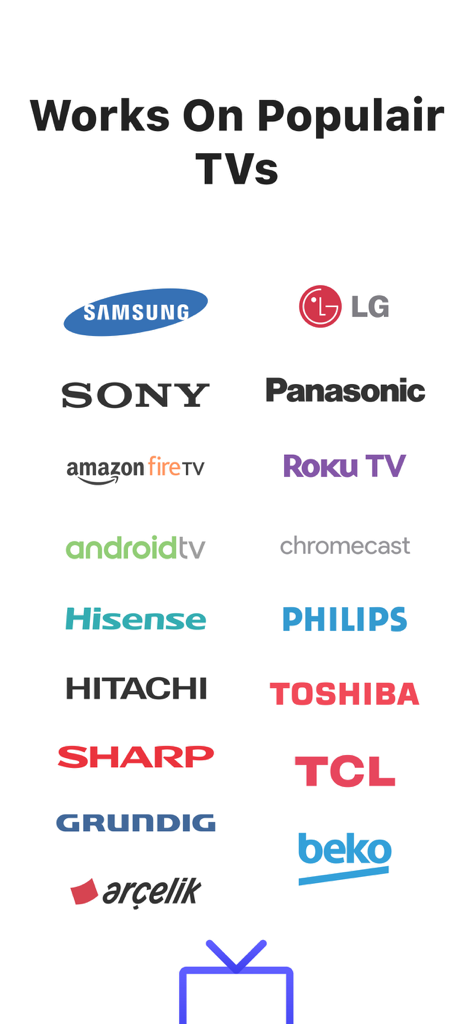
Logos of popular TV brands supported by MirrorMeister screen mirroring app including Samsung LG Sony and Roku TV
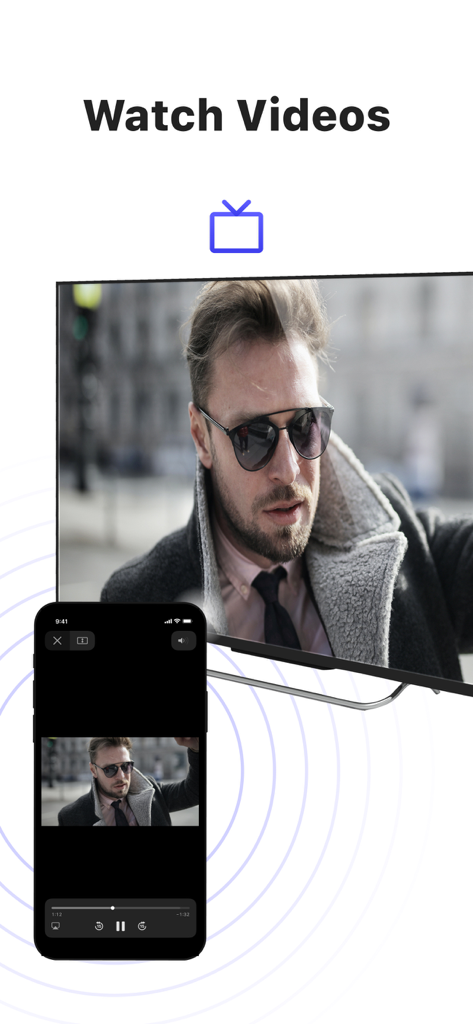
iPhone screen mirroring a video of a man to a large smart TV using the MirrorMeister app
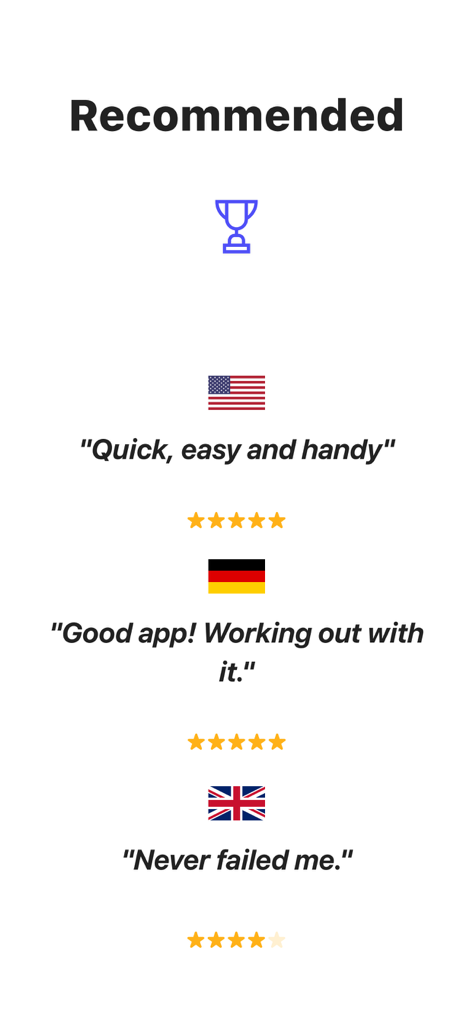
User reviews and star ratings for MirrorMeister screen mirroring app from USA Germany and United Kingdom
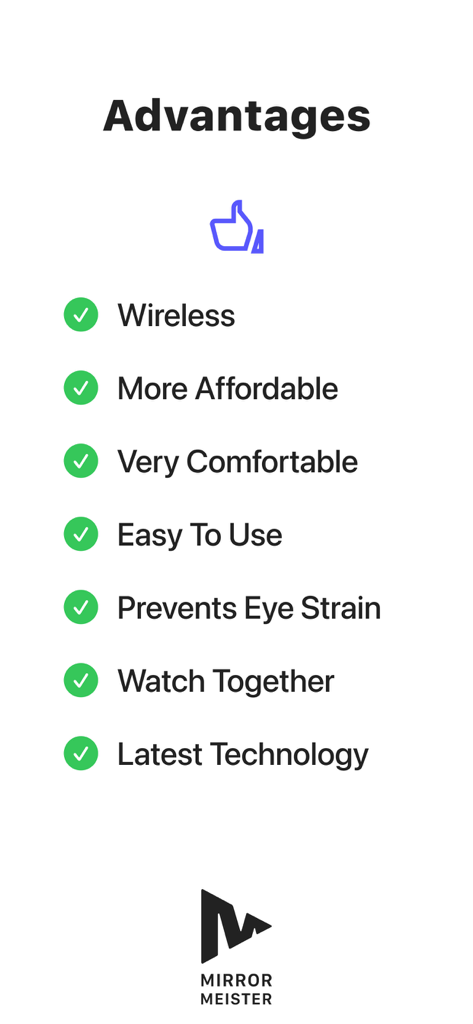
A list of benefits for using the MirrorMeister app including wireless connection and preventing eye strain
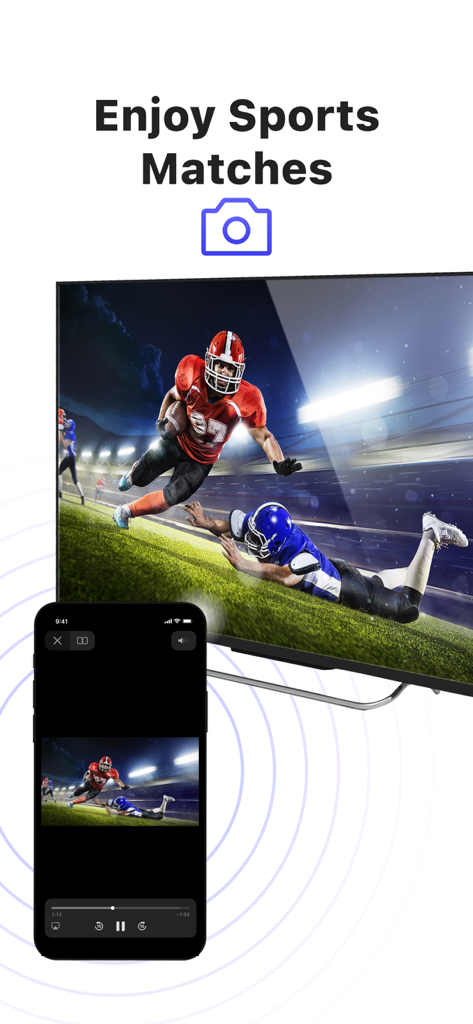
An iPhone screen mirroring an American football match to a large smart TV screen
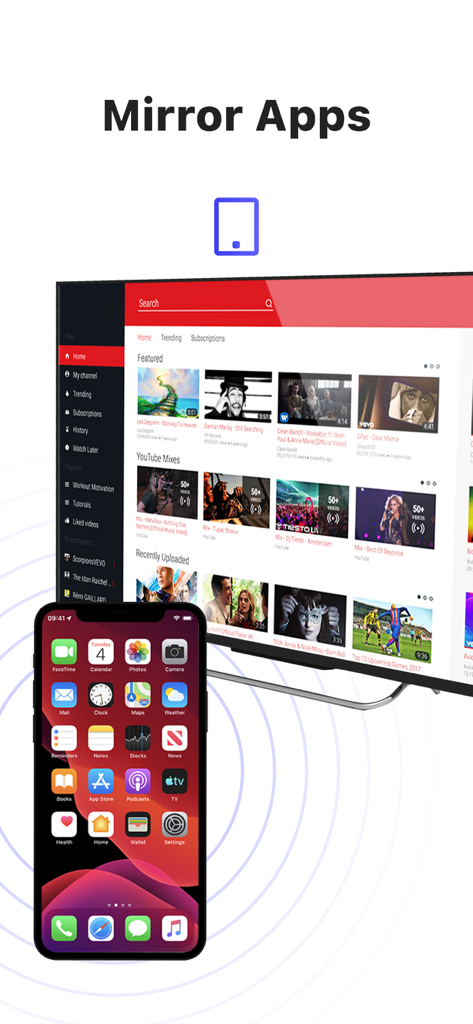
An iPhone wirelessly mirroring its screen to a large smart TV displaying video content
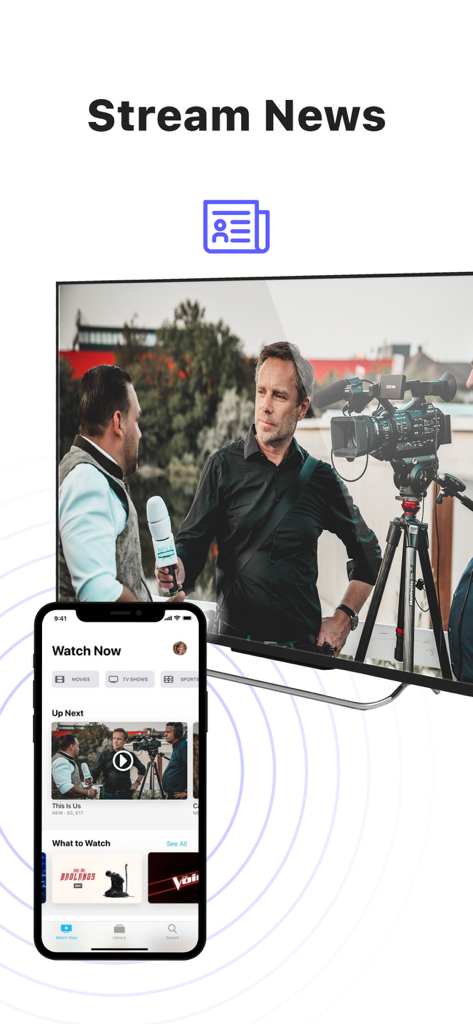
iPhone screen mirroring news content to a large Smart TV
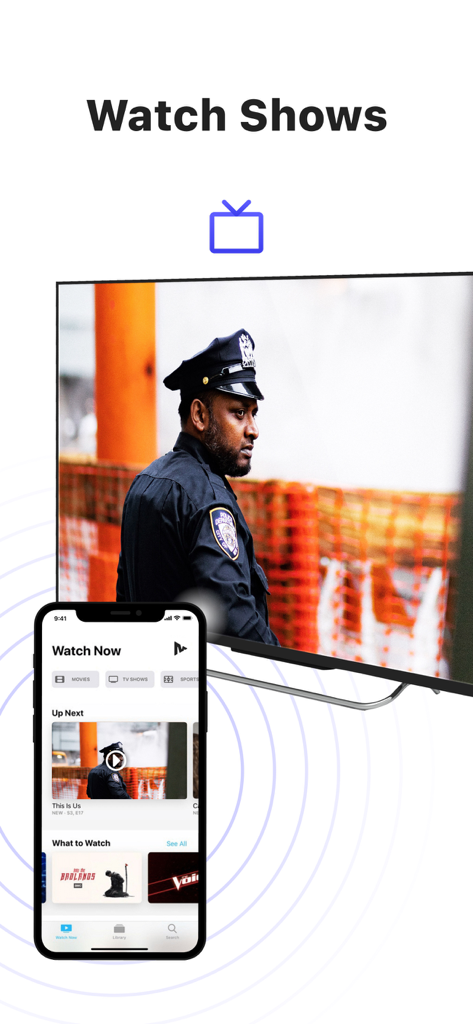
An iPhone mirroring a TV show to a large smart television screen using the MirrorMeister app
Description
Download
More Like This
Apps with similar features and user experience

Web Video Cast | Browser to TV
InstantBits Inc

PigeonCast:Send by Google Cast
Sichuan FalconAI Technology Co., Ltd.

Screen Mirroring • Smart TV
Mihkel Pikk

Screen Mirroring | Cast to TV
Ozuna Limited

Screen Mirroring・Smart View TV
TOGGLE APPS SP Z O O

UbeCast: Music Streamer & PiP
AER SOFTWARE COMPANY LIMITED

AirDroid Cast-screen mirroring
SAND STUDIO CORPORATION LIMITED

Miracast: Screen Mirroring TV
Hainan Delta Software Co., Ltd

Screen Mirroring・Air Cast TV
Dalma Innovation Solutions d.o.o.
This page is not an official page of the app or its developer, but an independent editorial publication created for informational and commentary purposes. Unless expressly stated otherwise, neither the app nor its developer is affiliated with, endorsed by, sponsored by, authorized by, or otherwise officially connected with MWM, Apple, Google Play, the app publisher, or the app's developer, and nothing on this page implies that the app was developed using MWM's services. Any trademarks, logos, screenshots, and other content remain the property of their respective owners.