
This page is not an official page of the app or its developer, but an independent editorial publication created for informational and commentary purposes. Unless expressly stated otherwise, neither the app nor its developer is affiliated with, endorsed by, sponsored by, authorized by, or otherwise officially connected with MWM, Apple, Google Play, the app publisher, or the app's developer, and nothing on this page implies that the app was developed using MWM's services. Any trademarks, logos, screenshots, and other content remain the property of their respective owners.

MIX SafeNote Keeper
Consolidate your digital security with a professional-grade authenticator and secure note keeper. Seamlessly synced with iCloud and protected by FaceID for total peace of mind without the need for a separate account.
Downloads
0User Rating
Total Ratings
0Publisher
Category
ProductivityLocales
33Latest Version
2.0.1Size
54.2 MBFirst Released
Jun 27, 2022One Vault for Your Entire Digital Identity
MIX SafeNote Keeper merges professional-grade 2FA authentication with encrypted notes, eliminating app fatigue for the security-conscious professional.
Dual-Layer Security Hybrid
Consolidate your 2FA codes and sensitive account notes into a single, encrypted hub. Stop switching between apps and manage your digital assets with ease.
Frictionless Biometric Access
Skip the tedious account setups. Use FaceID or TouchID for instant, secure access to your vault—working natively with the Apple hardware you already trust.
The following screenshots and description are sourced directly from the app's official store listing and are the property of the app developer.
App Store
Screenshots
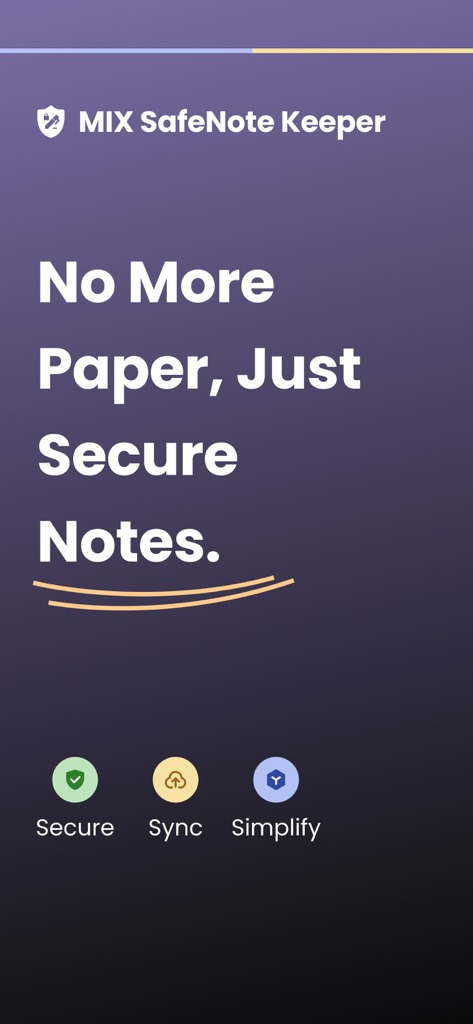
MIX SafeNote Keeper app screen with the slogan No More Paper Just Secure Notes and icons for Secure Sync and Simplify
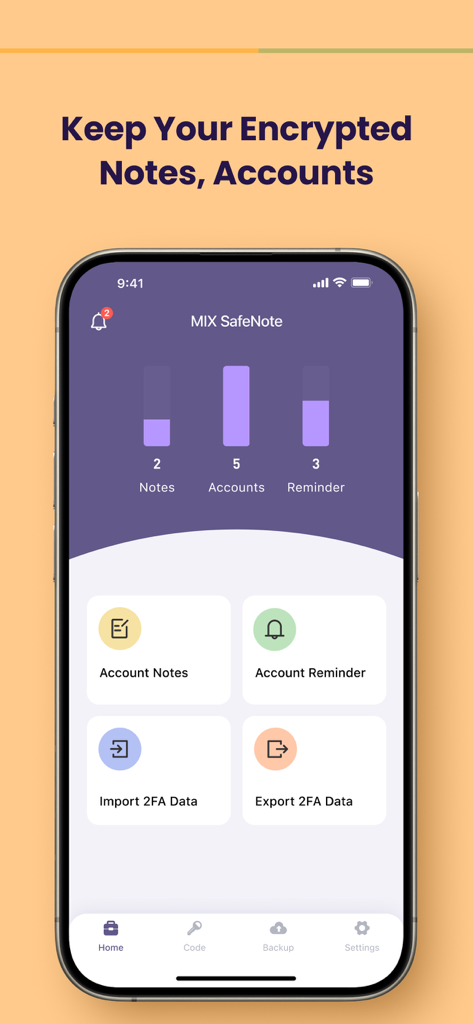
The home screen of the MIX SafeNote Keeper app displaying the dashboard for encrypted notes accounts and 2FA data management
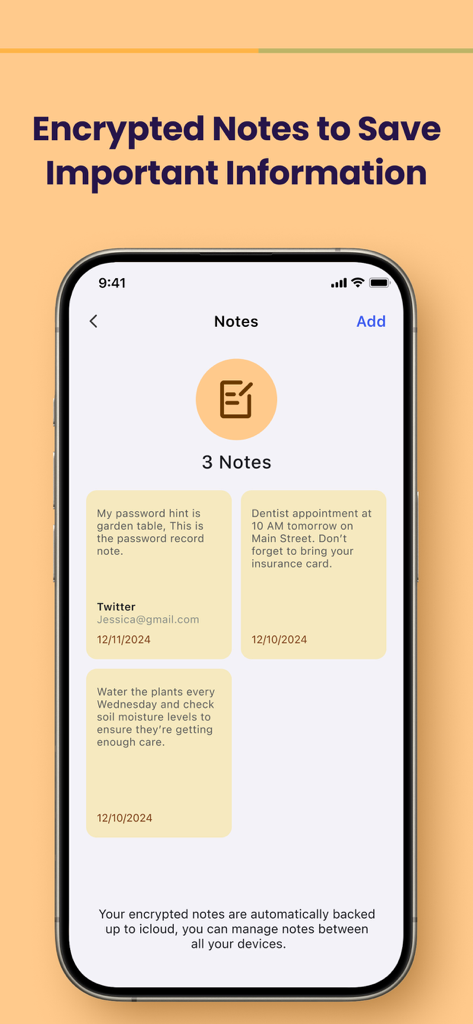
MIX SafeNote Keeper app interface displaying encrypted notes for passwords and reminders with iCloud backup.
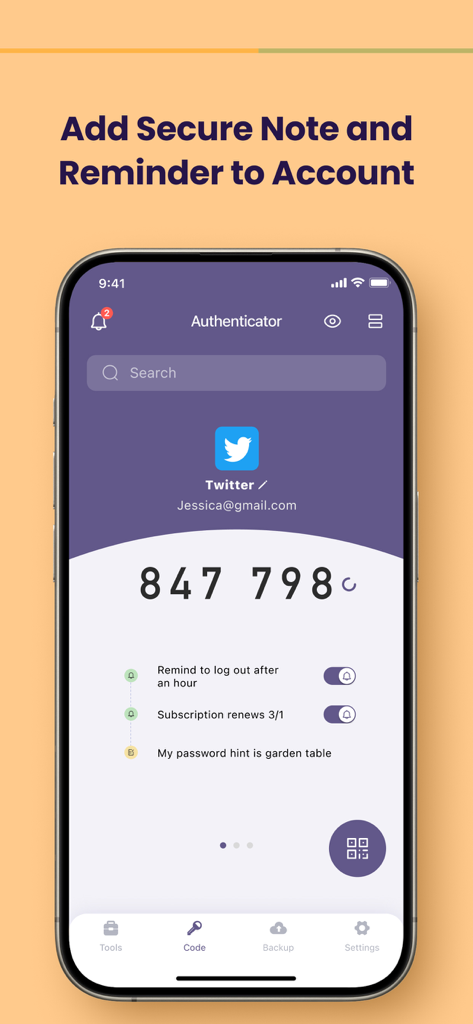
Mix SafeNote Keeper app interface showing a 2FA code for Twitter with secure notes and reminders.
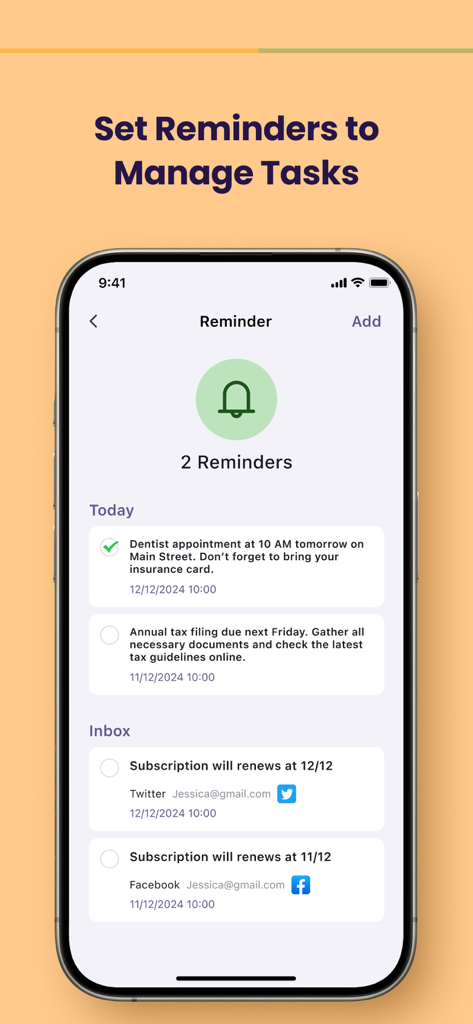
iPhone screenshot of MIX SafeNote Keeper app showing a reminder list for tasks and subscription renewals
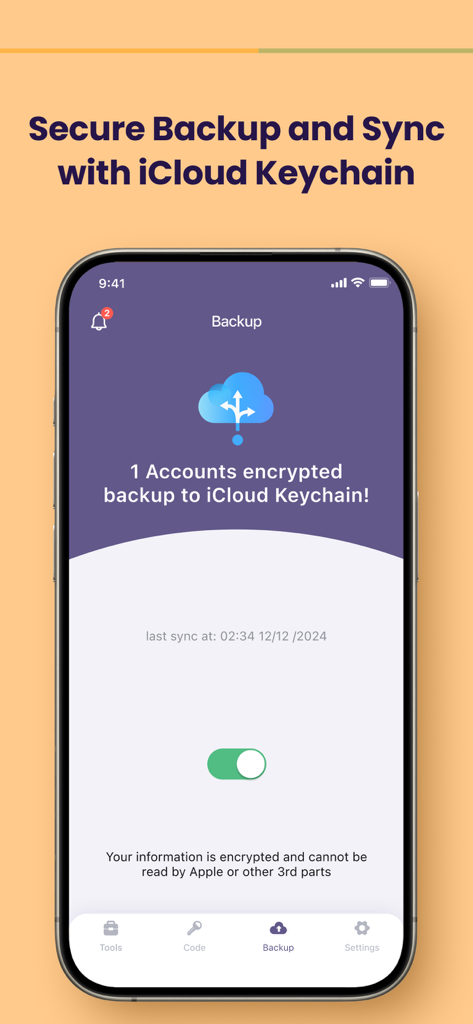
MIX SafeNote Keeper app interface showing secure backup and sync with iCloud Keychain
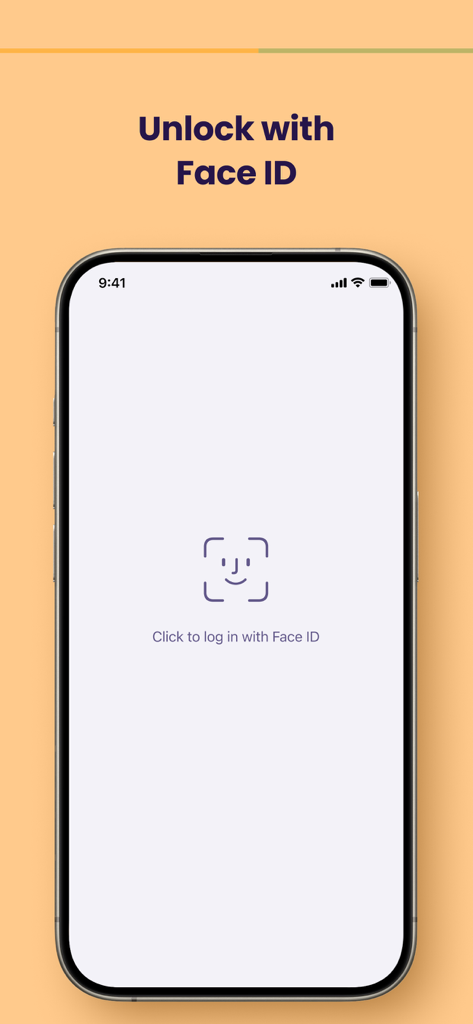
Secure login screen showing Face ID authentication for MIX SafeNote Keeper app
Description
Download
More Like This
Apps with similar features and user experience

Google Authenticator
Google LLC
Duo Mobile
Duo Security LLC
Authenticator App+
Rocket Apps GmbH

Authenticator App - 2FA &. MFA
APPLY DIJITAL HIZMETLER TICARET LIMITED SIRKETI

authenticator . app
Mustafa Uz

Čítačka
Tatra banka, a.s.

Authenticator App : Scan & 2FA
XSOFT GLOBAL LIMITED

Authenticator App - 2FA Auth
UNIVERSE DIJITAL HIZMETLER LIMITED SIRKETI
Authenticator: Secure 2FA, MFA
Stefan Philipsen
This page is not an official page of the app or its developer, but an independent editorial publication created for informational and commentary purposes. Unless expressly stated otherwise, neither the app nor its developer is affiliated with, endorsed by, sponsored by, authorized by, or otherwise officially connected with MWM, Apple, Google Play, the app publisher, or the app's developer, and nothing on this page implies that the app was developed using MWM's services. Any trademarks, logos, screenshots, and other content remain the property of their respective owners.