
This page is not an official page of the app or its developer, but an independent editorial publication created for informational and commentary purposes. Unless expressly stated otherwise, neither the app nor its developer is affiliated with, endorsed by, sponsored by, authorized by, or otherwise officially connected with MWM, Apple, Google Play, the app publisher, or the app's developer, and nothing on this page implies that the app was developed using MWM's services. Any trademarks, logos, screenshots, and other content remain the property of their respective owners.


MMGuardian Parental Control
Go beyond simple screen time. Monitor social media, track live locations, and receive AI-powered alerts for cyberbullying, sexting, and online risks to ensure your child’s total digital well-being.
Downloads
0User Rating
Total Ratings
0Publisher
Category
LifestyleLocales
5Latest Version
2.0.29Size
37.5 MBFirst Released
Jun 12, 2017Empower Your Parenting with Total Digital Visibility
From AI-powered safety alerts to real-time location tracking, MMGuardian provides the comprehensive tools you need to protect your children from online risks and foster healthy device habits.
AI-Powered Safety Alerts
Stay informed without being intrusive. Receive instant notifications when our AI detects risks like cyberbullying, predators, or inappropriate content in texts and social media.
Smart Screen Time Limits
Promote digital well-being by setting daily usage caps and scheduling app blackouts during school hours or bedtime to ensure your child stays focused and rested.
The following screenshots and description are sourced directly from the app's official store listing and are the property of the app developer.
App Store
Screenshots
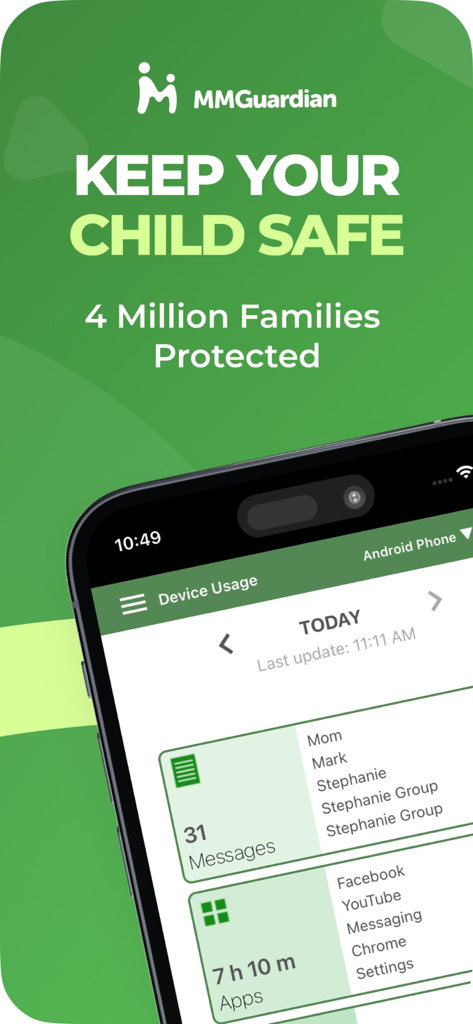
MMGuardian parental control interface displaying child phone usage statistics and messages
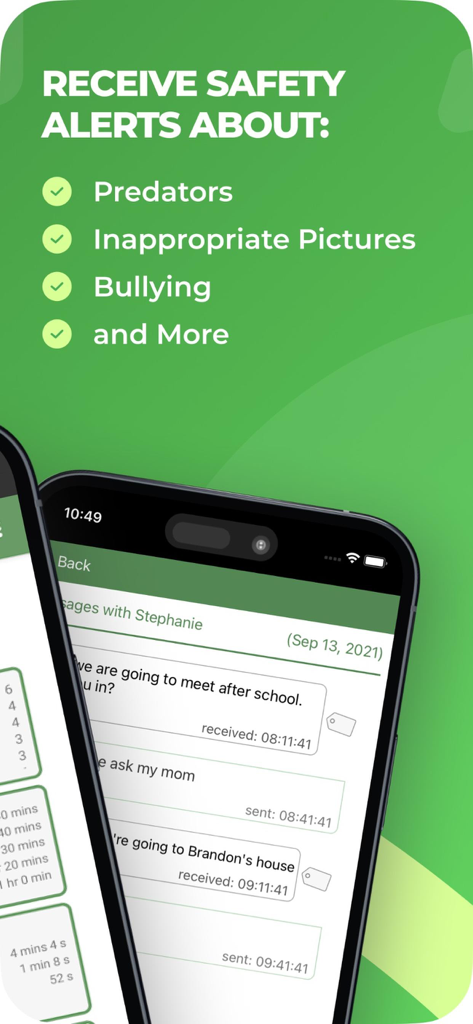
MMGuardian app interface displaying safety alerts for predators and bullying alongside monitored text message logs
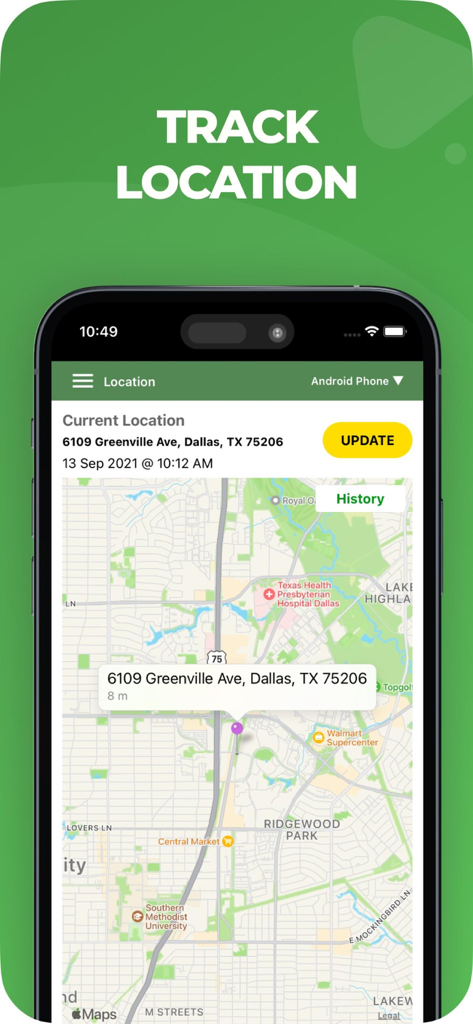
MMGuardian app interface showing the real-time location tracking feature with a map and address
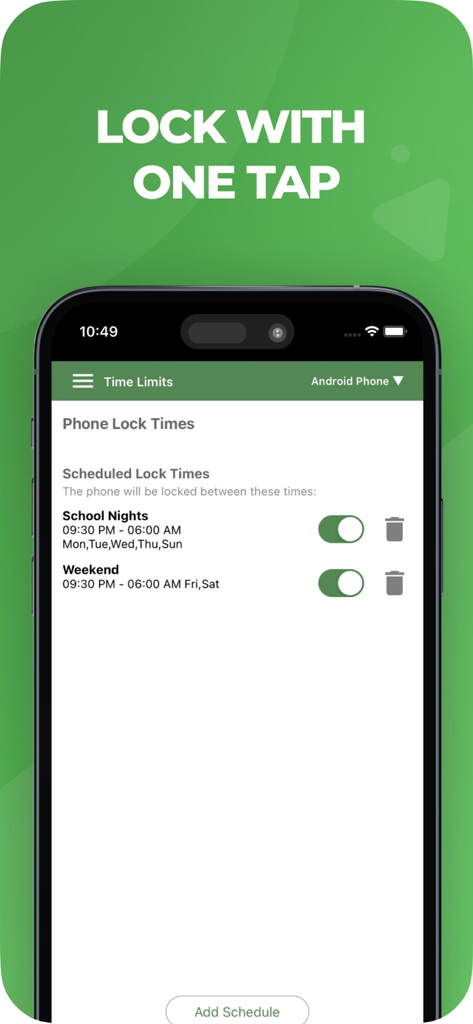
MMGuardian app interface showing scheduled phone lock times for school nights and weekends
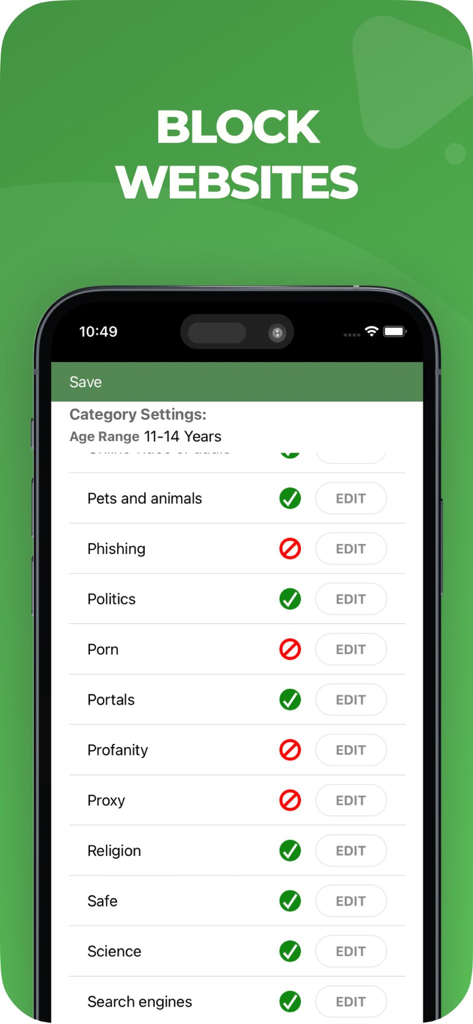
MMGuardian app interface showing website category blocking settings for parents
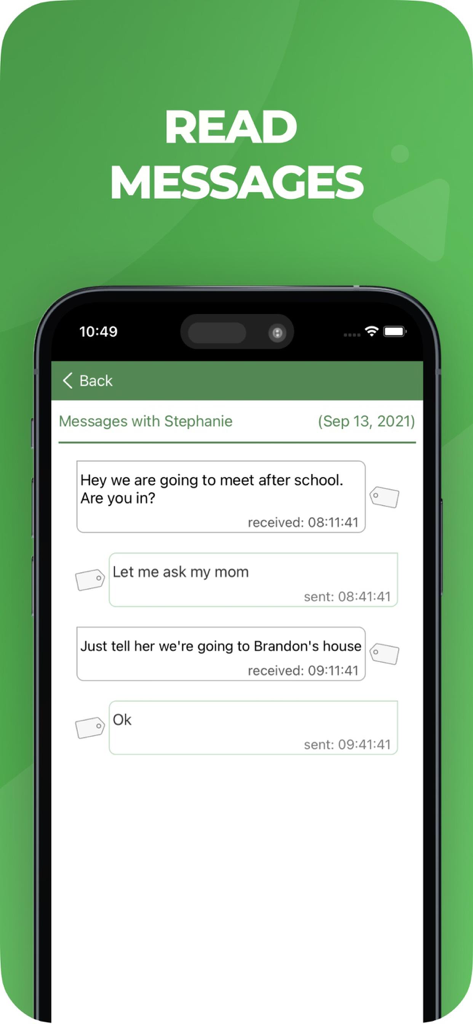
Interface of the MMGuardian app displaying monitored text messages on a child's phone for parental safety checks.
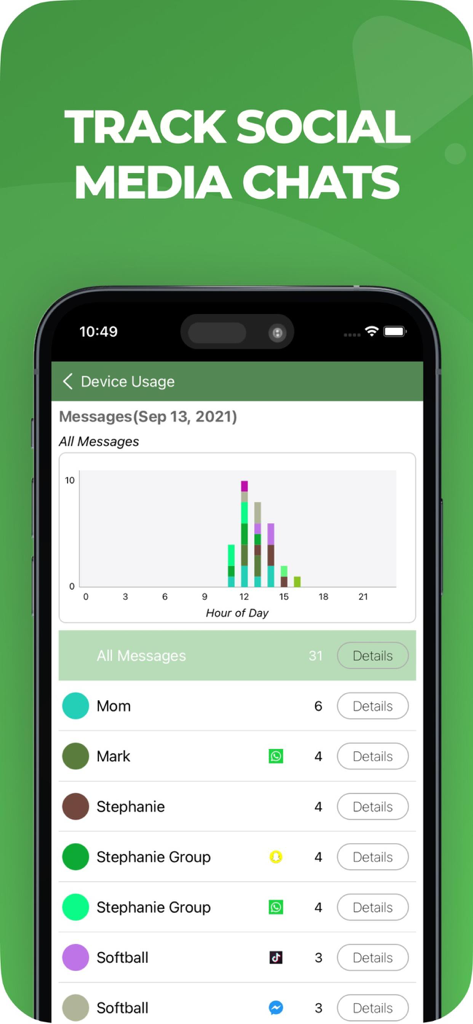
A screenshot of the MMGuardian app showing the social media chat tracking feature with a message volume chart and a list of monitored contacts from apps like WhatsApp, Snapchat, and TikTok.
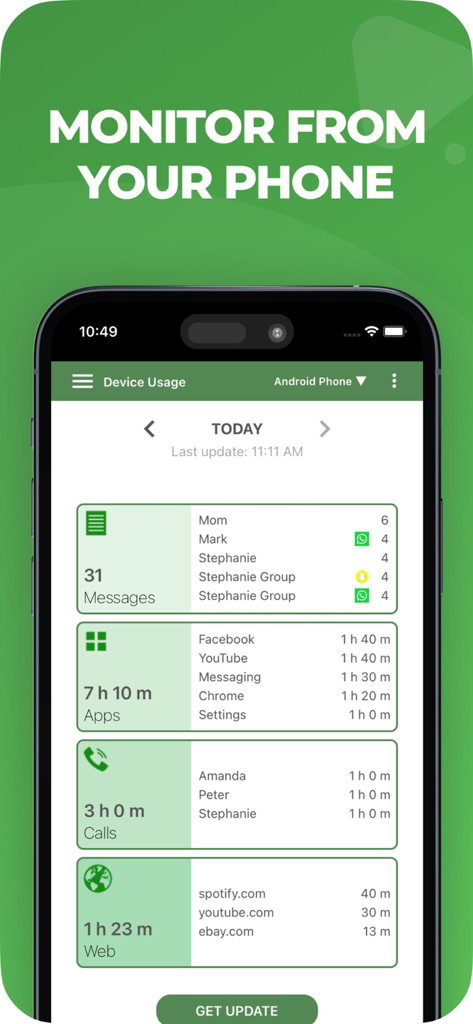
MMGuardian app dashboard displaying a summary of a child's phone activity including message counts app usage time call logs and web history.
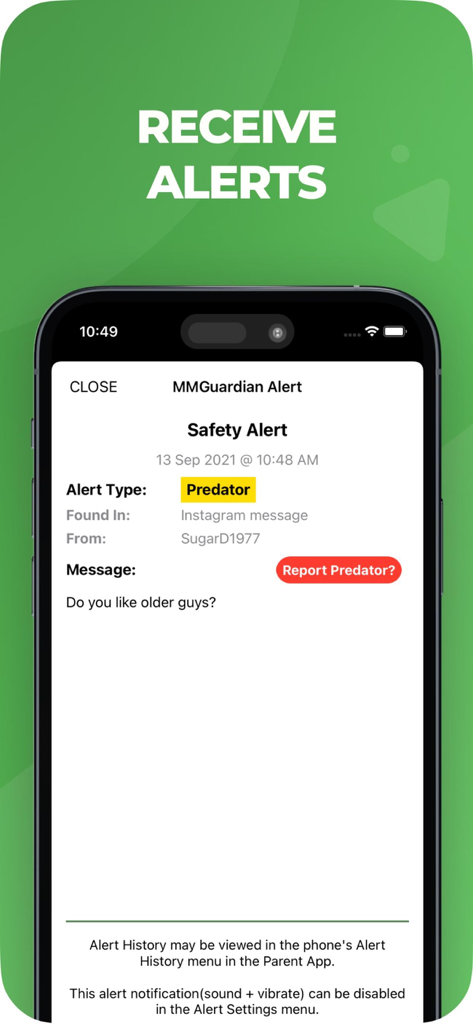
MMGuardian app screenshot showing a safety alert for a predator detected in a chat message
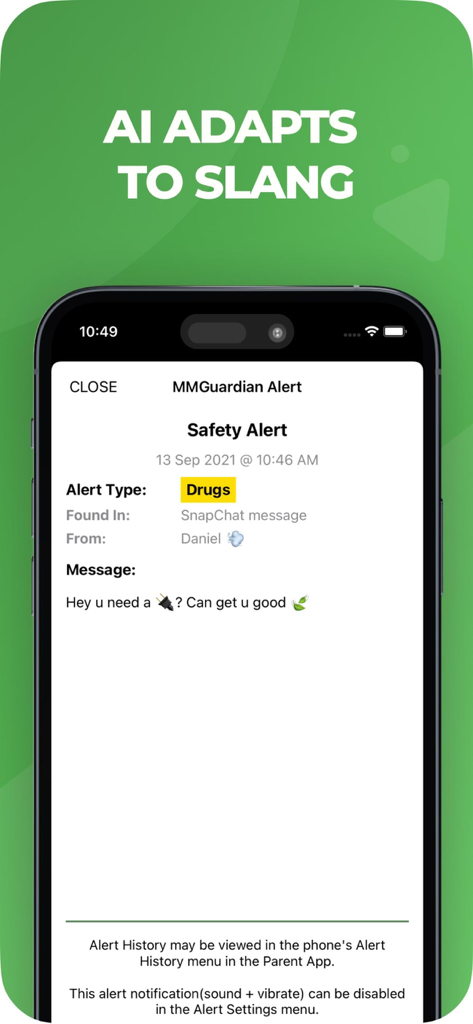
MMGuardian safety alert interface showing AI detection of drug related slang in a Snapchat message
Description
Download
More Like This
Top-ranked apps in the same category

Pinterest, Inc.

Alipay - Simplify Your Life
Alipay (Hangzhou) Technology Co., Ltd.

美团-美好生活小帮手
Sankuai Technology Co., Ltd.

Dianping: Discover Good Places
Hanhai Information Technology (Shanghai) Co.Ltd

Xiaomi Home
Beijing Xiaomi Co., Ltd

Lemon8 - Lifestyle Community
TIKTOK PTE. LTD.

Tinder Dating App: Date & Chat
Tinder LLC

SmartThings
Samsung Electronics Co., Ltd.

VNeTraffic
GLOBAL TECHNOLOGY - TELECOMMUNICATIONS CORPORATION
This page is not an official page of the app or its developer, but an independent editorial publication created for informational and commentary purposes. Unless expressly stated otherwise, neither the app nor its developer is affiliated with, endorsed by, sponsored by, authorized by, or otherwise officially connected with MWM, Apple, Google Play, the app publisher, or the app's developer, and nothing on this page implies that the app was developed using MWM's services. Any trademarks, logos, screenshots, and other content remain the property of their respective owners.