MOBOTIX LIVE
MOBOTIX LIVE
Download on App Store

This page is not an official page of the app or its developer, but an independent editorial publication created for informational and commentary purposes. Unless expressly stated otherwise, neither the app nor its developer is affiliated with, endorsed by, sponsored by, authorized by, or otherwise officially connected with MWM, Apple, Google Play, the app publisher, or the app's developer, and nothing on this page implies that the app was developed using MWM's services. Any trademarks, logos, screenshots, and other content remain the property of their respective owners.


Logo of MOBOTIX LIVE
Download on App Store

MOBOTIX LIVE

Empower your property management with secure, real-time video surveillance and door station access. Experience the reliability of German-engineered security designed for high-value homes and commercial operations.

Key Figures

Downloads

0

User Rating

2.3/5

Total Ratings

0

Publisher

MOBOTIX AG

Category

Photo & Video

Locales

9

Latest Version

2.8.0

Size

85.4 MB

First Released

Nov 15, 2017
Features

Professional Control in the Palm of Your Hand

Seamlessly manage your MOBOTIX security ecosystem. From high-resolution live monitoring to intelligent access control, experience professional-grade surveillance designed for high-stakes environments.

Smart Access & Intercom

Never miss a visitor. Receive instant push notifications, engage in two-way hands-free communication, and remotely unlock doors with a single tap.

Enterprise-Scale Monitoring

Monitor over 100 cameras across multiple properties. Use customizable Grid Views to oversee your entire business or estate simultaneously.

The following screenshots and description are sourced directly from the app's official store listing and are the property of the app developer.

App Store

Screenshots
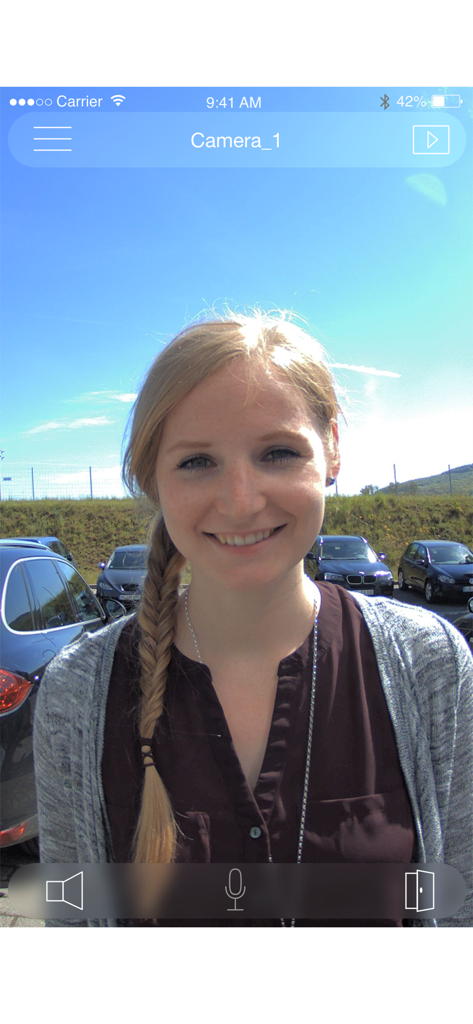
MOBOTIX LIVE - MOBOTIX LIVE app interface showing a live video feed of a visitor at a security door station
MOBOTIX LIVE app interface showing a live video feed of a visitor at a security door station

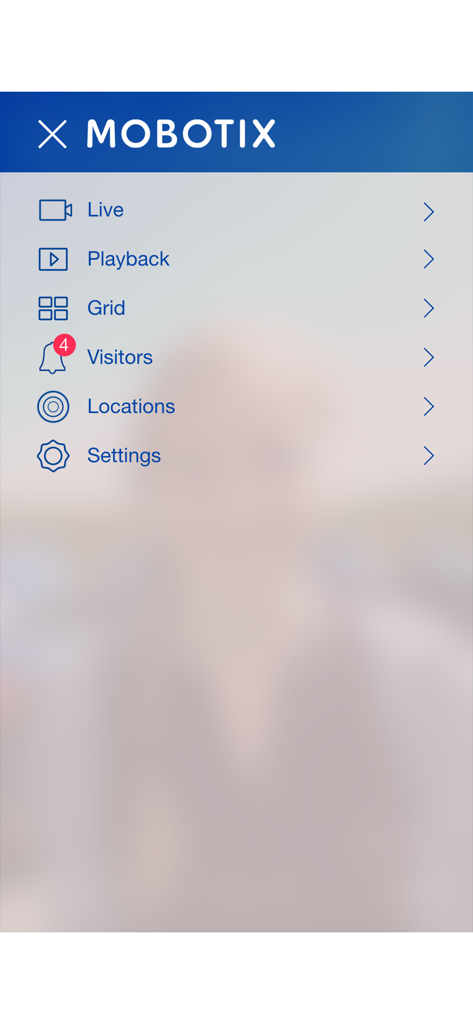
MOBOTIX LIVE - Mobile interface showing the main navigation menu for the MOBOTIX LIVE professional security application
Mobile interface showing the main navigation menu for the MOBOTIX LIVE professional security application

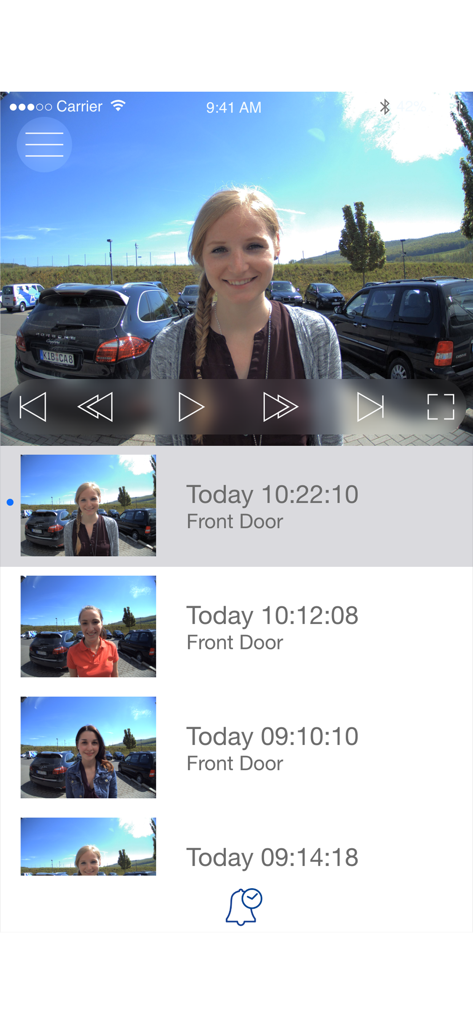
MOBOTIX LIVE - MOBOTIX LIVE app screen displaying a history of recorded doorbell events and video playback controls
MOBOTIX LIVE app screen displaying a history of recorded doorbell events and video playback controls

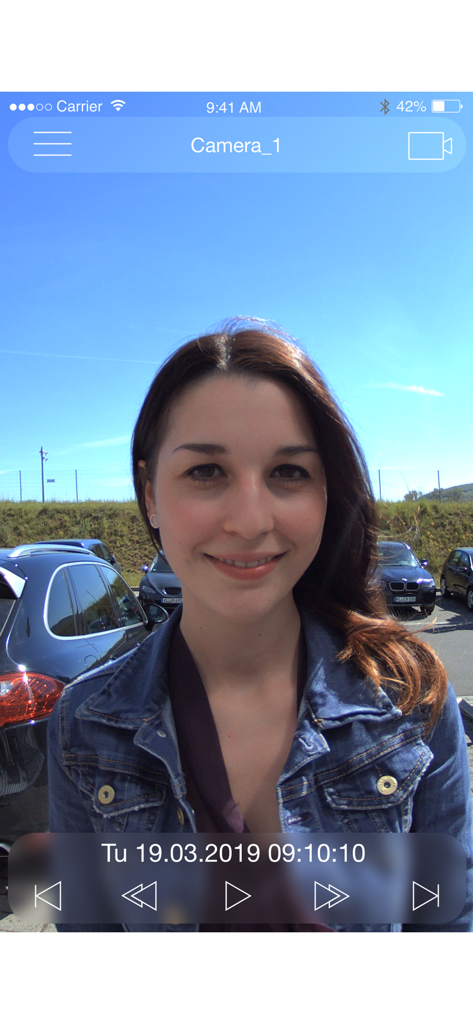
MOBOTIX LIVE - Interface of the MOBOTIX LIVE app showing a security camera playback screen with a visitor at a door station
Interface of the MOBOTIX LIVE app showing a security camera playback screen with a visitor at a door station

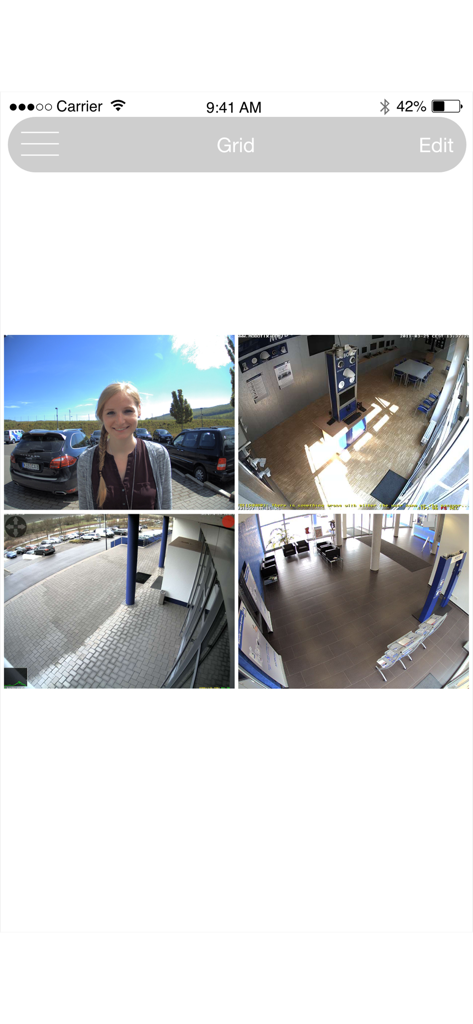
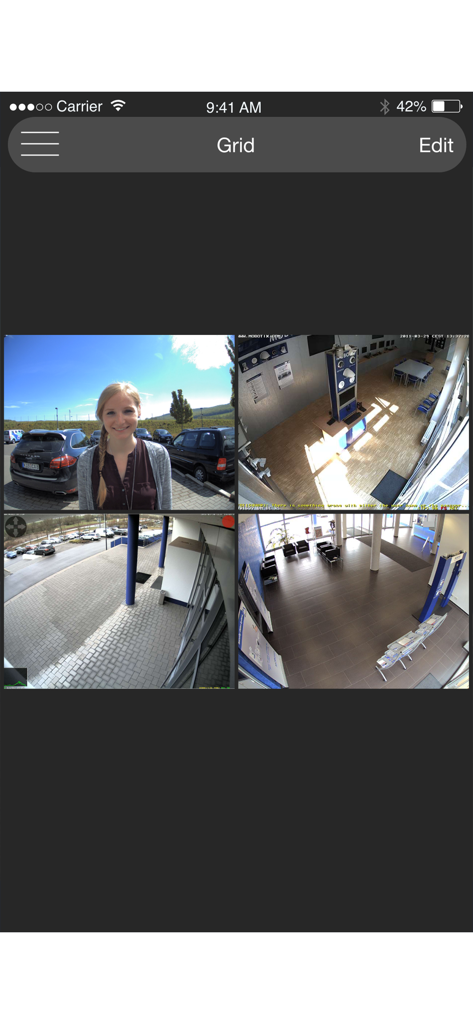
MOBOTIX LIVE - Grid view showing four different security camera feeds in the MOBOTIX LIVE mobile application

Grid view showing four different security camera feeds in the MOBOTIX LIVE mobile application
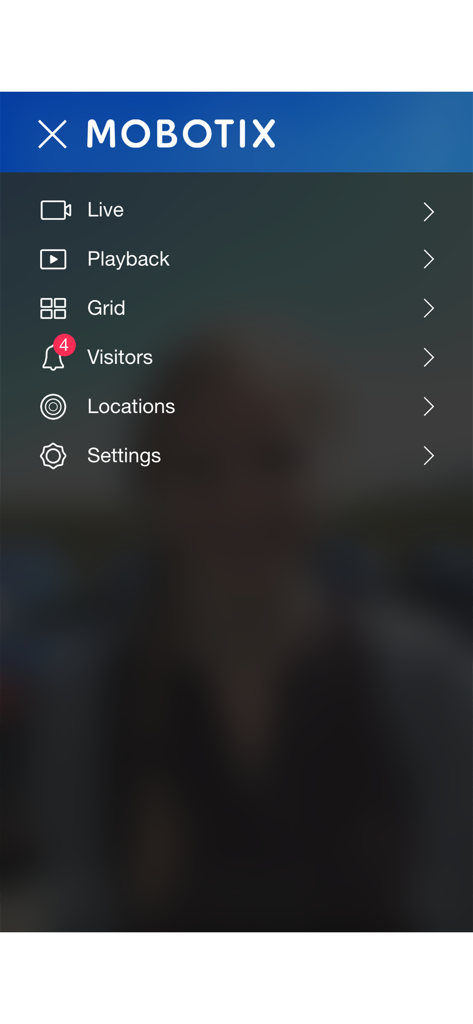
MOBOTIX LIVE - MOBOTIX LIVE app navigation menu showing options for live view, playback, and settings
MOBOTIX LIVE app navigation menu showing options for live view, playback, and settings

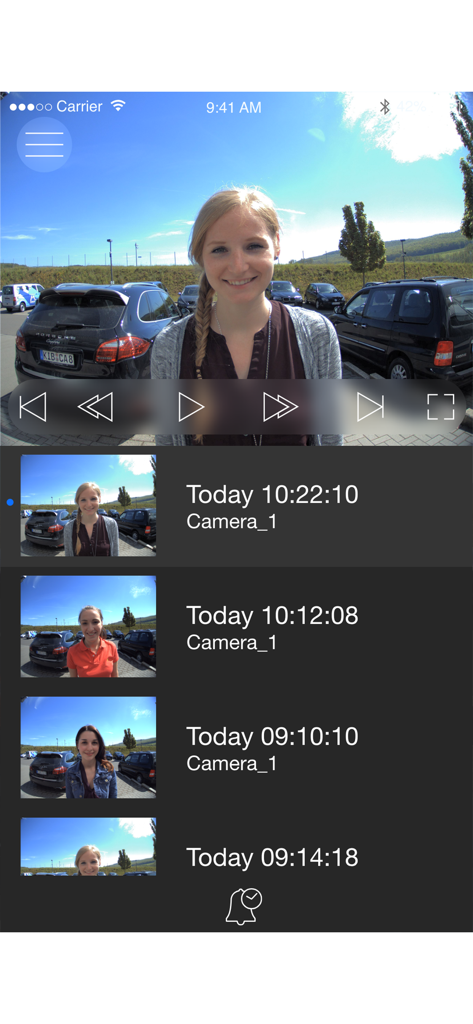
MOBOTIX LIVE - MOBOTIX LIVE app video playback screen showing camera feed and recorded events list
MOBOTIX LIVE app video playback screen showing camera feed and recorded events list

MOBOTIX LIVE - MOBOTIX LIVE app grid view displaying four security camera feeds

MOBOTIX LIVE app grid view displaying four security camera feeds

Description

MOBOTIX LIVE the optimal app allows you to access your MOBOTIX cameras and MOBOTIX door stations quickly and easily with your smartphone or tablet. Never miss a visitor again thanks to push notification. MOBOTIX LIVE shows the ringing message of a MOBOTIX IP video door station as well as live and playback views of MOBOTIX cameras. Browse the latest events at the door station/camera in the playback screen. View different live streams of cameras in the Grid Views. Automatic camera search, Live View, camera connection via SSL and display of the connection status. Highlights: • Never miss a visitor thanks to push notifications. • Shows doorbell message of a MOBOTIX IP Video Door Station. • Shows live images of MOBOTIX IP cameras with gesture-controlled PTZ. • Open the door, use hands-free communication. • Playback view allows reviewing the latest recorded events. • Grid view shows the live streams of up to four MOBOTIX door stations or IP cameras simultaneously. • Visitors view allows reviewing the latest events where people rang a doorbell at one of the attached door stations. • Supports automatic camera discovery, live view and remote connection via SSL. • See the connection status. • Supports remote connections. • Import and export of the app configuration • Up to 8 Softbuttons to control cameras and other IP (IoT) devices from the APP using Http/Https API commands. Notes: Before viewing your cameras remotely via mobile data or other networks, you need to configure your router to allow incoming traffic. For security reasons, routers normally do not allow access to your internal network. Please read your router manual and your MOBOTIX camera manual regarding external camera access, port forwarding, DynDNS, etc. When using wireless networks (WiFi, 3G/4G) on mobile devices, connection quality can vary and the connection may even fail completely. This means that some events, such as ringing the doorbell, will be transmitted later or not at all. MOBOTIX therefore recommends to also use a cable-based intercom system (such as MxDisplay). If you do not use MOBOTIX LIVE often: To ensure ongoing push notification functionality, you should open the app at least once every month. Please read the release notes before installing the app. You can find these notes on our website www.mobotix.com under Support > Download Center > Software Downloads > MOBOTIX LIVE. System Requirements: IOS 11 or higher MOBOTIX IP Video Door Stations and IP cameras (P3/PXA320) with software 4.7.2.18 or higher MOBOTIX IP Video Door Stations and IP cameras (Mx6) with software 5.2.3.30 or higher Depending on the type of your mobile device, the app can manage more than 100 cameras (type. Examples: Apple iPhone 11 more than 130 cameras; )

Download

Download on App Store

This page is not an official page of the app or its developer, but an independent editorial publication created for informational and commentary purposes. Unless expressly stated otherwise, neither the app nor its developer is affiliated with, endorsed by, sponsored by, authorized by, or otherwise officially connected with MWM, Apple, Google Play, the app publisher, or the app's developer, and nothing on this page implies that the app was developed using MWM's services. Any trademarks, logos, screenshots, and other content remain the property of their respective owners.