Monet - photo to pastel
Download on App Store

This page is not an official page of the app or its developer, but an independent editorial publication created for informational and commentary purposes. Unless expressly stated otherwise, neither the app nor its developer is affiliated with, endorsed by, sponsored by, authorized by, or otherwise officially connected with MWM, Apple, Google Play, the app publisher, or the app's developer, and nothing on this page implies that the app was developed using MWM's services. Any trademarks, logos, screenshots, and other content remain the property of their respective owners.

Logo of Monet - photo to pastel
Download on App Store

Monet - photo to pastel

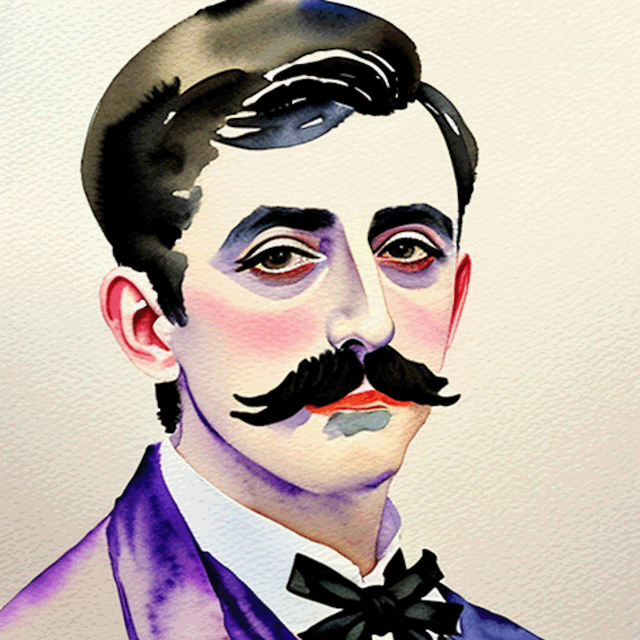
Unlock your inner artist with AI-powered painting and professional-grade brushes. Whether you want an instant aesthetic transformation or a hands-on creative escape, create stunning pastel masterpieces that preserve every detail of your most cherished memories.

Key Figures

Downloads

0

User Rating

1.0/5

Total Ratings

0

Publisher

晶雷 端

Category

Photo & Video

Locales

2

Latest Version

3.2

Size

49.2 MB

First Released

Sep 11, 2022
Features

Master the Art of the Impressionists

From instant AI transformations to meditative manual painting, Monet gives you the tools to turn any photo into a stunning pastel masterpiece.

Instant AI Artistry

Watch as our AI painter transforms your photos into textured art in seconds, using dozens of realistic brushes and professional color palettes.

Portrait Perfection

Never lose the likeness of your loved ones. Our intelligent face mask uses precision strokes to keep facial details sharp while the background stays dreamy.

The following screenshots and description are sourced directly from the app's official store listing and are the property of the app developer.

App Store

Screenshots
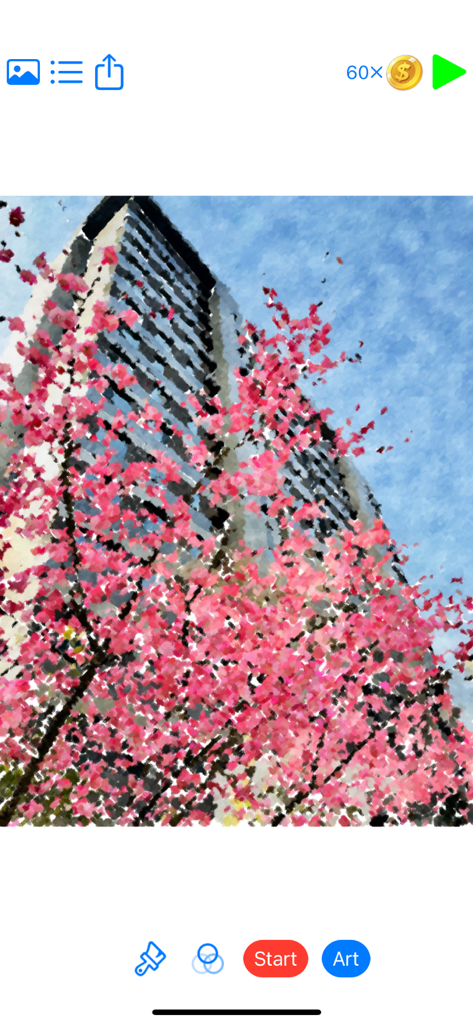
Monet - photo to pastel - A photo of pink cherry blossoms transformed into a pastel painting within the Monet app interface.

A photo of pink cherry blossoms transformed into a pastel painting within the Monet app interface.
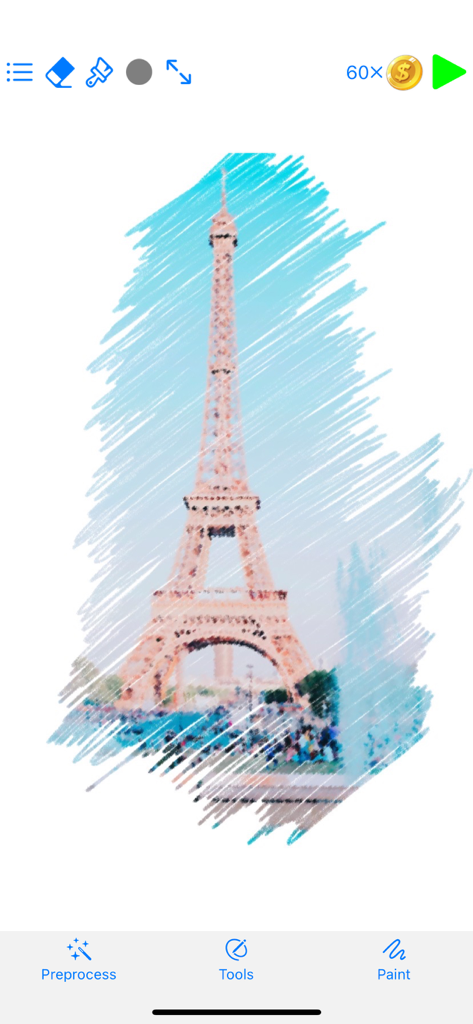
Monet - photo to pastel - A digital pastel painting effect being applied to a photo of the Eiffel Tower in the Monet app interface
A digital pastel painting effect being applied to a photo of the Eiffel Tower in the Monet app interface

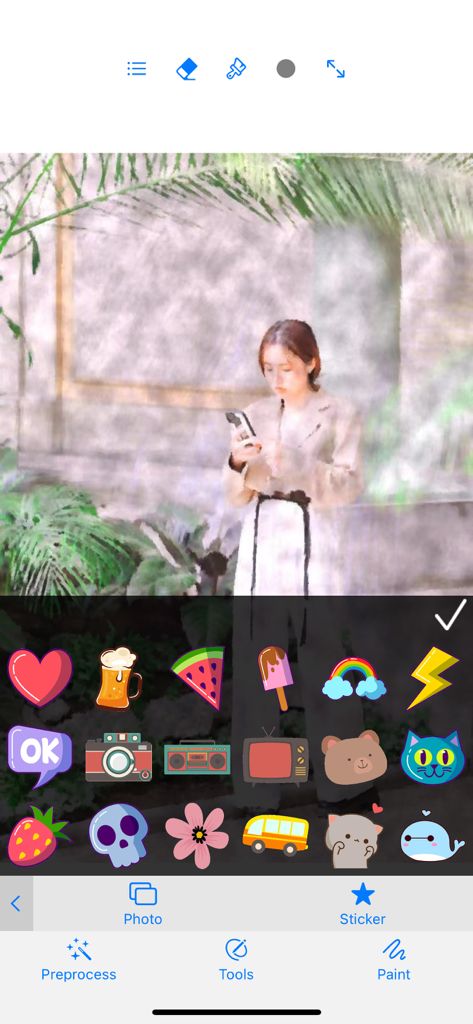
Monet - photo to pastel - Sticker selection menu in the Monet photo to pastel app over a stylized pastel portrait
Sticker selection menu in the Monet photo to pastel app over a stylized pastel portrait

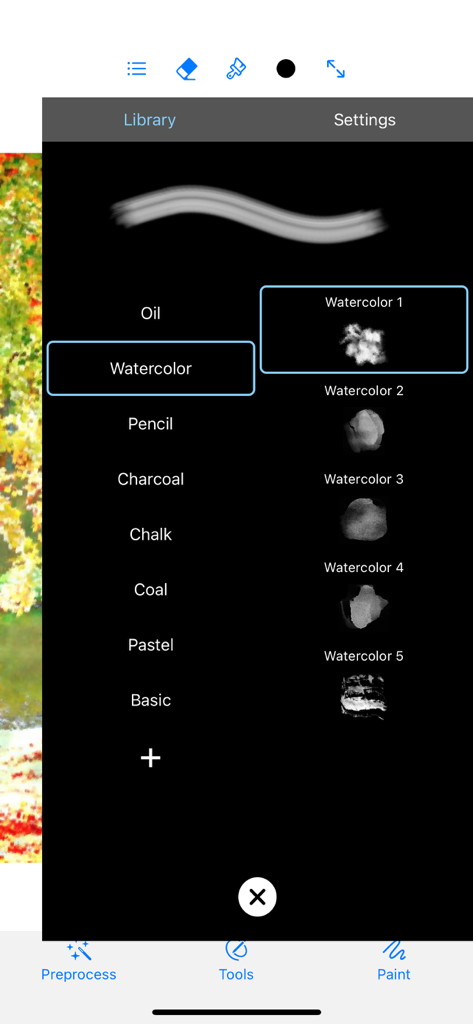
Monet - photo to pastel - Interface of the Monet app showing various digital art brush options including watercolor oil and pencil textures
Interface of the Monet app showing various digital art brush options including watercolor oil and pencil textures

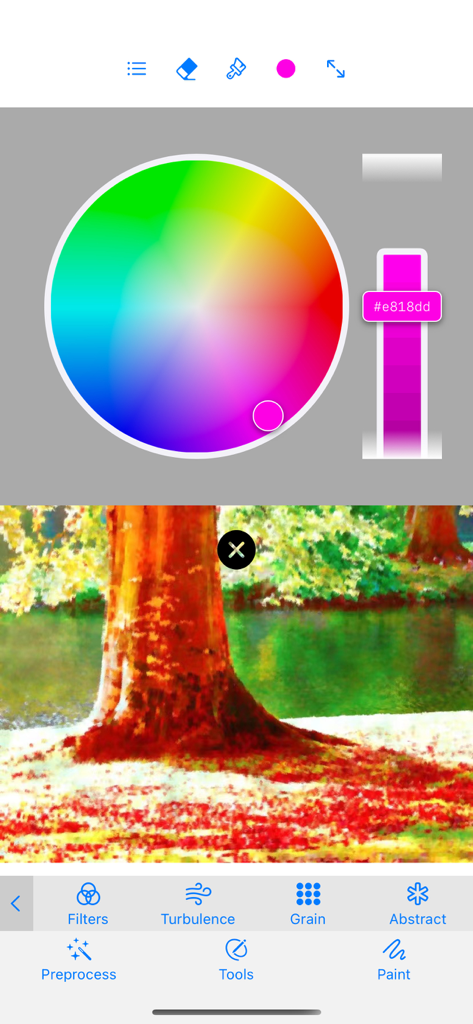
Monet - photo to pastel - Interface of Monet app showing a circular color wheel and a landscape photo with an impressionist painting filter applied

Interface of Monet app showing a circular color wheel and a landscape photo with an impressionist painting filter applied

Description

Importing your own photos require coins. You can watch video ads to get coins, which means you can use all features for free. Of course, you can also buy "Unlimited Coins" and remove pop-up ads. ==== Automatic painting function ==== AI painter paints your photos automatically! You can choose from dozens of brushes, and you can adjust the brush size, hardness, dot pitch, opacity, and pigment density. The smaller the brush adjustment, the richer the detail. The face mask is turned on by default, which means that when painting the detected face area, a smaller brush will be used to keep the facial details. You can also turn off the face mask. The edge blanking effect can be checked and adjusted to create an effect similar to a painter's shaking hands. Tons of color presets with adjustable intensity are available. ============================== ==== Manual drawing photo function ==== Select a photo of yours to place under the canvas, then use various brushes to start painting, the content of the photo will be rendered with the texture of the brush, turning it into a painting. If you don't have drawing skills, just fill in all the spots, and a painting will be automatically generated. It is highly recommended to preprocess the photo before painting. Preprocessing effects include: 1. A large number of color presets with adjustable intensity. 2. Turbulence - simulates the effect of pigment dispersion. 3. Grain - simulates the effect of pigment in granular form. 4. Abstract - Simulates the painter's style. We provide oil brushes, watercolor brushes, pencils, charcoal brushes, chalks, coal brushes, pastel brushes, pens and other brushes simulating realistic effects, and also can customize brushes. The parameters that the brush can adjust include: size, hardness, point distance, angle, opacity, texture. Real-time preview of adjustment effect. The smaller the brush adjustment is, the closer the details of the painted part are to the real photo. There is no need to undo, just use a different brush to re-apply where you have applied, and it will automatically cover. Painting strokes are smoothed with Bezier curves. You can zoom the canvas using a two-finger pinch gesture, and use at least two fingers to move the canvas to view and draw details. Click "Paint" to enter the free creation mode, in this mode you can choose a color from the color picker to paint yourself. Normal mode and free creation mode can be switched arbitrarily and used together to express your creativity. You can add fun stickers to your creations. The brightness of the photo under the canvas can be adjusted; if it is adjusted to 0, the photo will not be visible, so that the effect of the current work can be previewed. Can clear the canvas and all preprocessing effects. You can save the current project progress or save your work or save a preprocessed photo. There are also functions such as eraser, full screen, and sharing. ================================

Download

Download on App Store

This page is not an official page of the app or its developer, but an independent editorial publication created for informational and commentary purposes. Unless expressly stated otherwise, neither the app nor its developer is affiliated with, endorsed by, sponsored by, authorized by, or otherwise officially connected with MWM, Apple, Google Play, the app publisher, or the app's developer, and nothing on this page implies that the app was developed using MWM's services. Any trademarks, logos, screenshots, and other content remain the property of their respective owners.