
This page is not an official page of the app or its developer, but an independent editorial publication created for informational and commentary purposes. Unless expressly stated otherwise, neither the app nor its developer is affiliated with, endorsed by, sponsored by, authorized by, or otherwise officially connected with MWM, Apple, Google Play, the app publisher, or the app's developer, and nothing on this page implies that the app was developed using MWM's services. Any trademarks, logos, screenshots, and other content remain the property of their respective owners.


Monitor and Manage Search Ads
Supercharge your Apple Search Ads workflow with high-speed bulk editing, automated SKAG building, and secure campaign management on iPhone, iPad, and Mac.
Downloads
16K+User Rating
Total Ratings
0Publisher
Category
Developer ToolsLocales
1Latest Version
2025.1Size
2.3 MBFirst Released
Aug 6, 2020Master Your App Growth with Professional-Grade Tools
Stop fighting slow web dashboards. Take full control of your Apple Search Ads with a fast, native, and secure command center built for high-performance marketers.
Automated Growth Workflows
Launch complex SKAG structures in seconds. Our campaign wizard and bulk tools eliminate hours of manual entry, letting you scale multi-country campaigns with ease.
Unified Multi-Device Control
Monitor performance on your commute with iPhone or deep-dive into data on your Mac. A seamless, native experience keeps you responsive to market shifts 24/7.
The following screenshots and description are sourced directly from the app's official store listing and are the property of the app developer.
App Store
Screenshots
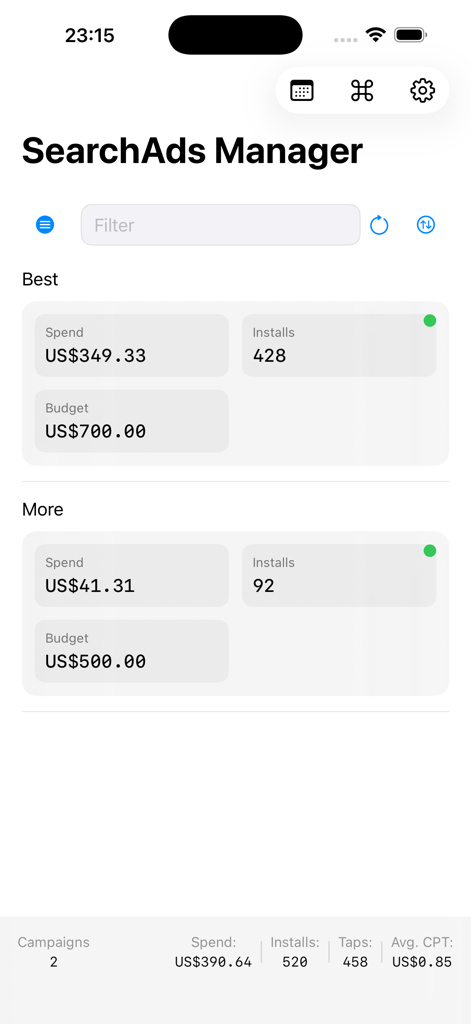
SearchAds Manager mobile dashboard displaying campaign spend and install performance metrics
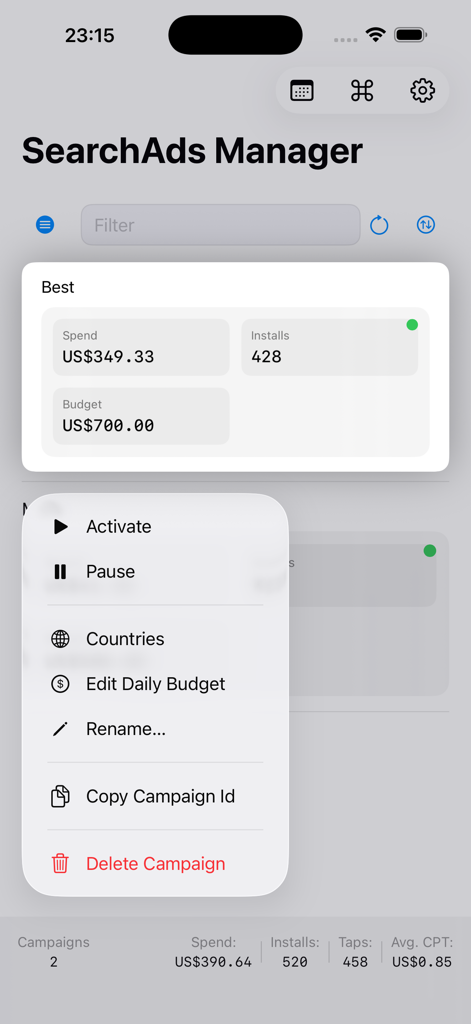
Mobile dashboard for SearchAds Manager showing campaign spend and management options menu
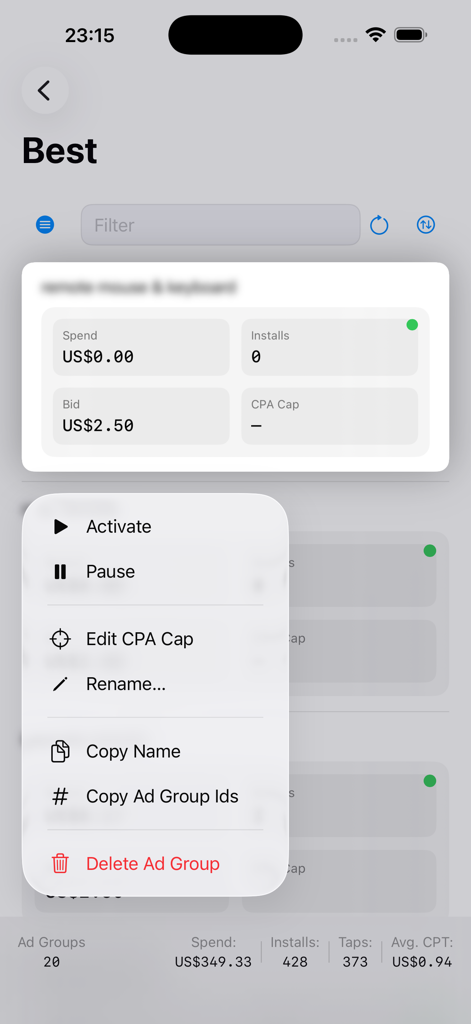
iPhone interface of the SearchAds Manager app showing a context menu with options to activate, pause, or edit an ad group
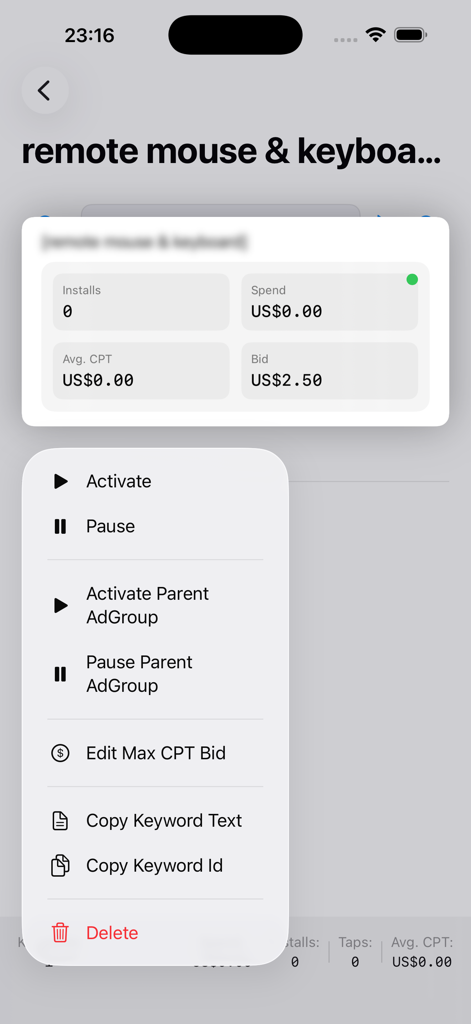
Mobile context menu in Search Ads Manager app showing options to activate pause or edit keyword bids
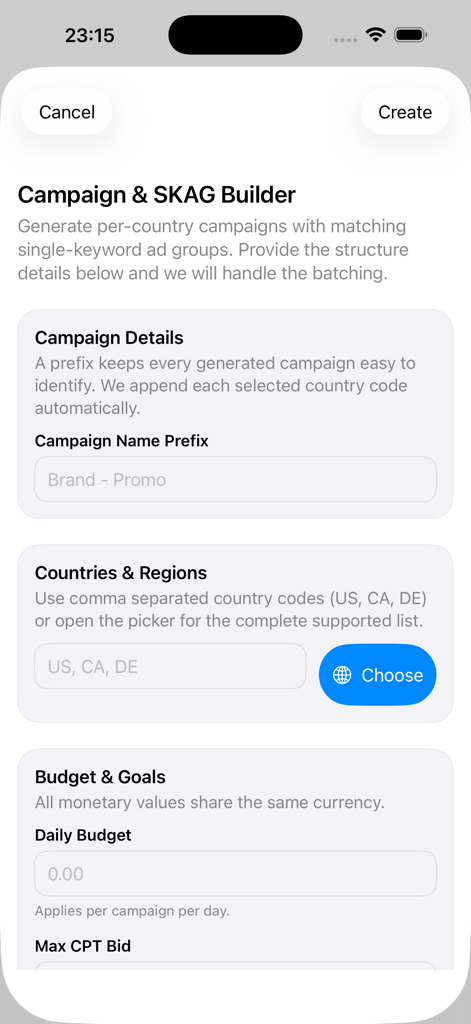
Interface of the Campaign and SKAG Builder tool within the search ads management app
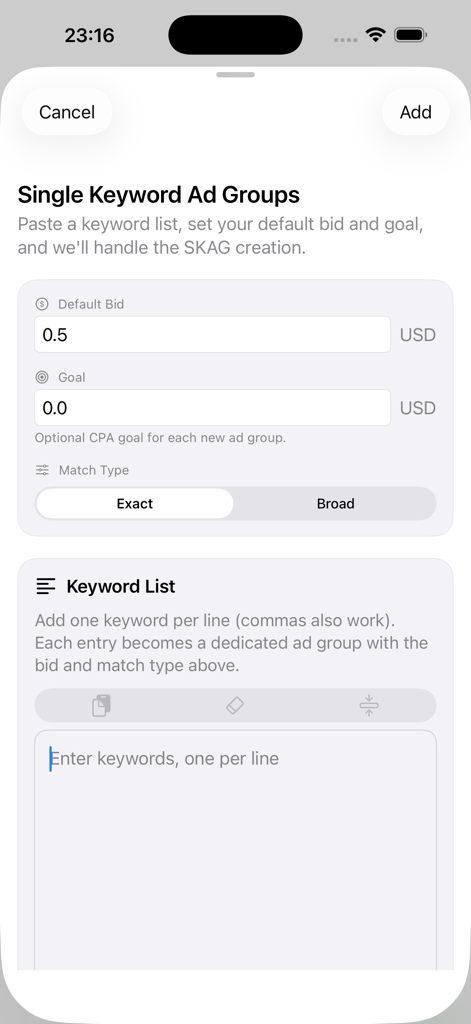
Single Keyword Ad Group builder interface with bid and keyword settings
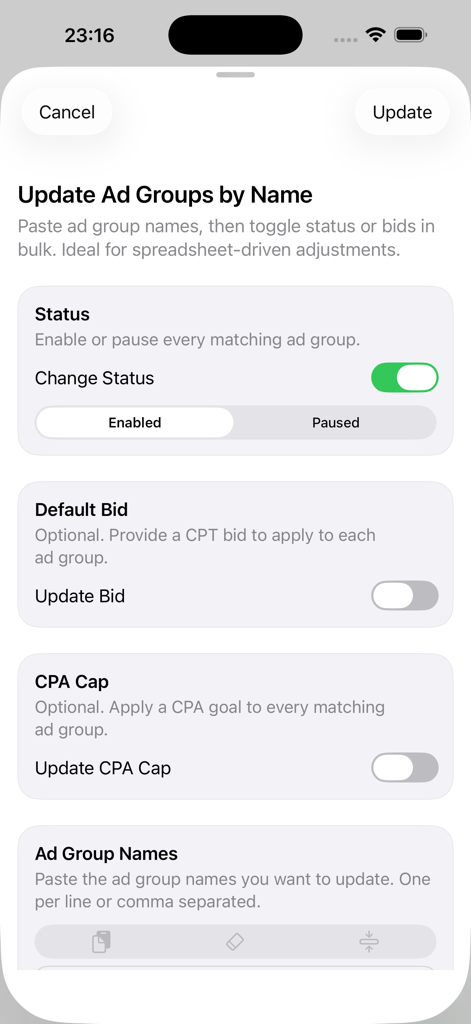
Bulk update interface for ad group status bids and CPA caps
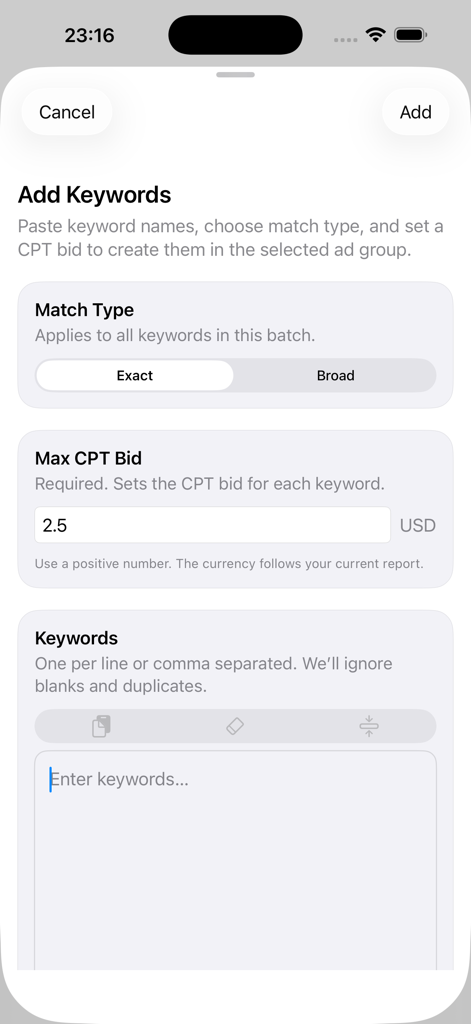
Add keywords screen with match type and CPT bid options
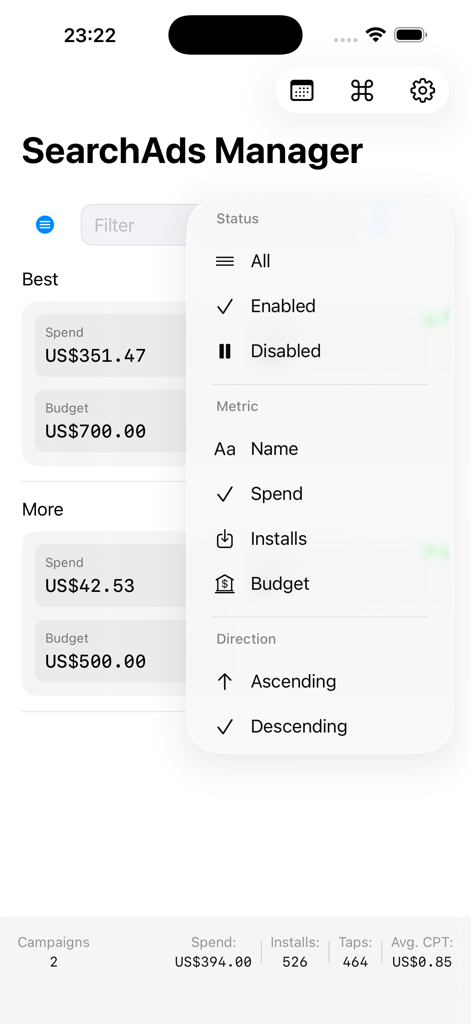
Mobile interface of SearchAds Manager showing a dropdown menu to filter and sort campaign metrics by status, spend, and installs.
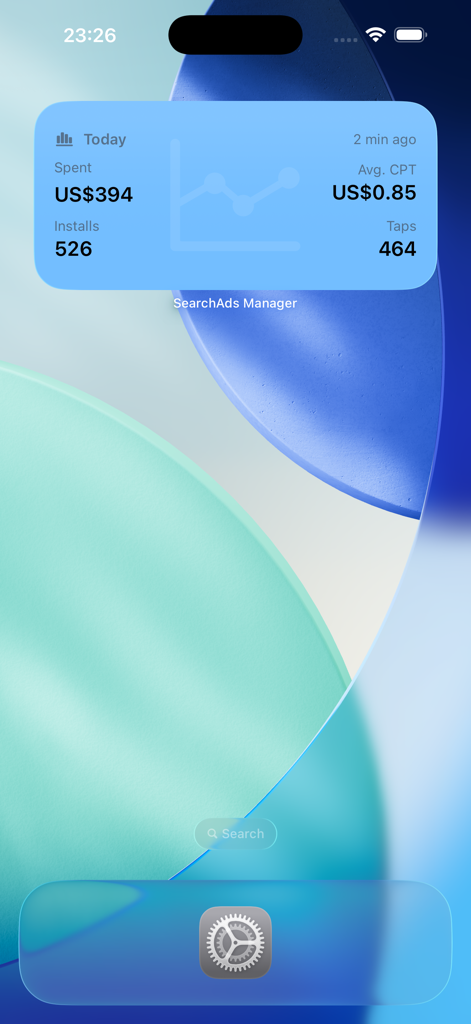
SearchAds Manager iOS widget displaying daily ad spend installs and performance metrics
Description
Download
More Like This
Top-ranked apps in the same category

TestFlight
Apple Inc.

Replit: Vibe Code Apps
Replit, Inc

GitHub
GitHub

O-KAM Pro
Shenzhen VeePai IoT Intelligent Technology LLC

Apple Developer
Apple Inc.

Expo Go
650 Industries, Inc.

Scriptable
Simon Stovring

App Store Connect
Apple Inc.

Sekai: Create · Remix · Play
Versa AI, Inc.
This page is not an official page of the app or its developer, but an independent editorial publication created for informational and commentary purposes. Unless expressly stated otherwise, neither the app nor its developer is affiliated with, endorsed by, sponsored by, authorized by, or otherwise officially connected with MWM, Apple, Google Play, the app publisher, or the app's developer, and nothing on this page implies that the app was developed using MWM's services. Any trademarks, logos, screenshots, and other content remain the property of their respective owners.